Orchid Theme for Windows 11 – Modern UI Customization
Download Orchid Theme for Windows 11 and customize your desktop with a modern UI, custom icons, Windhawk mods, wallpaper, and clean visual styling.

Orchid Theme For Windows 11
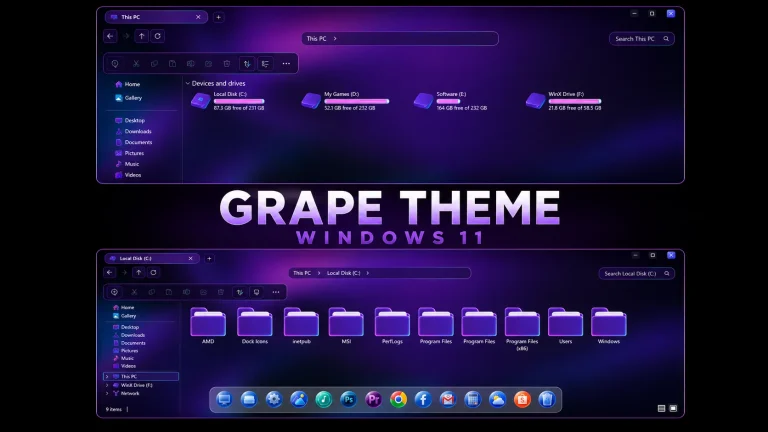
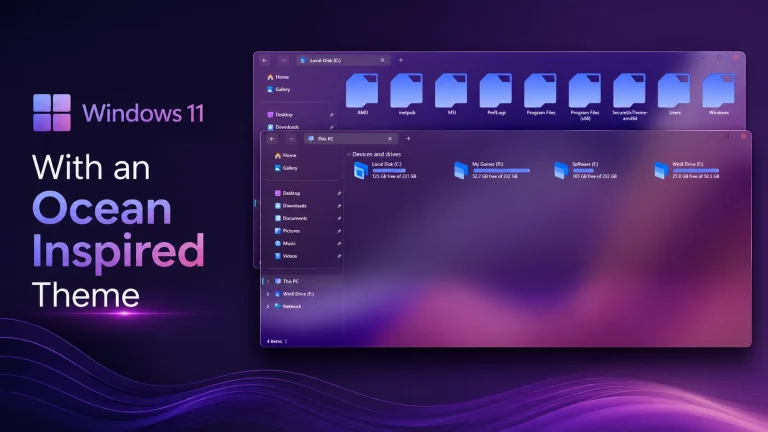
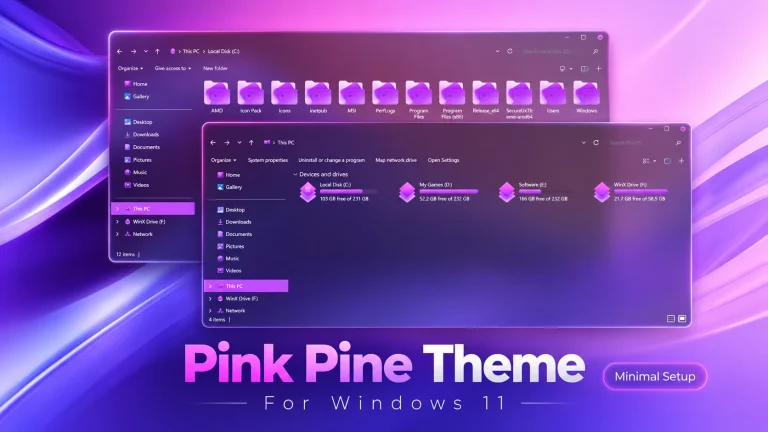
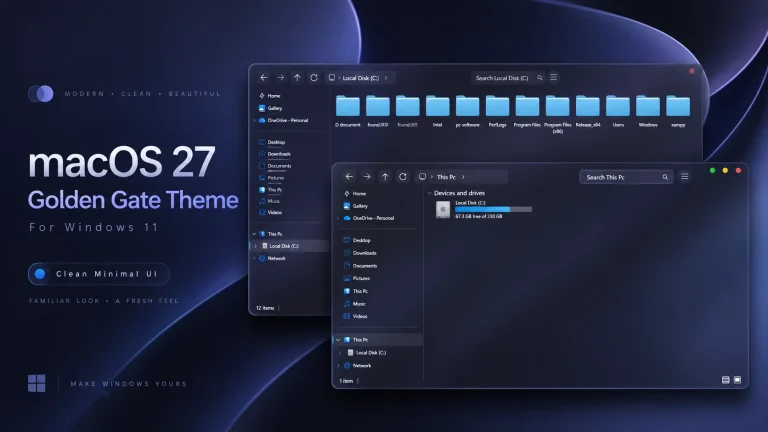
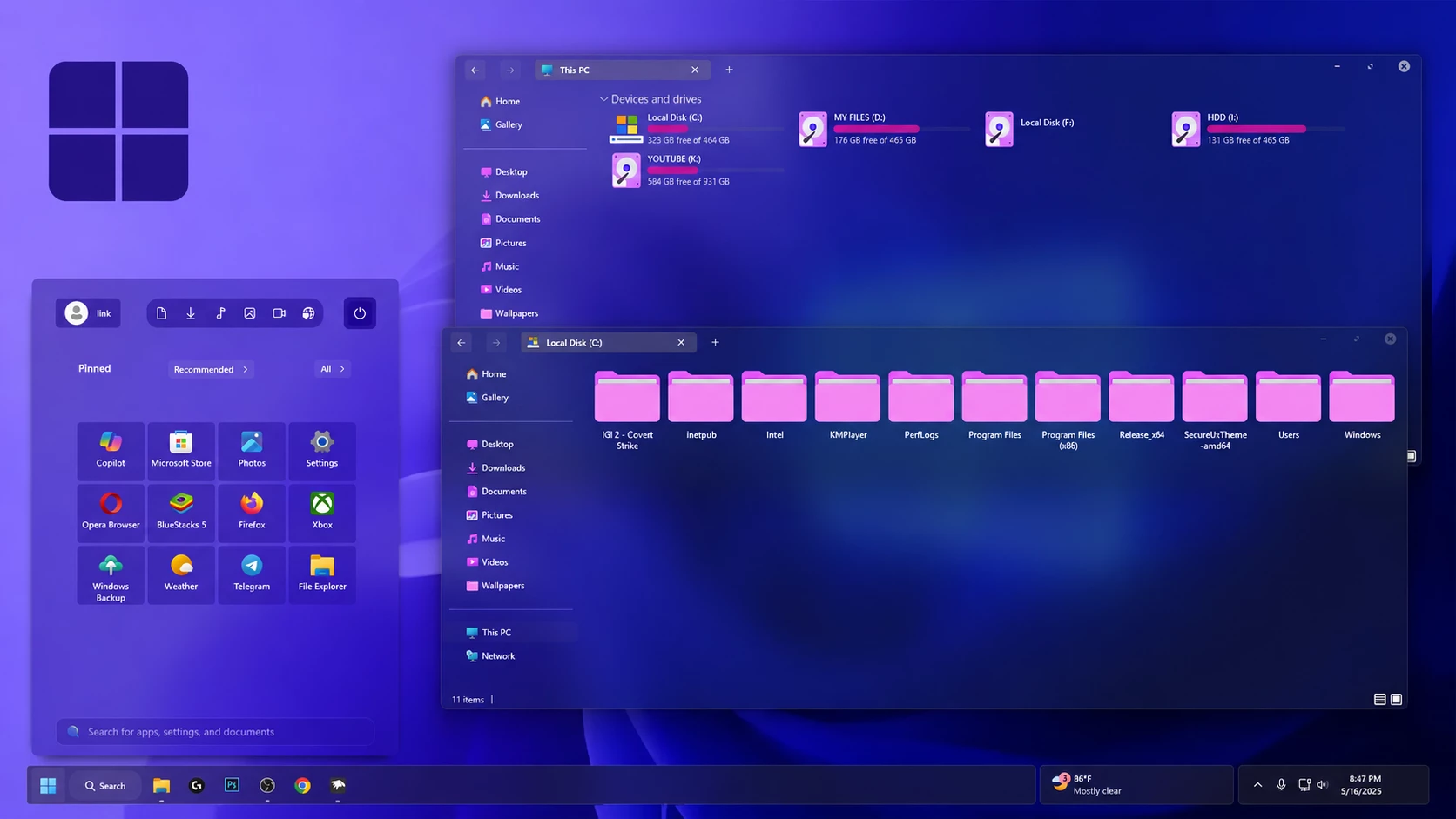
Orchid Theme For Windows 11 is a colorful desktop customization built around deep purple, soft pink, and glass-inspired visuals. It gives Windows 11 a distinctive appearance with a purple-toned interface, pink folder icons, subtle transparency, and a matching wallpaper that keeps the whole setup visually connected.
Instead of depending on a single accent color, Orchid mixes darker purple surfaces with brighter pink details. The purple wallpaper creates the main background direction, while the pink and lilac folders add contrast inside File Explorer. A soft glass effect across supported interface areas gives the desktop more depth without making it feel overloaded.
This is an independently created third-party customization package intended for Windows desktop personalization. It does not replace Windows 11, install another operating system, or add official Microsoft features. The changes apply only to supported visual elements of your existing Windows installation.
A Purple and Pink Glass Desktop
Orchid gets most of its personality from the combination of dark purple and soft pink. Violet tones form the base of the interface, while the pink folders bring a brighter accent to File Explorer. This contrast makes the theme colorful without turning every part of the desktop into a strong visual effect.
The glass styling works especially well with this color combination. Transparent areas allow some of the purple wallpaper to remain visible behind the interface, while the pink icons stand out naturally against the darker surfaces. When these elements are used together, the setup feels much more coordinated.
Orchid Highlights
- Dark purple and pink Windows 11 color combination
- Glass-inspired interface with soft transparency
- Pink and lilac folder icons inside File Explorer
- Purple wallpaper that follows the main theme direction
- Matching icon pack for a more complete purple and pink desktop look
- Optional Windhawk and Explorer styles for extending the design
- Colorful styling without excessive bright or distracting effects
My Thoughts on the Orchid Theme
In my opinion, Orchid is a great choice for users who genuinely enjoy purple and pink desktop colors. The theme does not use those colors only as small accents. The wallpaper, interface, folder icons, and glass effects all follow the same direction, which gives the finished desktop a clear identity of its own.
I particularly like the way the purple glass effect works with the pink folder icons. The darker purple keeps the setup from becoming too bright, while the pink details add enough contrast to make File Explorer more interesting. The glass effect adds another layer of depth and makes the overall combination feel more attractive.
If you want the complete Orchid look, I would use the matching icon pack together with the related Windhawk or interface styles. The main theme still works on its own, but those extra components help carry the purple and pink design into more parts of Windows. For anyone who already loves this color combination, the full setup makes much more sense.
Inside the Theme Package
- Windows 11 Custom Theme: Applies the main purple Orchid visual style to supported Windows interface elements.
- Icon Pack: Adds matching pink and purple folder or system icons for a more unified desktop appearance.
- Windhawk Mods: Optional interface tweaks that can extend the Orchid styling into additional supported areas.
- Wallpaper: Provides the matching purple background used as part of the full setup.
- UI Customization Files: Extra visual resources for users who want to recreate more of the complete Orchid design.
The main theme creates the basic purple appearance, while the icon pack and optional interface styles help complete the pink and purple combination. You can use only the parts you like, although combining the matching components gives the desktop a more consistent finish.
Supported Windows Builds
- Windows 11 21H2: Check yes
- Windows 11 22H2: Check yes
- Windows 11 23H2: Recommended
- Windows 11 24H2: not tested
- Windows 11 25H2: not tested
Support for optional customization tools can differ between Windows builds. Check each tool before applying additional changes, especially after a major Windows feature update.
Useful Customization Tools
- SecureUxTheme – can be used to apply compatible third-party Windows visual styles.
- 7TSP GUI – useful for applying compatible icon packs.
- ExplorerBlurMica – can add supported blur and transparency effects to File Explorer.
- Windhawk – supports additional Windows interface customization through compatible mods.
You do not need every tool listed above just to use Orchid. Start with the main visual style, then add the icon pack if you want the matching pink folder appearance. Windhawk or Explorer styling can be added afterward if you want the purple glass design to continue into more parts of the interface.
Prepare Before Installation
- Create a System Restore Point before applying third-party visual files.
- Check that the required tools support your current Windows 11 build.
- Keep a default Windows theme available so you can switch back easily.
- Back up your original icons before applying the custom icon pack.
- Download third-party utilities only from trusted or original project pages.
- Apply the main theme, icons, and optional mods one at a time.
Orchid Setup Steps
- Create a System Restore Point before starting so you can easily revert if anything goes wrong.
- Download and run UltraUXThemePatcher Or Secure X Theme Tool as Administrator, then restart your computer to patch core system files.
- Download the theme package using the button below and extract the
.zipor.rarfile. - Copy both the
.themefile and the theme folder toC:\Windows\Resources\Themes. - Right-click your desktop, go to Settings > Personalization > Themes, and select your new custom theme to apply it.
- If you are new to Windows customization, follow this detailed guide first: How to Install Custom Themes on Windows 11.
- Once the main theme looks right, try optional icons, Start menu styling, or Explorer effects one at a time.
Orchid Theme 19 MB
Download Orchid ThemeRemove Orchid Theme
- Switch the Theme: Go to Settings > Personalization > Themes and choose one of the default Windows 11 themes.
- Undo the Extra Styling: Restore the original icons and disable any Windhawk, File Explorer, wallpaper, or other interface changes used with Orchid.
- Restart and Recover: Restart Windows Explorer or reboot your PC. If anything still looks changed, use your System Restore Point or follow this Windows 11 theme removal guide.
Disclaimer
Orchid Theme is an independently created third-party customization package intended for Windows desktop personalization. It is not an official Microsoft product and is not affiliated with or endorsed by Microsoft or any of the independent customization tools and projects referenced in this post. All trademarks and brand names remain the property of their respective owners.
Compatibility can vary between Windows builds and customization tools. Creating a System Restore Point before applying custom themes, icon packs, or interface modifications is recommended so you have an easier way to return to your previous setup if needed.
Final Word
Orchid works best when the purple and pink combination is treated as the main identity of the desktop. The darker purple theme and wallpaper create the base, while the pink folder icons bring contrast to File Explorer. The glass effect ties those colors together and gives the interface a more layered appearance without relying on unnecessary visual clutter.
The main theme already changes the overall character of Windows 11, but the matching icon pack and optional Windhawk or Explorer styles make the setup feel noticeably more complete. For users who enjoy purple and pink desktops, Orchid offers a colorful direction without losing the darker glass atmosphere.
Frequently Asked Questions
Is Orchid an official Microsoft theme?
No. Orchid is an independently created third-party Windows customization package and is not an official Microsoft release.
What colors are mainly used in Orchid?
The setup mainly combines darker purple tones with pink accents, matching icons, a purple wallpaper, and subtle glass-style effects.
Do I need the icon pack for the complete look?
No, but the matching icon pack helps carry the pink and purple color direction into supported folders and system icons, making the setup feel more complete.
Are Windhawk styles required?
No. They are optional, but compatible Windhawk styles can help extend the Orchid design into additional parts of the Windows interface.
Can I use only the icon pack?
Yes. The icon pack can be applied separately if your icon tool supports the Windows build installed on your PC.
Can Windows updates affect Orchid?
Yes. Major Windows updates may affect third-party themes, icon tools, or interface mods, so check compatibility again after a feature update.