Category Tutorials
Learn how to install and apply Windows themes, icon packs, Rainmeter skins, Windhawk styles, wallpapers, cursors, and other desktop customization tools with easy step-by-step tutorials. This category is perfect for beginners who want to personalize Windows 11 or Windows 10 with a fresh, modern, and stylish look. Follow simple guides to customize your PC with new wallpapers, icons, colors, Start Menu styles, Taskbar designs, and visual effects safely and correctly.
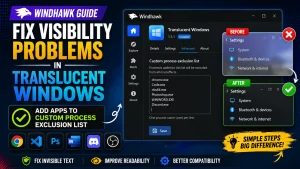
How to Fix Visibility Problems in Translucent Windows – Windhawk
How to Fix Windhawk Start Menu Style Not Working After Update (Win 11)
How to Use Resources Redirect Custom Icon Pack: 2026 Pro Guide
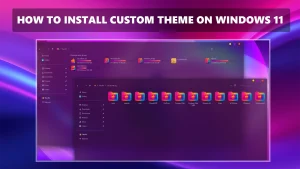
How to Install Custom Theme on Windows 11
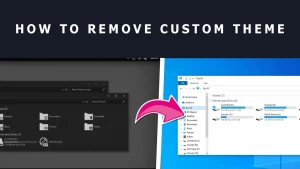
How to Safely Remove Custom Themes and Icon Packs in Windows | Step-by-Step Guide