


admin
Glassix Split Taskbar Style For Windows 11
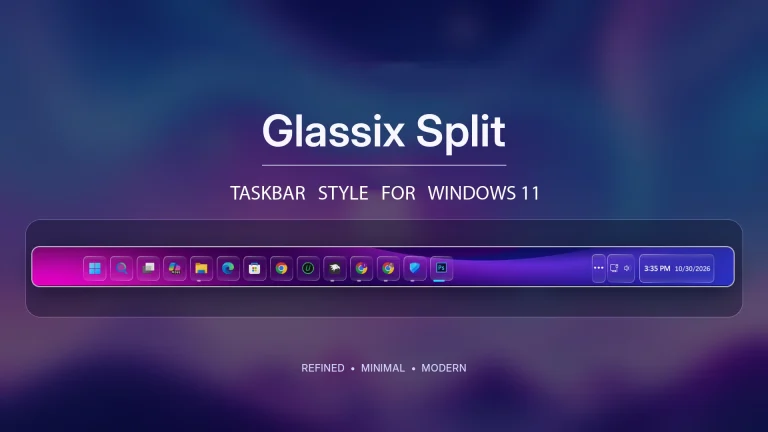
Give your Windows 11 desktop a fresh look with Glassix Split Taskbar Style. Enjoy individual glass-style app buttons, subtle depth effects, rounded borders, and a clean floating layout using Windhawk.
Crimson Glow – Windhawk Customization for Windows 11
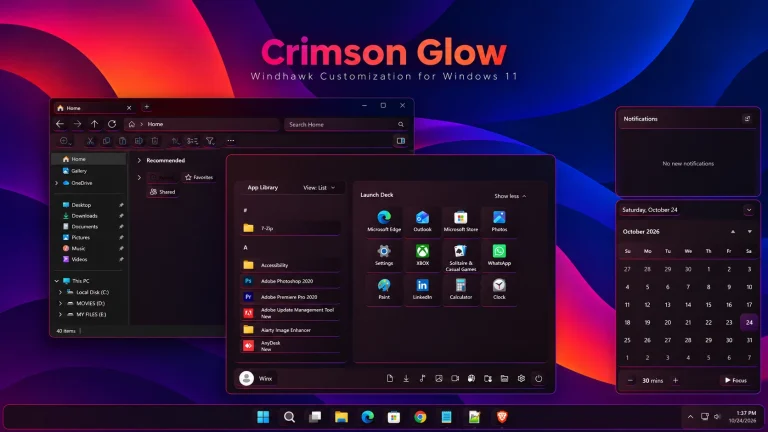
Transform your Windows 11 desktop with Crimson Glow, a sleek Windhawk customization featuring a modern Start Menu, stylish Taskbar, dark File Explorer, and matching Notification Center with crimson-pink, magenta, and violet accents.
Zyon Theme For Windows 11
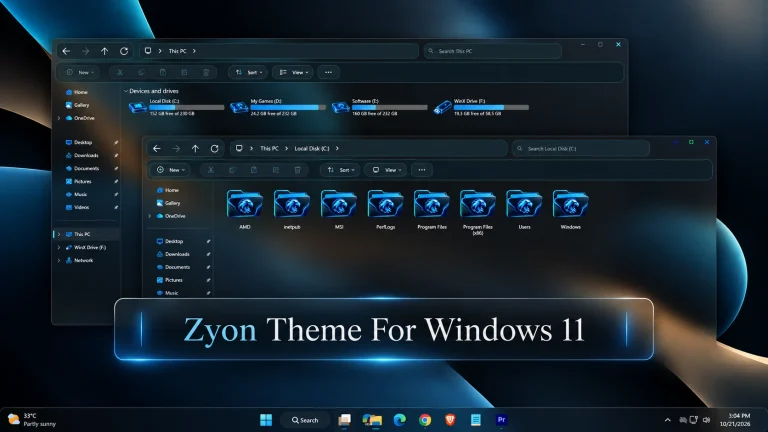
Zyon Theme For Windows 11 : Give Windows 11 a refined dark blue look with Zyon Theme. Discover its elegant File Explorer styling, custom folder and drive icons, unique window buttons, and modern taskbar design.
Azure Glass Settings Style for Windows 11
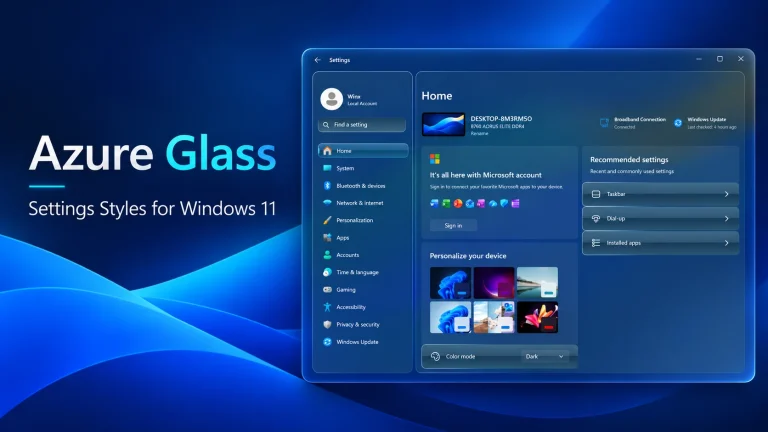
Give Windows 11 Settings a fresh, modern look with Azure Glass Settings Style for Windhawk, featuring elegant 3D blue glass cards, soft transparency, subtle hover effects, and a clean, polished interface.
How to Create and Use a System Restore Point in Windows 11
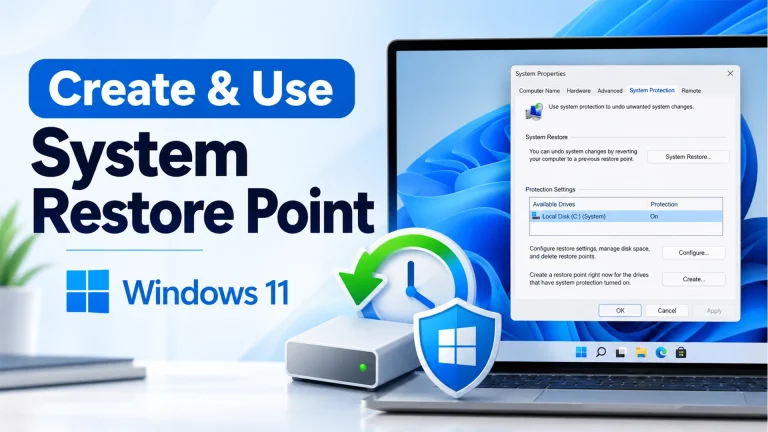
Learn how to create and use a System Restore Point in Windows 11 with this easy step-by-step guide. Protect your PC and restore Windows settings safely.
FloatX Explorer Style For Windows 11
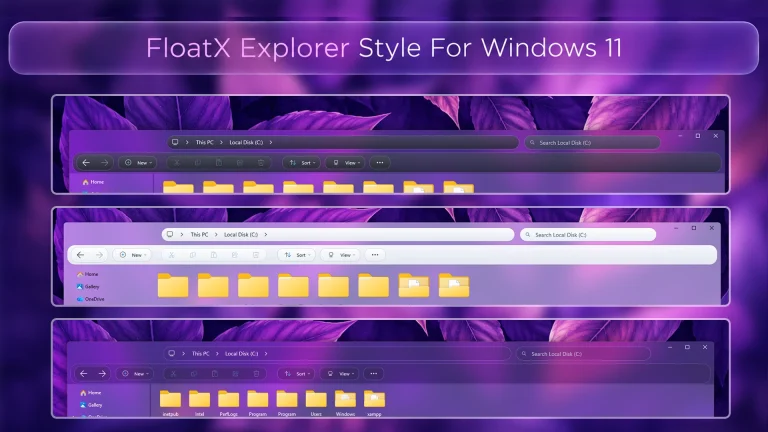
FloatX Explorer Style For Windows 11 : FloatX Explorer Style For Windows 11 brings a clean and modern look to File Explorer with rounded corners, soft transparent surfaces, and a subtle glass-inspired design. It keeps the familiar Windows 11 Explorer layout while adding a more polished and stylish appearance for desktop customization.
Cosmic Glow Start Menu Style For Windows 11
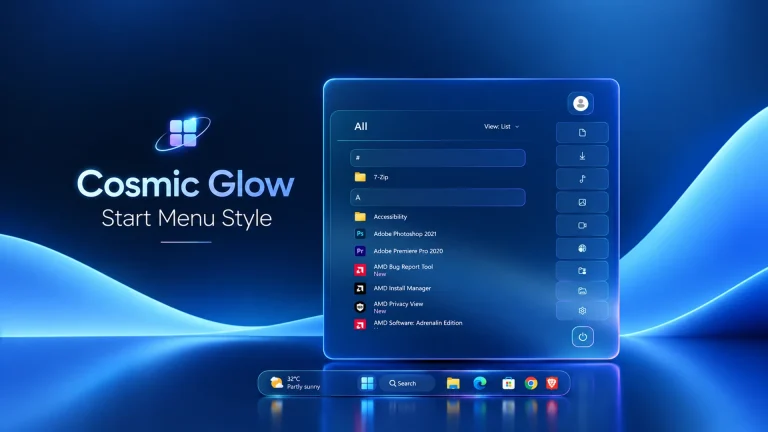
Cosmic Glow Start Menu Style gives Windows 11 a sleek dark glass appearance with soft blue tones, glowing cyan and purple borders, rounded controls, and a clean list-based app layout. Designed for use with Windhawk customization, it works especially well with modern dark desktops.
ColorFlux Notification Center Style For Windows 11
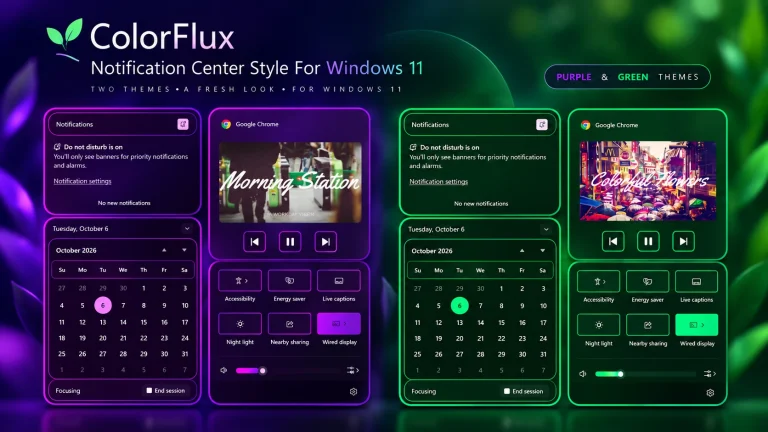
ColorFlux Notification Center Style For Windows 11 : ColorFlux Notification Center Style gives the Windows 11 Notification Center and Quick Settings area a colorful outlined design using Windhawk. Choose between Purple and Green variants while keeping the familiar Windows layout and controls.
Aether Glass Start Menu Style For Windows 11
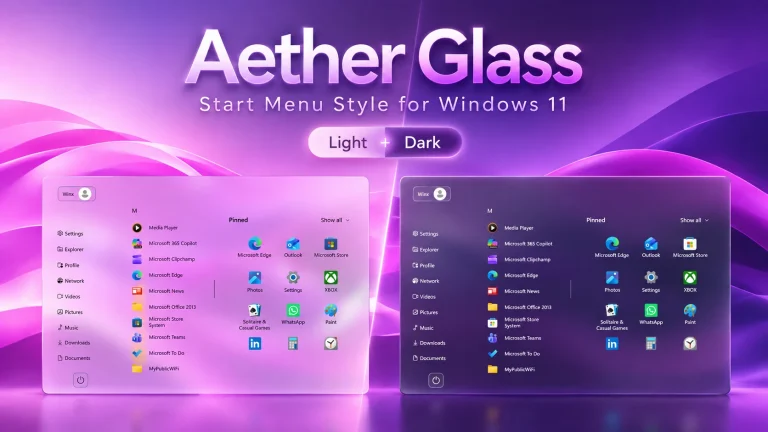
Aether Glass Start Menu Style For Windows 11 : Give your Windows 11 Start menu a spacious layout with Aether Glass for Windhawk. Enjoy soft acrylic transparency, useful sidebar shortcuts, and support for light and dark themes
Glide Explorer Style For Windows 11
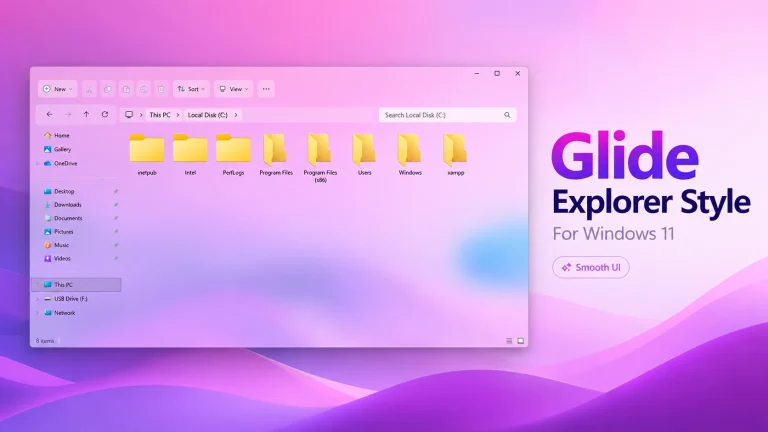
Give Windows 11 File Explorer a cleaner look with Glide Explorer Style for Windhawk. It adds tiled toolbar controls, grouped navigation buttons, a tabless layout, and support for both light and dark modes.
Disclaimer: All themes, visual styles, and concepts shared on this website are unofficial, fan-made creations built from imagination for customization purposes. We are not affiliated with, endorsed by, or sponsored by Microsoft or any other official brand.