


admin
Glory Anime Icon Pack for Windhawk
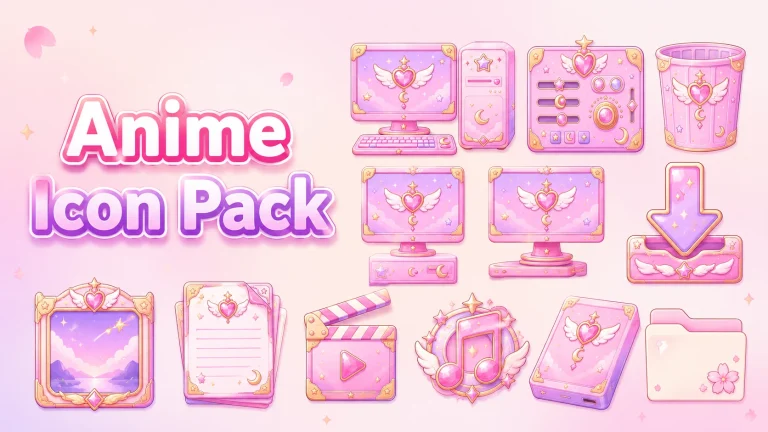
Give your Windows desktop a fresh anime-inspired look with the Glory Anime Icon Pack for Windhawk Resource Redirect. Learn what it includes, how to install it, and important safety tips.
Purple Bloom Wallpaper Pack for Windows
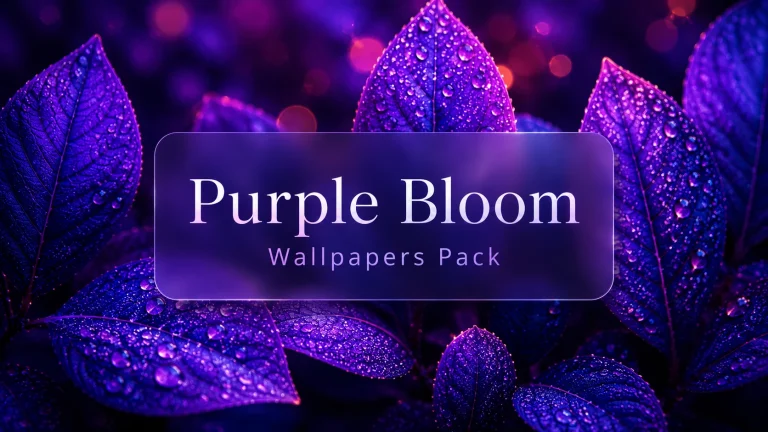
Refresh your Windows desktop with the Purple Bloom Wallpaper Pack. Discover beautiful floral backgrounds, installation tips, and simple customization ideas.
Aero Glass Windhawk Customization for Windows 11
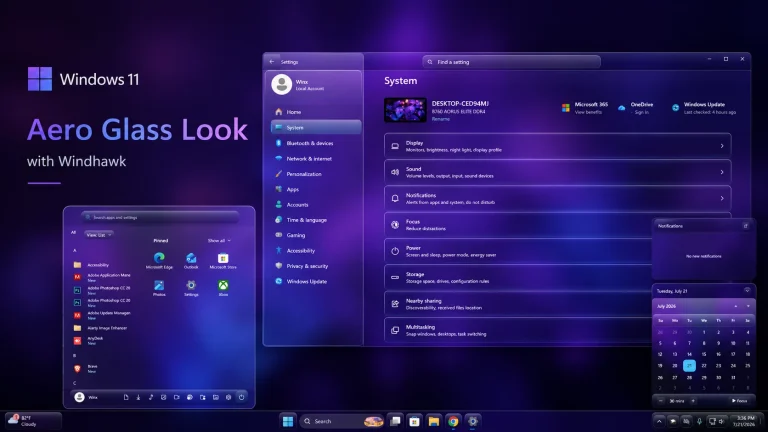
Transform Windows 11 with an Aero Glass-inspired desktop using Windhawk. This customization covers the Start menu, taskbar, notification center, Settings, and File Explorer for a clean transparent glass-style experience.
Violet Pulse Theme and Windhawk Mods for Windows 11
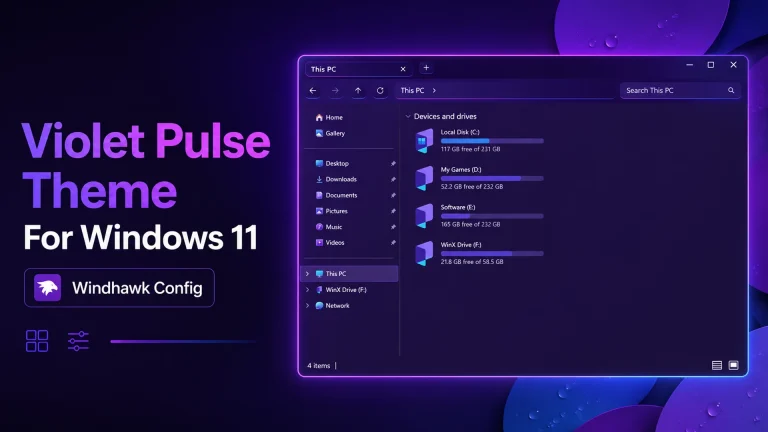
Violet Pulse Theme and Windhawk Mods for Windows 11 : Give Windows 11 a stylish purple makeover with the Violet Pulse Theme and compatible Windhawk mods for the taskbar, Start menu, icons, and desktop interface.
Violet Pulse Icon Pack for Windows 10 & 11
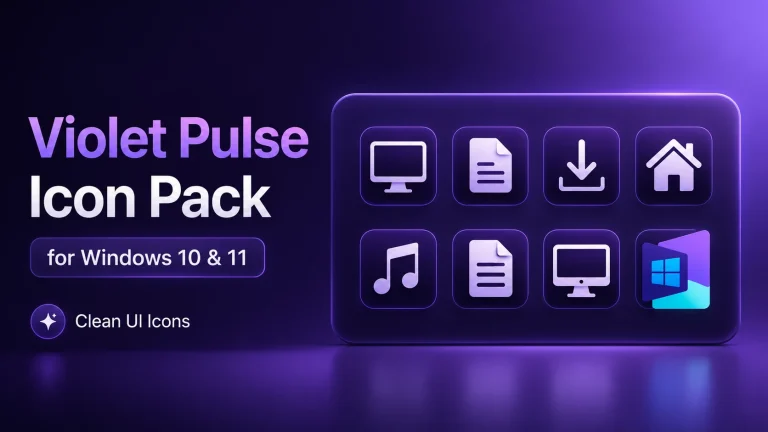
Give Windows 10 or Windows 11 a stylish purple makeover with the Violet Pulse Icon Pack, designed for icon customization through Windhawk Resource Redirect.
Gradient Settings Styler for Windows 11
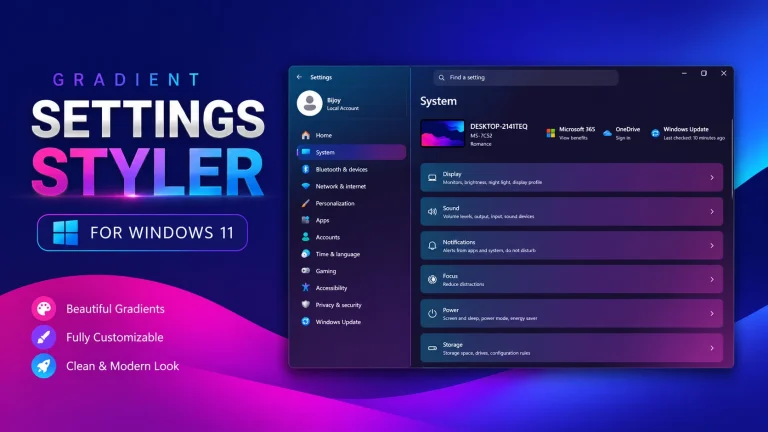
Gradient Settings Styler for Windows 11 : Give the Windows 11 Settings app a colorful new appearance with the Gradient Settings Styler. This Windhawk customization adds gradient cards, rounded corners and a modern dark interface while keeping the familiar Settings layout.
Aurora Prism Glass Settings Styler
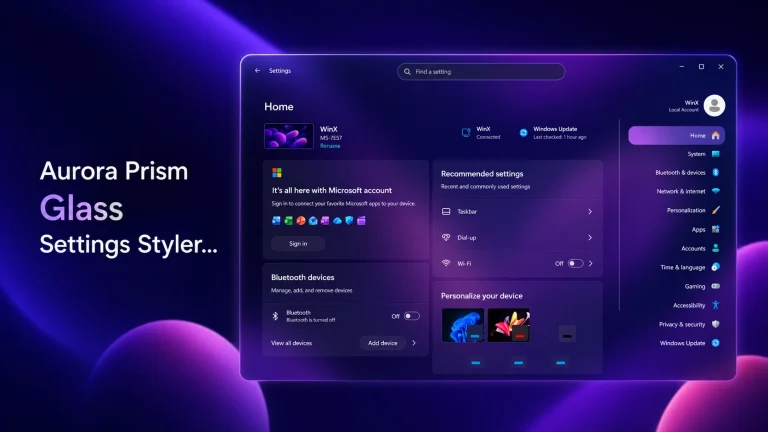
Aurora Prism Glass Settings Styler transforms the Windows 11 Settings app with translucent purple panels, soft blur, rounded elements, and a modern prism-inspired appearance.
Cloudy Icon Pack For Windows 11
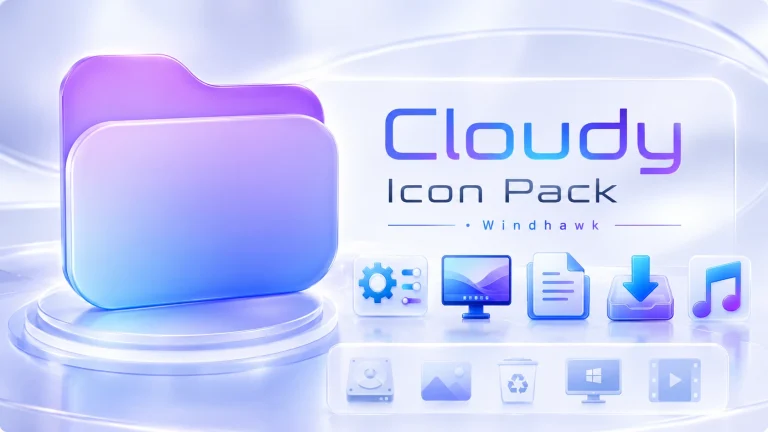
Cloudy Icon Pack For Windows 11 : Give Windows 10 or Windows 11 a softer and more modern appearance with the Cloudy Icon Pack. This Resource Redirect icon theme offers a clean, consistent visual style for users who enjoy customizing their Windows desktop.
New MacBar Taskbar & Start Menu Style For Windows 11
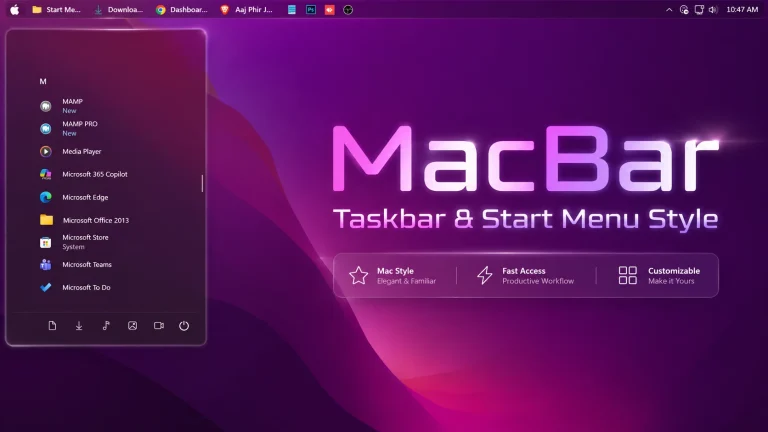
MacBar Taskbar & Start Menu Style For Windows 11 Using Windhawk gives your desktop a clean top-bar inspired look with modern taskbar styling, Start Menu customization, taskbar labels, and a polished Windows 11 layout.
Fluent Blur Glass Start Menu Style For Windows 11
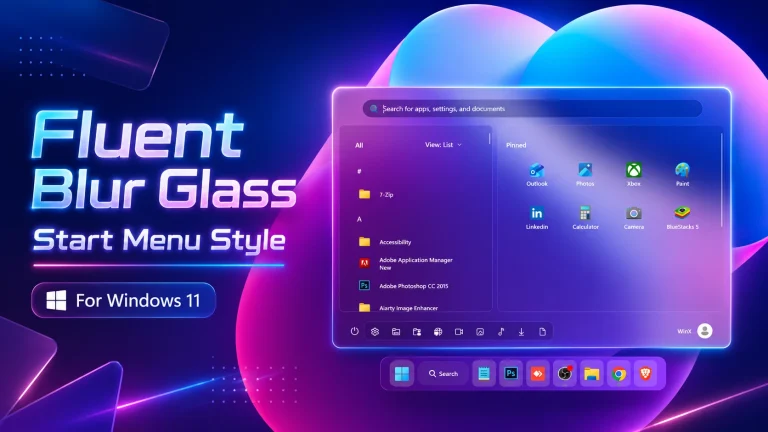
Fluent Blur Glass Start Menu Style For Windows 11 gives your Start Menu a clean transparent blur effect with smooth rounded corners, modern Fluent-style visuals, and a polished desktop customization look.