


admin
Fusion Glass Start Menu Style for Windows 11
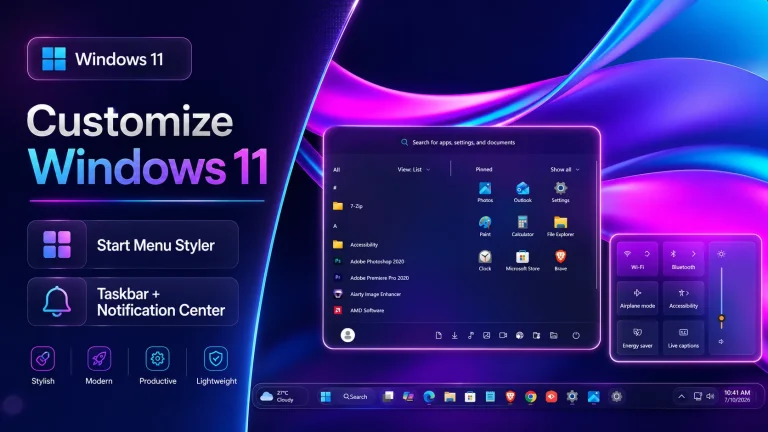
Transform the Windows 11 Start Menu with a smooth glass-inspired interface using Fusion Glass Start Menu Style. Explore its features, setup steps, compatibility, and safe removal options
Purple Glass Icon Pack for Windows 11
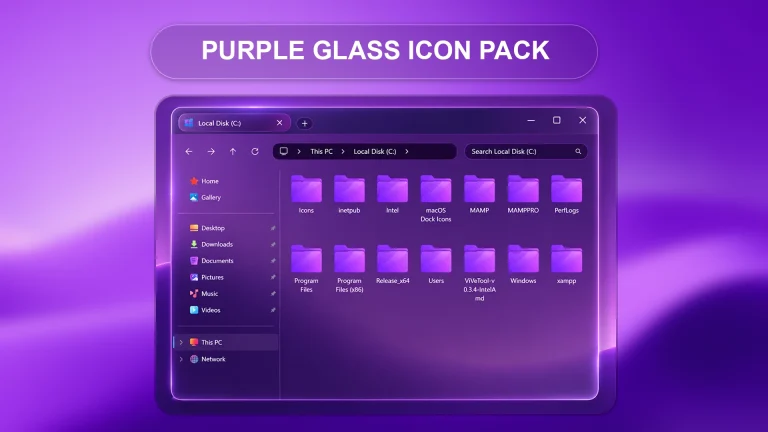
Purple Glass Icon Pack gives Windows 11 system icons a smooth purple glass look. This resource pack is designed for users who customize Windows icons using Windhawk resources redirect mods and modern desktop themes.
How to Fix Visibility Problems in Translucent Windows – Windhawk
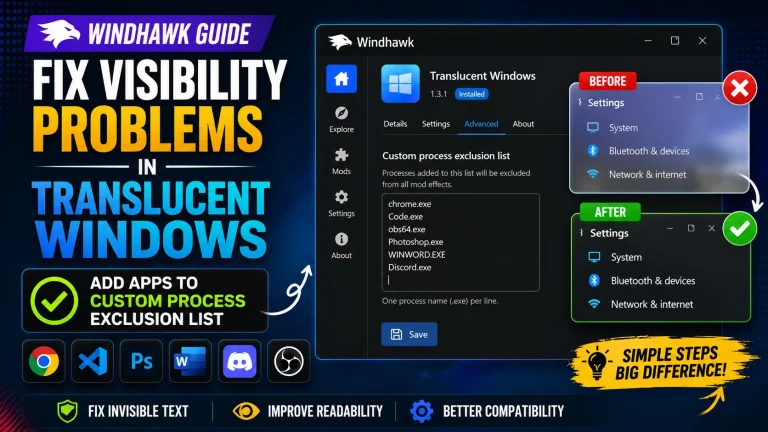
How to Fix Visibility Problems in Translucent Windows (Windhawk) : Learn how to fix visibility issues in the Translucent Windows Windhawk mod by adding apps to the Custom Process Exclusion List. Step-by-step tutorial.
Purple Glass Start Menu Style
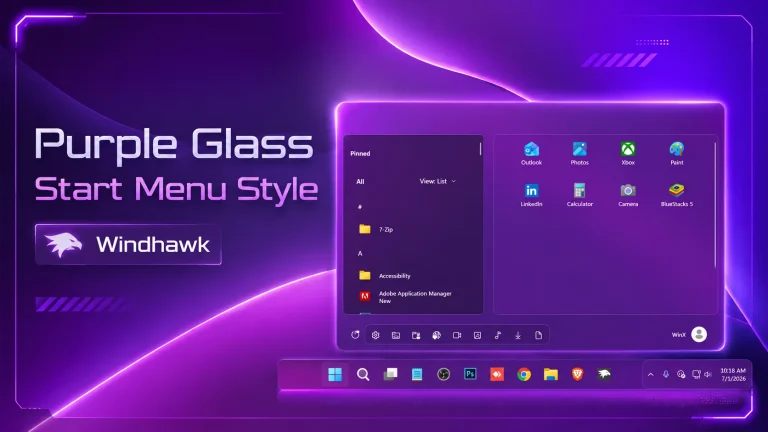
Give your Windows 11 Start Menu a modern purple glass look with Purple Glass Start Menu Style for Windhawk. This style adds a smooth transparent design, soft purple tones, rounded corners, and a clean personalized desktop feel.
Blur Glass Settings Style For Windows 11
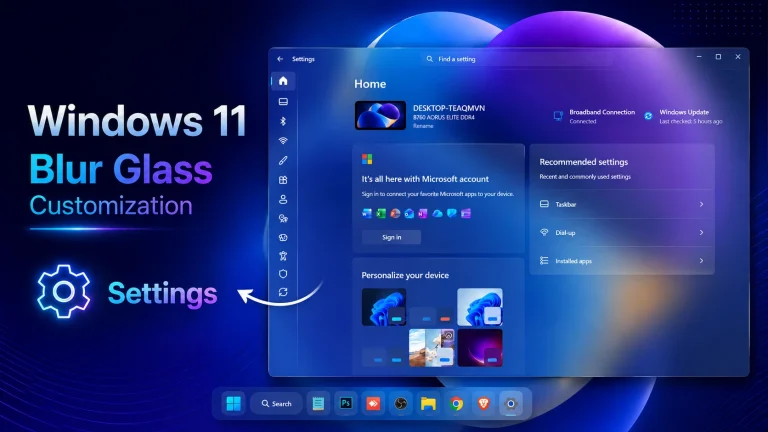
Give your Windows 11 Settings app a smooth liquid glass look with Blur Glass Settings Styler for Windhawk. This style adds a modern transparent design, soft rounded visuals, and a cleaner desktop customization experience.
New Dark Glass Settings Styler
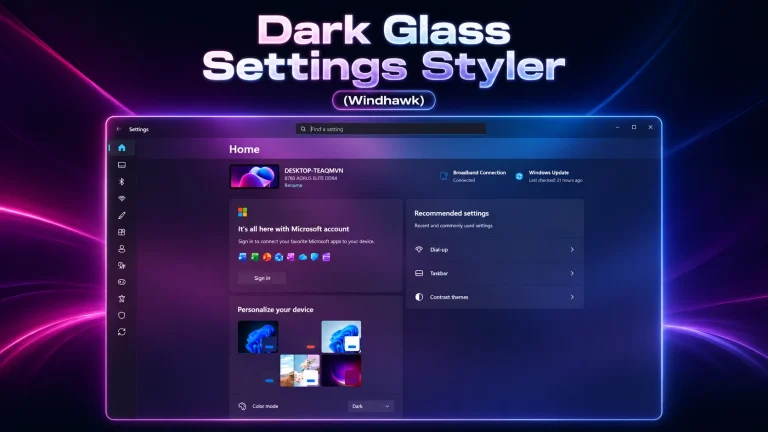
Give your Windows 11 Settings app a clean dark glass look with Dark Glass Settings Styler for Windhawk. This beginner-friendly style adds a modern, premium appearance with smooth dark visuals, glass-inspired design, and better desktop personalization.
Pink Pine Icon Pack for Resource Redirect
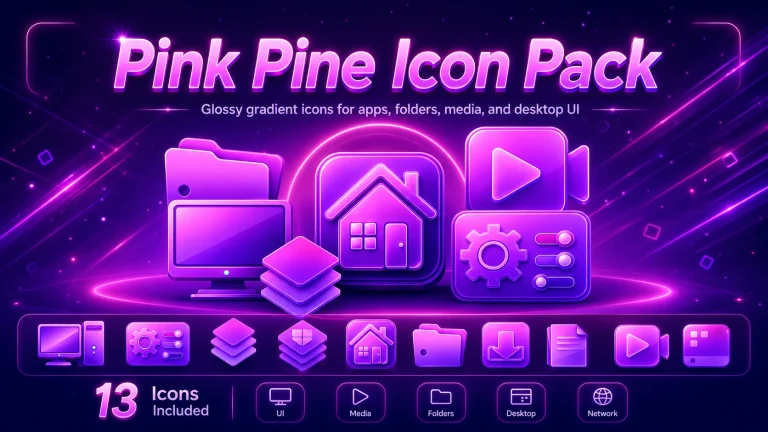
Refresh your Windows 10 and Windows 11 desktop with the Pink Pine Icon Pack For Resources Redirect. Designed for Windhawk Resource Redirect users, this modern icon pack brings a clean, stylish, and personalized look to system icons through a customization and redirection approach. Explore a soft, elegant visual style that works beautifully with matching themes, wallpapers, and desktop setups.
Pink Pine Theme For Windows 11
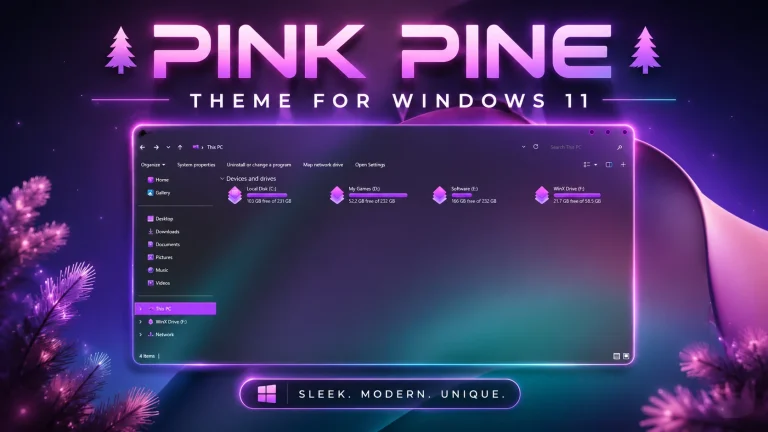
Pink Pine Theme For Windows 11 brings a fresh and aesthetic look to your desktop with soft pink tones, modern visuals, and a clean customization style. Learn about its features, compatibility, installation steps, safety tips, and how to restore the default Windows appearance
Polar Night Theme for Windows 11

Discover the Polar Night Theme for Windows 11 with its dark visual style, setup steps, customization benefits, practical tips, and troubleshooting advice.
Polar Night Icon Pack ( Windhawk )
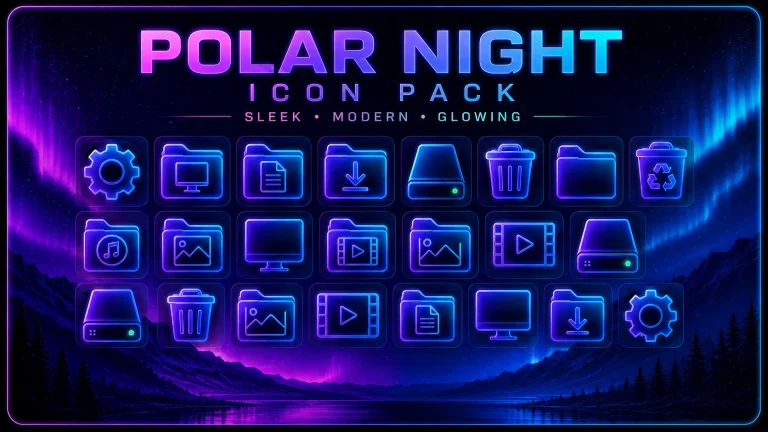
Explore the Polar Night icon Pack Windhawk setup, its visual benefits, installation basics, and practical tips for a cleaner Windows 11 desktop.