

Purple Bloom Wallpaper Pack for Windows
Refresh your Windows desktop with the Purple Bloom Wallpaper Pack. Discover beautiful floral backgrounds, installation tips, and simple customization ideas.

Purple Bloom Wallpaper Pack for Windows
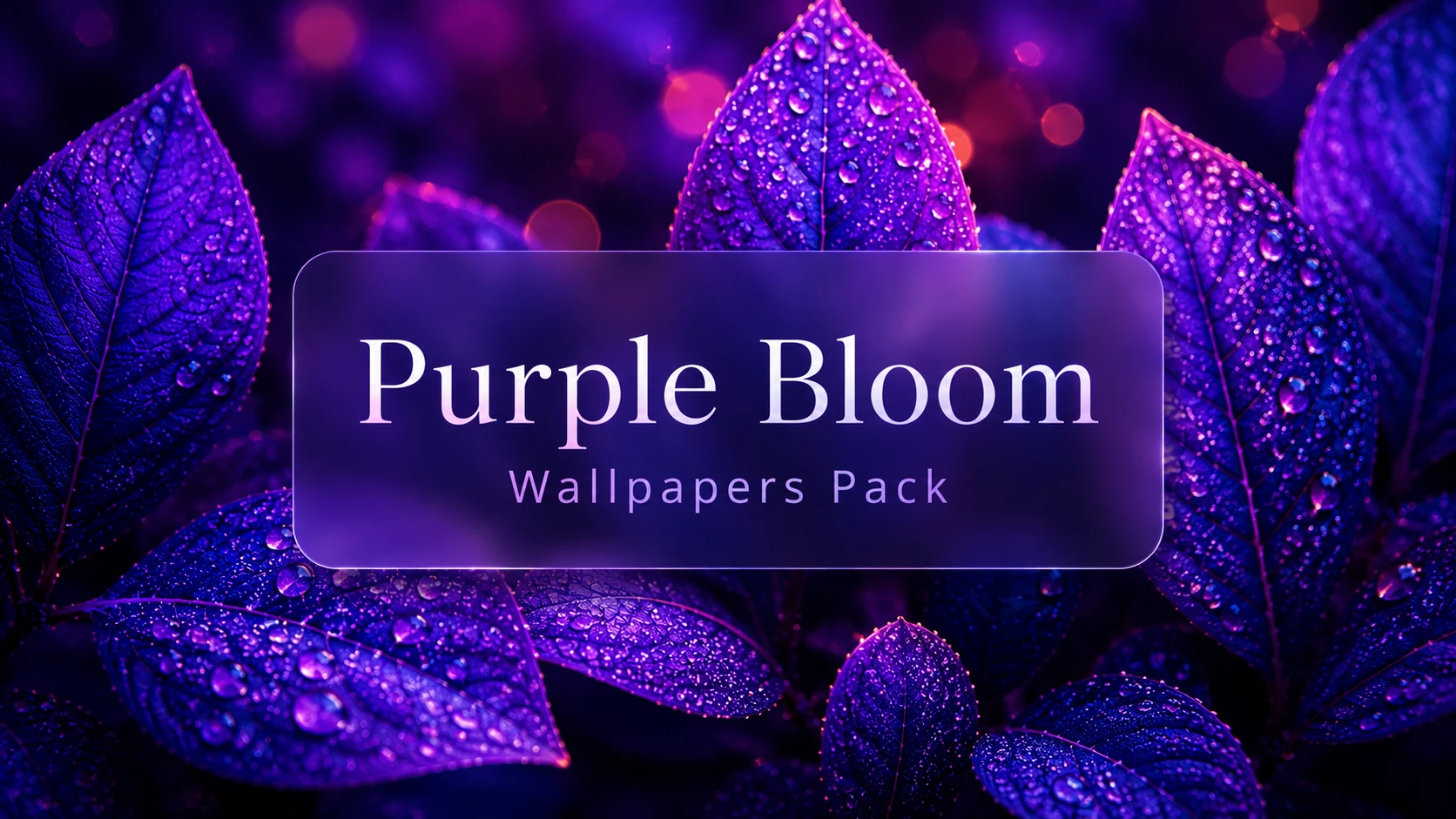
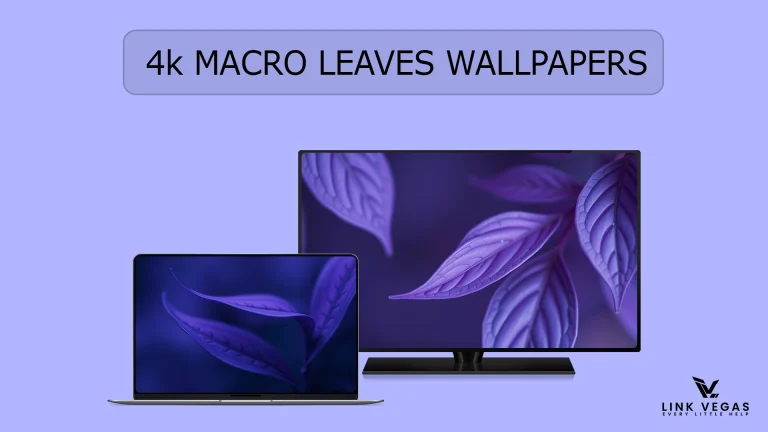
If you enjoy giving your desktop a fresh and elegant appearance, the Purple Bloom Wallpaper Pack is a great choice. Featuring beautiful purple flowers, soft gradients, and high-quality artwork, this wallpaper collection can make your Windows desktop feel more relaxing and visually appealing.
Whether you’re customizing a new PC or simply refreshing your current setup, floral wallpapers are a simple way to add personality without affecting system performance.
What’s Included in the Purple Bloom Wallpaper Pack?
The wallpaper pack includes a collection of carefully selected floral backgrounds inspired by blooming purple flowers. The wallpapers are designed to look great on both modern and classic Windows desktops.
Best Features
- High-resolution wallpaper collection
- Elegant purple floral designs
- Suitable for multiple screen sizes
- Clean backgrounds with minimal distractions
- Perfect for light and dark desktop setups
Why Choose Purple Bloom Wallpapers?
Purple is often associated with creativity, calmness, and elegance. A desktop featuring soft floral artwork can create a pleasant workspace while keeping your screen clean and organized.
The Purple Bloom Wallpaper Pack works well for everyday users, students, creators, and anyone who enjoys a stylish desktop environment.
Compatible with Windows
The wallpapers can be used on most modern versions of Windows, including:
- Windows 11
- Windows 10
- Windows 8.1
- Windows 7
Because these are standard image files, they can also be used on many other desktop operating systems that support common image formats.
How to Apply the Wallpaper
- Download the wallpaper pack.
- Extract the files if they are compressed.
- Open the folder containing the wallpapers.
- Right-click your preferred wallpaper.
- Select Set as desktop background.
You can also open Settings → Personalization → Background to choose a wallpaper manually or create a slideshow using multiple images from the collection.
Customize Your Desktop Even More
After applying the Purple Bloom Wallpaper Pack, you can further personalize your desktop by combining it with:
- Minimal desktop icons
- Matching purple icon packs
- Clean cursor themes
- Subtle Rainmeter layouts
- Lightweight desktop customization tools
Choosing matching colours across wallpapers, icons, and widgets creates a more polished desktop experience.
Important Safety Tips
If you plan to install additional desktop customization tools, icon packs, visual styles, or third-party themes alongside these wallpapers, it’s a good idea to create a System Restore Point first. This allows you to restore your system if something doesn’t work as expected.
Always download customization files from trusted sources and review any installation instructions before making changes to your system.
Zip Files 64MB
DownloadFinal Thoughts
The Purple Bloom Wallpaper Pack is an easy way to refresh your Windows desktop with elegant floral artwork and calming purple tones. Whether you prefer a clean minimalist setup or a fully customized workspace, these wallpapers provide a beautiful foundation for your desktop personalization.
If you enjoy Windows customization, keep exploring new wallpapers, icon packs, and desktop themes to create a setup that matches your personal style.
Check Out My Other Categories
Looking for more Windows customization content? Explore our other categories for wallpapers, themes, icon packs, customization tools, tutorials, and the latest Windows tips.





Disclaimer: All themes, visual styles, and concepts shared on this website are unofficial, fan-made creations built from imagination for customization purposes. We are not affiliated with, endorsed by, or sponsored by Microsoft or any other official brand.