Windows Abstract Wave Wallpapers 4K
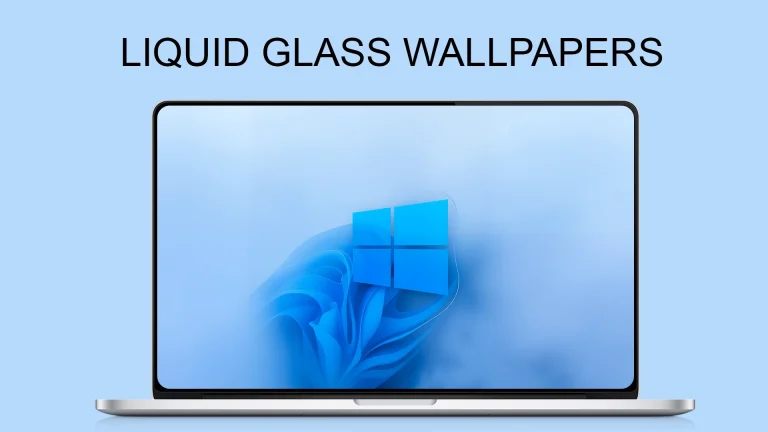
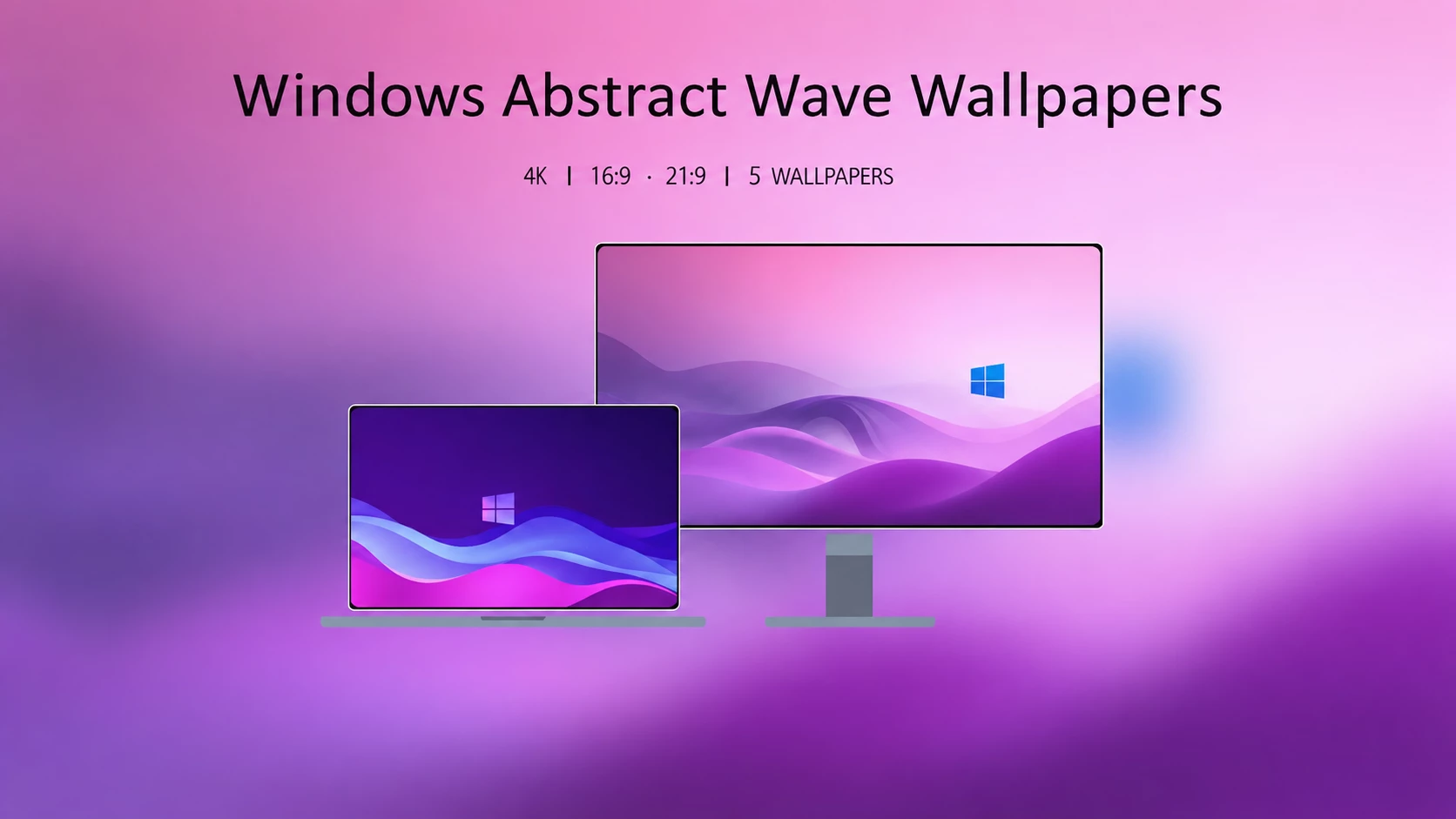
Windows Abstract Wave Wallpapers 4K bring a modern, fluid aesthetic to your desktop with smooth abstract wave designs and soft gradients. Crafted in ultra-sharp 4K resolution, these wallpapers are perfect for creating a clean, elegant, and futuristic Windows-inspired look.

Windows Abstract Wave Wallpapers 4K
A fresh wallpaper can completely change the feel of a desktop. This Windows Abstract Wave Wallpapers collection features smooth wave patterns, soft gradients, and a clean modern style that works well with both light and dark desktop setups. If you like minimal backgrounds with a calm visual style, these wallpapers can give your screen a refreshed look.
The name Windows Abstract Wave describes the design style of this wallpaper collection. It is a concept-based customization resource and is not an official Microsoft wallpaper release.
What does this collection include?
- 4K Ultra HD quality: Wallpapers are available in 3840 × 2160 pixel resolution for sharp desktop backgrounds.
- Modern abstract waves: Smooth curved shapes with Gradient color blending appearance.
- Desktop-friendly format: The 16:9 aspect ratio fits many common monitors, laptops, and displays.
- Easy ZIP package: All wallpapers are collected in a single downloadable archive.
Compatibility With Different Screens
The 3840 × 2160 resolution is designed for 4K UHD displays, but these wallpapers can also be used on Full HD and other lower-resolution screens. Depending on your monitor’s aspect ratio, Windows may crop or adjust the image automatically to fit your desktop.
These wallpapers are simple image backgrounds and do not modify Windows system files or require any customization tools. Just apply them through the built-in Windows personalization settings.
How to Apply the Wallpaper on Windows
- Download the wallpaper ZIP file from this page.
- Right-click the downloaded file and select Extract All.
- Open the extracted folder and choose your preferred wallpaper.
- Right-click the image and select Set as desktop background.
- For more control, go to Settings > Personalization > Background and adjust the fit option according to your display.
Tip: The Fill option usually provides the best desktop appearance, but it may crop some parts of the image. Use Fit if you want to keep the complete wallpaper visible.
Download the Wallpaper Collection
Windows Abstract Wave Wallpapers ZIP 12 MB
Download Wallpapers (ZIP)Check Out This Category
How to Restore Your Previous Wallpaper
If you want to switch back, open Settings > Personalization > Background and select your previous image or any other background. Since these are normal image files, there is no additional software or removal process required.
Final Thoughts
Windows Abstract Wave Wallpapers are a good choice for users who prefer a clean and modern desktop without heavy visual elements. The smooth waves and balanced colors can work nicely with custom icons, transparent taskbars, and different Windows customization styles.
Disclaimer
This wallpaper collection is created for desktop customization purposes only. It is not affiliated with, sponsored by, or endorsed by Microsoft. The Windows name is used only to describe the visual style and compatibility with Windows desktops.
All wallpaper designs remain subject to their respective rights and licenses. Downloading these files does not grant permission to redistribute, sell, or use them for commercial purposes without proper authorization.