

Mac-Style Aesthetic 4K Wallpapers
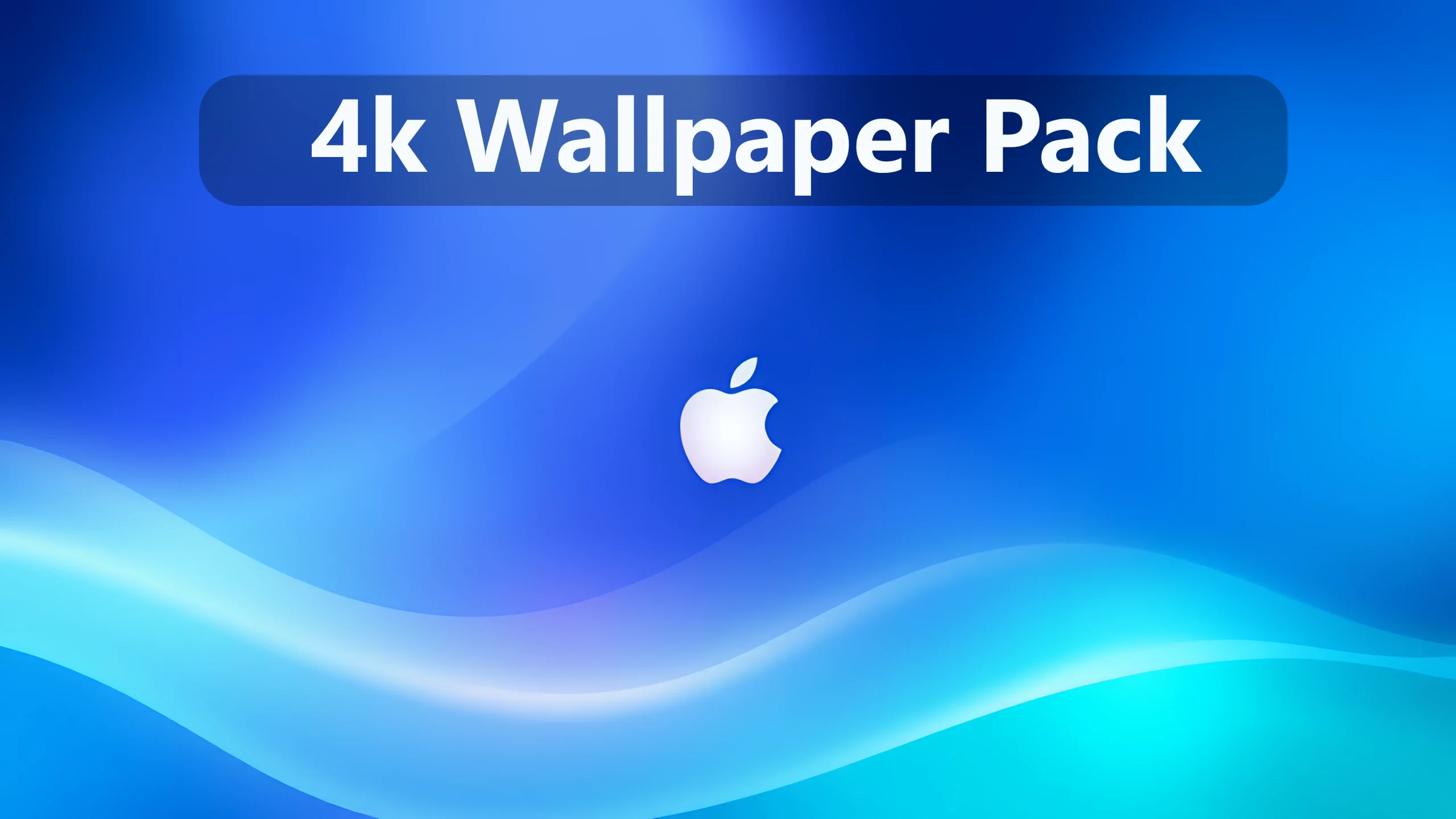
Mac-Style Aesthetic 4K Wallpapers : Discover the elegance and refinement of Apple’s iconic design language with this macOS Wallpaper Pack 4K

Mac-Style Aesthetic 4K Wallpapers
Mac-Style Aesthetic 4K Wallpapers is a collection of colorful abstract desktop backgrounds inspired by modern Apple-style design. Featuring smooth flowing shapes, vibrant gradients, and soft lighting effects, these wallpapers bring a fresh and elegant appearance to your desktop.
The collection includes a variety of beautiful color combinations, including blue, purple, pink, cyan, and warm orange tones. Each wallpaper features a distinctive abstract composition with smooth curves, layered shapes, and Apple-inspired logo designs. From bright and colorful backgrounds to darker, more minimal styles, the pack offers different options to suit your personal preferences.
Designed for desktop personalization, these wallpapers can complement both Windows and macOS setups. Whether you prefer a clean workspace or a colorful desktop environment, the collection provides a simple way to refresh your desktop without installing additional customization software.
Key Features
- Collection of colorful Apple-inspired abstract wallpapers.
- Smooth gradients and flowing wave designs.
- Vibrant blue, purple, pink, orange, and cyan color combinations.
- Soft lighting effects and layered abstract shapes.
- Includes both bright and dark wallpaper styles.
- Widescreen designs suitable for desktop backgrounds.
- Suitable for Windows and macOS desktop customization.
- Easy to download and apply as a desktop wallpaper.
Download Mac-Style Aesthetic 4K Wallpapers
Refresh your desktop with this collection of colorful abstract wallpapers. Download the wallpaper pack below and choose your favorite design to complement your desktop setup.
Google Drive 93 MB
DownloadHow to Apply Wallpapers on Windows
- Download the wallpaper pack using the button above.
- Extract the downloaded archive if necessary.
- Open the folder containing the wallpapers.
- Right-click your preferred wallpaper and select Set as desktop background.
- To adjust the appearance, go to Settings > Personalization > Background.
Important Notes
- Wallpaper appearance may vary depending on display resolution, scaling, and screen settings.
- Use the original image files to maintain the best available visual quality.
- These wallpapers are static images and do not modify Windows or macOS system components.
- This is an unofficial Apple-inspired collection and is not an official macOS wallpaper release.
Disclaimer
Mac-Style Aesthetic 4K Wallpapers is an unofficial wallpaper collection shared for desktop personalization. Link Vegas Theme is not affiliated with, sponsored by, or endorsed by Apple Inc. or Microsoft. Apple, Mac, and macOS are trademarks of Apple Inc., while Windows is a trademark of the Microsoft group of companies.
All third-party logos, artwork, and trademarks remain the property of their respective rights holders. Download availability does not grant permission for commercial use, redistribution, or resale. Please respect the applicable copyright and licensing terms.

Disclaimer: All themes, visual styles, and concepts shared on this website are unofficial, fan-made creations built from imagination for customization purposes. We are not affiliated with, endorsed by, or sponsored by Microsoft or any other official brand.