Modern Win 7 Inspired 4K Wallpapers Collection
Modern Win 7 Inspired 4K Wallpapers Collection : Relive the timeless charm of Microsoft’s most beloved operating system with the Windows 7 Wallpaper Pack 4K.

Modern Win 7 Inspired 4K Wallpapers Collection
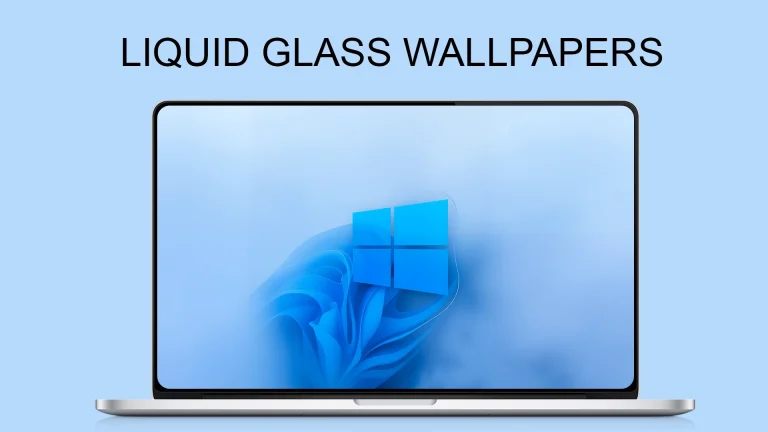
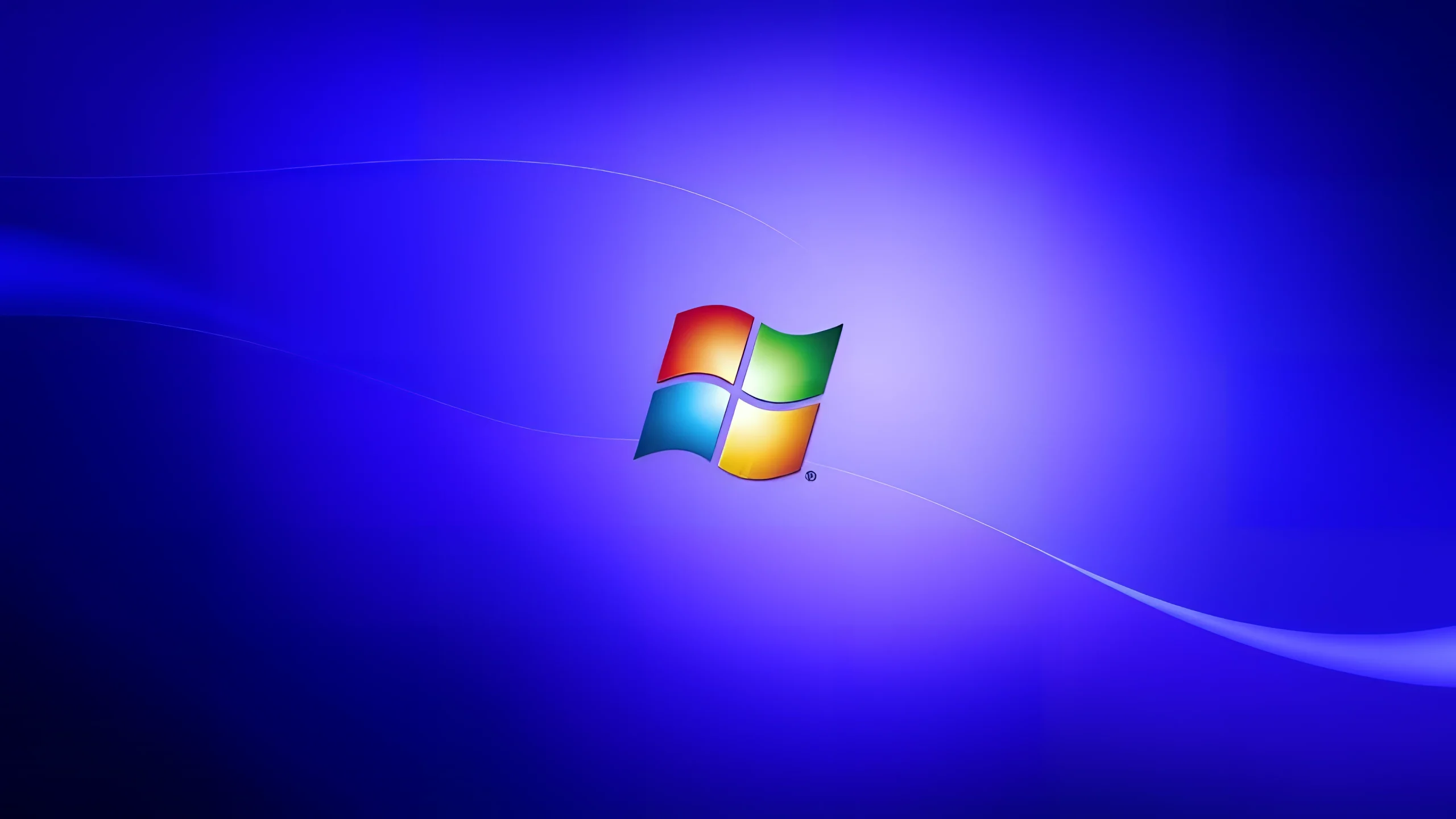
The Modern Windows 7 Inspired 4K Wallpapers Collection brings back the classic visual style of Windows 7 with a fresh and updated look. Inspired by the iconic Aero design language, this wallpaper pack combines smooth gradients, soft lighting effects, glass-inspired elements, and modern abstract shapes to create a clean desktop experience.
Designed for users who enjoy the nostalgic feel of Windows 7 but want a more refined appearance for modern displays, these wallpapers are available in high-quality 4K resolution (3840×2160). The collection features elegant blue tones, flowing curves, glowing highlights, and minimal designs that fit perfectly with both classic and modern Windows customization setups.
Whether you are customizing a Windows 11 desktop, creating a retro-inspired setup, or simply looking for a clean and professional background, these wallpapers provide a balanced mix of nostalgia and modern aesthetics. The timeless Windows 7-inspired style makes them suitable for desktops, laptops, ultrawide monitors, and virtual machines.
Each wallpaper is carefully designed to maintain the simplicity and elegance that made Windows 7 visuals popular while adding sharper details and enhanced colors for today’s high-resolution screens. Give your desktop a familiar yet refreshed appearance with this modern interpretation of the classic Windows 7 style.
Wallpaper Features
- Modern Windows 7 inspired visual style
- Ultra HD 4K resolution (3840×2160)
- Aero-inspired glass effects and smooth gradients
- Clean abstract designs with elegant lighting
- Suitable for desktops, laptops, and large displays
- Perfect for Windows customization setups
What is included in this?
- Modern Windows 7 Inspired 4K Wallpapers Collection
System Compatibility
- Windows 11
- Windows 10
- Windows 7
- Other desktop operating systems supporting 4K wallpapers
How to Use These Wallpapers
- Download the wallpaper package from the provided link.
- Extract the ZIP file using any archive tool.
- Right-click on your preferred wallpaper.
- Select Set as Desktop Background.
- Adjust the wallpaper position from Windows Personalization settings if needed.
Google Drive 80MB
DownloadWho Should Use This Wallpaper Pack?
This wallpaper collection is perfect for users who enjoy classic Windows design elements with a modern touch. It works well for anyone building a clean desktop setup, a Windows customization showcase, or a nostalgic theme inspired by the Windows 7 era.
The simple layouts and balanced colors also make these wallpapers suitable for productivity-focused desktops where a clean background is preferred over busy designs.
How to Remove or Change
Changing these wallpapers is simple. Open Windows Settings → Personalization → Background and select another image or wallpaper collection. No system files are modified, and the wallpapers can be removed anytime by deleting the downloaded files.
Disclaimer
This wallpaper collection is created for desktop personalization purposes only. Windows 7 is a trademark of Microsoft Corporation. This website is not affiliated with, endorsed by, or connected to Microsoft. Always keep your downloaded files organized and use trusted sources when customizing your system.
Final Word
The Modern Windows 7 Inspired 4K Wallpapers Collection combines the familiar beauty of Windows 7 with a refreshed modern style. If you enjoy clean visuals, elegant gradients, and classic desktop aesthetics, this collection can bring a unique look to your everyday workspace.
Frequently Asked Questions
Are these wallpapers official Microsoft Windows 7 wallpapers?
No. These wallpapers are inspired by the Windows 7 design style and are not official Microsoft releases.
What resolution are these wallpapers?
The wallpapers are available in 4K resolution with a size of 3840×2160 pixels.
Can I use these wallpapers on Windows 11?
Yes. These wallpapers can be used on Windows 11, Windows 10, and other operating systems that support custom desktop backgrounds.
Do these wallpapers modify Windows system files?
No. They are regular image files and only change your desktop background appearance.