Nova Theme For Windows 11
Upgrade your desktop with Nova Theme For Windows 11. Enjoy a futuristic dark blue UI, glass effects, and a clean modern File Explorer design.

Nova Theme For Windows 11 – Transparent UI Customization
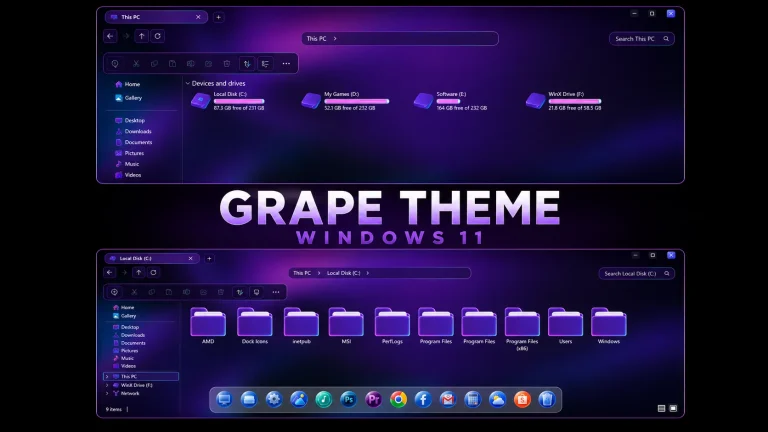
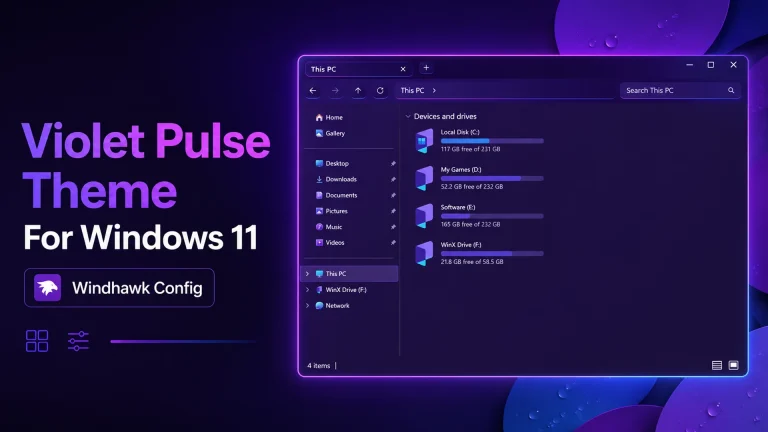
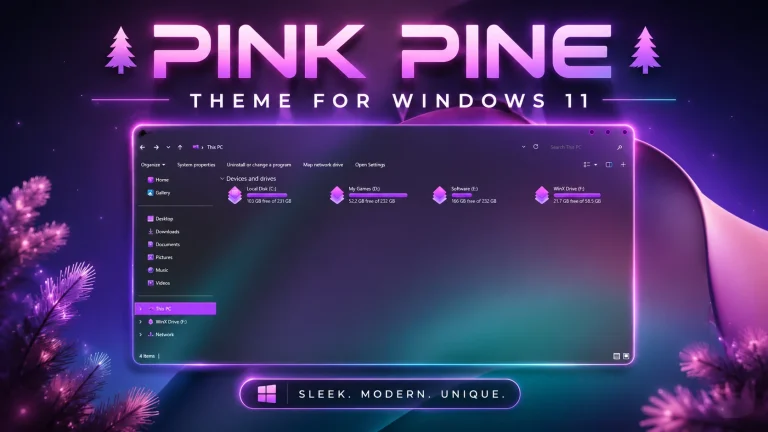
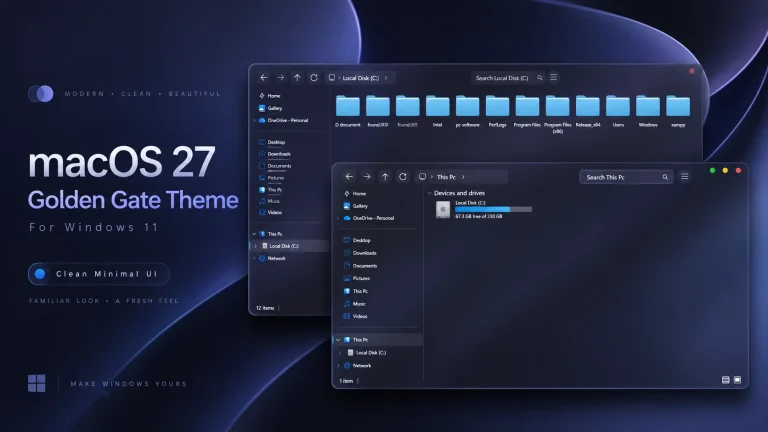
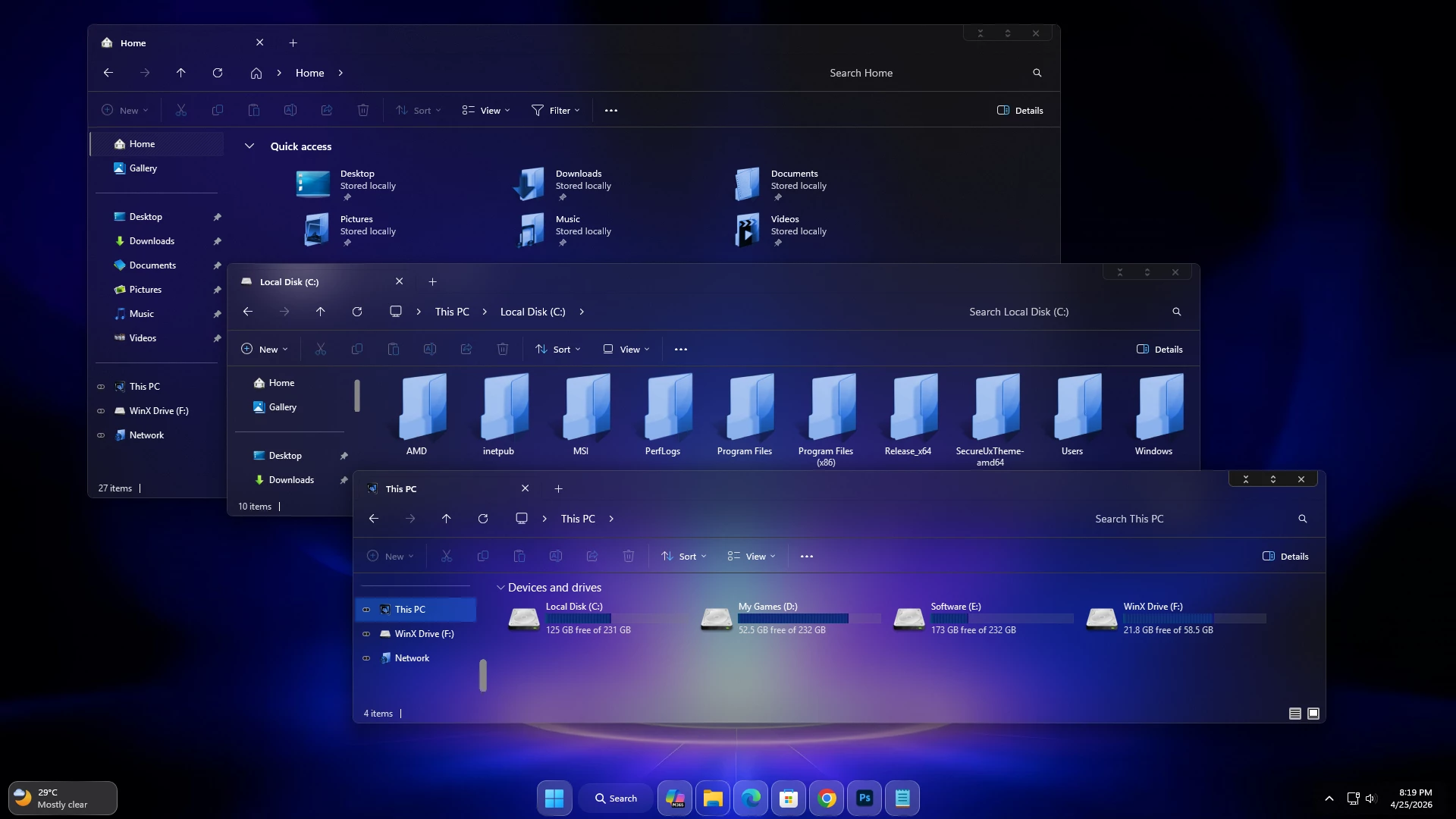
The Nova Theme For Windows 11 brings a transparent glass-style treatment to File Explorer while keeping the familiar Windows 11 layout easy to use. Clearer surfaces across Explorer allow the desktop background to remain visible, with subtle cyan and blue details adding a cooler tone to the overall setup.
Transparency extends through supported content, navigation, tab, and command areas. Since the wallpaper remains visible behind these surfaces, some of the blue, violet, or purple tones you notice can come from the background rather than being permanently built into the visual style.
The drive section adds stronger contrast through violet and purple hard-drive level indicators. Compact dark DWM controls keep the upper window area restrained, allowing the transparent Explorer surface to remain the main visual feature.
Clear Glass with Cooler Accents
This setup is built for users who prefer transparency without turning every Windows element into a brightly colored panel. Cyan and blue details are used more lightly, while the storage bars carry the stronger violet and purple accents.
The result is a cleaner glass interface where the wallpaper still has a noticeable influence on the finished desktop appearance.
- Transparent glass-style File Explorer surfaces
- Wallpaper remains visible through supported areas
- Subtle cyan and blue interface accents
- Violet and purple hard-drive level indicators
- Compact dark DWM window controls
- Transparent navigation, tab, and command sections
- Restrained borders and interface separators
- Keeps the familiar Windows 11 Explorer structure
How the Wallpaper Changes the Look
A large part of the visual character comes from the background behind the transparent interface. Blue or violet wallpapers can reinforce the cooler style, while darker or more colorful backgrounds can give the same setup a noticeably different mood.
This also means you are not locked into one permanent color combination. Changing the wallpaper can refresh the desktop without replacing the main Windows theme.
My Thoughts on the Design
I like the way this style keeps most of File Explorer visually light while reserving the stronger colors for smaller details. The violet storage indicators provide enough contrast without overwhelming the transparent layout.
The compact DWM controls also suit the interface because they stay relatively quiet instead of competing with the wallpaper and glass effect.
Optional Desktop Additions
The main theme can be used without extra desktop modifications. Matching icons, taskbar styles, Start Menu changes, or other compatible customization resources can be added separately if you want to extend the same visual direction.
Install or Restore the Theme
- Apply the extracted visual style with a compatible theme patcher and place the required theme files in
C:\Windows\Resources\Themes. - For the complete setup process, follow this Windows 11 custom theme installation guide.
- Return to a default Windows 11 theme and disable any extra interface changes you added with the setup.
- For detailed restoration instructions, use this Windows 11 custom theme removal guide.
Windows Compatibility
- Windows 11 21H2: Supported
- Windows 11 22H2: Supported
- Windows 11 23H2: Supported
- Windows 11 24H2: Supported
- Windows 11 25H2: Supported
Included with the Download
- Windows 11 Theme
- Wallpapers
Download Nova Theme For Windows 11
Nova Theme 8MB
DownloadThird-Party Visual Style Notice
Nova Theme for Windows 11 is an independently created third-party customization resource intended for personal desktop styling. It is not an official Microsoft product and is not affiliated with, sponsored by, or endorsed by Microsoft. Windows and related trademarks remain the property of their respective owners.
Third-party visual styles may behave differently across Windows builds. Creating a System Restore Point before applying custom theme files or additional interface modifications is recommended.
Final Thoughts
This transparent setup gives File Explorer a lighter glass appearance while using cyan-blue details and violet-purple storage indicators for contrast. The wallpaper remains an active part of the interface, so changing the background can noticeably alter the overall character without replacing the main visual style.
For users who prefer transparency over heavily tinted Explorer surfaces, this design provides a flexible base that can stay minimal or be expanded later with additional desktop customization.