Ashes Theme For Windows 11
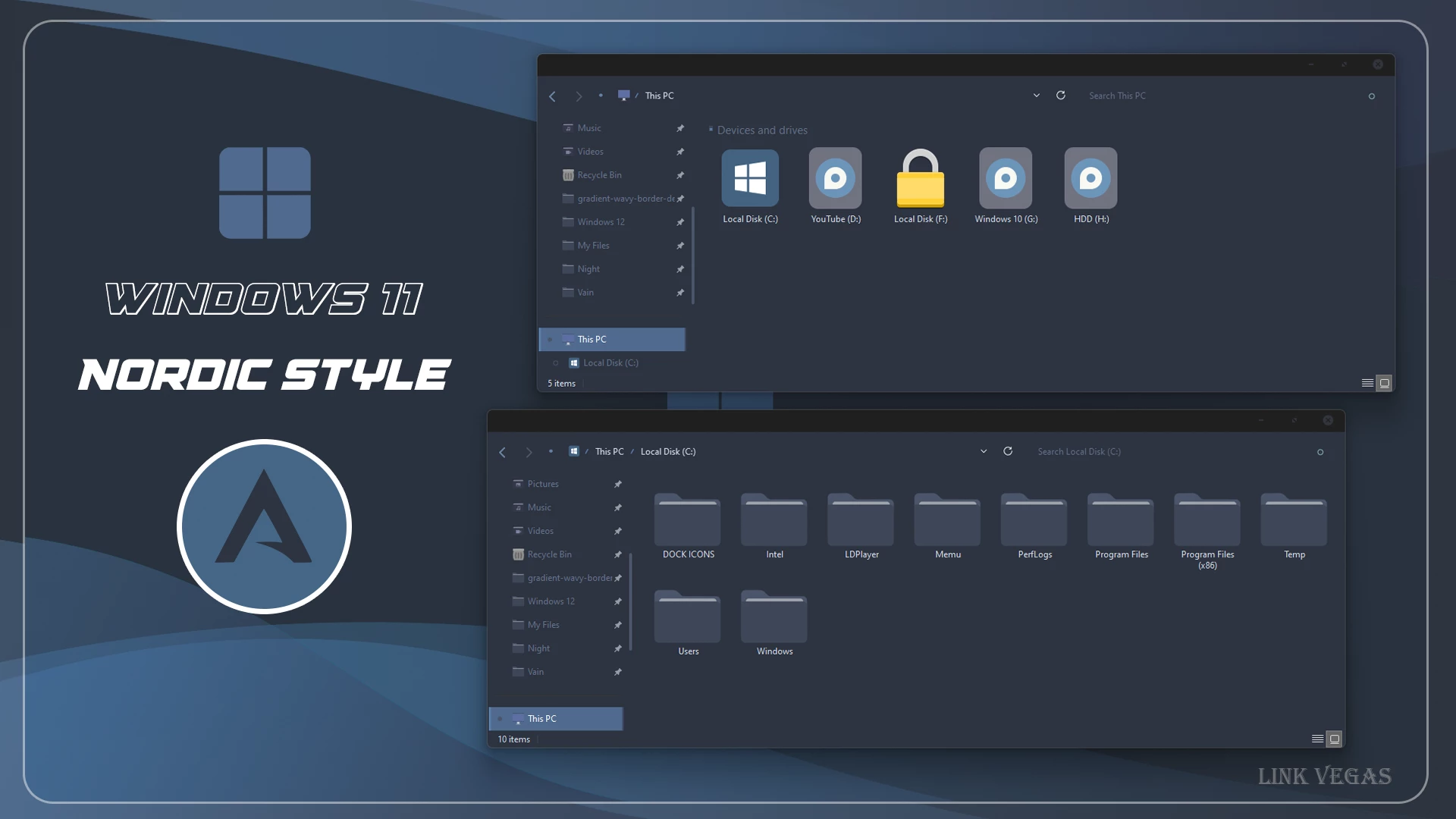
Ashes Theme For Windows 11:The Ashes Theme for Windows 11 is a sleek, minimalist visual style designed for users who prefer a dark, moody desktop experience. Featuring a soft charcoal and muted gray color palette, it brings a sophisticated, understated look to the Windows interface

Ashes Theme For Windows 11
Ashes Theme For Windows 11 is a custom desktop theme built around charcoal, gray, and other muted dark tones. It is made for users who prefer a quieter Windows 11 setup with less visual noise, simple interface styling, matching icons, and a wallpaper that follows the same understated color direction.
The design avoids bright accents and heavy visual effects. Dark surfaces, softer borders, and neutral colors give the desktop a more restrained appearance, which works well for users who prefer minimal customization rather than colorful or highly decorative themes.
This is an independently created third-party customization package made only for Windows desktop personalization. It does not replace Windows 11, install another operating system, or add official Microsoft features. The changes are focused on supported visual elements of an existing Windows installation.
A Quiet Dark Style with Less Visual Clutter
Ashes takes a more reserved approach to Windows customization. Instead of using strong accent colors, the theme relies on charcoal, soft gray, and darker neutral shades. This gives the desktop a calmer appearance and keeps the interface from feeling overly decorated.
The matching wallpaper and icon style follow the same muted direction, which helps the different parts of the desktop feel connected. You can keep the setup fairly simple with only the theme and wallpaper, or add compatible icons and interface tweaks later if you want to take the customization further.
Ashes Design Highlights
- Charcoal and muted gray color palette for Windows 11
- Dark interface styling with fewer bright visual distractions
- Matching icon pack for supported folders and system icons
- Dark wallpaper designed to blend with the overall theme
- Works with compatible Start menu and taskbar customization
- Optional File Explorer blur and additional interface effects
- A good match for users who prefer simple and understated desktops
Ashes Package Contents
- Windows 11 Theme: Provides the main dark visual style for supported areas of the Windows interface.
- Icon Pack: Gives compatible folders and system icons a design that fits the muted desktop style.
- Wallpaper: Adds a background that follows the same charcoal and neutral color direction.
The theme itself handles the main visual change, while the icon pack and wallpaper help make the overall desktop feel more consistent. You are free to use the full combination or leave out any optional part that does not suit your setup.
Useful Customization Options
- SecureUxTheme – can be used to apply compatible third-party Windows visual styles.
- 7TSP GUI – useful when you want to apply a supported 7TSP icon pack.
- StartAllBack – offers additional options for changing the Start menu and taskbar.
- ExplorerBlurMica – can bring supported blur and transparency effects to File Explorer.
- Windhawk – allows further interface changes through compatible mods.
You do not have to install every tool above. For a cleaner approach, apply the Ashes theme first and check how it looks on your system. If you want more changes afterward, add the icon pack, taskbar styling, Explorer effects, or other tweaks individually. This keeps the setup easier to manage and makes troubleshooting much less confusing if one component causes a problem.
Prepare Before You Start
- Create a System Restore Point before applying third-party visual files.
- Make sure the theme tools you plan to use support your Windows 11 build.
- Keep one of the default Windows themes available so you can switch back easily.
- Back up the original Windows icons before using a custom icon pack.
- Download optional utilities from their original or trusted project pages.
- Apply the larger customization changes one at a time instead of all together.
Ashes Installation Guide
- Create a System Restore Point before starting so you can easily revert if anything goes wrong.
- Download and run UltraUXThemePatcher as Administrator, then restart your computer to patch core system files.
- Download the theme package using the button below and extract the
.zipor.rarfile. - Copy both the
.themefile and the theme folder toC:\Windows\Resources\Themes. - Right-click your desktop, go to Settings > Personalization > Themes, and select your new custom theme to apply it.
- If you are new to Windows customization, follow this detailed guide first: How to Install Custom Themes on Windows 11.
- Once the main theme looks right, try optional icons, Start menu styling, or Explorer effects one at a time.
Theme Files 16MB
DownloadRemove Ashes Theme
- Return to a Default Theme: Open Settings > Personalization > Themes and select one of the standard Windows 11 themes.
- Undo the Extra Styling: Restore the original icons if you changed them, switch back to your previous wallpaper, and disable any Start menu, taskbar, File Explorer, or Windhawk modifications added with Ashes.
- Restart and Recover: Restart Windows Explorer or reboot your PC. If something still does not return to normal, use your System Restore Point or follow this Windows 11 custom theme removal guide.
My Thoughts on the Ashes Theme
In my opinion, Ashes Theme is a very good choice for users who enjoy black, dark gray, and muted desktop colors. There are no strong bright accents or flashy effects, so the overall setup feels calm and visually softer than many colorful Windows themes. The charcoal and gray tones give the desktop a cool, quiet vibe that works especially well if you prefer a darker environment.
I think this theme is best suited for personal customization and for users who genuinely like a gray-toned Windows look. The matching dark interface, wallpaper, and icons help everything feel consistent without making the desktop look too busy.
However, I would mainly recommend Ashes for personal or customization-focused PCs. If you use your computer primarily for office work, professional tasks, or a workplace environment, I would prefer keeping the default Windows appearance or using a simpler setup with fewer third-party visual changes.
Theme Disclaimer
Ashes Theme is an independently created third-party customization package intended for Windows desktop personalization. It is not an official Microsoft product and is not affiliated with or endorsed by Microsoft or any of the independent tools and projects referenced in this post. All trademarks and brand names remain the property of their respective owners.
Compatibility may change between Windows builds and tool versions. Creating a System Restore Point before applying custom themes, icon packs, or other interface modifications is recommended so you have an easier way to return to your previous setup if necessary.
Final Word
Ashes stands out by doing less rather than trying to make every part of Windows colorful. The charcoal and muted gray palette keeps the desktop calm, while the matching wallpaper and icons give the setup enough character to feel noticeably different from the default Windows appearance.
For me, this theme makes the most sense for someone who wants a dark customized desktop without bright gradients, strong neon colors, or too many visual effects. The main theme and wallpaper already create a complete enough look, while the extra tools are there if you want to customize individual areas further.
Frequently Asked Questions
Is Ashes made by Microsoft?
No. Ashes is an independently created third-party Windows customization theme and is not an official Microsoft release.
Will installing Ashes change my operating system?
No. The theme works with your existing Windows 11 installation and only changes supported visual elements. It does not replace or reinstall Windows.
Do I have to use the extra customization tools?
No. They are optional. You can apply only the main theme and wallpaper, then add other components if you want more changes.
Can the Ashes icon pack be applied separately?
Yes. You can use the icon pack on its own as long as your icon tool supports the Windows build installed on your PC.
What happens after a major Windows update?
A feature update can affect third-party themes, icon tools, or interface mods. Check compatibility with your new Windows build before applying the customization again.