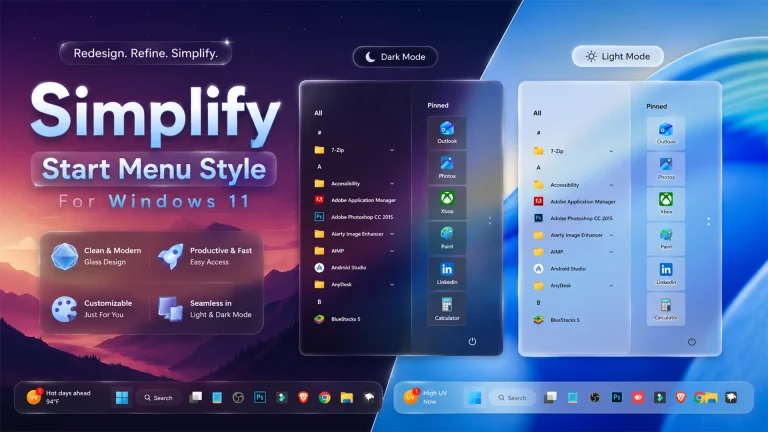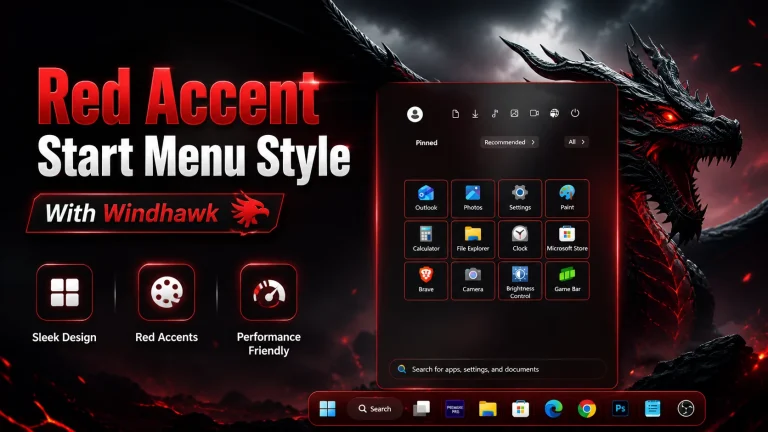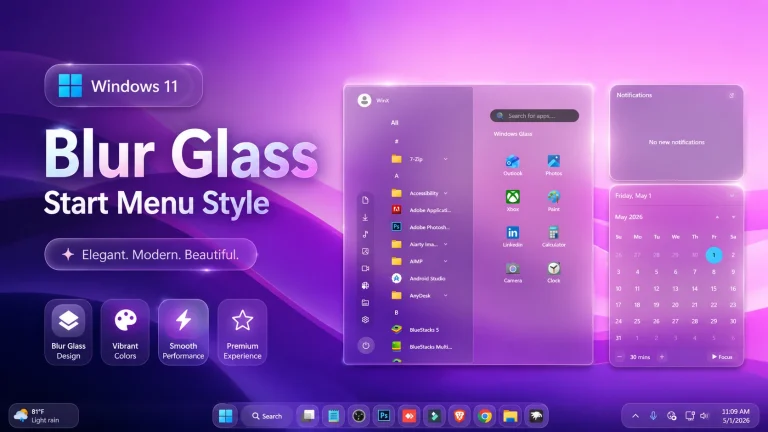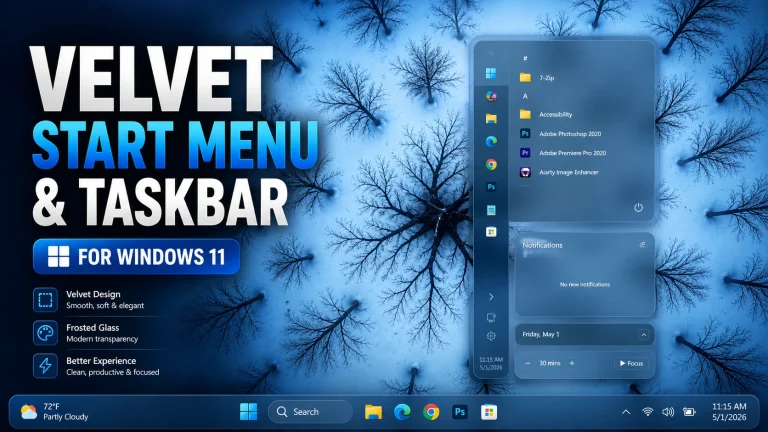
Windows Sun Valley Start Menu Style ( Windhawk )
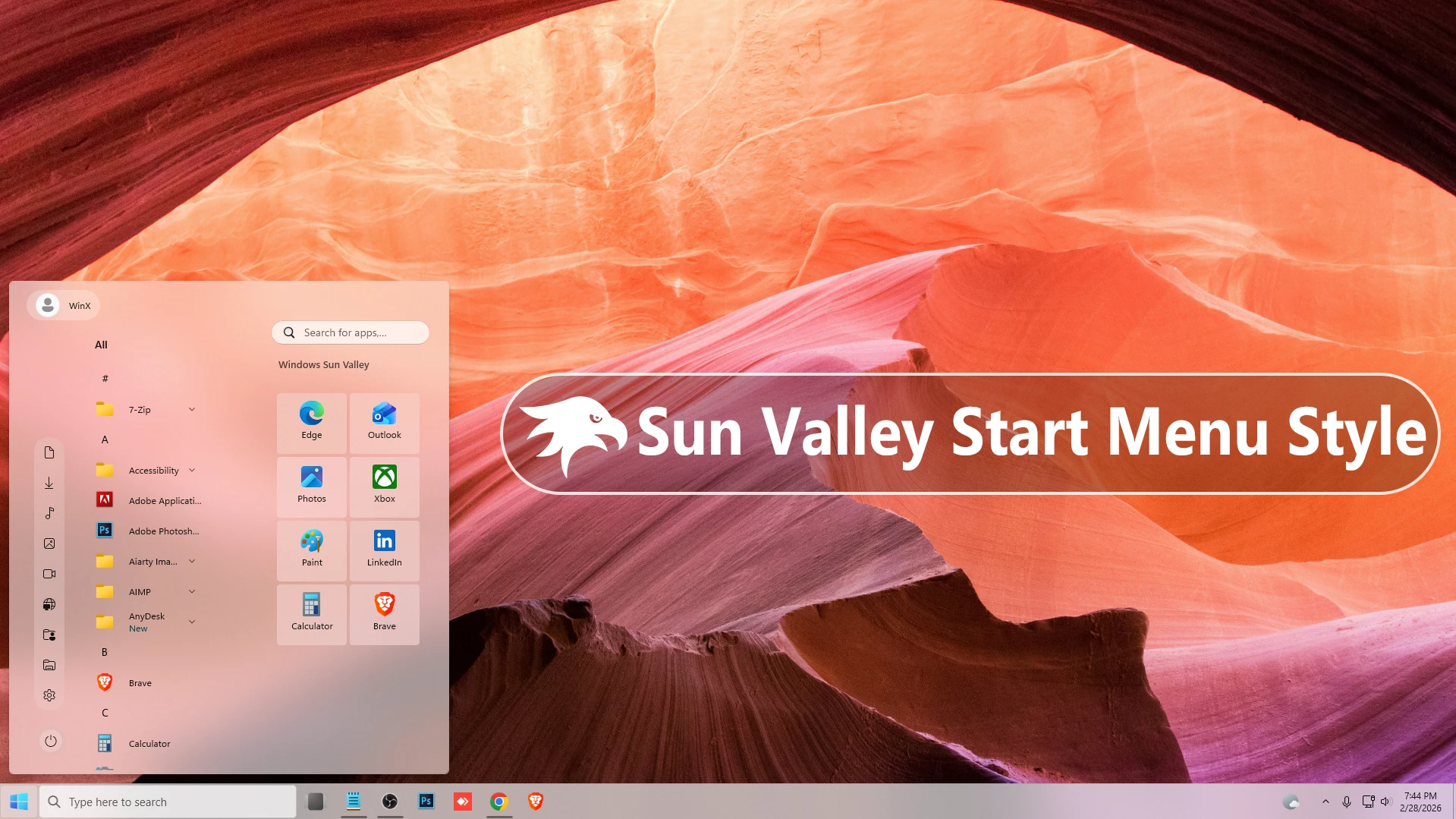
Windows Sun Valley Start Menu Style ( Windhawk ) : Transform your Windows 11 desktop with the Sun Valley Start Menu Style for Windhawk. Inspired by Microsoft’s original concept design, this style features smooth transparency, rounded corners, clean spacing, and a modern Fluent look — all optimized for performance and simplicity.

Windows Sun Valley Start Menu & Taskbar Style For Windows 11
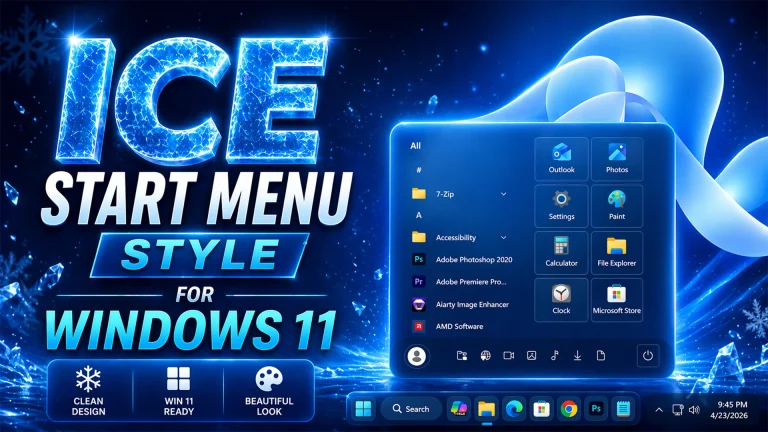
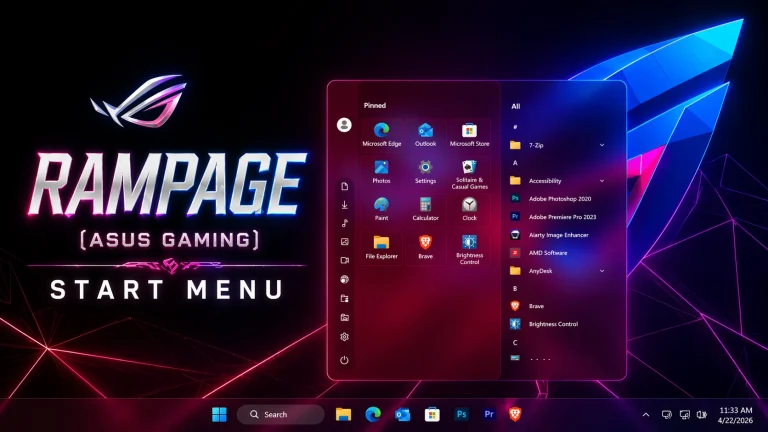
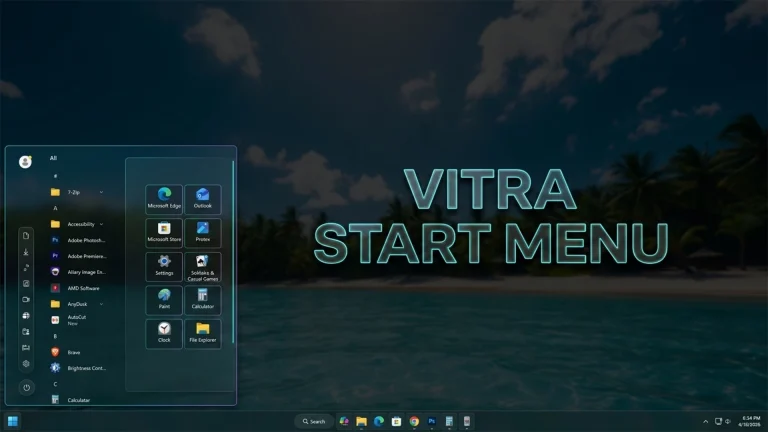
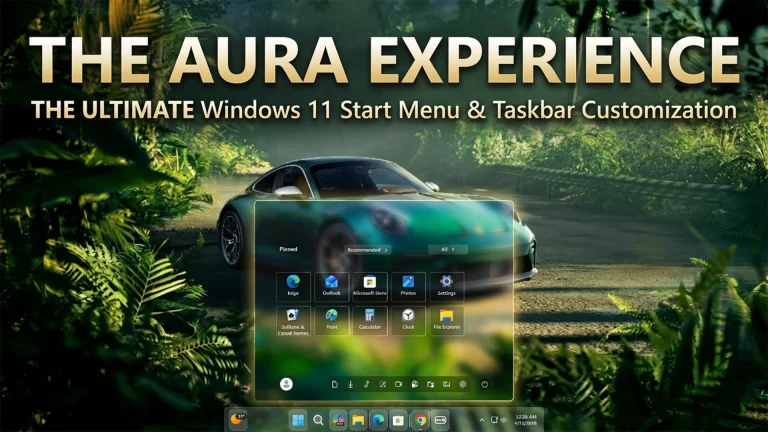
Bring back the early Windows 11 concept Style with the Windows Sun Valley Start Menu Style for Windhawk on Windows 11. Inspired by Microsoft’s original “Sun Valley” design language, this style delivers a fresh, modern, and visually Cool Start Menu experience with soft transparency, clean layout, and fluent UI elements The Sun Valley design was known for its Amazing layout, soft shadows, and smooth animations. This Start Menu style recreates that elegant concept look while keeping it practical for everyday use. The interface feels light and refined, with a smooth acrylic or glass-like background that blends naturally with your wallpaper. The subtle blur effect enhances depth without overpowering the content, making icons and text remain clear and readable
One of the standout features of this style is its balanced spacing and organized grid system. Pinned apps are aligned neatly, giving the Start Menu a structured and minimal appearance. The recommended section is Removed, helping users focus on what matters most. Rounded edges and soft highlight effects create a consistent Fluent-inspired experience across the menu. Color harmony is another important element of the Sun Valley Start Menu Style. It works beautifully with both light and dark modes, adapting smoothly to your system theme. Accent colors blend naturally into selection highlights and hover effects, making the interface feel alive yet simple. Whether you prefer a soft pastel wallpaper or a bold modern background, this style adjusts perfectly.
Performance remains smooth and lightweight. The style is optimized to run efficiently without affecting system speed. Since it works through Windhawk’s customization engine, there’s no need for risky system patching. Installation is simple — apply the configuration, adjust transparency or blur settings if needed, and enjoy the refreshed design instantly.This style is perfect for users who love modern desktop customization. It pairs well with clean icon packs, minimal taskbar tweaks, and subtle Rainmeter widgets. If you want your Windows 11 setup to feel closer to Microsoft’s original Sun Valley vision, this Start Menu style delivers that concept-inspired aesthetic with stability and performance.
- 21H2 Yes
- 22H2 Yes
- 22H3 Yes
- 24H2 Yes
- 25H2 Yes
- Windhwak Start Menu Mods
- Windhwak Taskbar Mods
- Download & Install windhawk.
- install & Open the Windows 11 Start Menu Styler mod in Windhawk.
- Go to the “Advanced” tab.
- Copy the content below to the text box under “Mod settings” and click “Save”.
Zip File 7kB
Download