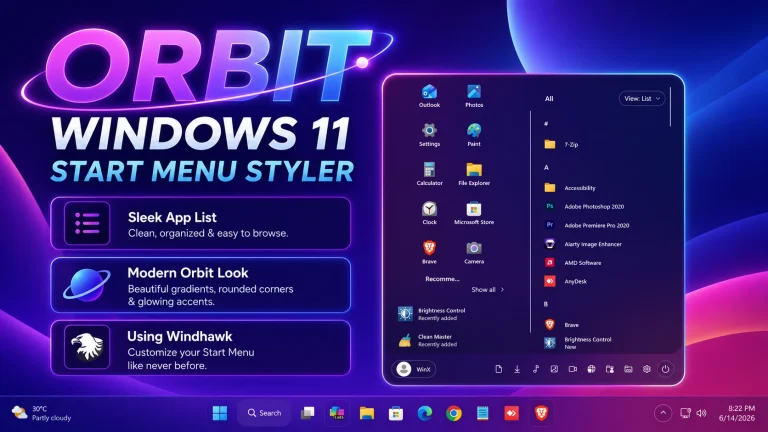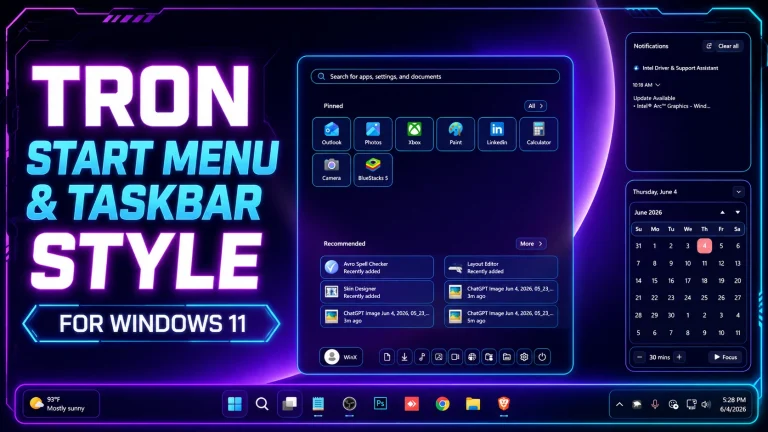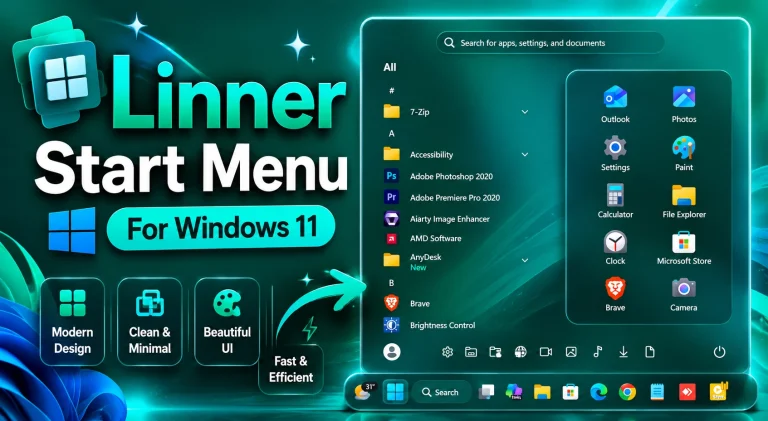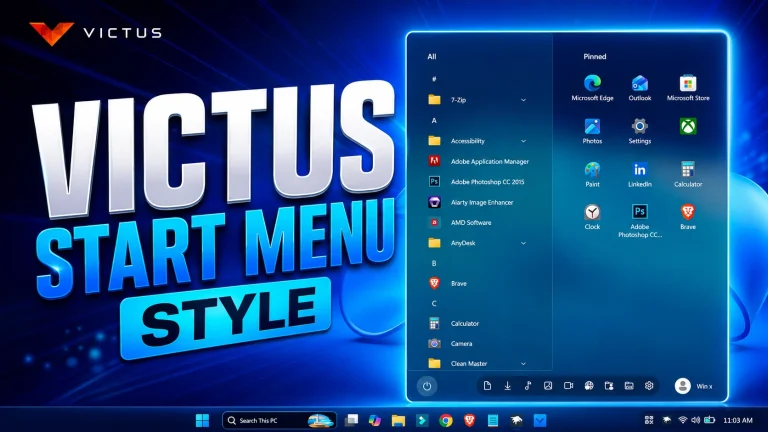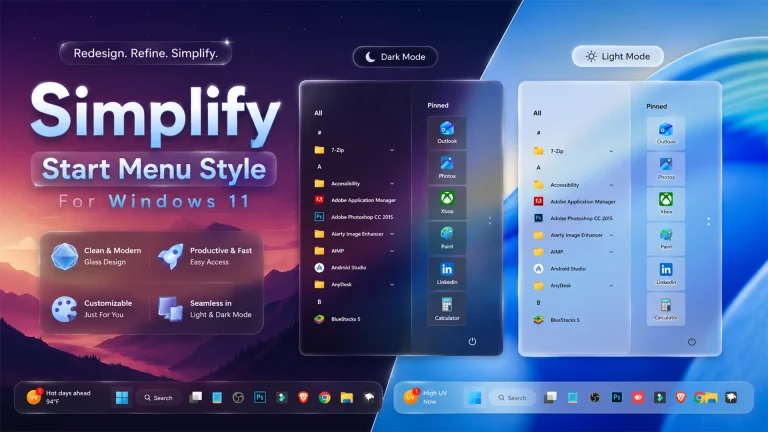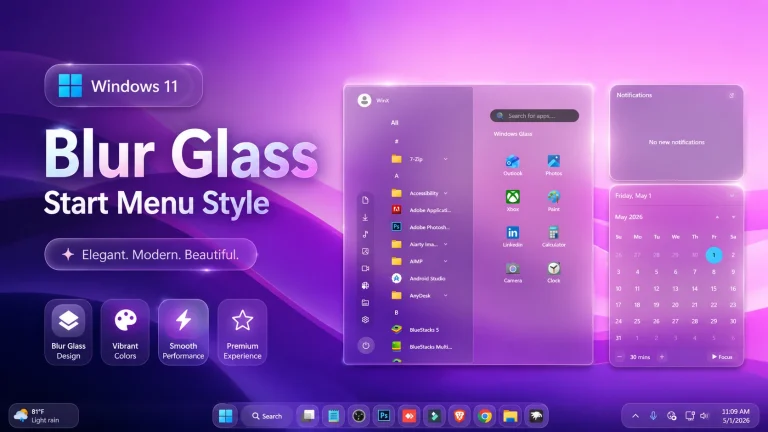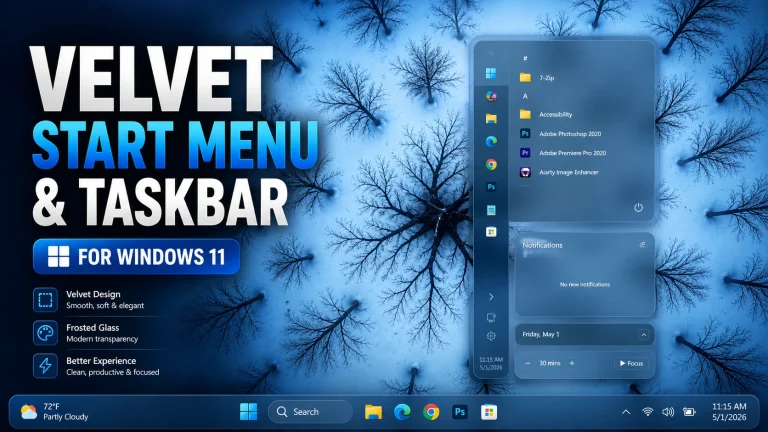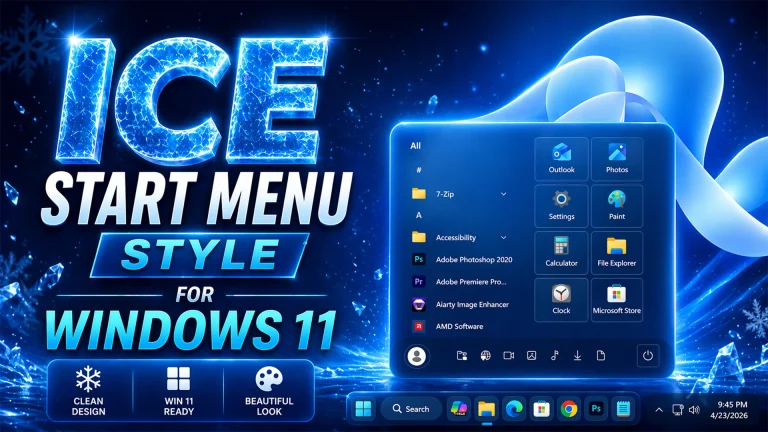
Amazing Red Accent Start Menu Styles With Windhawk – Windows 11
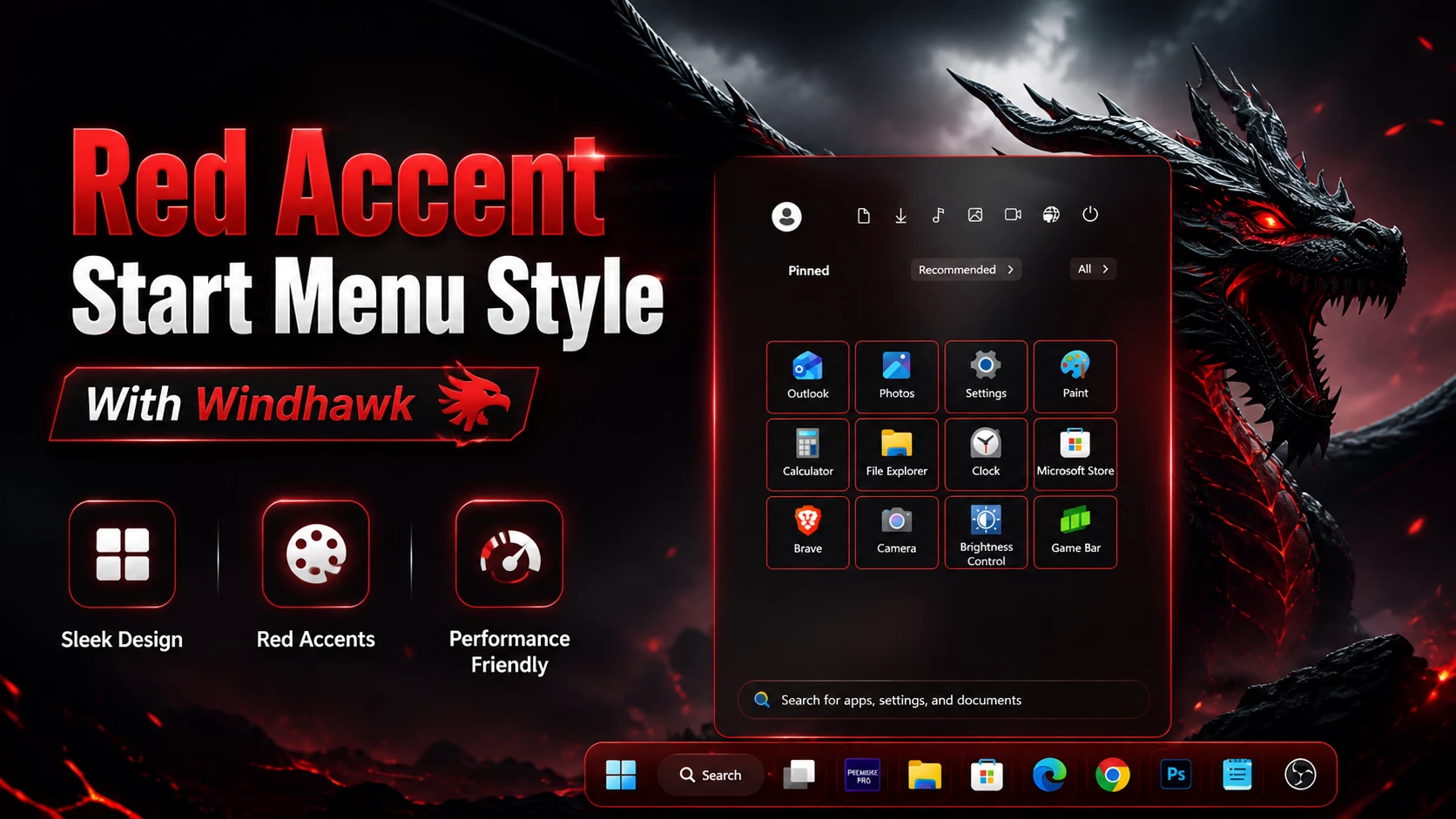
Red Accent Start Menu Style With Windhawk gives your Windows 11 desktop a clean, modern, and glowing red interface with smooth performance.

Red Accent Start Menu Style With Windhawk
Upgrade your desktop with the Red Accent Start Menu Style With Windhawk, a sleek and modern customization that transforms your Windows 11 Start Menu into a bold and elegant interface. This setup combines minimal design with glowing red accents, giving your system a premium and futuristic look..
The Red Accent Start Menu Style With Windhawk is more than just a visual upgrade—it completely redefines how your desktop feels. The combination of dark backgrounds with glowing red highlights creates a powerful contrast that is both elegant and eye-catching. Every interaction, from opening the Start Menu to navigating apps, feels smoother and more immersive..
What is Red Accent Start Menu Style With Windhawk?
The Red Accent Start Menu Style With Windhawk is a clean and visually striking customization that enhances the default Windows 11 Start Menu. By using Windhawk, you can apply stylish red borders, smooth transparency, and a modern layout without affecting system performance.This customization is perfect for users who want a unique desktop appearance while keeping everything lightweight and responsive..
Key Features of This Style
- Sleek Red Accent Design – Elegant glowing borders and highlights
- Minimal & Clean Layout – Distraction-free user interface
- Performance Friendly – Lightweight customization
- Modern UI Feel – Inspired by futuristic and gaming aesthetics
- Easy Installation – Works smoothly with Windhawk
Why You Should Use Red Accent Start Menu Style With Windhawk
If you want your desktop to stand out, the Red Accent Start Menu Style With Windhawk is a perfect choice. It offers a balance between aesthetics and performance. Unlike heavy themes, this setup keeps your system fast while delivering a premium look.It’s ideal for gamers, creators, and anyone who loves a bold red-themed interface..
- Windows 11 installed
- Windhawk software
- Basic knowledge of Windows customization
- Download and install Windhawk
- Open Windhawk and install the Windows 11 Start Menu Styler mod
- Go to the Advanced tab
- Paste the provided configuration code into the “Mod settings” box
- Click Save to apply the style
- For more details, visit this GitHub guide
- Windhawk Start Menu Styler
- Taskbar Styler
- Taskbar height and icon Styler
Start Menu Mods 3mb
DownloadFinal Thoughts
The Red Accent Start Menu Style With Windhawk is one of the best ways to customize Windows 11 with a modern and stylish look. It’s simple, lightweight, and visually stunning.If you want a fresh desktop experience without slowing down your PC, this setup is definitely worth trying.