AIO Icon Pack (Resource Redirect) for Win 11 – New Unified Icons
Download AIO Icon Pack ( Resource Redirect ) for Windhawk and transform your desktop with beautiful, modern, and unified resource redirect icons. Clean design, consistent style, and easy setup.

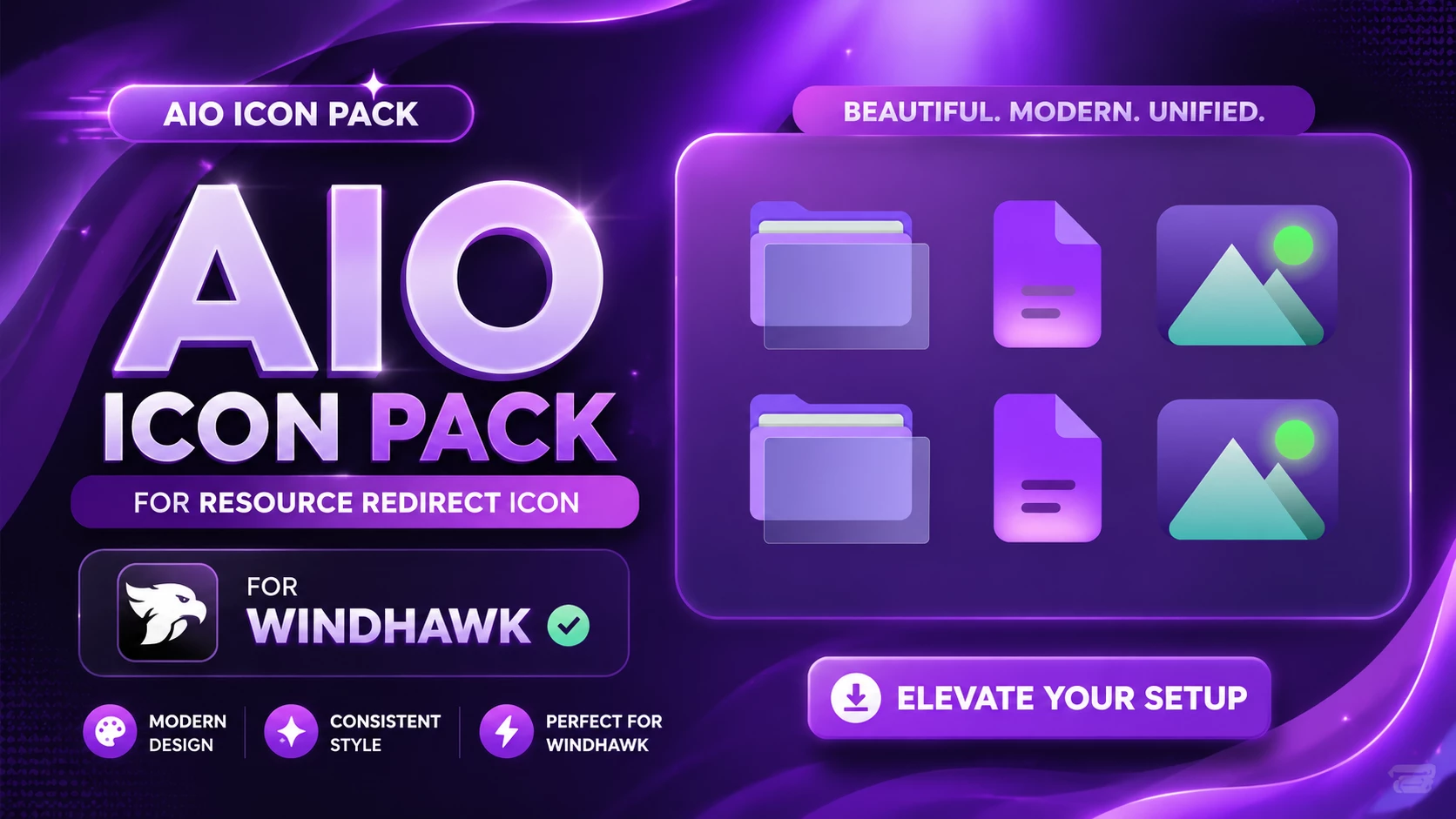
AIO Icon Pack (Resource Redirect) for Windhawk – Modern Unified Icons
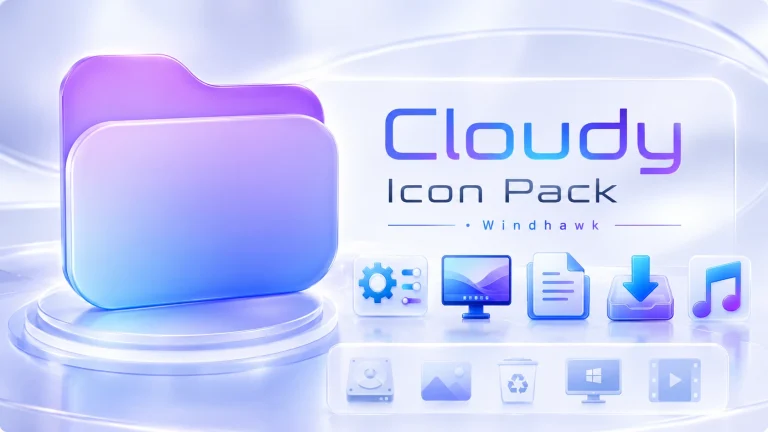
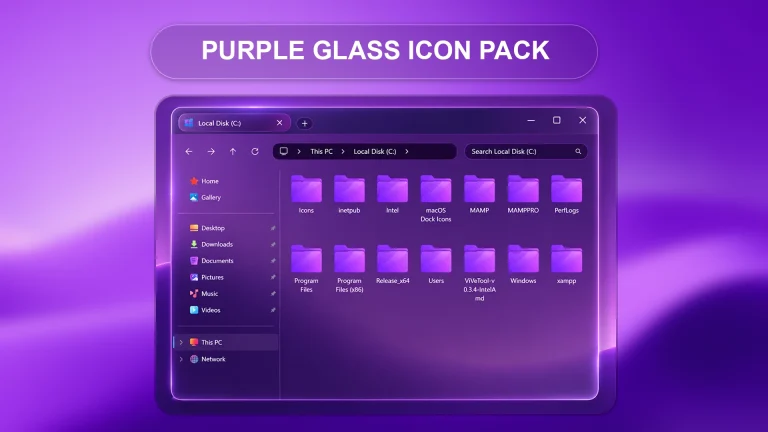
Transform your Windows desktop into a sleek and visually stunning workspace with the AIO Icon Pack ( Resource Redirect ). Designed specifically for users who love desktop customization, this icon pack delivers a beautiful combination of modern aesthetics, clean gradients, and a unified interface style that perfectly complements advanced Windows setups..
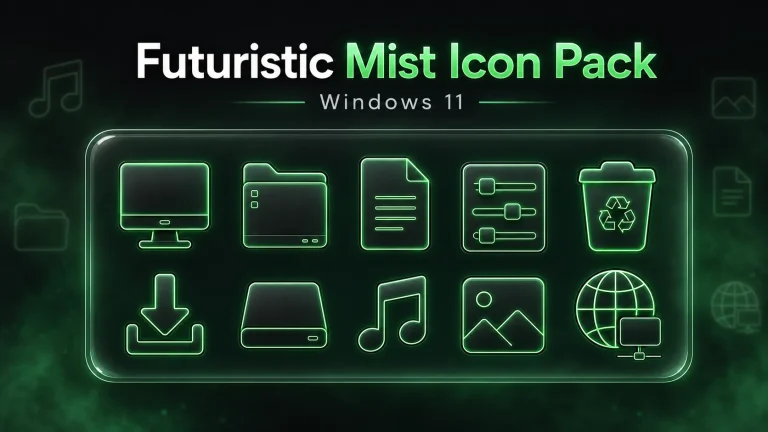
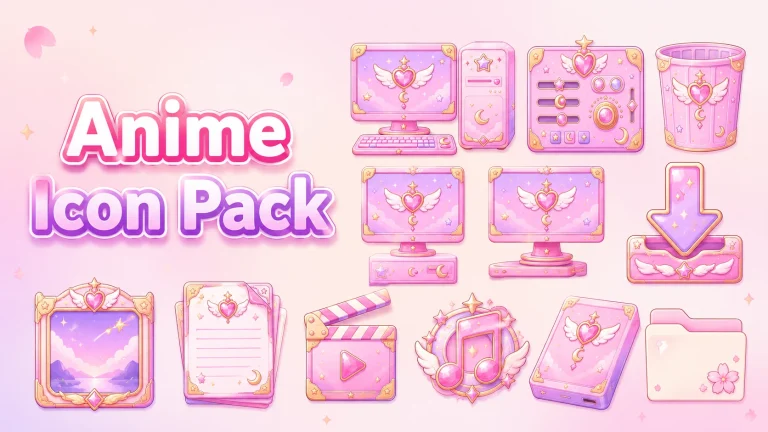
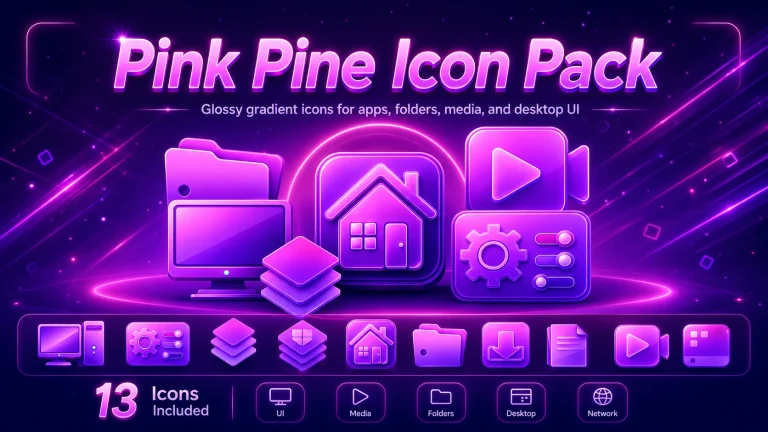
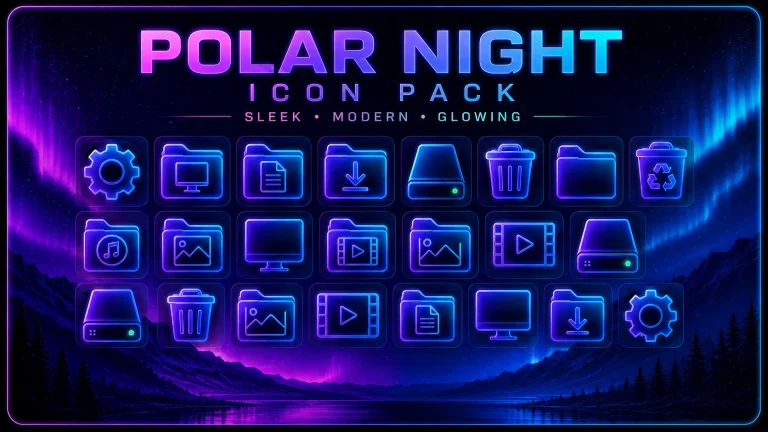
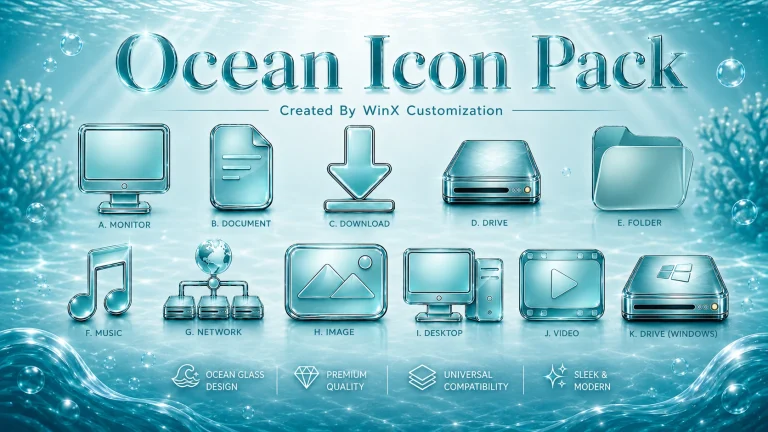
Built for seamless integration with Windhawk using the Resource Redirect method, the icon pack replaces outdated default system visuals with stylish modern icons that create a premium desktop experience. Every icon is carefully crafted to maintain consistency, clarity, and elegance across folders, files, and image resources.Whether you are building a futuristic gaming setup, a minimal productivity workspace, or a neon-inspired desktop theme, the AIO Icon Pack ( Resource Redirect ) helps your system look polished and professional..
Features of AIO Icon Pack ( Resource Redirect )
One of the standout features of the AIO Icon Pack ( Resource Redirect ) is its fully unified visual language. Unlike traditional icon packs that mix different styles, this collection focuses on consistency and modern UI aesthetics.
- Beautiful modern icon design
- Unified and consistent visual style
- Perfect compatibility with Windhawk
- Optimized for Resource Redirect
- High-quality folder and file icons
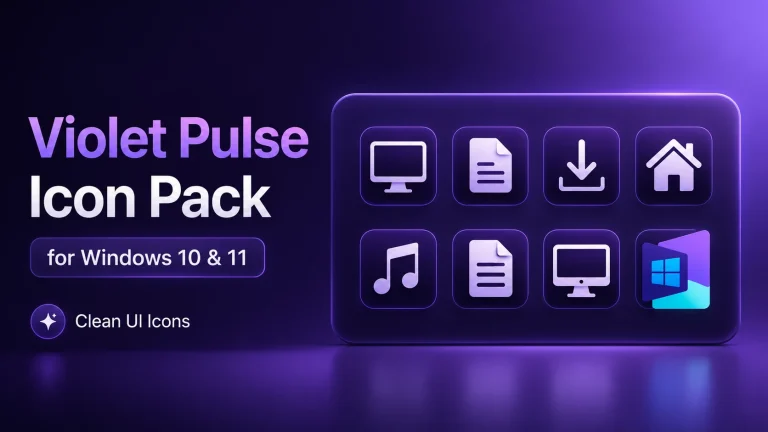
- Stylish purple neon aesthetic
- Lightweight and easy to use
- Ideal for Windows desktop customization
Perfect for Windhawk Users
The AIO Icon Pack ( Resource Redirect ) is specially designed for Windhawk, making installation and customization easier for advanced Windows users.Using the Resource Redirect method allows the icon pack to integrate smoothly into your desktop environment while maintaining performance and stability. The result is a clean and professional UI upgrade without unnecessary system overhead
- Windows customization enthusiasts
- Minimal desktop lovers
- Gaming setups
- Productivity workspaces
- Streamer desktop aesthetics
- Modern UI transformations
This method is:
- Safe No system damage risk
- Reversible Easily restore default icons
- Flexible Supports full customization
- Windows 11 Operating System
- Windhawk Installed
- Resource Redirect Mod Enabled
- Basic File Path Knowledge
How to Install Icon Pack (Step-by-Step)
- Download and install Windhawk
- Enable the Resource Redirect mod inside Windhawk
- Download the Icon Pack ZIP file
- Extract the icon pack to a folder on your system
- Copy the folder path and paste it into Resource Redirect settings
- Apply changes and restart Windows Explorer
For a detailed guide, you can also check:
What’s Included in the Pack?
- Icon Pack (Full System Icons Set)
- Resource Redirect Compatible Files
- Ready-to-use configuration setup
AIO Icon Pack 18MB
DownloadFAQ – Icon Pack
Is This Icon Pack safe to use?
Yes, it is completely safe when used with Windhawk Resource Redirect because it does not modify system files.
Does it work on Windows 11?
Yes, the icon pack is fully optimized for Windows 11 systems.
Can I revert back to default icons?
Yes, simply disable Resource Redirect or remove the configuration to restore default icons.
Conclusion
The AIO Icon Pack ( Resource Redirect ) is the perfect choice for users who want a clean, modern, and visually unified desktop experience. Designed specifically for Windhawk and optimized for Resource Redirect, this icon pack delivers premium-quality visuals with a stylish neon-inspired aesthetic that transforms the overall appearance of your Windows setup.