

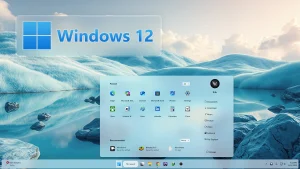
Windows 12 Style New Start Menu
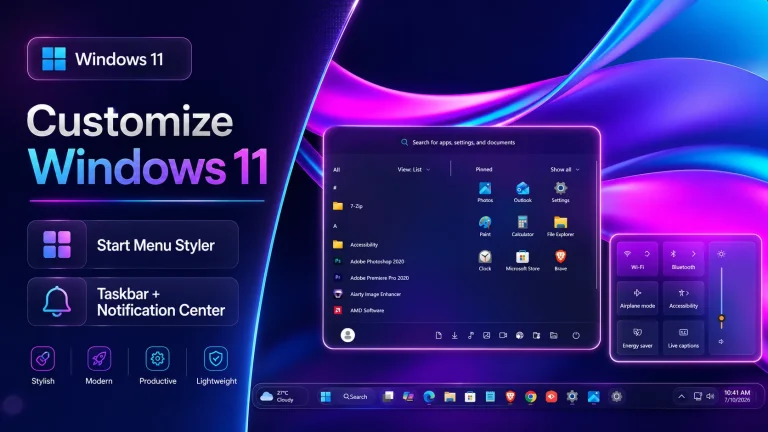
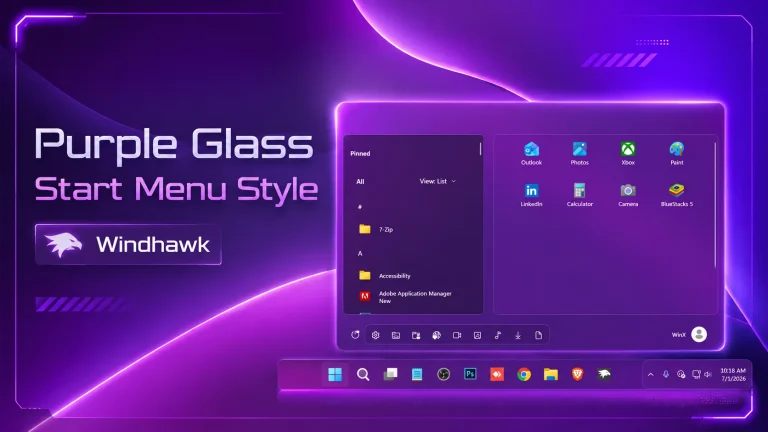
Windows 12 Style New Start Menu : The Windows 12 All-New Start Menu for Windhawk brings a futuristic redesign to your Windows 11 system, blending innovation with elegance.

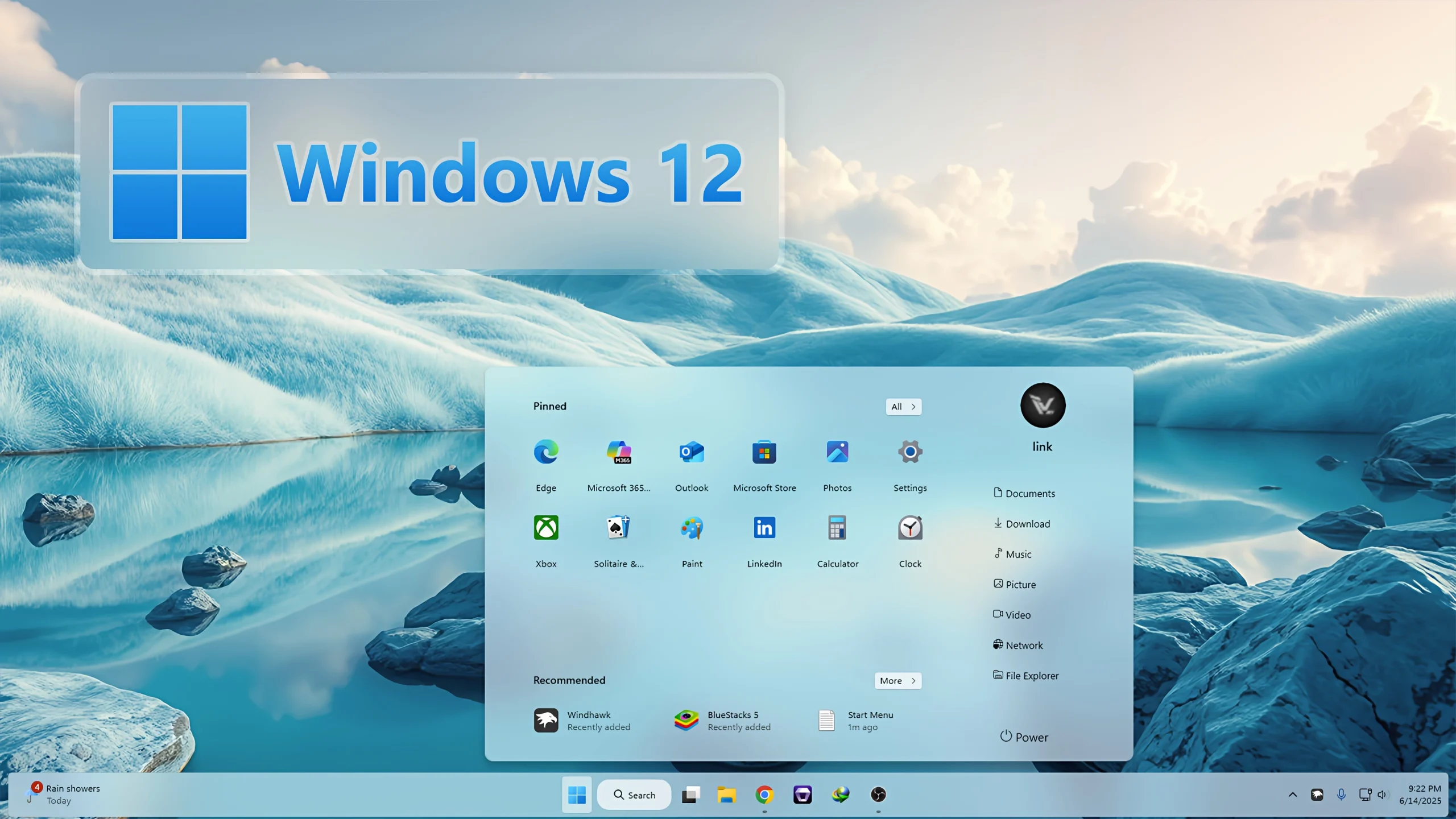
Windows 12 Style New Start Menu Windhawk
If you want to give your Windows 11 desktop a fresh and modern appearance, the Windows 12 Style New Start Menu Windhawk customization is an excellent choice. Inspired by Microsoft’s latest design concepts, this Start Menu style brings a sleek, elegant, and futuristic interface to your Windows experience. With smooth transparency effects, refined layouts, modern icons, and improved visual aesthetics, this customization can completely transform the way your Start Menu looks and feels.
The Windows 12 Style New Start Menu Windhawk mod is designed for users who enjoy desktop customization and want their Windows 11 system to resemble the next generation of Windows. Whether you are a casual user, content creator, gamer, or customization enthusiast, this style provides a clean and premium look without sacrificing usability.
Modern Windows 12 Inspired Design
This Start Menu style takes inspiration from the modern design language expected in Windows 12. The interface features rounded corners, elegant transparency, balanced spacing, and a polished layout that feels both modern and professional. Every element has been carefully designed to provide a seamless user experience while maintaining the familiar functionality of the Windows Start Menu.
The clean visual presentation helps reduce clutter and makes navigation easier. Applications, shortcuts, and pinned items are displayed in an organized manner, allowing users to access their favorite tools quickly and efficiently.
Why Choose Windows 12 Style New Start Menu Windhawk?
One of the biggest advantages of this customization is its ability to modernize Windows 11 instantly. Instead of using the default Start Menu design, you can enjoy a refreshed interface that feels more futuristic and visually appealing.
- Beautiful Windows 12 inspired design
- Smooth acrylic and transparency effects
- Clean and organized layout
- Enhanced visual experience
- Easy installation using Windhawk
- Compatible with modern Windows 11 builds
- Professional and elegant appearance
- Windows 11 21H2: May work, but not recommended for the best experience
- 22H2 YES
- 22H3 YES
- 24H2 YES
- Windows 11 25H2: YES work, but test carefully after Windows updates
- Download & Install windhawk.
- install & Open the Windows 11 Start Menu Styler mod in Windhawk.
- Go to the “Advanced” tab.
- Copy the content below to the text box under “Mod settings” and click “Save”.
Win12 3KB
Download


Clearly, I thank for the help in this question.