

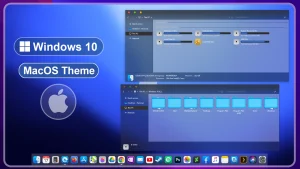
macOS-Inspired Theme for Windows 10
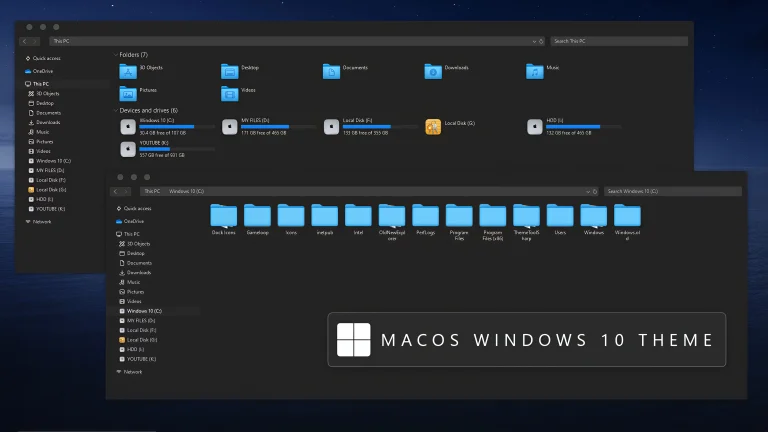
MacOS Theme For Windows 10:The macOS Theme for Windows 10 transforms your PC into a stunning Apple-like experience with incredible attention to detail.

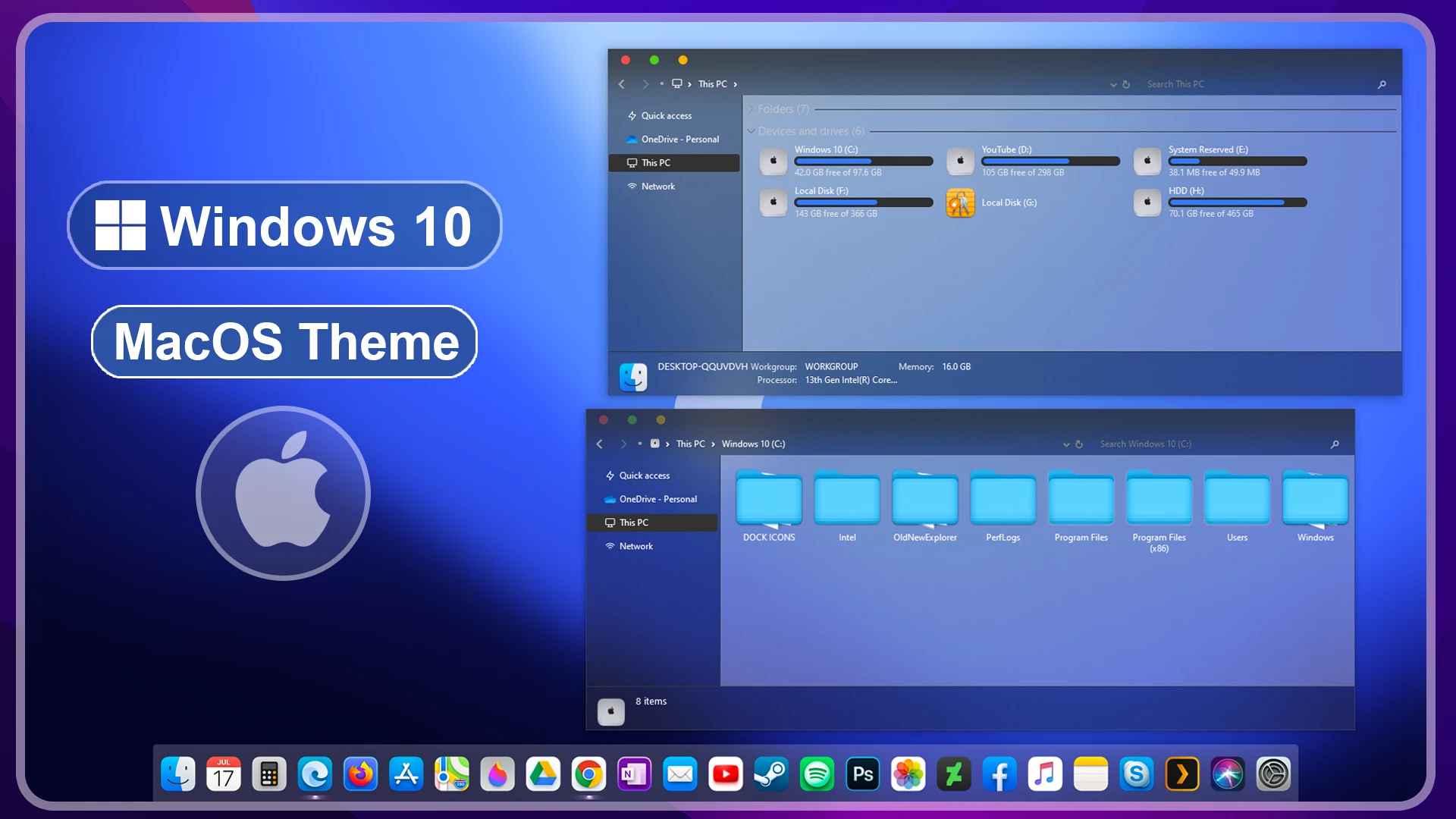
macOS-Inspired Theme for Windows 10 – Clean Desktop Style
The macOS-Inspired Theme for Windows 10 is designed for users who prefer a cleaner and more organized desktop appearance. Inspired by the visual style of macOS, this theme brings soft blue tones, rounded interface elements, and a minimal desktop layout while keeping the original Windows 10 system, applications, and workflow unchanged.
The macOS Theme for Windows 10 gives the desktop a macOS-inspired appearance with custom Explorer styling, a dock-style layout, smooth gradients, and a balanced mix of dark and light interface elements. Together, these changes give Windows 10 a cleaner and more coordinated visual style while keeping the familiar Windows environment underneath.
This is a visual customization theme only. It does not install macOS or replace Windows features. It is created for users who enjoy experimenting with desktop designs and want to give their Windows 10 environment a more minimal and polished appearance.
Key Features
- macOS-inspired visual style for Windows 10
- Clean desktop appearance with soft colors
- Customized Explorer and interface elements
- Minimal layout with modern visual details
- Works well with matching wallpapers and icon packs
- Suitable for organized and creative desktop setups
Compatibility
- Only Windows 10
- Windows 11 is not supported
What Is Included in This?
- Windows 10 Theme Files
Optional Customization Tools
Installation Steps
- Download the theme package and extract the downloaded files.
- Install a compatible theme patcher such as SecureUxTheme if required for your Windows version.
- Copy the extracted theme files and theme folder to
C:\Windows\Resources\Themes. - Right-click on the desktop, open Personalize, go to the Themes section, and select the new theme to apply it.
- After the main theme is active, apply any optional icons, Explorer changes, or other customization resources separately if needed.
Theme Files
1 MB
Download
Frequently Asked Questions
Does this theme install macOS on Windows?
No. This is only a Windows 10 visual customization theme. Your operating system remains Windows.
Can I use this theme without extra customization tools?
Yes. Additional tools like icon packs or docks are optional and only used to enhance the overall appearance.
Will this work on Windows 11?
No. This theme is designed only for Windows 10 and is not supported on Windows 11.
Disclaimer
This independently created Windows customization theme is intended for personal desktop personalization purposes only. The term “macOS” is used only to describe the visual style inspiration. This is not an official Apple product, macOS release, or Apple-developed theme. It is not affiliated with, endorsed by, or sponsored by Apple Inc. or Microsoft Corporation. All trademarks belong to their respective owners.
Conclusion
The macOS-Inspired Theme for Windows 10 offers a clean and modern way to refresh the look of your desktop without changing how Windows works. Its soft colors, minimal layout, and macOS-inspired design make it a good option for users who enjoy simple and polished customization.
For the best experience, combine the theme with suitable wallpapers and optional icon customization while keeping your setup simple and consistent.
Disclaimer: All themes, visual styles, and concepts shared on this website are unofficial, fan-made creations built from imagination for customization purposes. We are not affiliated with, endorsed by, or sponsored by Microsoft or any other official brand.