

Gradient VS Windows 10 Theme
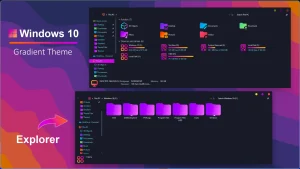
Gradient VS Windows 10 Theme :Gradient Windows 10 Theme offers a fresh, modern look for your desktop by replacing traditional flat colors with smooth, flowing gradients. This theme brings a sense of depth and style to your PC, enhancing the overall visual experience.

Gradient VS Windows 10 Theme
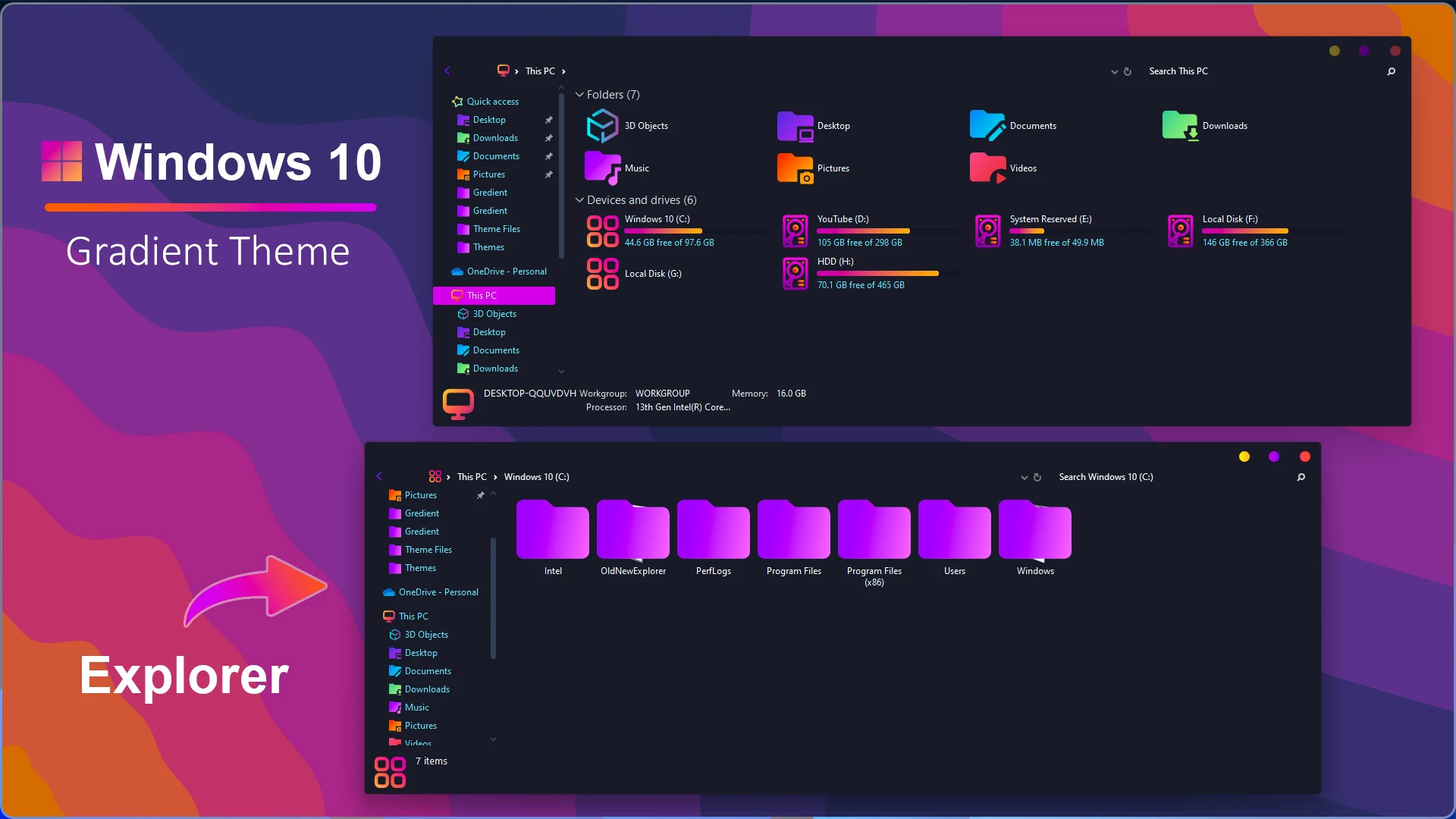
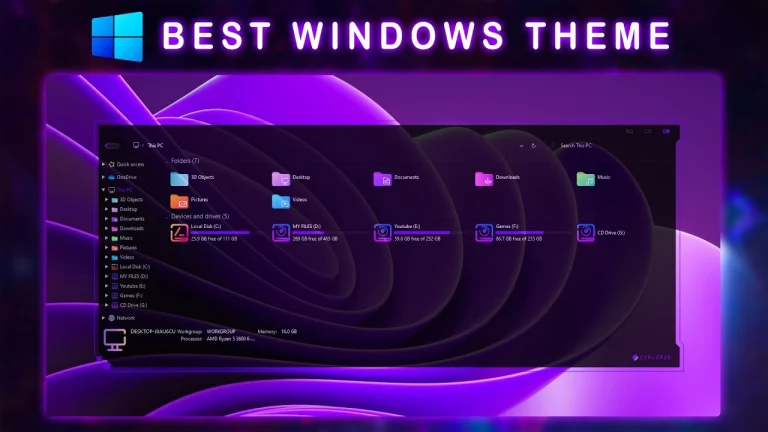
The Gradient VS Windows 10 Theme gives Windows 10 a more colorful appearance with a mix of purple, blue, orange, and darker tones. Instead of relying on a plain flat interface, the theme uses smooth color transitions and darker UI elements to create a more expressive desktop style.
The overall design combines gradient colors with a darker Windows interface, giving File Explorer, desktop elements, and other supported visual components a more coordinated appearance. The color transitions add more depth to the setup while keeping the familiar Windows 10 layout and workflow.
Gradient VS works well for users who prefer colorful desktop customization without changing the basic way Windows behaves. It can also be paired with matching wallpapers, icons, and other personalization tools to create a more consistent setup.
What Is Gradient VS Windows 10 Theme?
Gradient VS is a third-party visual style created for Windows 10. It changes supported interface elements through custom theme files and uses a gradient-based color palette instead of the standard Windows appearance.
The design focuses on colorful accents, darker interface sections, and a cleaner overall visual style while keeping the normal Windows desktop environment underneath.
Key Features
- Gradient-based Windows 10 visual style
- Purple, blue, orange, and dark color combination
- Customized File Explorer and desktop appearance
- Dark interface elements with colorful accents
- Works well with matching wallpapers and icon packs
- Designed for users who prefer a more personalized Windows 10 setup
System Requirements
- Windows 10
- A compatible third-party theme patching method, if required by your Windows build
- Gradient VS theme files
- A Windows System Restore Point before applying system-level visual changes
What Is Included?
- Gradient VS Windows 10 Theme files
- Icon Pack
Optional Customization Tools
The following tools may be useful depending on how much of the complete desktop setup you want to reproduce. They are separate from the main theme files.
How to Install Gradient VS Windows 10 Theme
- Create a Windows System Restore Point before making any theme-related changes.
- Download the Gradient VS Windows 10 Theme package and extract the files.
- Set up a compatible third-party theme patching method such as SecureUxTheme if your system requires it.
- Copy the included theme file and matching theme folder to
C:\Windows\Resources\Themes. - Right-click the desktop and open Personalize.
- Go to Themes and select the Gradient VS theme.
- Apply any additional resources included with the package separately if you want to use them.
Third-party Windows themes can behave differently across Windows 10 builds, so applying the main theme first and adding optional customization components afterward makes troubleshooting easier.
Gradient VS Windows 10 Theme8MB
Download How to Remove Gradient VS Windows 10 Theme
- Open Windows Settings and go to Personalization > Themes.
- Select a default Windows theme or another installed theme.
- Delete the Gradient VS theme files from
C:\Windows\Resources\Themesif you no longer need them. - Restore or remove any separately applied icon pack or Explorer customization if you used one.
- If you installed a theme-patching tool only for this setup, restore its settings according to that tool’s instructions before uninstalling it.
- Restart Windows Explorer or restart the PC if some visual elements do not refresh immediately.
Disclaimer
Gradient VS is an unofficial third-party Windows customization theme. It is not affiliated with, endorsed by, or sponsored by Microsoft. Third-party themes can modify the appearance of Windows system interface elements, and compatibility may change after Windows updates. Create a System Restore Point before applying the theme and keep a backup or recovery option available.
Final Thoughts
Gradient VS Windows 10 Theme gives the desktop a more colorful identity without changing the familiar Windows 10 workflow. Its mix of purple, blue, orange, and dark interface elements creates a noticeably different appearance while keeping the desktop easy to use.
The theme can be used on its own or paired with matching wallpapers and icons for a more coordinated setup. Adding optional customization tools gradually is the safer approach, especially if you want to keep troubleshooting simple.
Frequently Asked Questions
What is Gradient VS Windows 10 Theme?
It is a third-party Windows 10 visual style that changes supported interface elements using custom theme files and a gradient-based color design.
Do I need SecureUxTheme?
A compatible third-party theme patching method may be required to apply custom Windows visual styles. Whether SecureUxTheme is suitable depends on your Windows version and setup.
Do I need 7TSP or OldNewExplorer?
Not necessarily. They are optional tools for additional icon or Explorer customization and are separate from the main Gradient VS theme.
Can Windows updates affect the theme?
Yes. Windows updates can change interface resources or theme behavior, so some parts of a third-party visual style may stop working correctly after an update.
Can I return to the default Windows 10 appearance?
Yes. Apply a default Windows theme from Personalization and restore any separately installed icon or Explorer customizations.
Disclaimer: All themes, visual styles, and concepts shared on this website are unofficial, fan-made creations built from imagination for customization purposes. We are not affiliated with, endorsed by, or sponsored by Microsoft or any other official brand.