Clean Apex Start Menu & Taskbar Style ( Windhawk )
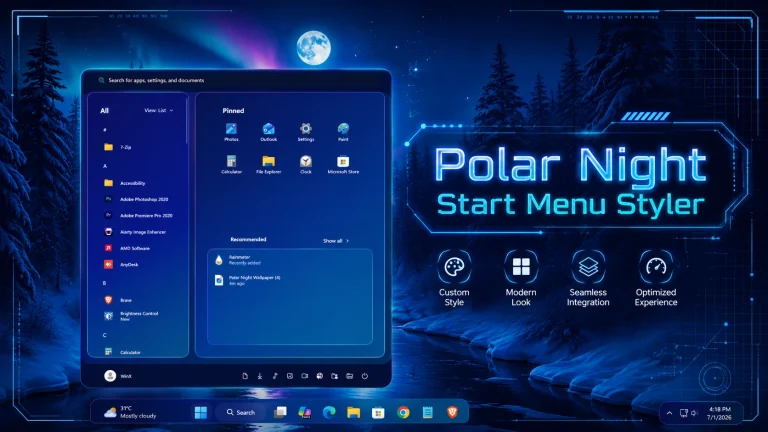
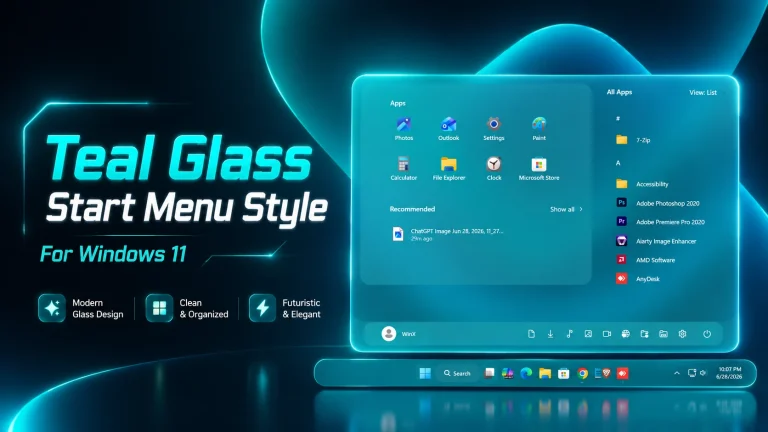
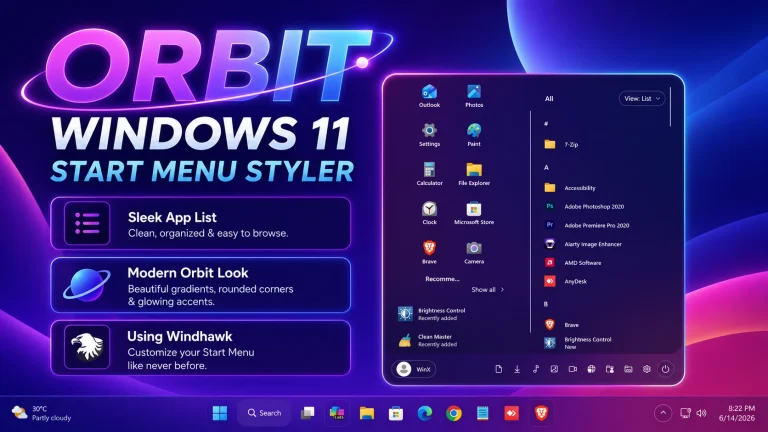
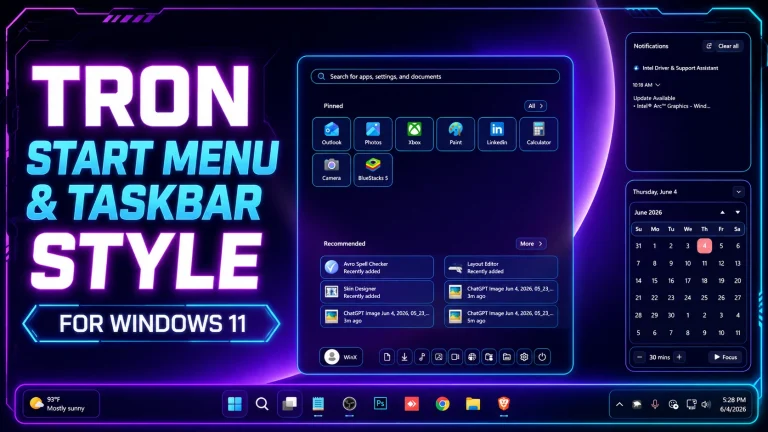
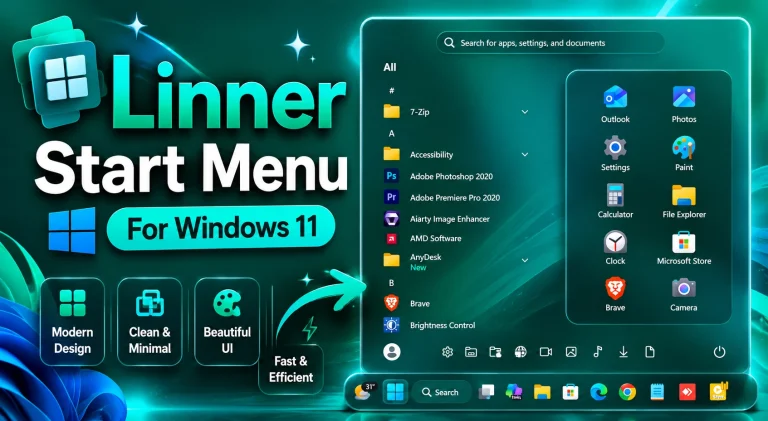
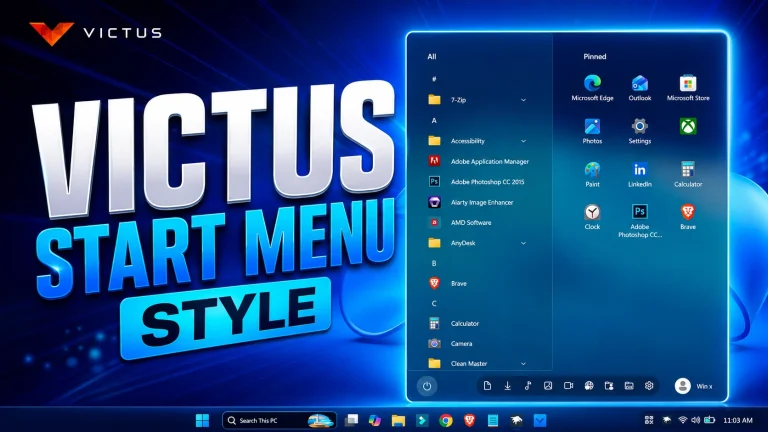
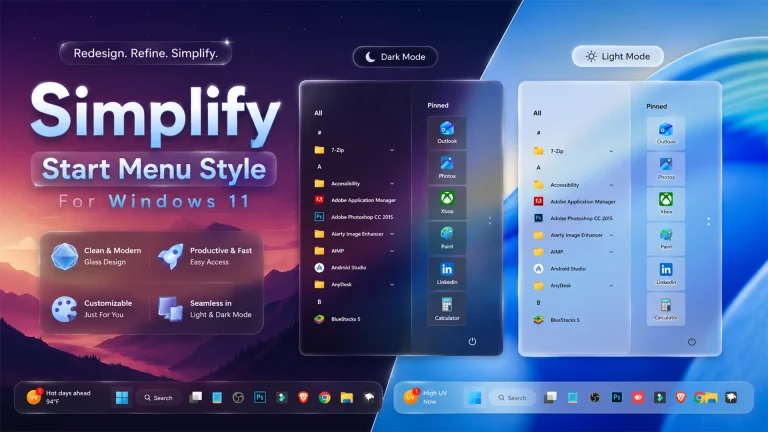
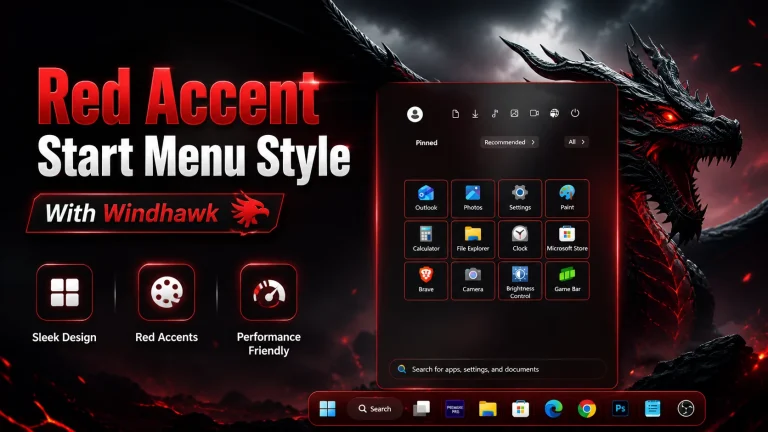
Apex Start Menu & Taskbar Style ( Windhawk ) : Apex Start Menu & Taskbar Style for Windows 11 is a modern and minimal customization preset built with Windhawk. It features smooth transparency, clean spacing, sharp icons, and a premium glass-inspired design. Lightweight and easy to apply, Apex transforms your default Start Menu and Taskbar into a stylish, professional desktop experience without affecting system performance.

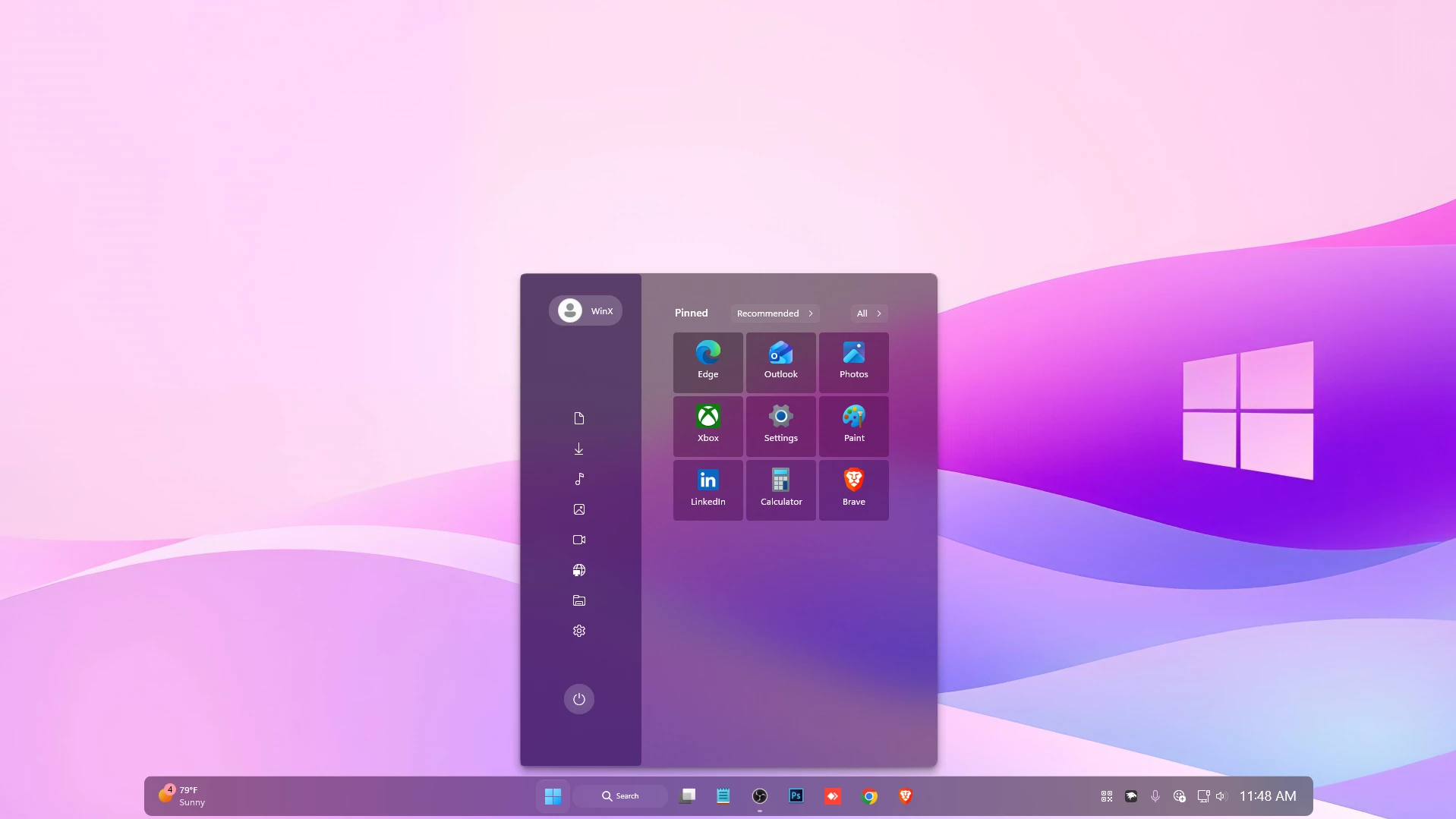
Apex Start Menu & Taskbar Style (Windhawk) for Windows 11
Apex Start Menu & Taskbar Style (Windhawk) is a premium Windows 11 customization designed for users who want a cleaner, sharper, and more modern desktop experience. This stylish Windhawk theme transforms the default Windows 11 Start Menu and Taskbar into a refined interface with elegant transparency, balanced spacing, and a polished visual appearance. Whether you are a customization enthusiast, productivity-focused user, or someone who simply wants a better-looking desktop, Apex Start Menu & Taskbar Style (Windhawk) delivers a fresh and professional design that enhances the overall Windows experience.
What Is Apex Start Menu & Taskbar Style (Windhawk)?
Apex Start Menu & Taskbar Style (Windhawk) is a custom visual style created specifically for the Windhawk customization platform. It modifies the appearance of the Windows 11 Start Menu and Taskbar, giving them a sleek and contemporary design. The style focuses on visual clarity, smooth transparency effects, elegant layouts, and a premium desktop aesthetic that complements modern Windows setups.
Modern and Professional Desktop Appearance
One of the standout features of Apex Start Menu & Taskbar Style (Windhawk) is its modern visual presentation. The style introduces a sophisticated interface that blends beautifully with Windows 11. Carefully adjusted transparency, clean edges, and improved visual balance help create a desktop environment that feels both professional and stylish. Users who appreciate minimalist design will find this customization particularly appealing.
Enhanced Start Menu Design
The Start Menu is one of the most frequently used elements in Windows 11, and Apex Start Menu & Taskbar Style (Windhawk) significantly improves its appearance. The design creates a more organized and visually pleasing Start Menu while maintaining full functionality. Pinned applications, recommendations, and search components remain easy to access while benefiting from a refreshed modern layout.
Elegant Taskbar Customization
Apex Start Menu & Taskbar Style (Windhawk) also enhances the Windows 11 Taskbar with a cleaner and more refined look. The Taskbar gains improved transparency effects, smoother visual integration, and a premium aesthetic that matches the customized Start Menu. This creates a unified desktop experience where every component feels carefully designed and visually consistent.
Perfect for Windows Customization Enthusiasts
- Clean and modern desktop design.
- Premium transparency effects.
- Refined Start Menu appearance.
- Enhanced Taskbar styling.
- Compatible with Windows 11 customization setups.
- Easy integration with Windhawk.
- Professional and minimalist visual aesthetic.
- Suitable for productivity and gaming desktops.
- 21H2 Yes
- 22H2 Yes
- 22H3 Yes
- 24H2 Yes
- 25H2 Yes
- Windhwak Start Menu Mods
- Windhwak Taskbar Mods
- Windhwak Taskbar Size Mods
- Wallpapers
Google Drive 727kb
Download