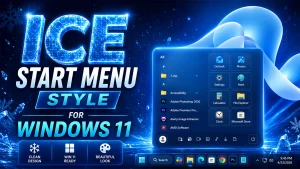
Amazing Ice Start Menu Style For Windows 11
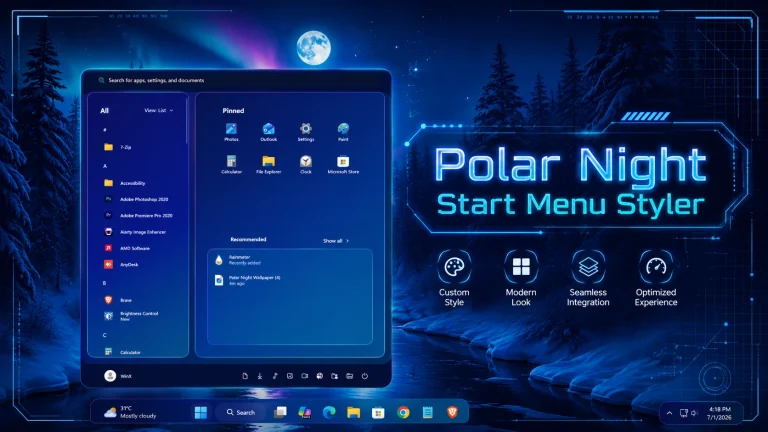
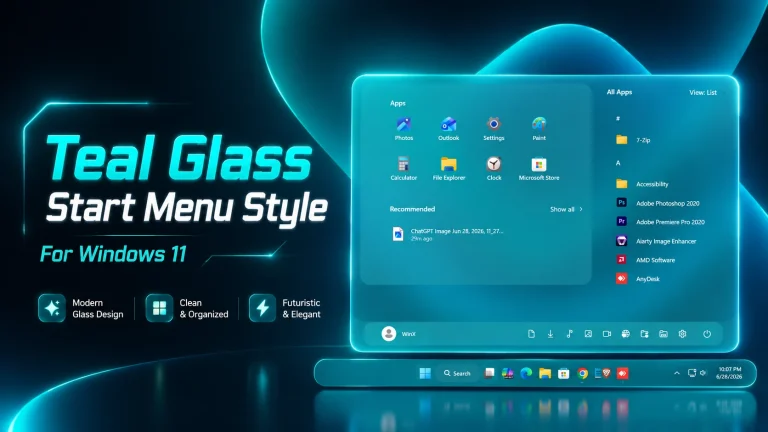
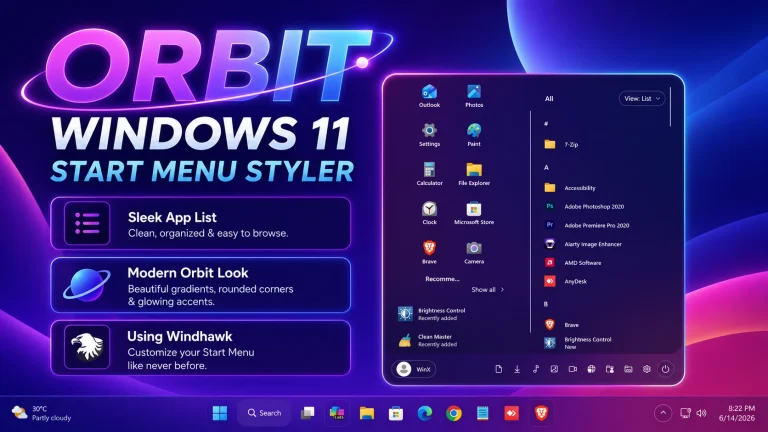
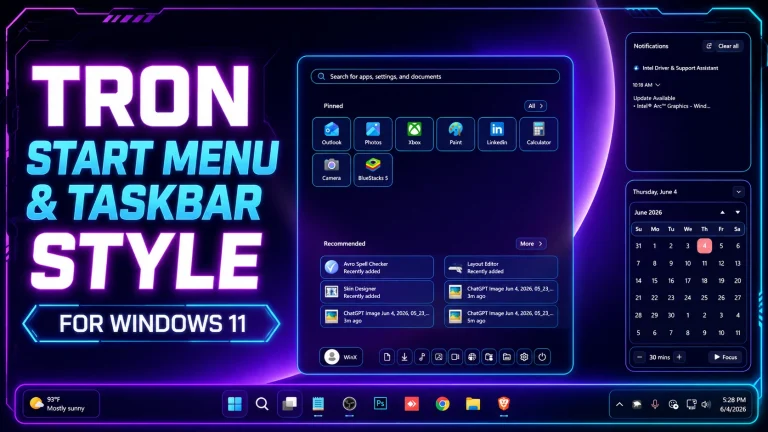
Ice Start Menu Style For Windows 11 offers a clean, frosted glass UI with glowing blue effects. Transform your desktop with this modern and aesthetic Start Menu design

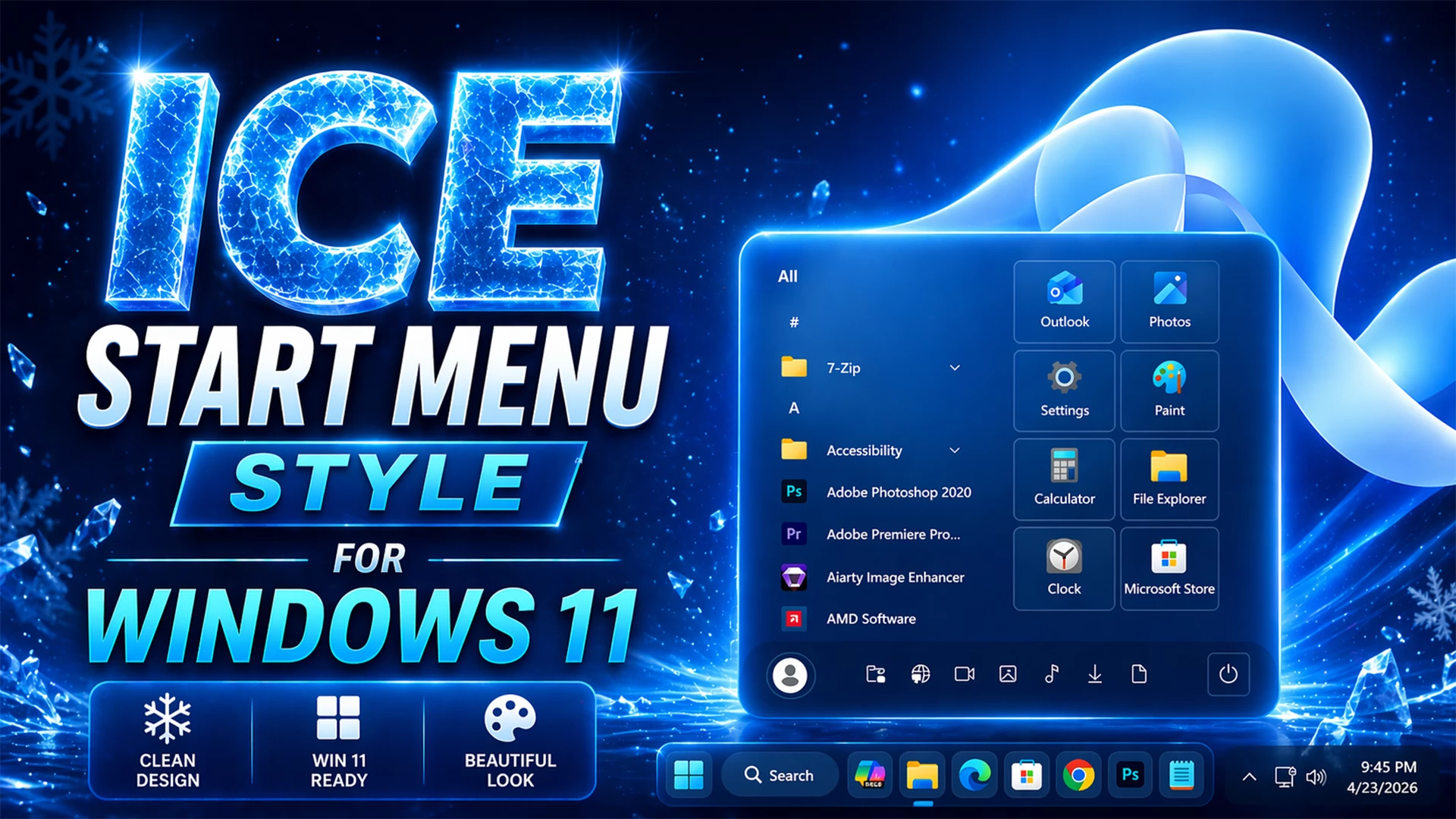
Ice Start Menu & Taskbar Styler – Amazing Glass Customization
Transform your desktop into a futuristic icy masterpiece with the Ice Start Menu Style For Windows 11. This visually stunning customization brings a cool, glassy, and crystal-inspired interface that perfectly blends with the modern aesthetics of Windows 11. If you’re looking for a clean, premium, and eye-catching desktop setup, this Ice Start Menu Style is the perfect choice..
The Ice Start Menu Style For Windows 11 features a beautifully designed transparent Start Menu with glowing edges, smooth blur effects, and a frosty blue color palette. Inspired by ice textures and neon lighting, this setup enhances your system’s appearance while maintaining full usability and performance..
Why Choose Ice Start Menu Style For Windows 11?
The main highlight of the Ice Start Menu Style For Windows 11 is its unique glassmorphism design combined with a cold, minimal UI. The Start Menu looks more modern, organized, and visually appealing compared to the default Windows layout..
- Windows customization lovers
- YouTube setup showcase creators
- Minimal and clean UI fans
- Smooth animations effects
- Fully customizable colors and transparency
- Lightweight customization using Windhawk
Features of Ice Start Menu Style For Windows 11
How Ice Start Menu Style Improves Your Desktop
The Ice Start Menu Style For Windows 11 not only enhances visual appeal but also improves your overall desktop experience. The clean layout helps you access apps faster, while the smooth UI effects create a premium feel.This setup is lightweight, responsive, and designed for both performance and beauty. Whether you are working, gaming, or creating content, this style gives your PC a next-level look.
- Windows 11 installed
- Windhawk software
- Basic knowledge of Windows customization
- Download and install Windhawk
- Open Windhawk and install the Windows 11 Start Menu Styler mod
- Go to the Advanced tab
- Paste the provided configuration code into the “Mod settings” box
- Click Save to apply the style
- For more details, visit this GitHub guide
- Windhawk Start Menu configuration
- Taskbar customization settings
- Taskbar height and icon styling tweaks
- Notification center Style
Mods File 2MB
DownloadFinal Thoughts
If you want a modern, stylish, and ultra-clean desktop, the Ice Start Menu Style For Windows 11 is a must-try customization. With its glowing ice effects and smooth UI design, it delivers a perfect balance of aesthetics and functionality.Upgrade your Windows 11 experience today with this amazing Ice Start Menu Style and stand out with a unique desktop setup..