Amazing Vitra Start Menu Style For Windows 11
Upgrade your desktop with the Vitra Start Menu Style for Windows 11. Enjoy a stunning glass UI, transparent Start Menu, and a clean modern design using Windhawk.

Vitra Start Menu Style For Windows 11 Overview
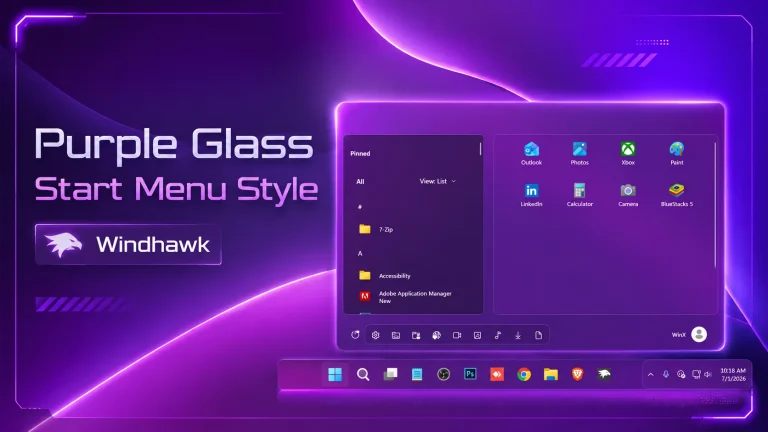
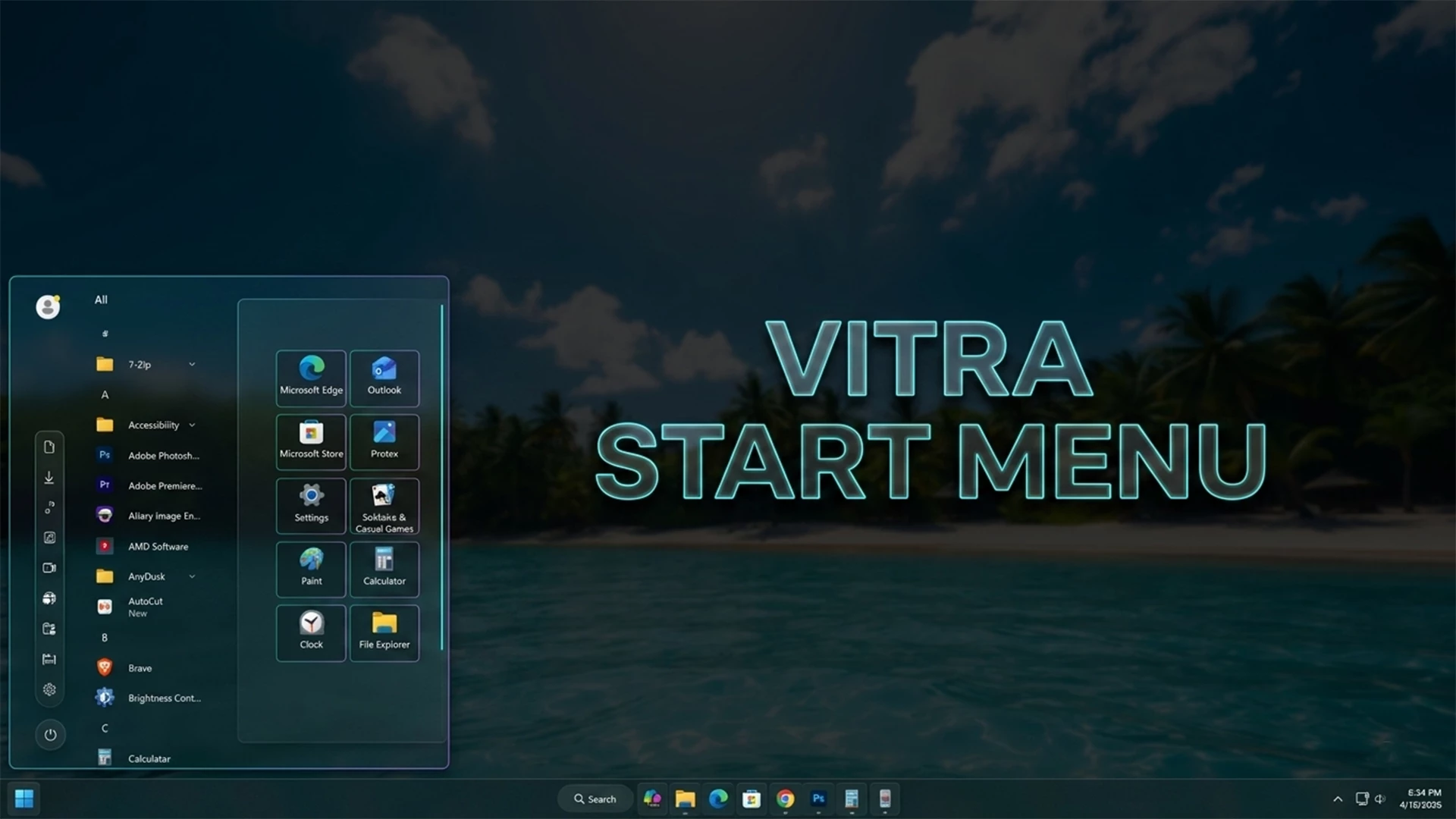
The Vitra Start Menu Style For Windows 11 is an amazing customization that transforms your desktop into a modern and elegant workspace. It combines a transparent glass interface with a clean layout, making your system look premium and visually appealing.This setup features a stunning glass Start Menu with smooth blur effects and soft transparency. The design blends perfectly with your wallpaper, creating a beautiful depth effect that enhances your desktop experience.The Start Menu layout is simple and well-organized. Pinned apps are displayed in a clean grid, allowing quick and easy access to essential tools without clutter.The transparent taskbar matches perfectly with the Start Menu. Centered icons and minimal design give your Windows 11 system a professional and modern UI look..
One of the highlights of the Vitra Start Menu Style For Windows 11 is its aesthetic background. The tropical wallpaper adds a fresh and relaxing vibe, making your desktop more enjoyable for daily use.This customization is powered by Windhawk Start Menu mod, a lightweight tool that allows advanced styling. You can easily adjust transparency, blur effects, and layout according to your preference.
This entire customization is powered by Windhawk Start Menu mod, a lightweight and powerful tool that allows you to apply advanced styling without modifying core system files. With Windhawk, you can easily adjust transparency levels, tweak blur intensity, and personalize the Start Menu to match your exact preference. Whether you are a beginner or an advanced user, setting up the Vitra Start Menu Style is simple and efficient.If you are searching for Windows 11 glass theme, Vitra Start Menu Style, transparent taskbar Windows 11, or best desktop customization 2026, this setup is a perfect choice. It not only enhances the visual appeal of your PC but also improves your workflow with a clean and organized interface.Bring a fresh and modern vibe to your system with the Vitra Start Menu Style For Windows 11. Experience a perfect blend of beauty and performance, and turn your desktop into a relaxing, stylish workspace that stands out from the default Windows design.
- Windows 11 21H2: May work, but not recommended for the best experience
- Windows 11 22H2: May work, but compatibility can vary
- Windows 11 23H2: Recommended
- Windows 11 24H2: Recommended
- Windows 11 25H2: YES work, but test carefully after Windows updates
- Windhwak Start Menu Mods
- Windhwak Taskbar Mods
- Windhwak Taskbar Hight & Icon Mods
- Wallpapers
- Download & Install windhawk.
- install & Open the Windows 11 Start Menu Styler mod in Windhawk.
- Go to the “Advanced” tab.
- Copy the content below to the text box under “Mod settings” and click “Save”.
Zip File 2MB
DownloadFinal Thoughts on Vitra Start Menu Style For Windows 11.The Vitra Start Menu Style For Windows 11 is one of the best customization options available for modern desktop lovers. It delivers a perfect mix of beauty, simplicity, and performance.If you want a clean, transparent, and professional Windows 11 UI, this style is definitely worth trying.Upgrade your desktop today and enjoy a fresh, elegant, and distraction-free experience with this stunning glass design..