New Modern Windows 11 Theme
New Modern Windows 11 Theme : New Modern Windows 11 Theme is a sleek and futuristic customization pack designed to elevate your desktop experience with a refined

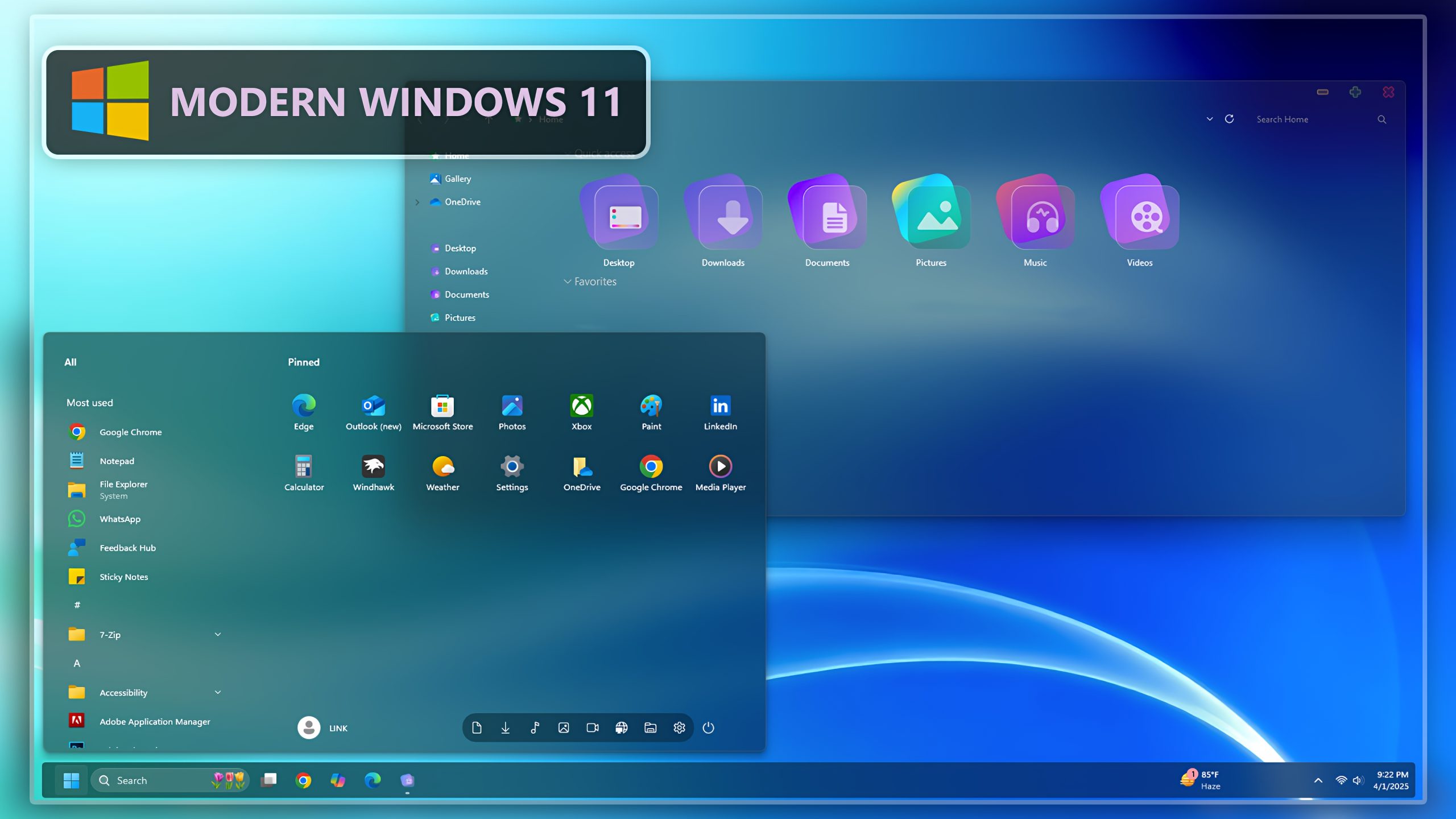
Modern Windows 11 Theme
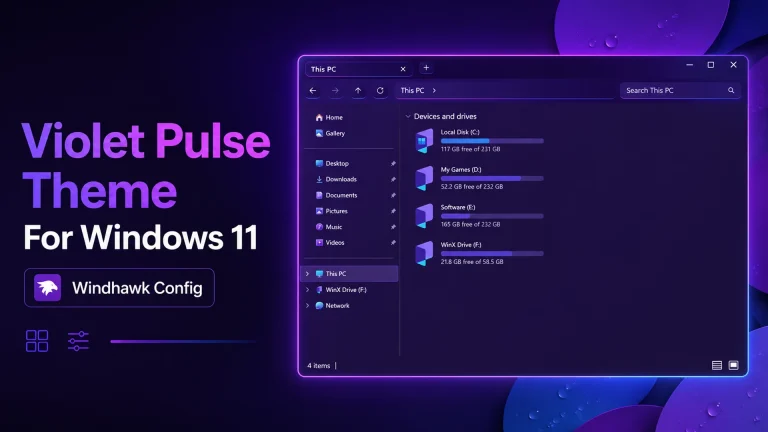
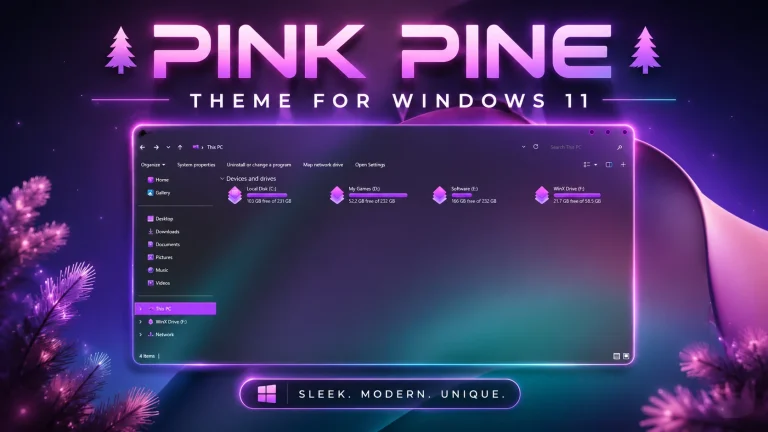
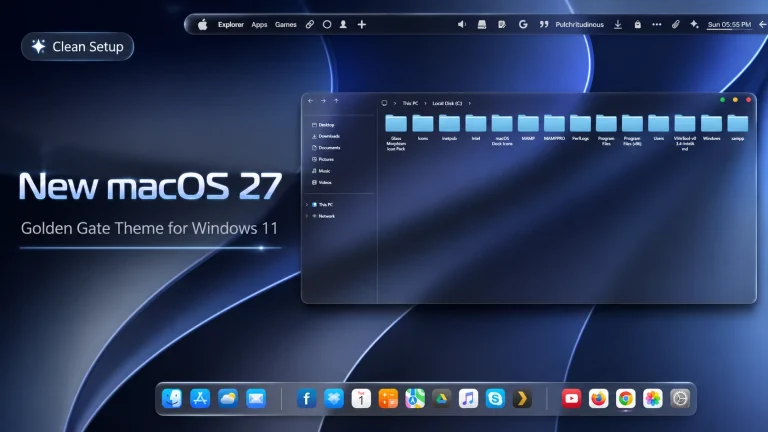
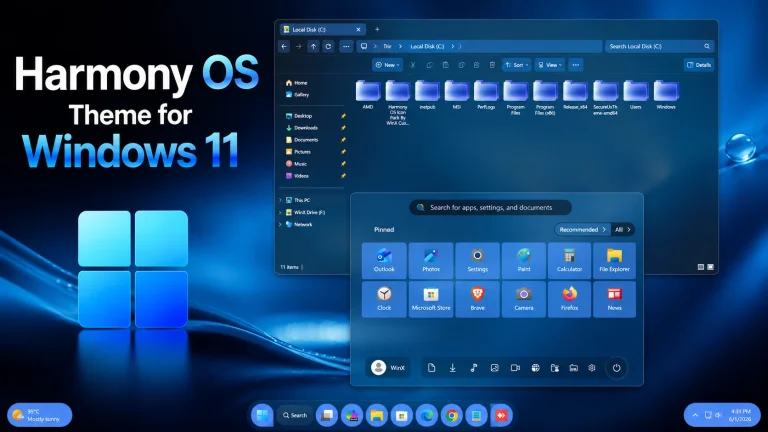
Modern Windows 11 Theme is a stylish desktop customization pack made for users who want to give their Windows 11 setup a clean, premium, and updated look. This theme is designed with a modern UI style, smooth visual elements, matching wallpaper, and useful Windhawk mods to make the desktop feel more refined. If you want your PC to look more attractive without moving away from the familiar Windows 11 experience, Modern Windows 11 Theme can be a great choice.
Many users like Windows 11 because of its rounded corners, centered taskbar, and clean interface. However, after using the same default design for a long time, the desktop can feel a little ordinary. This Modern Windows 11 Theme helps refresh the overall look of your system with a more polished and personal style. It is suitable for daily work, study, browsing, gaming, content creation, and desktop setup showcases.
The theme focuses on a balanced design. It is not too heavy, not too colorful, and not too complicated. Instead, it gives your Windows 11 desktop a simple but premium appearance. With the included theme files, Windhawk mods, and wallpaper, you can create a desktop setup that feels smooth, organized, and visually comfortable.
Why Choose Modern Windows 11 Theme?
Modern Windows 11 Theme is a good choice for users who want a simple upgrade from the default Windows 11 look. Instead of completely changing the system style, it improves the appearance with a cleaner and more polished visual setup. This makes the theme easy to use for both beginners and experienced customization users.
This theme is also useful for YouTube creators, desktop customization bloggers, and users who like to share their PC setups online. A modern Windows desktop can make screenshots, screen recordings, and tutorial videos look more professional. With the right wallpaper and mods, your desktop can look unique and eye-catching.
What is Included in This Theme Pack?
- Windows 11 Theme
- Windhawk Mods
- Wallpaper
The included theme file is used to apply the main visual style. The Windhawk mods can help improve or adjust parts of the Windows interface, depending on the style you want to create. The wallpaper completes the theme and gives your desktop a more finished appearance.
Recommended Tools and Download Links
These tools can help you create a more complete Modern Windows 11 Theme setup. The Theme Tool is used for applying third-party Windows themes. The Icon Pack and 7TSP GUI can help change the default Windows icons. StartAllBack is useful for Start menu and taskbar customization, while Blur Mica can improve the File Explorer appearance with a more modern effect.
Always use these tools carefully and download them from trusted sources. Since third-party customization tools can change system visuals, it is better to follow proper instructions and keep a restore point before applying any major changes.
Installation Steps
- I recommend creating a restore point before starting your customization.
- This third-party theme will only work if you install a compatible Theme Patcher or Theme Tool.
- If you are new to customization, follow a proper Windows custom theme installation guide before applying the theme.
- Apply the Windhawk mods carefully according to the style you want to use.
- Theme support: Windows 11
Before installing Modern Windows 11 Theme, create a system restore point. This is an important safety step because it allows you to return your computer to its previous condition if anything does not work correctly. A restore point is always recommended before applying third-party themes, icon packs, or interface mods.
After creating a restore point, install the required theme patcher or theme tool. Then apply the Modern Windows 11 Theme files. You can also use the recommended tools for icons, taskbar styling, Start menu customization, and Explorer effects. For the best result, follow the installation process step by step.
Download Modern Windows 11 Theme
Google Drive 123MB
DownloadFinal Thoughts
Modern Windows 11 Theme is a well-balanced customization pack for users who want to refresh their Windows 11 desktop. With its modern theme files, Windhawk mods, and matching wallpaper, it can make your PC look cleaner, smoother, and more professional.
If you are looking for a simple but premium Windows customization pack, Modern Windows 11 Theme is worth trying. It gives your desktop a fresh visual upgrade while keeping Windows 11 easy to use for everyday work, entertainment, and personal customization.