Infinity Windows 11 Theme
Infinity Windows 11 Theme : Infinity Windows 11 Theme is a sleek, futuristic customization pack designed to enhance your desktop experience with a modern and immersive look

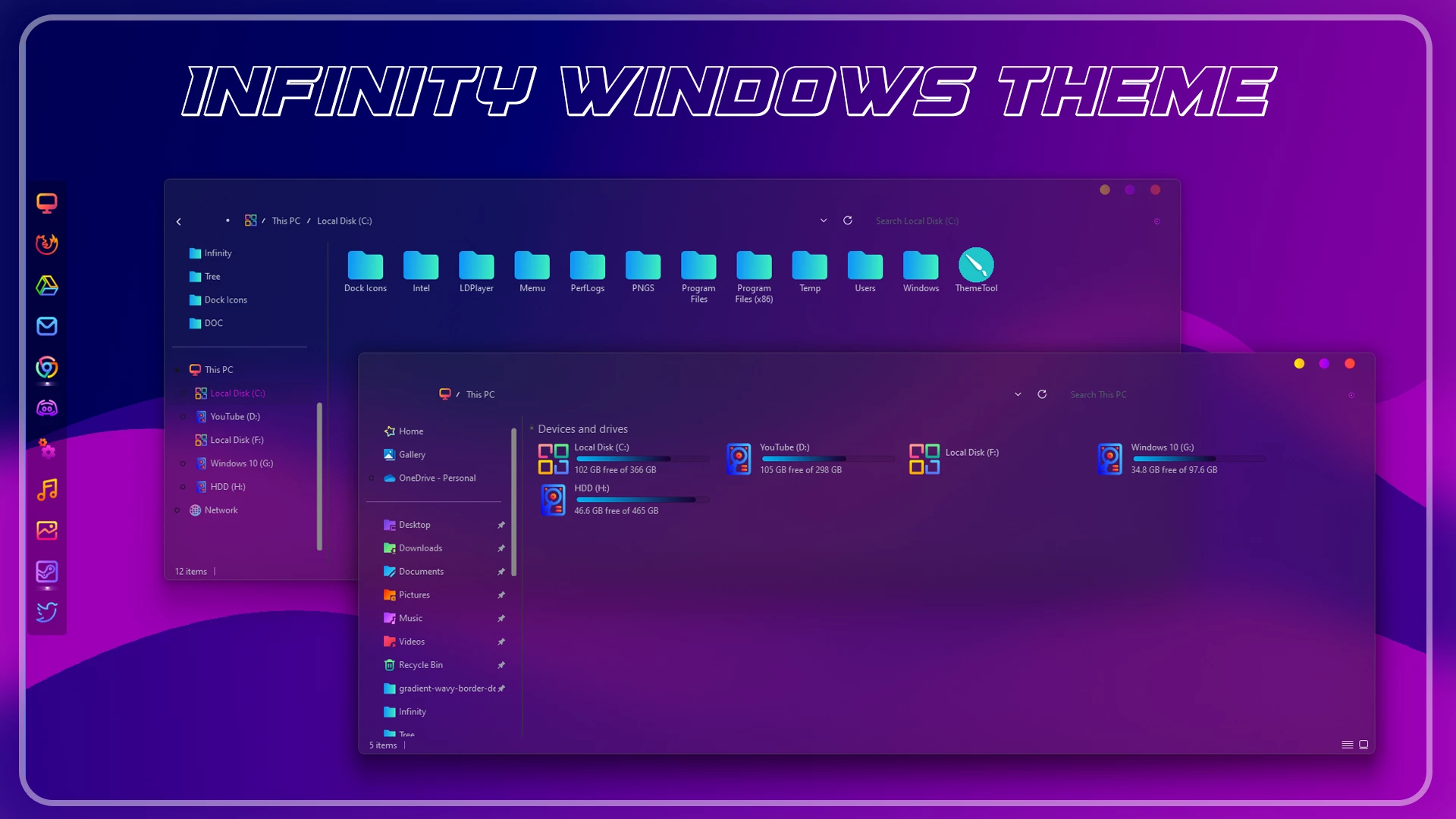
Infinity Windows 11 Theme: A Futuristic Purple Desktop Experience
Infinity Windows 11 Theme is a modern desktop customization pack created for users who want to give their Windows 11 setup a cleaner, darker, and more futuristic appearance. The theme focuses on a smooth visual style with a dark purple color palette, transparent elements, refined interface details, and a premium desktop feel.
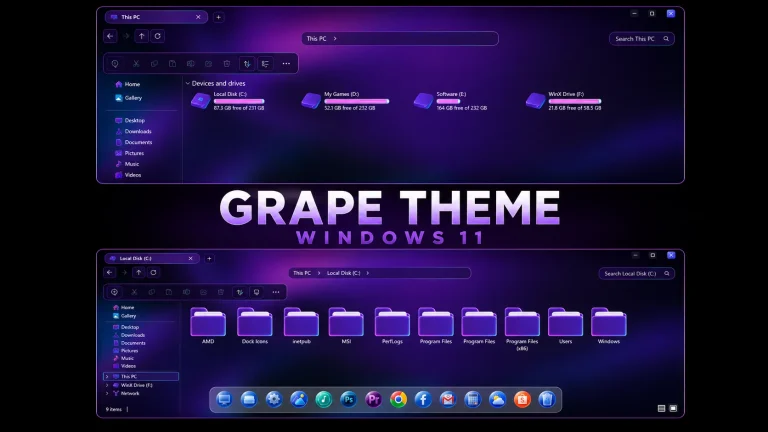
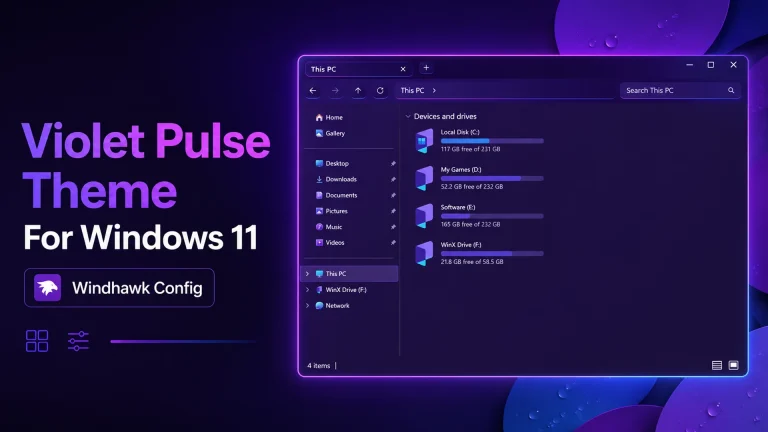
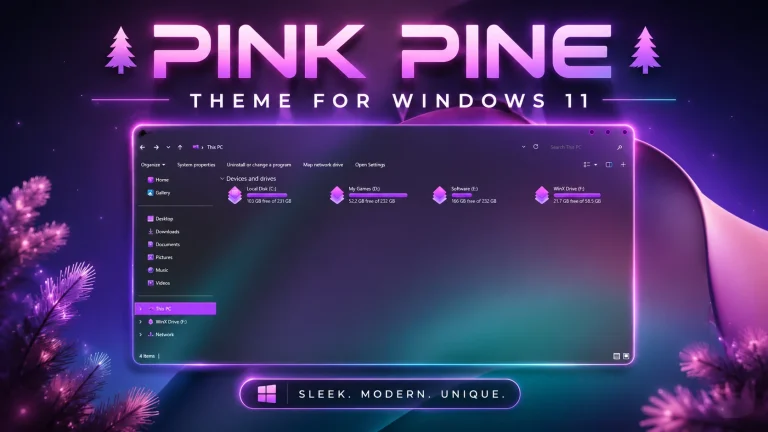
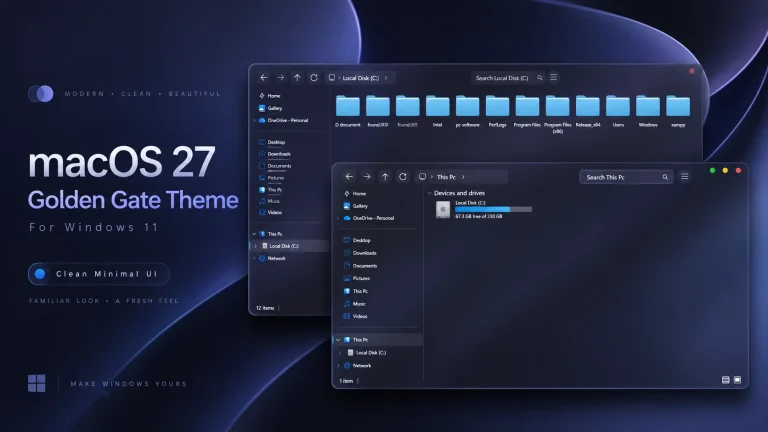
As shown in the preview, Infinity Windows 11 Theme combines a stylish purple and blue interface with a customized File Explorer look, modern icons, and a minimal futuristic layout. It is designed for users who want a unique Windows 11 appearance while keeping the familiar Windows experience.
What Is Infinity Windows 11 Theme?
Infinity Windows 11 Theme is a third-party customization package designed to change selected visual elements of the Windows 11 desktop. It does not replace Windows or install a different operating system. Instead, it improves the appearance of your desktop with a more personalized and modern design.
The theme uses a futuristic concept with smooth interface elements, dark backgrounds, soft transparency, and matching visual resources. It is suitable for users who enjoy clean layouts, stylish desktop setups, and customized Windows environments.
The final appearance may vary depending on your Windows version, display settings, scaling options, and the customization tools used during installation.
- Dark purple and blue futuristic desktop design
- Custom Windows 11 visual style
- Matching 7TSP icon pack included
- Modern folder and system icon appearance
- Clean interface with smooth visual elements
- Suitable for minimal and premium desktop setups
- Works well with dark wallpapers and customized layouts
What You Can Customize
Infinity Windows 11 Theme allows you to refresh the overall appearance of your desktop using a custom visual style and matching icons. Depending on the included resources, you can customize the Windows interface, folder icons, system icons, and other visual elements.
You can apply the complete theme setup for a consistent look or use individual components separately according to your preference.
Compatibility
Infinity Windows 11 Theme is created for Windows 11 customization. Compatibility may depend on your Windows build, theme patcher support, and the tools required to apply the included files.
- Windows 11 21H2: Check compatibility
- Windows 11 22H2: Check compatibility
- Windows 11 23H2: Recommended
- Windows 11 24H2: Recommended
- Windows 11 25H2: Check compatibility
Before applying the theme, confirm that your installed Windows version supports the required customization tools.
- Create a system restore point before applying the theme.
- Backup your important files and current customization settings.
- Use a compatible theme patcher for your Windows build.
- Keep your original Windows theme available.
- Apply customization files carefully and follow the instructions.
Installation Steps
- Create a restore point before starting the customization process.
- Download the Infinity Windows 11 Theme package.
- Extract the downloaded file into a new folder.
- Install a compatible theme patcher if required.
- Apply the Infinity Windows 11 visual style.
- Install the included 7TSP icon pack using a compatible icon tool.
- Apply the recommended wallpaper or additional resources if included.
- Restart Windows Explorer or restart your PC after completing the changes.
For a detailed guide, you can check:
What’s Included in This Theme?
- Windows 11 Theme
- 7TSP Icon Pack
The Windows 11 theme changes the main visual appearance of selected interface elements, while the 7TSP icon pack provides matching icons for supported Windows locations. Together, they help create the complete Infinity desktop style.
Infinity Windows 11 Theme 12 MB
DownloadHow to Remove Infinity Windows 11 Theme?
If you want to return your Windows 11 desktop to the default appearance, you can remove the Infinity Windows 11 Theme by reversing the customization changes you applied. Follow the steps below carefully.
- Open Windows Settings and go to Personalization → Themes.
- Select the default Windows theme to restore the original appearance.
- If you applied the 7TSP icon pack, open your icon customization tool and restore the original Windows icons.
- Remove any additional wallpaper, customization files, or visual settings applied with the theme.
- Restart Windows Explorer or restart your PC to complete the changes.
- If any problem remains, use the system restore point created before installing the theme.
Removing the theme will not affect your personal files or installed applications. It only restores the Windows visual elements changed during the customization process.
Who Should Use This Theme?
Infinity Windows 11 Theme is a great choice for users who enjoy modern desktop customization and want a more stylish alternative to the default Windows 11 appearance.
This theme is suitable for:
- Windows customization enthusiasts
- Users who prefer futuristic and dark desktop designs
- Minimal setup lovers
- Content creators making desktop showcase videos
- Gamers and users who enjoy personalized PC setups
- Anyone who wants a cleaner and more unique Windows 11 look
If you prefer the original Windows interface, you can also use selected elements such as the icon pack while keeping the default Windows theme.
Disclaimer
Disclaimer: Infinity Windows 11 Theme is shared for Windows customization purposes only. Link Vegas Theme is not affiliated with Microsoft or the original creators of any theme files, icons, wallpapers, or third-party customization tools.
This is not an official Microsoft theme and it does not add new Windows features or change the Windows operating system. It only modifies selected visual elements of an existing Windows 11 installation.
Always create a system restore point before applying third-party customization files. Compatibility and results may vary depending on your Windows build, installed tools, display settings, and system configuration.
Final Thoughts
Infinity Windows 11 Theme brings a futuristic purple and blue visual style to the Windows desktop with a clean interface, modern icons, and a premium customization experience.
For users who want to move away from the standard Windows 11 appearance, this theme provides a stylish way to personalize their desktop while keeping the familiar Windows environment.
Apply each customization component carefully, keep a restore point available, and enjoy a refreshed Windows 11 desktop setup with the Infinity theme.
Frequently Asked Questions
What is Infinity Windows 11 Theme?
Infinity Windows 11 Theme is a third-party desktop customization package that changes selected visual elements of Windows 11 with a futuristic purple design and matching icons.
Is Infinity Windows 11 Theme an official Microsoft theme?
No. It is an independent third-party customization package and is not created, supported, or endorsed by Microsoft.
Does this theme install a new version of Windows?
No. It does not install or upgrade Windows. It only changes supported visual elements of your existing Windows 11 system.
Do I need a theme patcher to install Infinity Theme?
Some third-party Windows themes require a compatible theme patcher. Make sure the tool supports your Windows build before applying the theme.
Are icons included with Infinity Windows 11 Theme?
Yes. This theme package includes a 7TSP icon pack to provide a matching appearance for supported Windows icons.
Can I use only the icon pack?
Yes. You can use individual components separately if they are compatible with your Windows version and required tools.
Will Infinity Theme work after Windows updates?
Compatibility may change after major Windows updates. Some theme files or customization tools may require updates or reinstallation.
How can I restore the default Windows appearance?
Switch back to the default Windows theme, restore original icons, remove additional customization files, or use your system restore point if necessary.
Is Infinity Windows 11 Theme safe to use?
The theme is intended for desktop customization. Use trusted files, scan downloads, create a restore point, and confirm tool compatibility before installation.