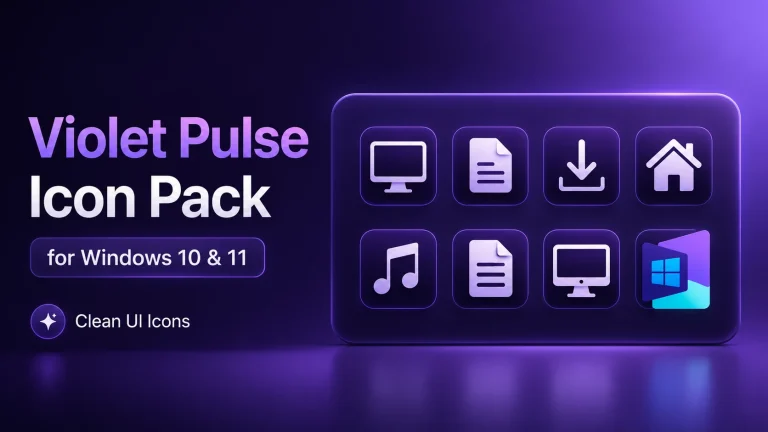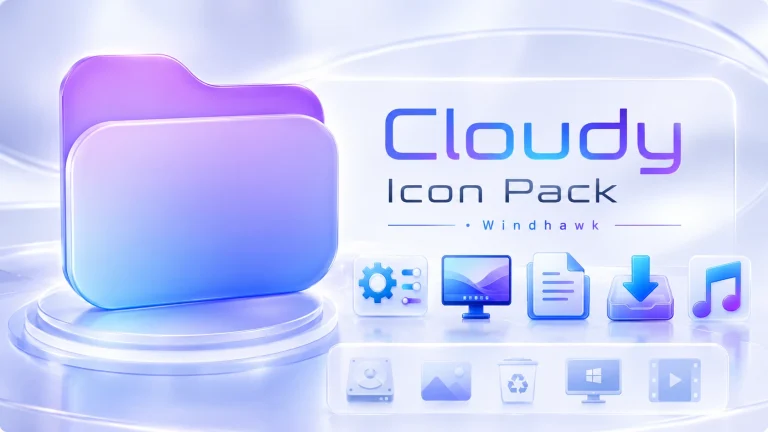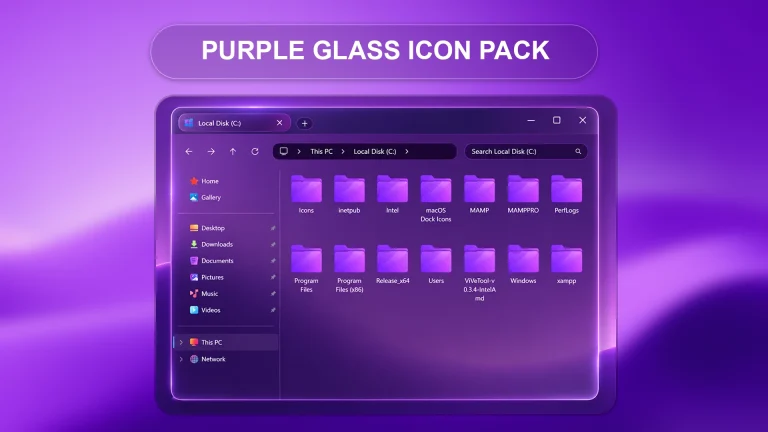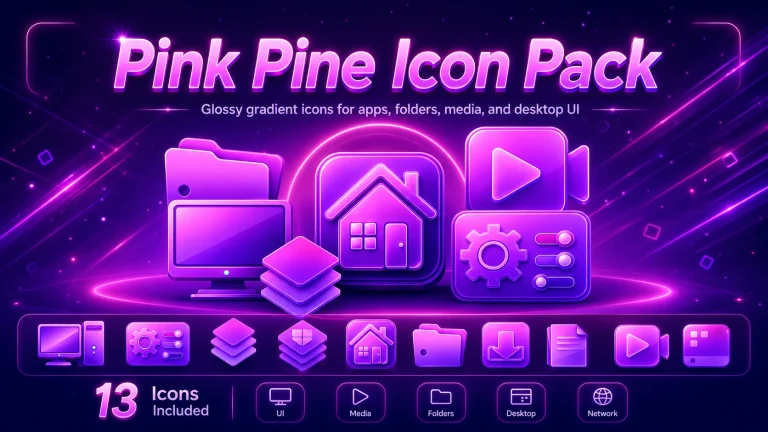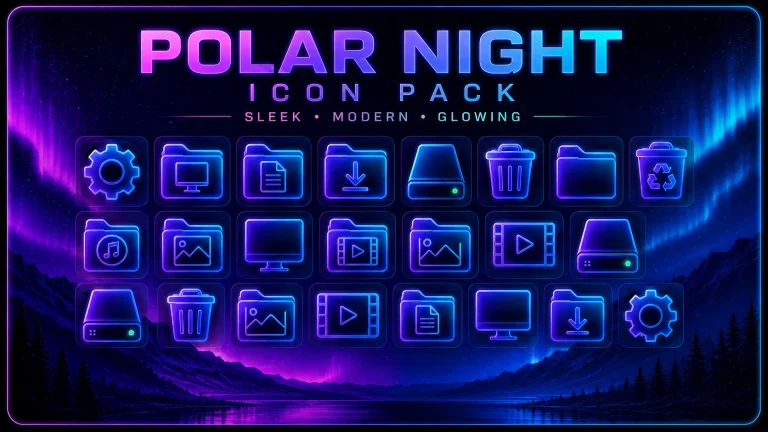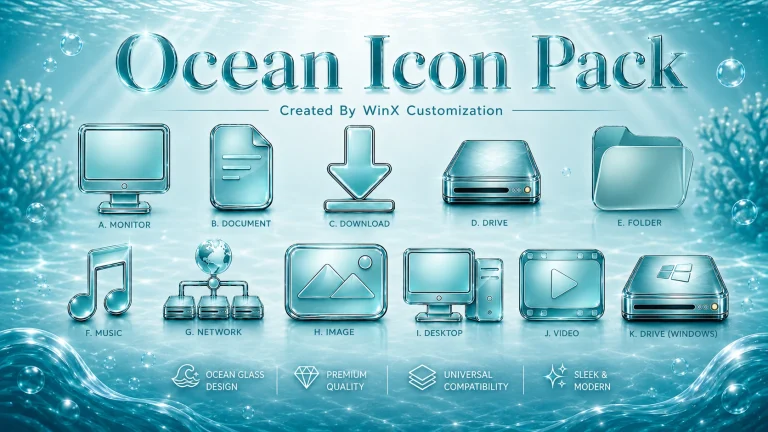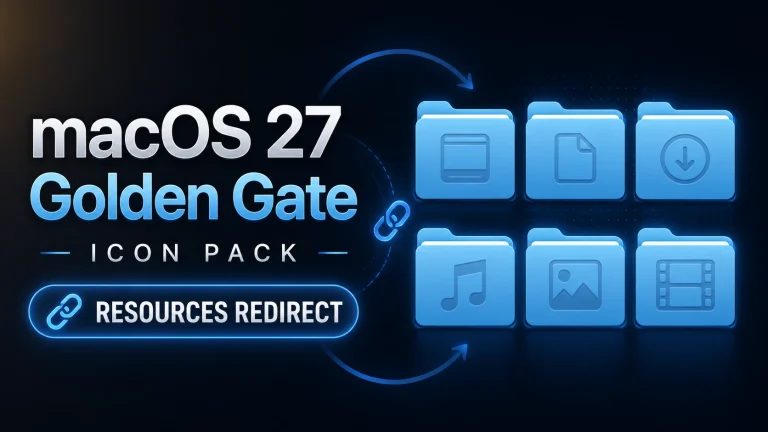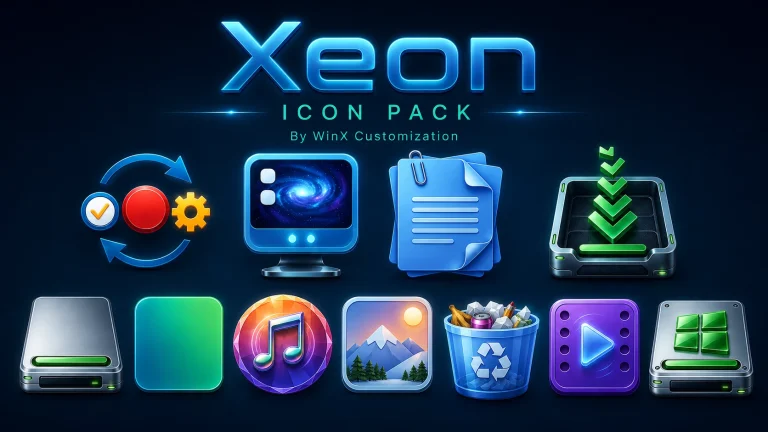
Rainbow Icon Pack for Resource Redirect Stunning Colorful UI
Upgrade your desktop with the Rainbow Icon Pack for Resource Redirect (Windhawk) on Windows 11. Apply vibrant, colorful icons easily with a safe and fully reversible customization method.

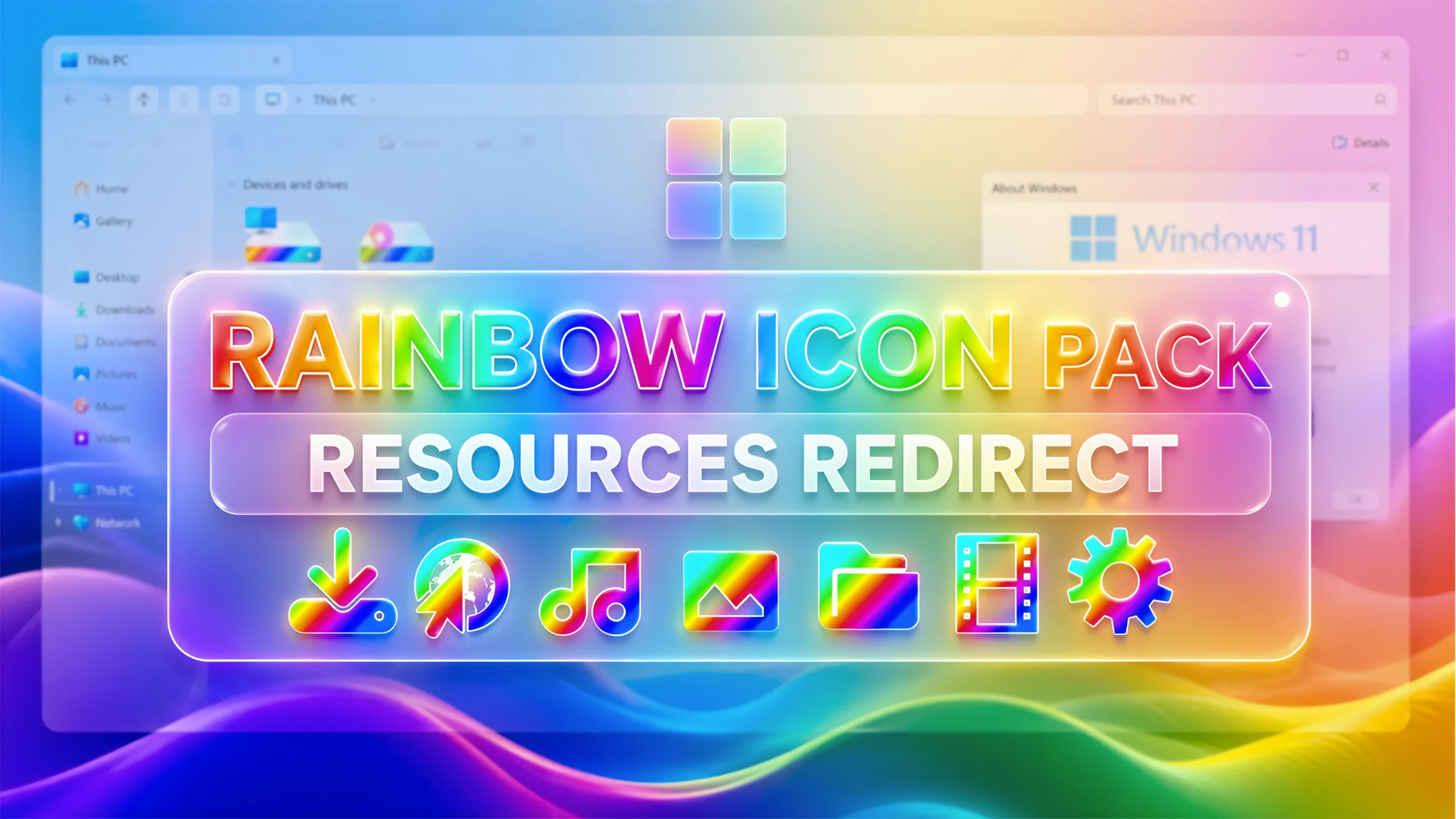
Rainbow Icon Pack for Resource Redirect (Windhawk)
If you are tired of the default Windows 11 icons and want something vibrant, modern, and eye-catching, then the Rainbow Icon Pack for Resource Redirect (Windhawk) is the perfect solution. This colorful icon pack completely transforms your Windows interface into a visually stunning experience filled with bright gradients and smooth aesthetics.With the help of Windhawk and the Resource Redirect mod, you can easily replace system icons without modifying core system files. This makes the process safe, reversible, and beginner-friendly
What is Rainbow Icon Pack?
The Rainbow Icon Pack is a collection of beautifully designed icons featuring gradient rainbow colors. These icons are crafted to give your Windows 11 desktop a fresh and modern look. From system folders to UI elements, everything becomes more vibrant and visually appealing.This pack is especially popular among customization lovers who want a unique and colorful desktop setup.
Why Use Resource Redirect?
The Rainbow Icon Pack for Resource Redirect (Windhawk) is a powerful and stylish way to transform your Windows 11 desktop into a vibrant and modern workspace. With its colorful gradient icons and smooth design, it delivers a fresh visual experience that stands out from the default UI.Thanks to Windhawk and the Resource Redirect mod, the installation process is simple, safe, and completely reversible—making it suitable for both beginners and advanced users. You don’t need to modify system files, which ensures your system remains stable while still enjoying deep customization.
- Windows 11 installed
- Windhawk software
- Resource Redirect mod enabled
- Basic knowledge of file paths
- Install Windhawk
- Download & Install Resource Redirect Mod
- Download Icon Pack & and extract them to a folder.
- Copy the icon pack Path and paste them into the Resource Redirect theme directory
- Apply changes & Restart Explorer
- Or Check This Post for a guide on Resources Redirect Icon Pack Installation.
- Or Check This Post for More Information About Resource Redirect icons
- Resource Redirect Icon Pack
Icon Pack 15MB
DownloadConclusion
The Rainbow Icon Pack for Resource Redirect (Windhawk) is one of the best ways to give your Windows 11 system a colorful and modern makeover. It’s easy to install, safe to use, and perfect for anyone who loves customizing their desktop.Whether you are a beginner or an advanced user, this icon pack will instantly enhance your Windows experience with vibrant visuals and smooth design.