Linux Theme For Windows 11
Linux Theme For Windows 11:Transform Windows 11 into a clean, minimal Linux-style desktop with modern icons, dark UI, and lightweight customization. Perfect for users who love Linux aesthetics but want Windows performance.

Linux Theme For Windows 11
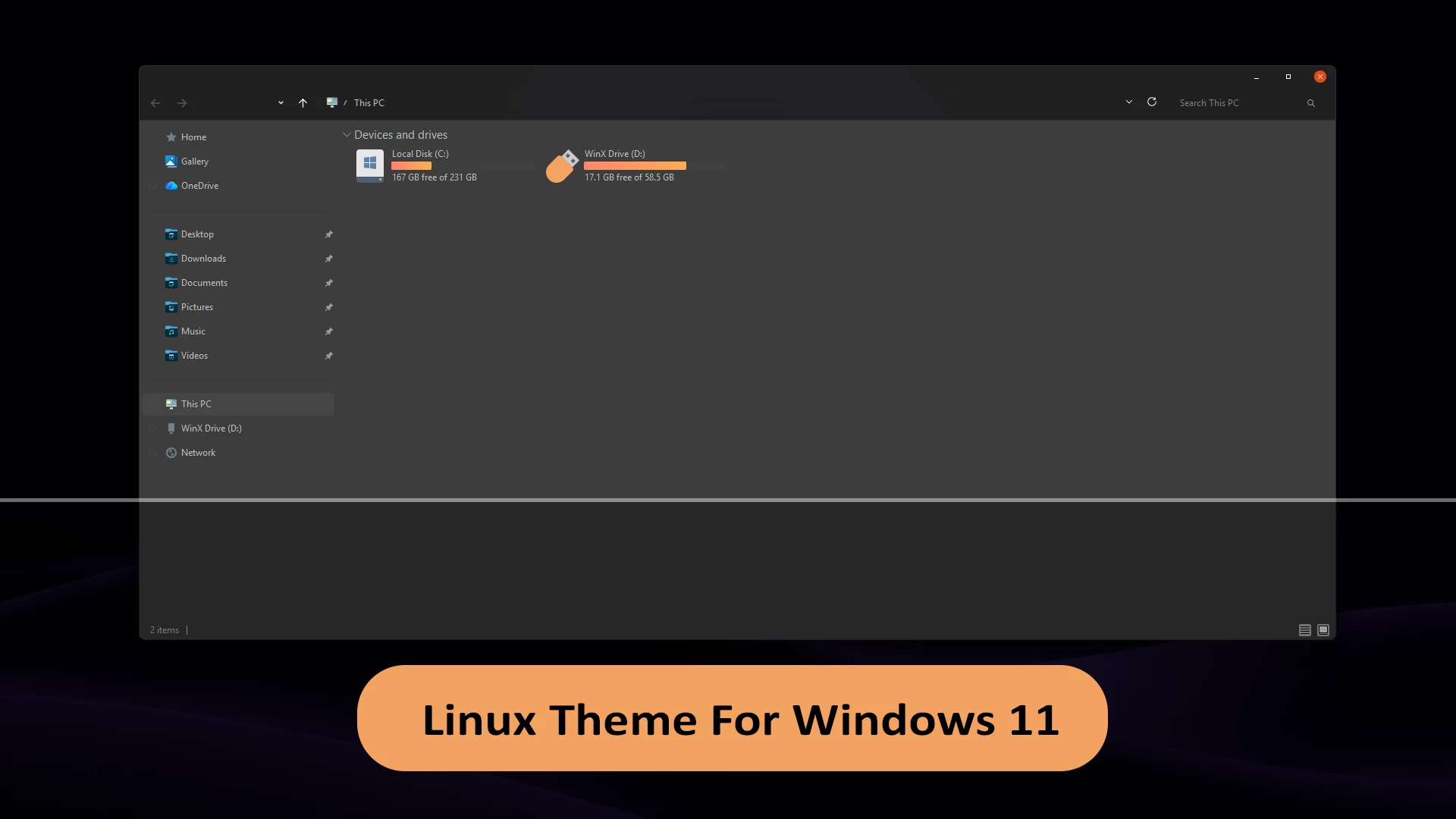
The Linux Theme for Windows 11 is a complete customization setup designed to transform the modern Windows 11 interface into a clean, minimal, and powerful Linux-style desktop experience. If you love the simplicity, performance-focused design, and dark aesthetics of popular Linux distros like Ubuntu, Arch, Fedora, or Linux Mint—but still want to stay on Windows—this theme is the perfect solution for you.
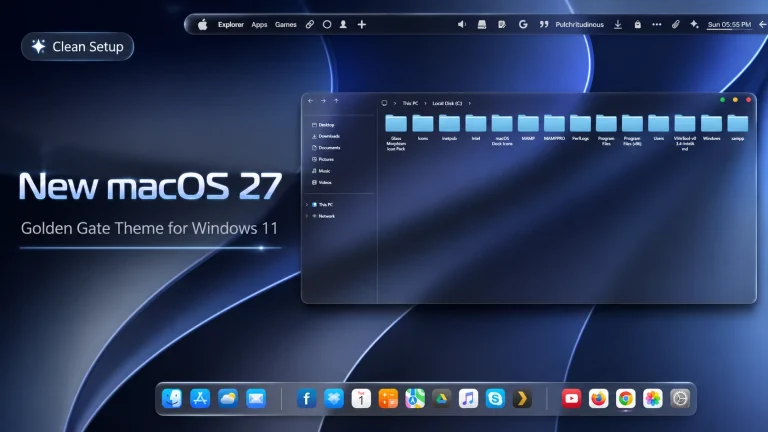
This theme focuses on delivering a flat, distraction-free UI with smooth animations, sharp icons, and a professional layout. It replaces the default Windows 11 visuals with Linux-inspired elements such as minimal window borders, dark or neutral color palettes, transparent panels, and well-balanced spacing. The result is a desktop that feels fast, elegant, and productivity-oriented.
The Linux Theme for Windows 11 usually includes custom icon packs, GTK-style colors, Linux-inspired taskbar layouts, and modern start menu designs. Tools like Windhawk, Rainmeter, 7tsp, and custom cursors are commonly used to achieve this look. Together, they create a consistent desktop experience that closely resembles a real Linux environment while maintaining full Windows compatibility.
- Windows 11 21H2: May work, but not recommended for the best experience
- 22H2 YES
- 22H3 YES
- 24H2 YES
- 25H2 YES
- Windows 11 Theme
- I recommend creating a restore point before starting your customization.
- This third-party theme will only work if you install Theme Patcher, so definitely install Theme Patcher.
- If you’re new to customization, check out this page that explains in detail how to install Windows custom themes.
- Or Check This Post for a guide on Windows custom themes Installation.
- Theme support: Windows 11
Theme Files 5MB
DownloadDisclaimer
Disclaimer: This is an unofficial third-party customization theme inspired by the design of various Linux desktop environments. It is not affiliated with, endorsed by, or developed by any Linux distribution or organization. The theme only modifies the visual appearance of Windows 11 and does not include or redistribute any copyrighted operating system files. Always create a System Restore Point before applying custom themes or system modifications, and use them at your own risk.
Final Words
The Linux Theme for Windows 11 is an excellent choice for anyone who appreciates the clean, modern, and productivity-focused design of Linux while continuing to use Windows for work, gaming, or everyday tasks. With its minimal interface, custom icons, and refined desktop layout, this theme delivers a refreshing Linux-inspired experience without sacrificing Windows compatibility.
Before installing any third-party customization, make sure to create a System Restore Point and carefully follow the installation instructions. If you’re looking for a sleek, distraction-free desktop that combines the best aspects of Linux design with the convenience of Windows 11, this theme is definitely worth trying.