

Windows 9 Start Menu Style
Windows 9 Start Menu Style:Windows 9 is the imagined operating system that bridges the gap between Windows 8.1 and Windows 10 — a vision of what Microsoft might have delivered if they hadn’t skipped this version.

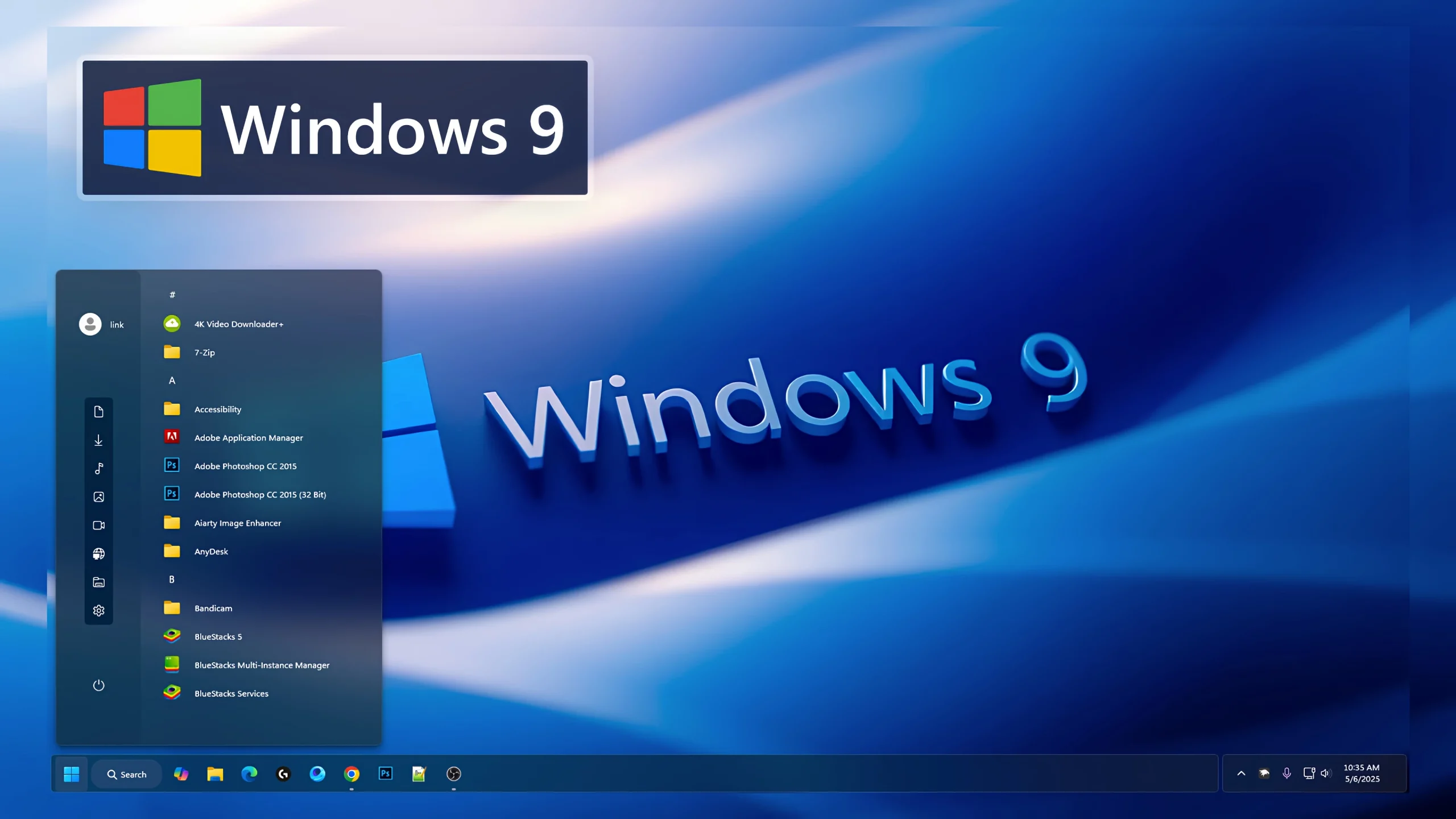
Windows 9 Start Menu Style Using Windhawk
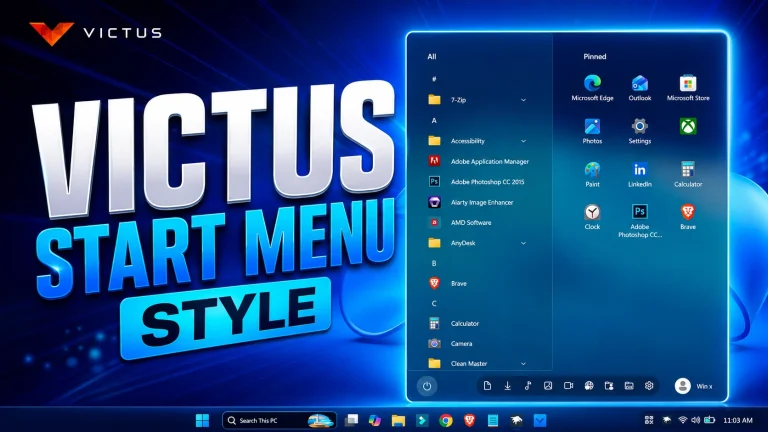
If you’re looking for a unique way to customize your Windows 11 desktop, the Windows 9 Start Menu Style Using Windhawk is an excellent choice. This style combines the familiar appearance of classic Windows Start Menus with modern design elements, creating a clean and productive user experience. Whether you’re a fan of older Windows versions or simply want a fresh new look, this Start Menu style offers the perfect balance between functionality and aesthetics.
The Windows 9 Start Menu Style Using Windhawk is designed to give users a streamlined Start Menu layout that feels intuitive and easy to navigate. It brings back many of the features users loved in previous Windows versions while maintaining compatibility with modern Windows 11 systems. With Windhawk, applying and customizing this style is quick and simple.
Why Choose Windows 9 Start Menu Style Using Windhawk?
One of the biggest advantages of the Windows 9 Start Menu Style Using Windhawk is its familiar interface. Many users miss the traditional Start Menu designs found in earlier Windows releases. This style recreates that experience while introducing modern visual enhancements that fit perfectly within Windows 11.
The layout is optimized for both productivity and appearance. Applications are easier to access, navigation feels smoother, and the overall desktop environment becomes more organized. Users who prefer a clutter-free workspace will appreciate the simplicity and efficiency this style provides.
Key Features of Windows 9 Start Menu Style Using Windhawk
- Classic-inspired Start Menu layout.
- Modern Windows 11 compatibility.
- Clean and organized application lists.
- Improved navigation and usability.
- Customizable appearance settings.
- Smooth integration with Windhawk.
- Enhanced desktop aesthetics.
- Lightweight performance with minimal system impact.
Enhanced User Experience
The Windows 9 Start Menu Style Using Windhawk focuses on improving everyday usability. Instead of navigating through a crowded interface, users can enjoy a more structured Start Menu that makes finding apps and settings easier.
The visual design emphasizes readability and accessibility. Icons, menus, and sections are arranged logically, helping users work more efficiently. This makes the style ideal for both casual users and professionals who spend significant time on their computers.
Perfect for Windows Customization Enthusiasts
Windows customization has become increasingly popular, and the Windows 9 Start Menu Style Using Windhawk is a great addition to any personalized desktop setup. It works well alongside custom themes, icon packs, taskbar modifications, and other Windhawk enhancements.
Whether you’re building a retro-inspired desktop or creating a completely unique Windows 11 environment, this Start Menu style provides a solid foundation for further customization.
Easy Installation with Windhawk
Installing the Windows 9 Start Menu Style Using Windhawk is straightforward. Windhawk allows users to apply Start Menu modifications without complicated system changes. Once installed, you can easily adjust settings and personalize the style to match your preferences.
This flexibility makes Windhawk one of the most popular tools for Windows desktop customization. Users can experiment with different configurations until they achieve the perfect look.
- 21H2 YES
- 22H2 YES
- 22H3 YES
- 24H2 YES
- 25H2 Yes
- Download & Install windhawk.
- install & Open the Windows 11 Start Menu Styler mod in Windhawk.
- Go to the “Advanced” tab.
- Copy the content below to the text box under “Mod settings” and click “Save”.
Windhwak Style 5MB
DownloadFinal Thoughts
The Windows 9 Start Menu Style Using Windhawk is an excellent option for anyone who wants to enhance their Windows 11 experience with a fresh yet familiar Start Menu design. Combining classic inspiration with modern functionality, this style improves usability, boosts productivity, and creates a visually appealing desktop environment. If you’re searching for a unique and practical Start Menu customization, the Windows 9 Start Menu Style Using Windhawk is definitely worth trying.
How to add baraha (Kannada) software (64bit) to google doc. The idea is contimue with google insteaf of windows