New Super Glass Start Menu Style
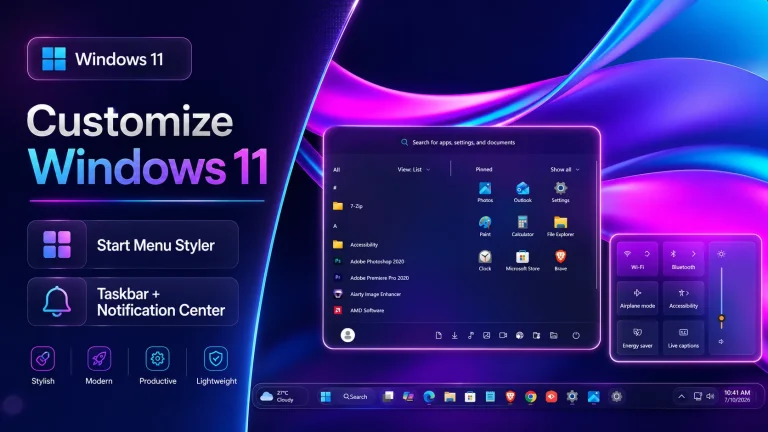
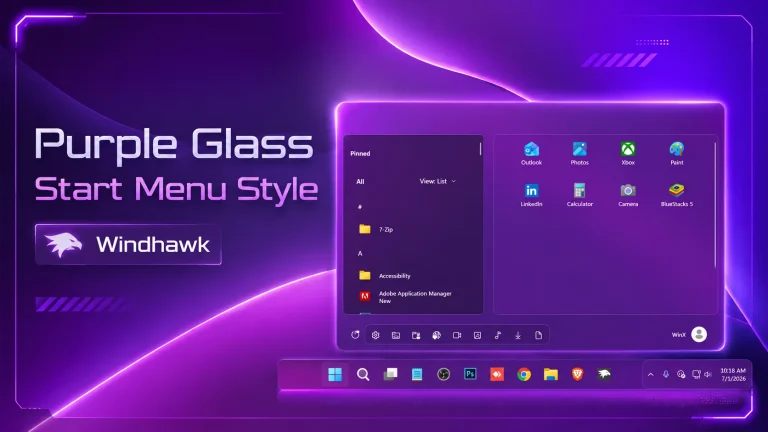
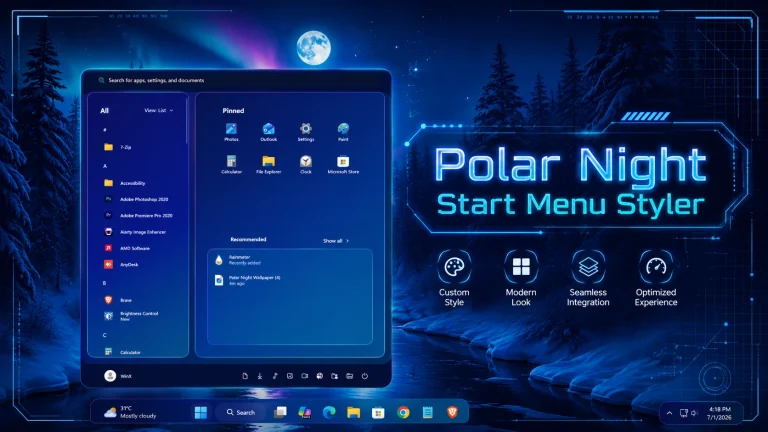
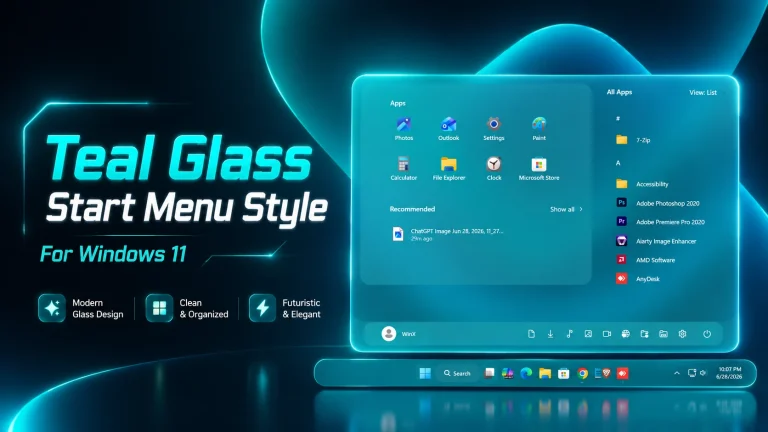
Super Glass Start Menu Style : Upgrade your Windows 11 experience with the Super Glass Start Menu Style using Windhawk. This sleek customization adds a beautiful glassmorphism effect with enhanced transparency, smooth blur, and a modern layout—perfect for creating a clean, elegant, and premium desktop look without sacrificing performance.


Super Glass Start Menu Style ( Windhawk)For Windows 11
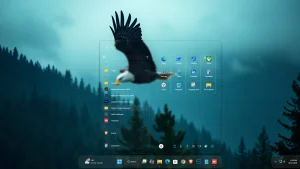
The Super Glass Start Menu Style for Windows 11 (Windhawk) is a stunning customization that transforms the default Start Menu into a sleek, modern, and highly aesthetic interface. Designed for users who love clean UI and glassmorphism effects, this style brings a premium, translucent look that blends perfectly with your desktop wallpaper, giving your system a truly next-gen feel. At its core, the Super Glass style focuses on transparency and blur effects. Unlike the standard Windows 11 Start Menu, which already has a mild acrylic design, this customization enhances it dramatically. The menu becomes more fluid, with a deeper glass-like blur that allows background elements—such as wallpapers, icons, and colors—to subtly shine through. This creates a visually immersive experience, especially when paired with high-quality wallpapers like nature scenes or minimal gradients.
One of the standout features of this style is its balanced layout. The app grid, search bar, and pinned items are arranged in a way that feels both familiar and refreshed. The transparency does not compromise usability—icons remain sharp, text is readable, and navigation feels smooth. The left-side app list integrates seamlessly into the glass panel, maintaining clarity while still preserving the stylish blurred effect. Windhawk plays a crucial role in enabling this customization. By using advanced Start Menu styling mods, users can apply deep UI tweaks that are not normally possible in Windows 11. Super Glass takes full advantage of this, modifying not just the background but also spacing, opacity, and hover effects. When you open the Start Menu, it feels lighter, smoother, and more responsive compared to the stock version. Another great aspect of the Super Glass Start Menu is how well it pairs with other customization tools. Whether you’re using custom icon packs, Rainmeter widgets, or a themed taskbar, this style blends effortlessly into your setup. It enhances the overall desktop aesthetic without looking overdone. The soft glow and subtle borders give it a premium “fluent design” vibe that many users try to achieve.
Performance-wise, the style is optimized to run smoothly on most modern systems. While it adds visual effects, it does not heavily impact system performance when configured properly. Users with mid-range PCs can still enjoy the glass effect without lag or stuttering, making it both beautiful and practical. In addition, the Super Glass style is highly customizable. You can tweak transparency levels, blur intensity, and even adjust spacing depending on your preference. This flexibility allows you to create a personalized Start Menu that matches your exact taste—whether you prefer a more subtle glass look or a bold, fully transparent design.
- Windows 11 21H2: May work, but not recommended for the best experience
- Windows 11 22H2: May work, but compatibility can vary
- Windows 11 23H2: Recommended
- Windows 11 24H2: Recommended
- Windows 11 25H2: YES work, but test carefully after Windows updates
- Windhwak Start Menu Mods
- Windhwak Taskbar Mods
- Wallpapers
- Download & Install windhawk.
- install & Open the Windows 11 Start Menu Styler mod in Windhawk.
- Go to the “Advanced” tab.
- Copy the content below to the text box under “Mod settings” and click “Save”.
Zip File 4MB
DownloadOverall, the Super Glass Start Menu Style for Windows 11 using Windhawk is perfect for users who want to elevate their desktop experience. It combines elegance, functionality, and customization into one powerful visual upgrade. If you’re aiming for a clean, modern, and professional Windows setup, this style is definitely worth trying..