New CoreX Start Menu Style – Win 11
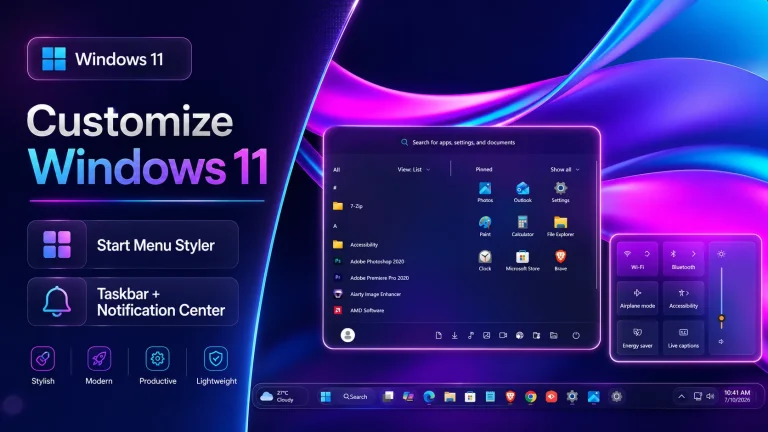
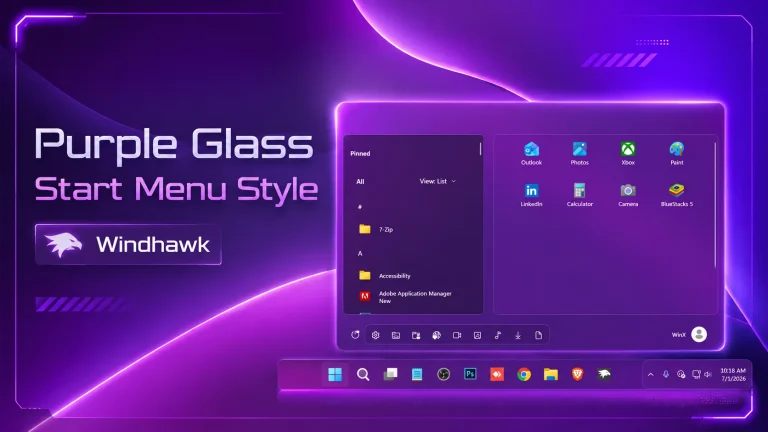
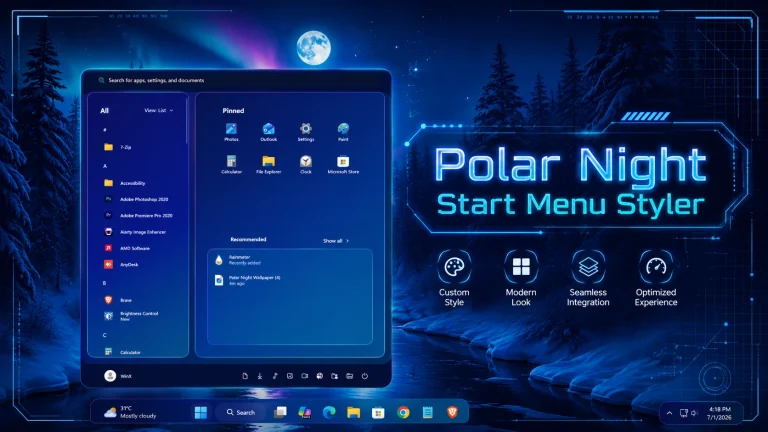
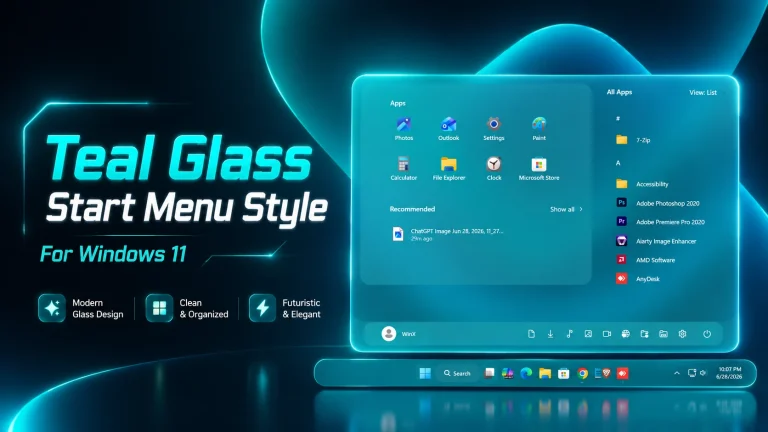
Upgrade your Windows 11 with the CoreX Start Menu Style using Windhawk. Featuring a soft glassmorphism design, pastel gradients, and a clean modern layout, CoreX delivers a smooth, elegant, and highly customizable Start Menu experience without sacrificing performance.

CoreX Start Menu Style (Windhawk)For Windows 11
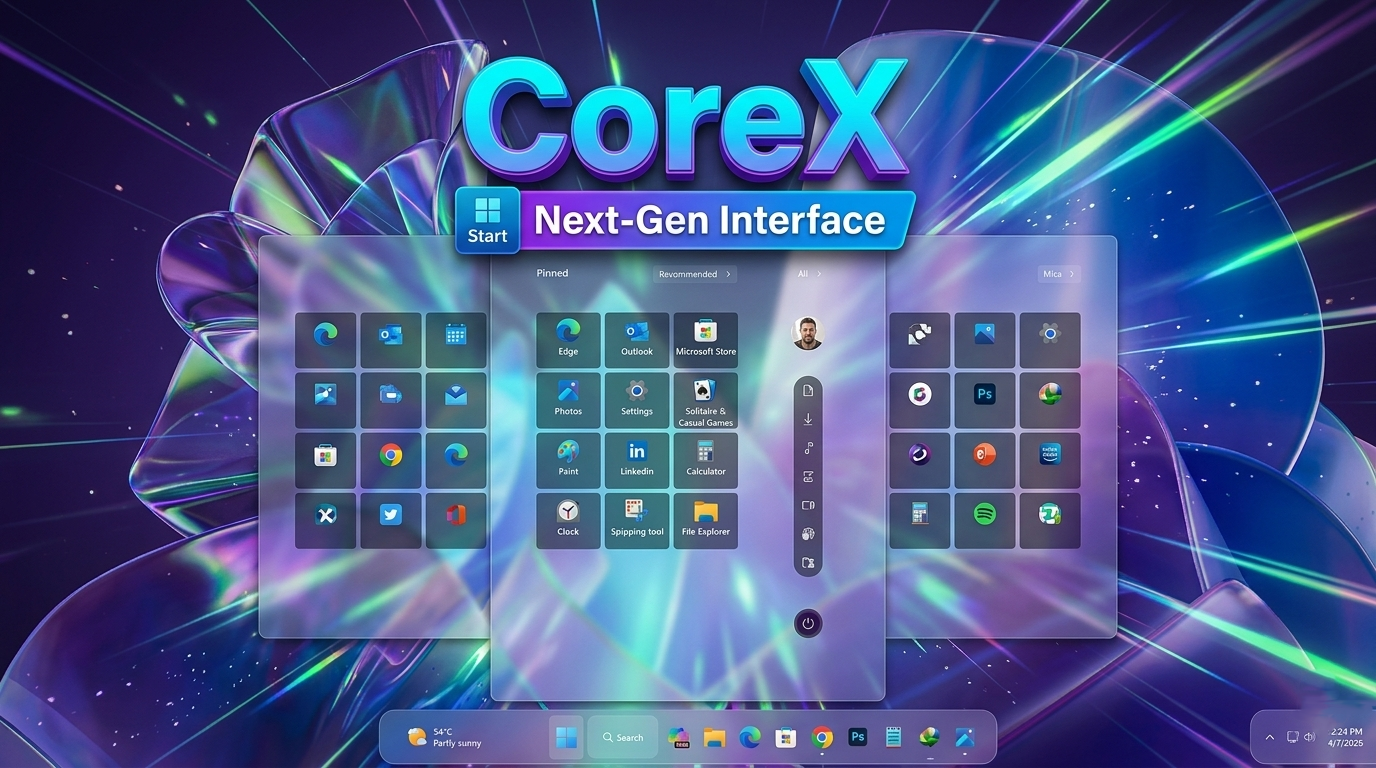
The CoreX Start Menu Style for Windows 11 (Windhawk) is a beautifully refined customization that brings a soft, elegant, and futuristic touch to your desktop. Inspired by modern UI trends and minimal design principles, CoreX focuses on creating a clean, distraction-free Start Menu while maintaining full functionality and smooth performance.At first glance, the CoreX style stands out with its subtle glassmorphism effect combined with a pastel-toned aesthetic. The semi-transparent panel allows your wallpaper to gently shine through, creating a layered depth effect that feels both premium and calming. Unlike heavier glass styles, CoreX keeps the blur soft and balanced, ensuring that icons and text remain crystal clear while still delivering that stylish translucent look.The layout is one of the strongest aspects of CoreX. The centered Start Menu feels perfectly aligned with Windows 11’s design language, but it improves the visual hierarchy. The pinned apps grid is neatly organized with evenly spaced icons, giving a symmetrical and tidy appearance. Each icon sits inside a soft, rounded tile that reacts smoothly to hover interactions, adding a subtle sense of responsiveness and polish
CoreX Start Menu Style Provide quick-access panel is a unique highlight of this design. CoreX Start Menu Style provides easy access to essential system functions like profile, downloads, media, and power options—all stacked in a slim, rounded bar. This layout not only looks modern but also improves usability by keeping important controls within quick reach without cluttering the main interface.Another key feature of the CoreX Start Menu Style is its use of soft color blending. The slight hints of purple, blue, and pink tones merge beautifully with the background, creating a visually pleasing gradient effect. This makes the CoreX Start Menu Style feel more dynamic and alive compared to the default flat design of Windows 11. When paired with abstract or fluid wallpapers (like the one shown), the effect becomes even more stunning.
Windhawk enables this level of customization by allowing deep control over the Start Menu’s appearance. CoreX Start Menu Style takes full advantage of this by adjusting transparency levels, border radius, icon spacing, and hover animations. The result is a Start Menu that feels smoother, lighter, and more refined than the stock version.Despite its visual enhancements, CoreX Start Menu Style remains performance-friendly. The effects are optimized to ensure that even mid-range systems can run it without noticeable lag. Animations are fluid, and the menu opens instantly, maintaining a responsive user experience.
- Windows 11 21H2: May work, but not recommended for the best experience
- Windows 11 22H2: May work, but compatibility can vary
- Windows 11 23H2: Recommended
- Windows 11 24H2: Recommended
- Windows 11 25H2: YES work, but test carefully after Windows updates
- Windhwak Start Menu Mods
- Windhwak Taskbar Mods
- Wallpapers
- Download & Install windhawk.
- install & Open the Windows 11 Start Menu Styler mod in Windhawk.
- Go to the “Advanced” tab.
- Copy the content below to the text box under “Mod settings” and click “Save”.
Zip File 13MB
DownloadOverall, the CoreX Start Menu Style for Windows 11 using Windhawk is perfect for users who want a modern, soft, and aesthetically pleasing desktop. It strikes the perfect balance between beauty and usability, offering a clean interface with a premium feel. If you’re looking to elevate your Windows 11 customization with a stylish yet practical Start Menu, CoreX is definitely a top-tier choice..