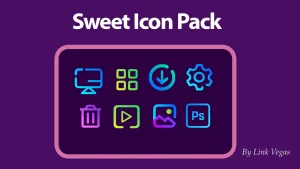
The Sweet 2.0 Icon Pack for Windows 11
The Sweet 2.0 Icon Pack for Resource Redirect (Windhawk) : Upgrade your desktop with the Sweet 2.0 Icon Pack for Windhawk Resource Redirect and give your Windows 11 File Explorer a clean, modern neon look.

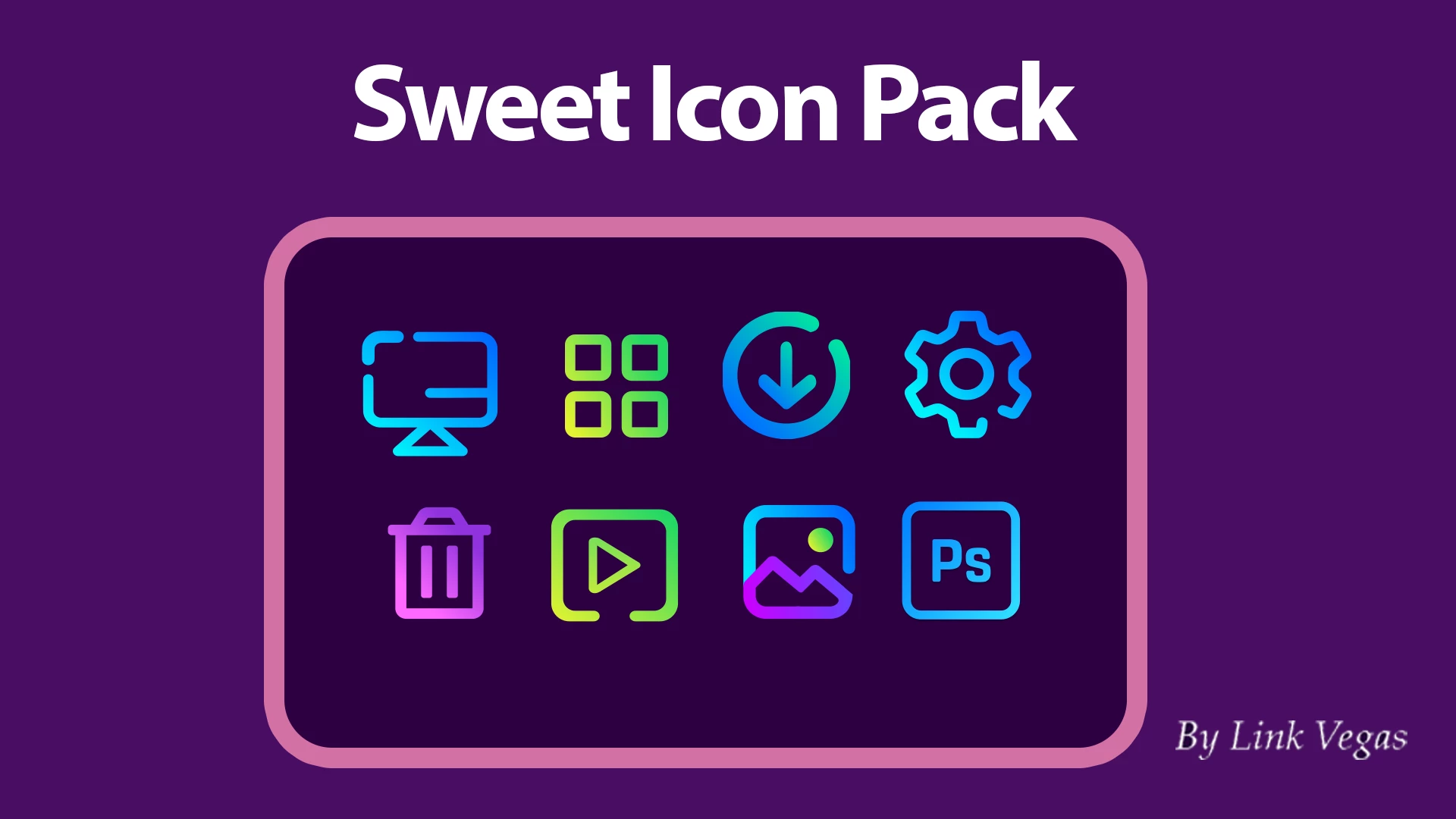
The Sweet 2.0 Icon Pack for Windows 11
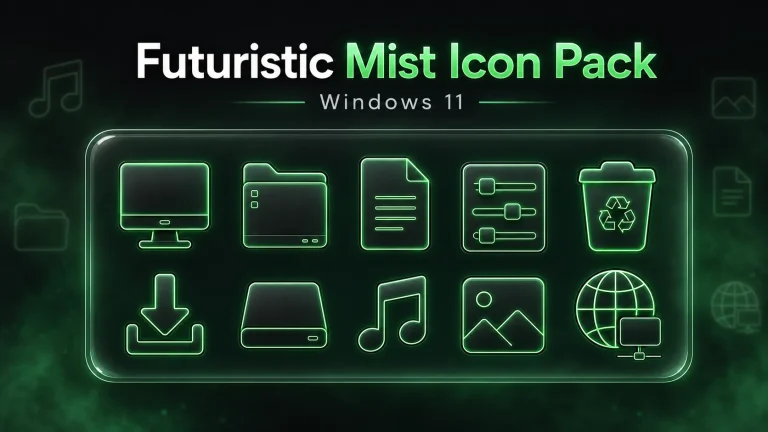
Sweet 2.0 is for Windows 11 users who prefer a lighter, cleaner icon style over heavy 3D effects. Its folders use slim glowing outlines with green-to-yellow gradient accents, creating a neat neon look without making File Explorer feel crowded.
The colour choice is what gives this pack its character. The lime green and warm yellow outlines are easy to notice, especially against dark wallpapers or a darker File Explorer setup. Instead of relying on detailed illustrations, the design keeps the folder shape simple and lets the outline do most of the work.
That makes Sweet 2.0 a good match for glass-style interfaces, acrylic taskbars, subtle RGB lighting, and modern neon-themed desktops. It can also work in a simple setup where you only want a small amount of colour around your folders rather than a complete visual overhaul.
The pack is intended for use with Resource Redirect in Windhawk. Resource Redirect can load alternative files for supported Windows resources through its own settings, so you do not need to manually replace protected Windows system files. Results can still vary: some applications use their own icons, and folders with thumbnail previews may not show the themed folder icon.
What the Sweet 2.0 Style Suits
Sweet 2.0 works best when there is enough contrast around the icons. A black, charcoal, deep green, or dark gradient wallpaper helps the neon outline stand out, while a bright wallpaper gives the design a softer appearance. It is a strong option for users who like colour, but do not want every icon to look oversized or overly decorative.
- Windows 11
- Sweet 2.0 Resource Redirect Icon Pack
Requirements
- A computer running Windows 11
- Windhawk installed
- The Resource Redirect mod enabled in Windhawk
- A ZIP extraction tool
Installation Steps
- Download and install Windhawk.
- Open Windhawk, select Mods, then find and install Resource Redirect.
- Download the Sweet 2.0 Icon Pack ZIP file.
- Extract the archive to a folder that you do not plan to move or delete.
- Copy the full path of the extracted theme folder.
- Open Resource Redirect settings and paste the path into the theme folder field.
- Remove quotation marks from the path if Windows added them automatically, then save the settings.
- Clear the icon cache when prompted, or restart File Explorer if the older icons remain visible.
Keep the extracted theme folder in the same location after applying the pack. Moving or renaming it can stop Resource Redirect from loading the required files.
Common Issues
The icons have not changed: Make sure the ZIP archive has been extracted and that the Resource Redirect path points to the correct theme folder.
Some folders still show normal icons: Windows may be displaying thumbnail previews instead of regular folder icons. This depends on your File Explorer and Resource Redirect settings.
Older icons remain after installation: Windows may still be using its icon cache. Restart File Explorer, clear the icon cache, or restart the computer.
How to Remove the Pack
- Open Windhawk and select the Resource Redirect mod.
- Remove the Sweet 2.0 theme folder path or restore your previous configuration.
- Save the changes.
- Restart File Explorer or clear the icon cache if needed.
File Information
- File name: Sweet 2.0 Icon Pack
- File type: ZIP archive
- File size: 13 MB
- Platform: Windows 11
- Required mod: Resource Redirect for Windhawk
Helpful Links
Credits and Use
Credit and thanks to Niivu. The original Candy icon theme is credited to eliverlara. This is a third-party Windows customization resource, and all artwork and related rights remain with their respective owners.
Disclaimer
This is an independent third-party customization resource and is not an official Microsoft product. It is not affiliated with, authorized by, sponsored by, approved by, or endorsed by Microsoft Corporation. Microsoft and Windows are trademarks of the Microsoft group of companies.
Icon Pack 13 MB
Download Icon PackFrequently Asked Questions
Will every Windows icon change?
No. The pack can change supported resources, but some apps use their own icons and some Windows elements may remain unchanged.
Can I return to the default Windows icons?
Yes. Remove the custom path from Resource Redirect or disable the mod, then refresh the icon cache if necessary.
Does this install a complete Windows theme?
No. Sweet 2.0 is an icon pack. You can combine it with other compatible Windows customization tools if you want a more complete desktop style.
Final Thoughts
Sweet 2.0 is a good choice if you want File Explorer to feel cleaner and more distinctive without using a bulky or heavily textured icon style. The green-yellow neon outline adds a small but noticeable visual change, especially when paired with a dark, modern Windows 11 setup.