Cool Pastel Icon Pack For Resource Redirect – Win 11
Pastel Icon Pack For Resource Redirect : Enhance your desktop with the Pastel Icon Pack for Resource Redirect on Windows 11, featuring soft gradient colors, modern design, and stylish icons for a clean and aesthetic user experience.

Pastel Icon Pack For Resource Redirect (Windhawk)
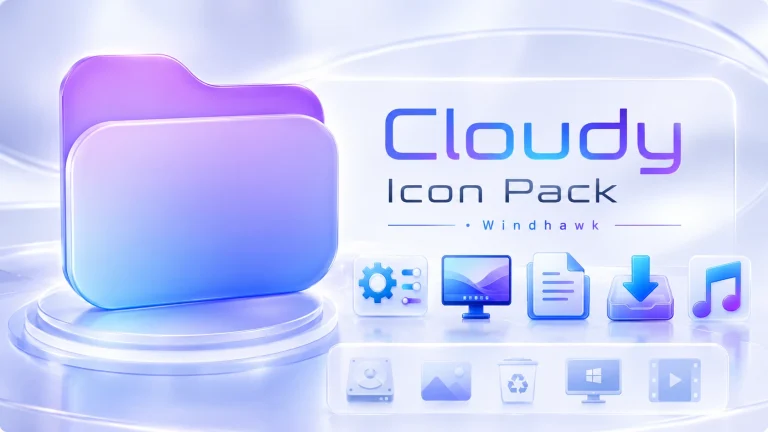
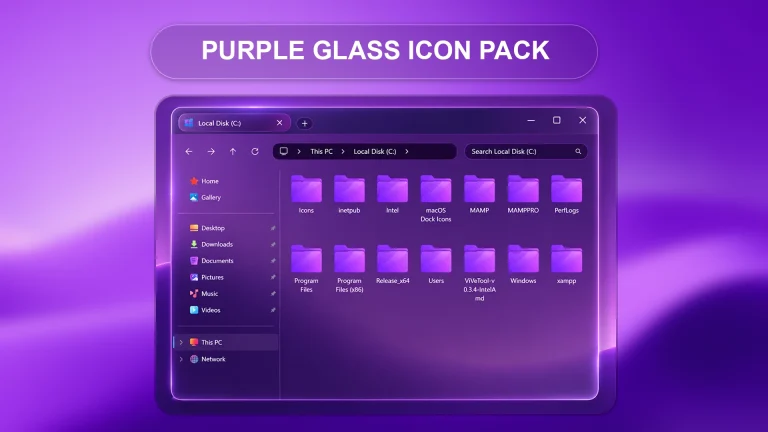
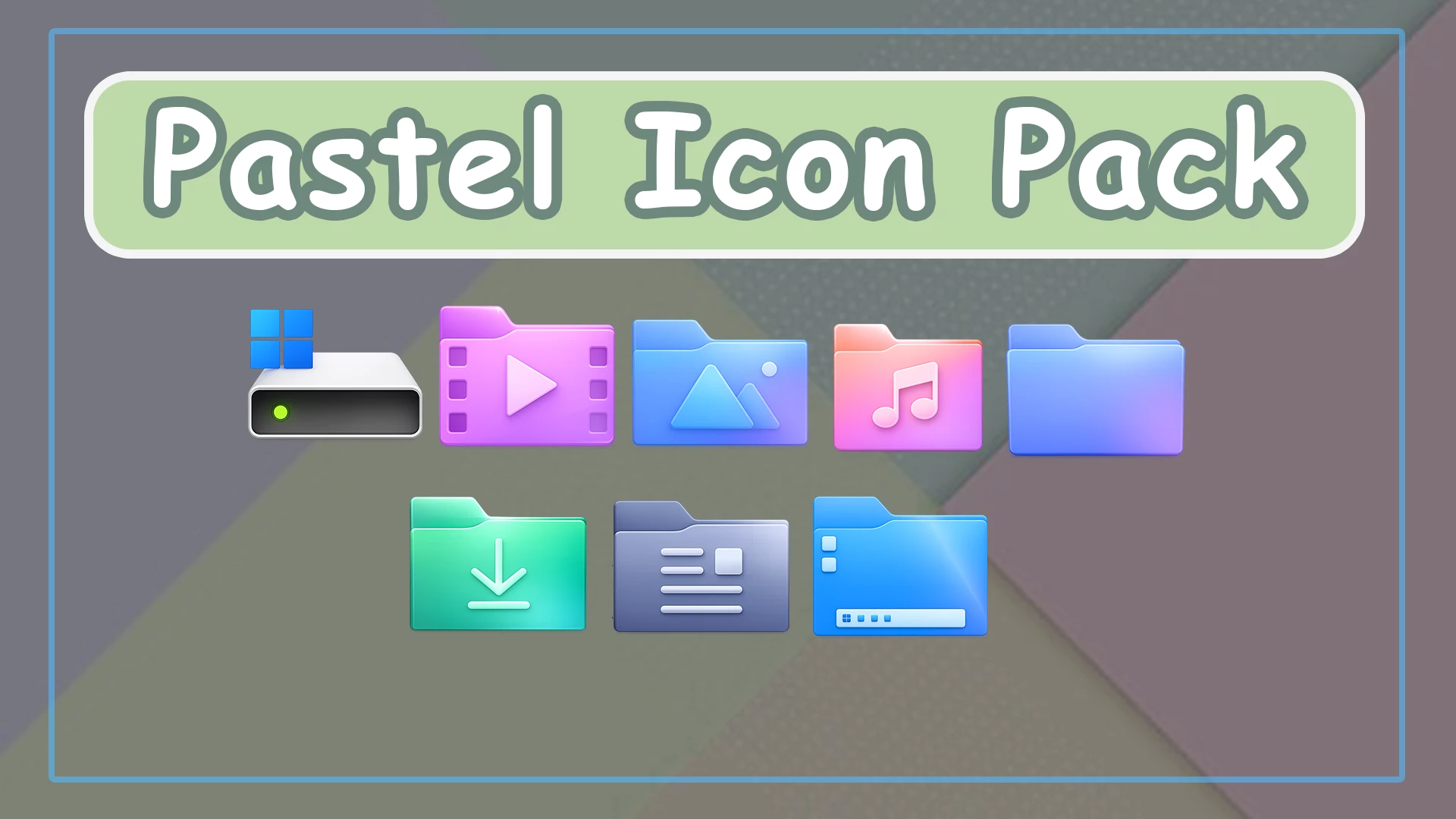
Upgrade your desktop visuals with the beautifully designed Pastel Icon Pack for Resource Redirect, crafted to bring a soft, colorful, and modern aesthetic to your system. If you’re tired of the default icons in Windows 11, this icon pack offers a refreshing transformation with smooth gradients, rounded shapes, and eye-friendly pastel tones.The Pastel Icon Pack is inspired by minimal design principles, focusing on clarity and elegance. Each icon features a clean layout combined with soft gradient colors like pastel blue, pink, purple, green, and orange. These colors are carefully balanced to create a visually pleasing experience without being too bright or overwhelming. Whether you’re browsing files or organizing folders, the icons make everything look more modern and engaging.One of the key highlights of this icon pack is its consistency. All system icons—including folders, media files, downloads, documents, and system drives—follow a unified design language. For example, folders are styled with subtle gradients and soft lighting effects, while icons like music, videos, and pictures include minimal yet recognizable symbols. This consistency enhances usability, making it easier to identify files at a glance.
This icon pack works perfectly with the Resource Redirect method, allowing you to replace default Windows icons without modifying system files directly. By using tools like Windhawk or other customization utilities, you can safely apply these icons across your system. This approach ensures better stability and compatibility, especially after Windows updates.Another standout feature is the smooth and modern 3D-like depth effect. Unlike flat icon packs, the Pastel Icon Pack introduces soft shadows and highlights that give each icon a slightly raised look. This adds a premium feel to your desktop and aligns well with modern UI trends seen in macOS and Linux themes..
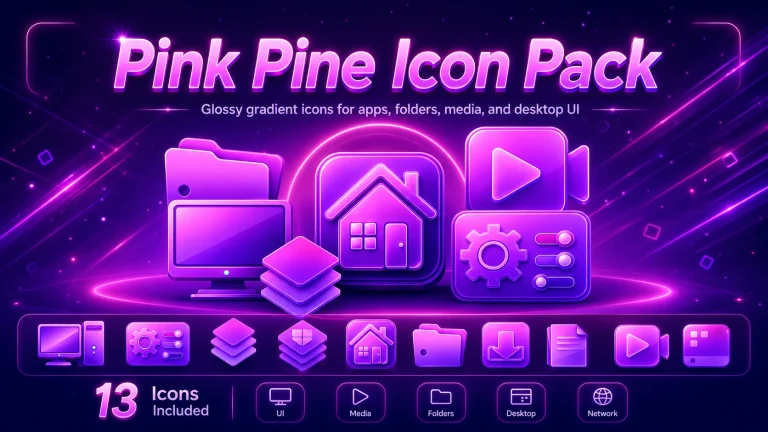
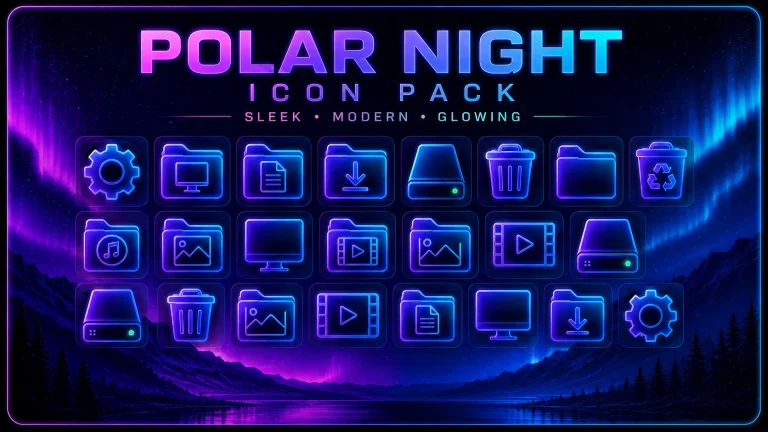
The pack includes a wide variety of icons designed specifically for daily use. From system folders like Desktop and Downloads to media folders like Music and Videos, every icon is optimized for clarity and beauty. Even utility icons such as file explorer elements and storage drives are redesigned with a pastel touch, giving your entire interface a cohesive and polished appearance.This icon pack is especially ideal for users who love aesthetic desktop setups, including content creators, designers, and customization enthusiasts. It pairs perfectly with pastel themes, glass UI styles, and blurred wallpapers, helping you create a complete visual experience. If you’re building a setup for YouTube content—like your channel “The Tech Vegas”—this icon pack can significantly enhance the visual appeal of your tutorials and previews.Performance-wise, the Pastel Icon Pack is lightweight and does not affect system speed. Since it primarily replaces visual assets, your system remains smooth and responsive while looking significantly better.
- Windows 11
- Resource Redirect Icon Pack
Icon Pack 19MB
DownloadFinalization
In conclusion, the Pastel Icon Pack for Resource Redirect is a must-have for anyone looking to elevate their Windows customization. With its soft colors, clean design, and modern aesthetics, it transforms your everyday desktop into a visually stunning workspace. If you want a clean, elegant, and stylish icon experience, this pack is the perfect choice..