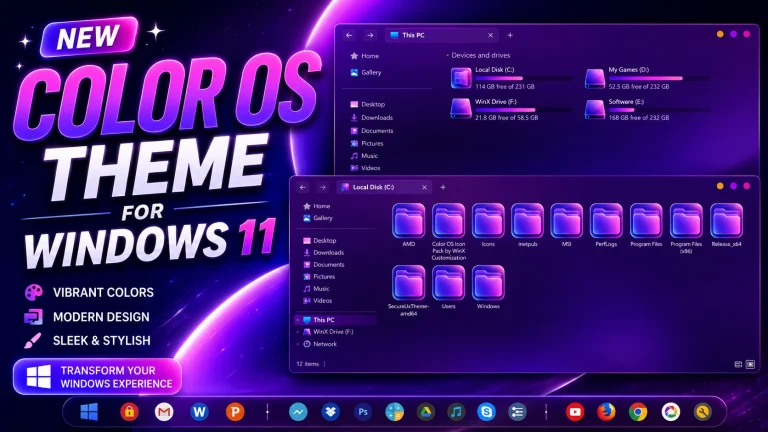
Oxygen OS Theme For Windows 11
Transform your desktop with the Oxygen OS Theme For Windows 11. Enjoy a modern Start Menu, dock-style taskbar, premium icons, and sleek customization.

Oxygen OS Theme For Windows 11 – Premium Android Inspired Desktop Experience
Transform your Windows 11 desktop with the stunning Oxygen OS Theme For Windows 11. Inspired by the clean and modern design language of OxygenOS, this customization package delivers a fresh, elegant, and highly polished user interface that makes your Windows experience feel smoother and more premium. If you love the minimalist aesthetics of OnePlus devices, this theme is the perfect way to bring that same visual style to your PC.
Why Choose Oxygen OS Theme For Windows 11?
The Oxygen OS Theme For Windows 11 is designed for users who want a modern desktop without sacrificing usability. From the stylish taskbar and redesigned Start Menu to the beautiful icon pack and glass-inspired effects, every element is carefully crafted to create a seamless and visually appealing experience.
This theme combines Android-inspired design with the power and flexibility of Windows 11, resulting in a unique desktop environment that feels both familiar and refreshing.
Features of Oxygen OS Theme For Windows 11
- Modern OxygenOS-inspired visual design.
- Beautiful translucent dock-style taskbar.
- Custom Start Menu styling with smooth appearance.
- Premium Oxygen OS icon pack included.
- Clean and minimal desktop layout.
- Enhanced File Explorer appearance.
- Rounded corners and elegant transparency effects.
- Optimized for Windows 11 customization enthusiasts.
- Perfect combination of productivity and aesthetics.
- Lightweight setup with impressive visual impact.
Modern Start Menu Experience
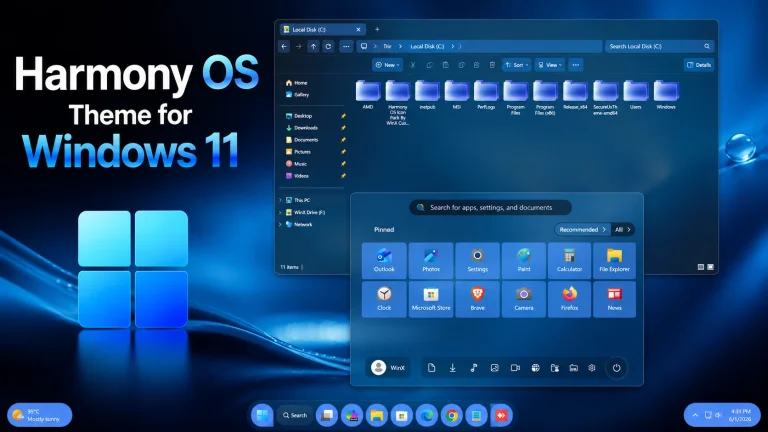
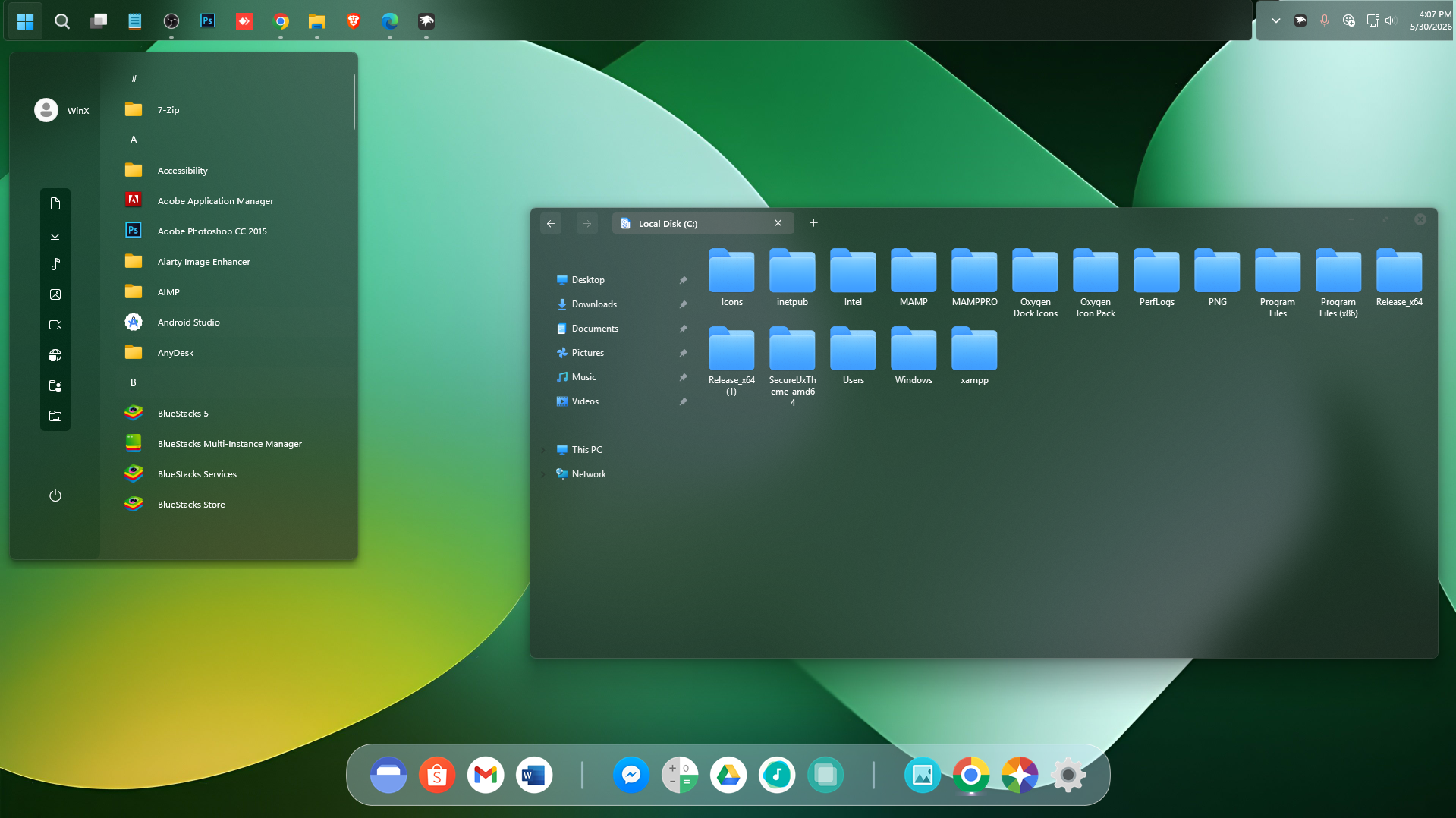
One of the biggest highlights of the Oxygen OS Theme For Windows 11 is the redesigned Start Menu. Inspired by the simplicity of OxygenOS, the menu offers a clean layout with improved spacing, attractive transparency effects, and a premium look that blends perfectly with the overall desktop theme.
The customized Start Menu feels modern, responsive, and highly organized, making application access quicker and more enjoyable.
Elegant Taskbar and Dock Design
The floating dock-style taskbar is another standout feature. The smooth transparent background and centered icons create a clean desktop appearance that resembles high-end operating systems while maintaining the functionality of Windows 11.
Users looking for a professional and clutter-free desktop environment will appreciate the visual balance offered by this Oxygen OS inspired setup.
Beautiful Oxygen OS Icon Pack
A major part of the customization comes from the included Oxygen OS Icon Pack. The icons feature vibrant colors, clean shapes, and consistent design elements that improve the overall appearance of folders, shortcuts, and system applications.
These icons help create a cohesive visual experience throughout the operating system, making your desktop look polished and modern.
Enhanced File Explorer Customization
The customized File Explorer perfectly complements the Oxygen OS design language. Smooth transparency, refined navigation panels, and visually appealing folder icons provide a fresh look while maintaining full Windows functionality.
Whether you use your computer for work, content creation, gaming, or daily browsing, the improved File Explorer enhances the overall user experience.
Perfect for Windows Customization Enthusiasts
If you enjoy desktop customization using tools like Windhawk, Rainmeter, icon packs, and visual styling utilities, the Oxygen OS Theme For Windows 11 is an excellent addition to your setup. It offers a premium appearance without overwhelming the system with unnecessary complexity.
The theme is ideal for users who want a modern Android-inspired desktop while keeping the familiar functionality of Windows 11 intact.
Installation Requirements
- Windows 11 operating system.
- Latest system updates recommended.
- Required customization tools as provided in the package.
- Administrator access for installation.
- Basic knowledge of Windows customization is helpful.
- I recommend creating a restore point before starting your customization.
- This third-party theme will only work if you install Theme Patcher, so definitely install Theme Patcher.
- If you’re new to customization, check out this page that explains in detail how to install Windows custom themes.
- Or Check This Post for a guide on Windows custom themes Installation.
- Theme support: Windows 11
For a detailed guide, you can also check:
- 21H2 YES
- 22H2 YES
- 22H3 YES
- 24H2 YES
- 25H2 YES
What’s Included in This?
- Windows 11 Theme
- Wallpapers
- Dock
- Windhawk Config
Oxygen OS Theme 3MB
DownloadFinal Thoughts
The Oxygen OS Theme For Windows 11 is one of the most stylish and visually appealing desktop customization packages available for Windows users. With its elegant Start Menu, premium icon pack, beautiful File Explorer design, and modern dock-style taskbar, this theme delivers a clean and immersive desktop experience inspired by OxygenOS.
Whether you are a customization enthusiast or simply want a fresh new look for your PC, the Oxygen OS Theme For Windows 11 offers the perfect balance of beauty, functionality, and modern design. Download it today and give your Windows 11 desktop a premium OxygenOS-inspired makeover.