Glass Morphism Icon Pack (Windhawk)
Download and explore Glass Morphism Icon Pack for Windhawk. Give your Windows desktop a modern glass-style look with clean, transparent, and glossy icons.

Glass Morphism Icon Pack (Windhawk)
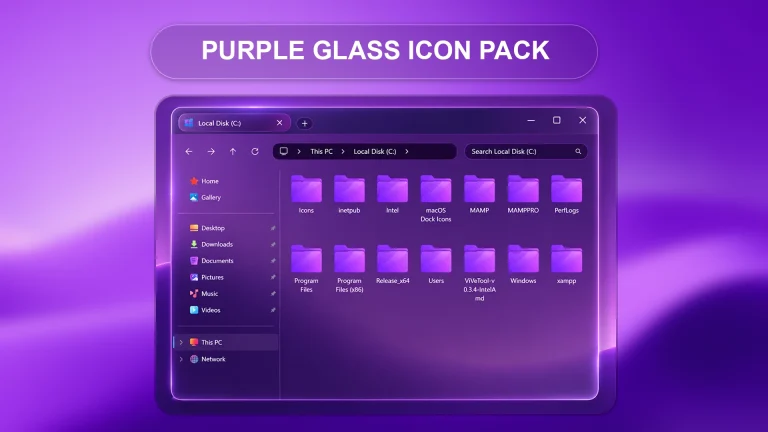
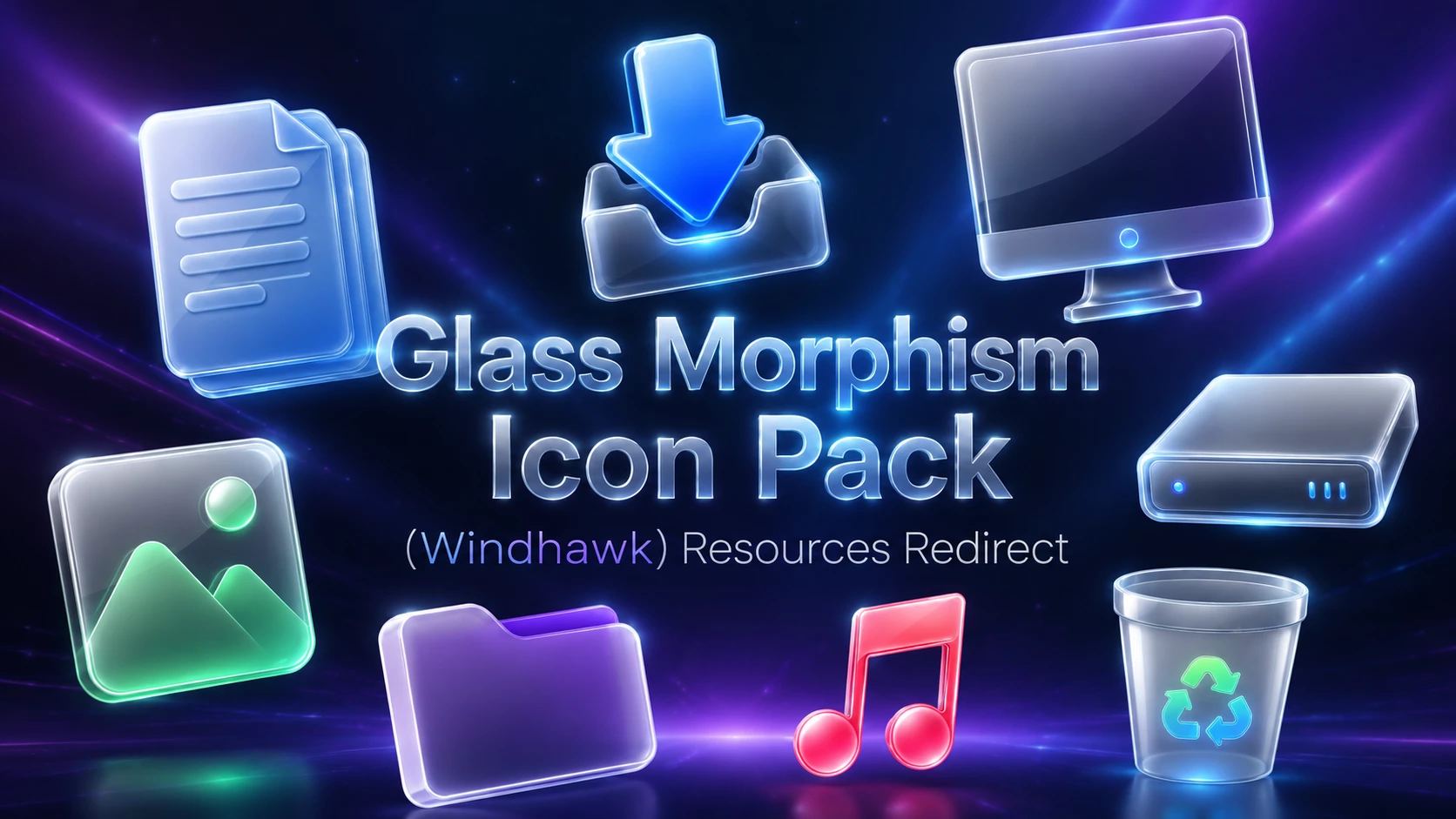
Give your Windows desktop a clean, modern, and premium look with the Glass Morphism Icon Pack. This beautiful icon pack is designed for users who love transparent glass effects, soft glowing edges, smooth reflections, and a futuristic Windows customization style. If you want to make your desktop icons look more stylish and elegant, this Glass Morphism Icon Pack can be a great choice.
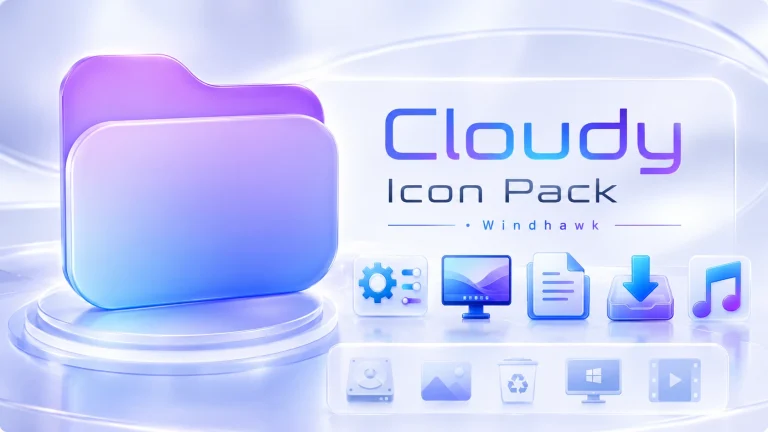
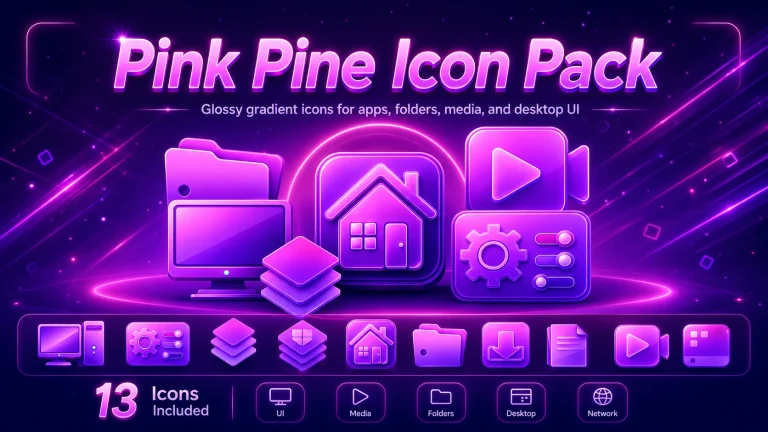
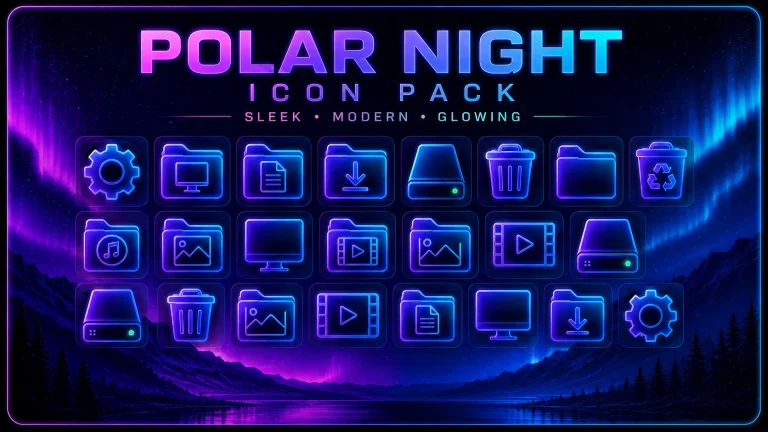
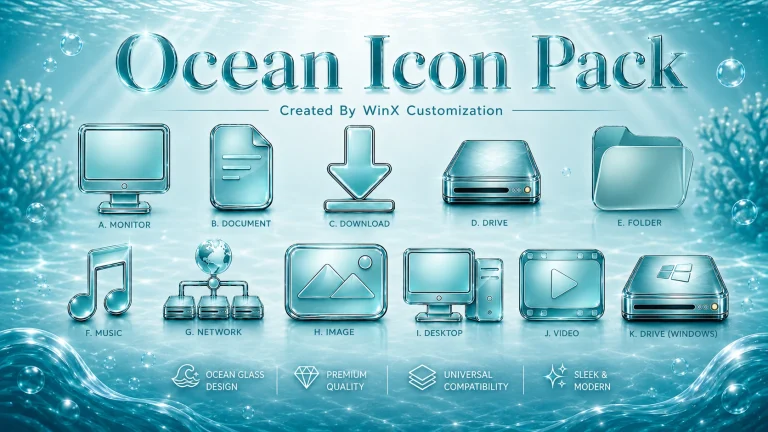
The design is inspired by the popular glassmorphism UI trend, where icons look like frosted glass with light blur, shine, and soft color effects. It gives your folders, files, media icons, system icons, and desktop elements a fresh visual style without making the desktop look messy or too heavy.
This icon pack works well with Windhawk and Resources Redirect, making it useful for Windows customization lovers who want to change the default Windows look in a clean and organized way. The main goal of this setup is to improve the visual appearance of your desktop while keeping it simple, safe, and easy to understand.
What is Glass Morphism Icon Pack?
Glass Morphism Icon Pack is a modern Windows icon style that gives your desktop icons a transparent, glossy, and glass-like appearance. The icons usually include soft blue, purple, white, green, and pink highlights, which make the desktop look more premium and futuristic.
This style is perfect for users who like minimal desktop setups, Windows 11 customization, glass UI themes, and clean aesthetic designs. It can make your desktop look more professional without changing the basic function of your system.
- Windows 11 Operating System
- Windhawk Installed
- Resource Redirect Mod Enabled
- Basic File Path Knowledge
How to Install Icon Pack (Step-by-Step)
- Download and install Windhawk
- Enable the Resource Redirect mod inside Windhawk
- Download the Icon Pack ZIP file
- Extract the icon pack to a folder on your system
- Copy the folder path and paste it into Resource Redirect settings
- Apply changes and restart Windows Explorer
For a detailed guide, you can also check:
Glass Icon Pack 13MB
DownloadIf the New Icons Do Not Appear
Check that Resource Redirect is enabled and make sure the saved path points to the actual extracted Glass Morphism folder rather than the ZIP archive itself.
If the path is correct but older icons remain visible, restart Windows Explorer. Windows may also be holding on to cached icon data, so refreshing the icon cache can help.
Why Do Some Icons Stay Unchanged?
Resource Redirect can only replace resources included in the pack. Some applications use their own icon files, and certain folders may display thumbnails instead of the normal Windows folder icon.
A few unchanged items therefore do not automatically mean the pack failed. They may simply come from resources outside the pack’s coverage.
How to Remove Glass Morphism Icon Pack
- Open Windhawk: Select the installed Resource Redirect mod.
- Open Its Settings: Find the custom path currently pointing to the Glass Morphism folder.
- Restore Your Previous Setup: Replace that path with your earlier configuration, or remove it if you want to return to the default Windows resources.
- Save the Changes: Apply the updated Resource Redirect settings.
- Restart Explorer: Restart Windows Explorer so the previous or default icons can reload.
- Delete the Pack Later: Remove the extracted Glass Morphism folder only after Resource Redirect is no longer using it.
Where This Icon Pack Fits Best
The glass effect works naturally with dark blue, black, violet, or blurred wallpapers because the bright edges have more contrast against them. Transparent or glass-style Windows customizations can complement the icons too, but they are not required.
The pack also has enough color on its own. The purple folder, green photo resource, red-pink music icon, and blue download icon keep the desktop from feeling monochrome even if the rest of Windows stays simple.
Disclaimer
Glass Morphism Icon Pack is an independently shared third-party Windows customization resource intended for desktop personalization. It is not an official Microsoft, Windhawk, or Resource Redirect product and is not affiliated with, authorized by, sponsored by, approved by, or endorsed by those companies or projects. Microsoft, Windows, and other trademarks belong to their respective owners. Appearance and compatibility may vary between Windows builds and mod versions.
Final Word
Glass Morphism Icon Pack gets its character from transparency rather than one fixed color. The icy document and system icons create the base look, while the purple folder, green photo resource, red-pink music icon, and bright blue download symbol add enough variation to keep the set interesting.
If you like glass-style interfaces but do not want every Windows icon to look identical, this pack strikes a useful balance between consistency and color.