Elegant Desktop 2.0 ( Rainmeter Skin )
Elegant Desktop 2.0 ( Rainmeter Skin ) : Elegant Desktop 2.0 is a modern Rainmeter skin designed for Windows 10 and 11, offering a clean, minimal, and elegant desktop layout. With smooth animations, lightweight performance, and full customization, it transforms your desktop into a stylish and distraction-free workspace.

Elegant Desktop 2.0 Rainmeter Skin
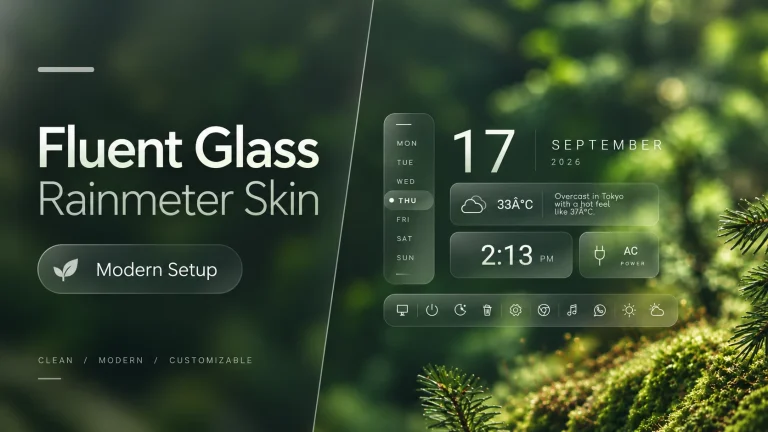
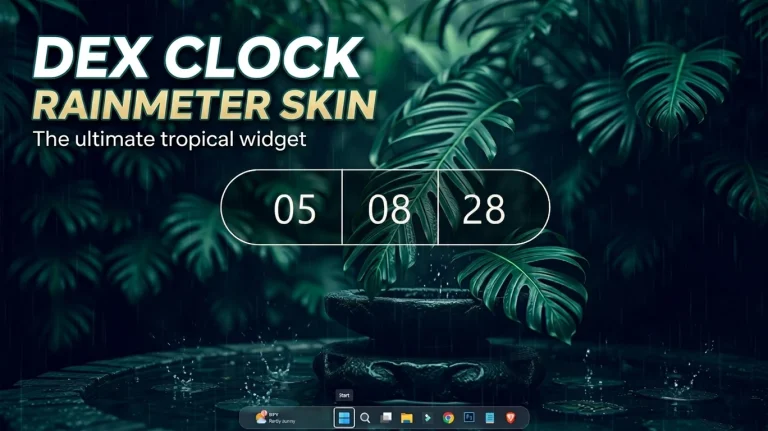
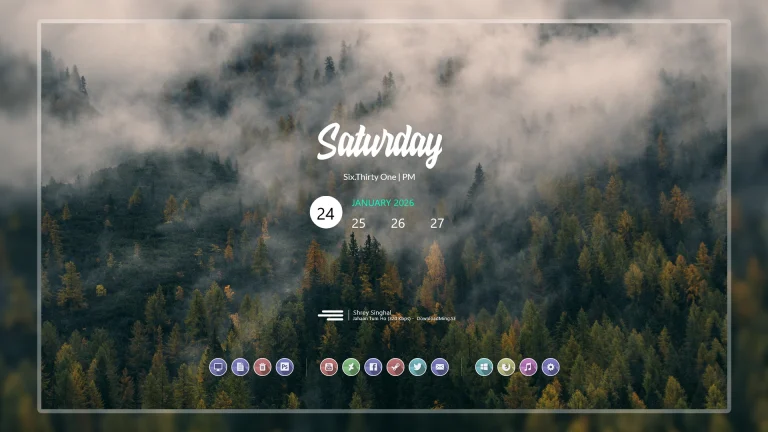
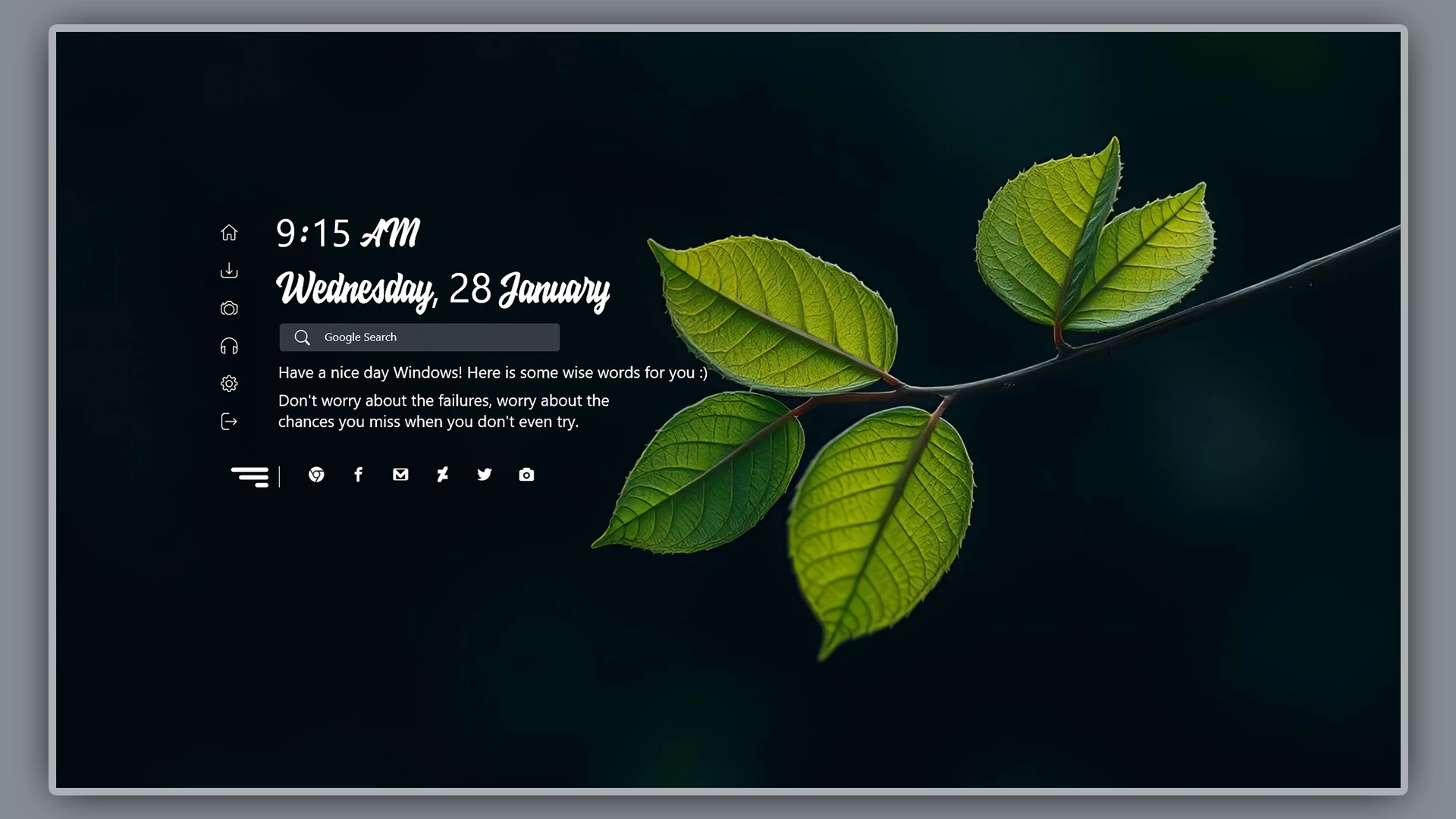
Elegant Desktop 2.0 Rainmeter Skin is a clean and modern desktop customization designed for Windows users who prefer a simple, organized, and elegant workspace. With a minimal layout, soft visual elements, and balanced widgets, this Rainmeter skin helps create a comfortable desktop experience without unnecessary clutter.
Designed with simplicity and usability in mind, Elegant Desktop 2.0 combines useful desktop information with a stylish appearance. The clean typography, subtle transparency, and organized layout make it suitable for users who enjoy aesthetic, productivity-focused, and minimal Windows desktop setups.
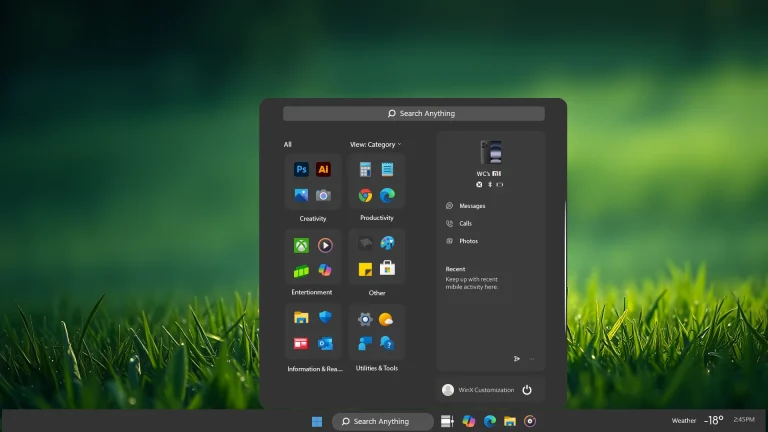
This Rainmeter skin works well with different wallpaper styles, including dark, light, nature, gradient, and minimal backgrounds. Whether you use your PC for work, study, browsing, or creative projects, Elegant Desktop 2.0 can help create a more personalized desktop environment.
Elegant Desktop 2.0 Overview
Elegant Desktop 2.0 is a Rainmeter-based customization package that adds desktop widgets and visual elements to Windows. It does not replace Windows system components and works as an additional layer on your existing desktop.
The design focuses on a clean and peaceful appearance with carefully arranged elements. Users can load, move, and adjust widgets according to their preferred desktop layout.
Key Features
- Clean and elegant Rainmeter desktop design
- Minimal layout with balanced spacing
- Modern clock and date widgets
- Useful desktop information display
- Suitable for Windows 10 and Windows 11 customization
- Works well with different wallpaper styles
- Lightweight desktop customization option
- Easy to arrange and personalize
What is included in this?
- Rainmeter Skins
- Wallpapers
Compatibility
- Windows 10
- Windows 11
- Rainmeter installed
- Recommended Resolution: 1920 × 1080 or higher
Optional Customization Tools
How to Install Elegant Desktop 2.0 Rainmeter Skin
- Download and install Rainmeter from the official website.
- After installation, Rainmeter will start automatically.
- Download the Elegant Desktop 2.0 Rainmeter Skin package.
- Open the included .rmskin file if available.
- The Rainmeter Skin Installer window will appear.
- Click Install to add the skin.
- Right-click the Rainmeter icon from the system tray.
- Go to Skins and select Elegant Desktop 2.0.
- Click Load to apply the widgets.
- Adjust the widget positions according to your desktop setup.
Theme Files5MB
Download Customization Tips
- Use a clean wallpaper for a better minimal appearance.
- Keep only necessary widgets active.
- Match the setup with suitable icon packs and taskbar styles.
- Adjust transparency and widget positions based on your preference.
- Maintain enough empty space for a cleaner desktop look.
How to Remove Elegant Desktop 2.0 Rainmeter Skin
- Right-click any active Elegant Desktop widget.
- Select Unload Skin.
- Open Rainmeter Manager from the system tray.
- Unload all active Elegant Desktop skins.
- Remove the skin folder from the Rainmeter Skins directory if you want to delete it completely.
Disclaimer
Elegant Desktop 2.0 Rainmeter Skin is a third-party desktop customization resource created for personal Windows customization purposes only. It is not an official Microsoft product and is not affiliated with Microsoft Corporation.
This customization works through Rainmeter and does not modify Windows system files. Windows-related trademarks belong to their respective owners.
Final Thoughts
Elegant Desktop 2.0 Rainmeter Skin is a suitable choice for users who want a clean, modern, and organized Windows desktop. Its minimal design and balanced widgets make it a good option for creating a comfortable and aesthetic workspace.
For the best result, combine this skin with a matching wallpaper, suitable icons, and other Windows customization resources to build a complete desktop setup.