Dock-Style Taskbar – Windhawk Mods
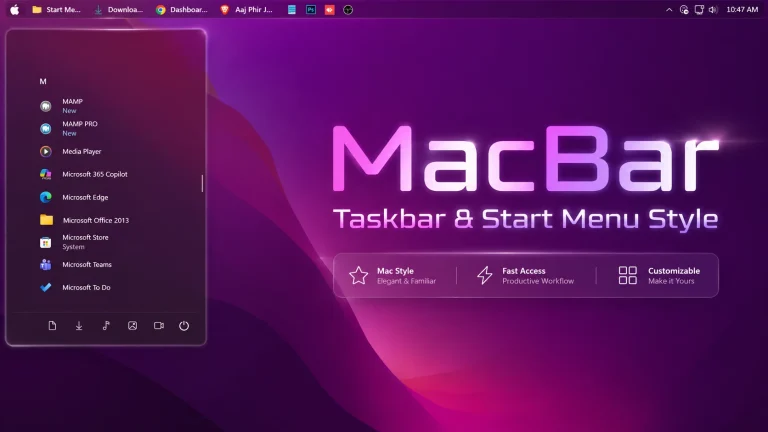
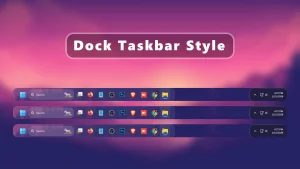
Dock-Style Taskbar - Windhawk Mods : Dock-Style Taskbar using Windhawk Mods transforms the default Windows taskbar into a clean, macOS-inspired dock. It offers a minimal, floating design with smooth animations while remaining lightweight and performance-friendly. Perfect for modern Windows 10 and Windows 11 desktop customization.

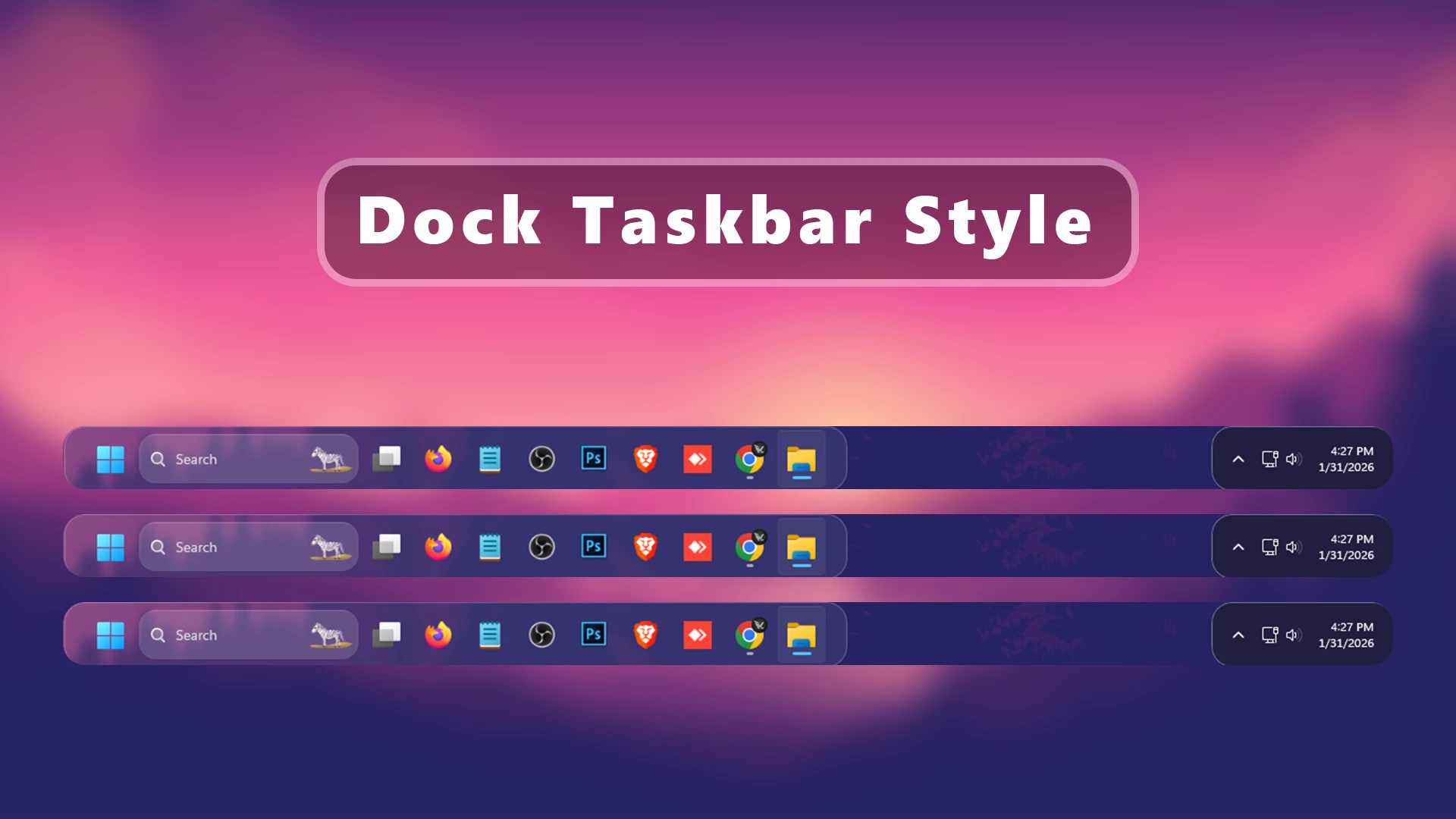
Dock-Style Taskbar – Windhawk Mods
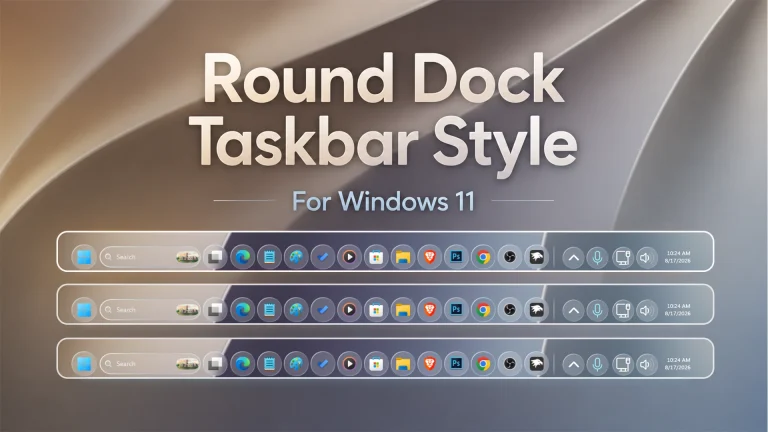
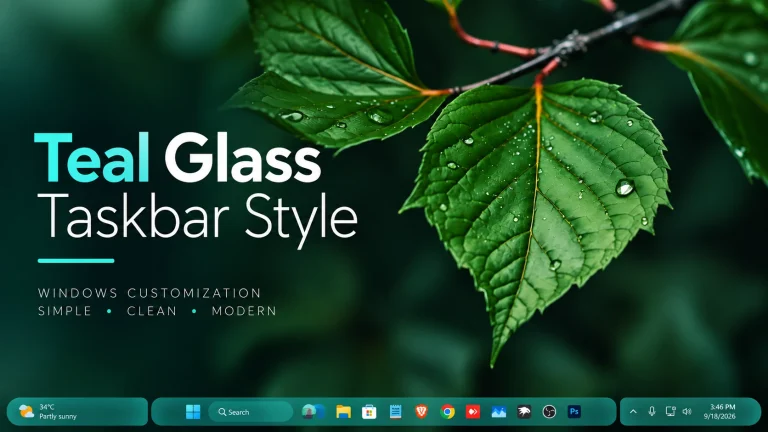
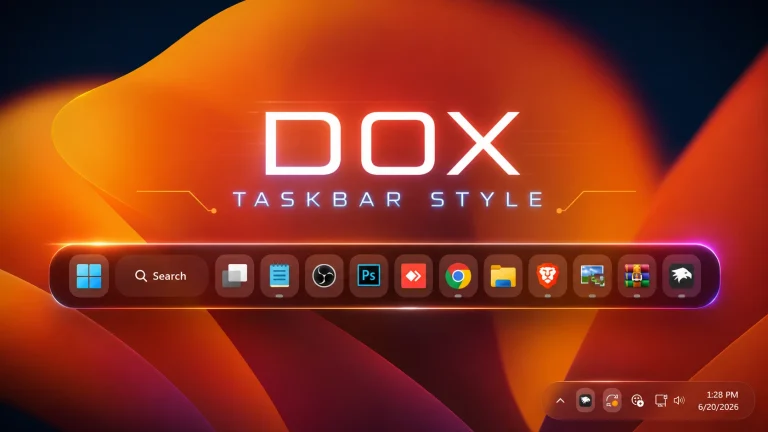
The Dock-Style Taskbar using Windhawk Mods is a clean and modern Windows 11 customization designed for users who prefer a compact, dock-inspired desktop appearance. Instead of the standard full-width taskbar look, this style gives the taskbar a more focused and minimal visual layout that can work especially well with clean wallpapers, custom icons, and other desktop personalization setups.
This customization is created to provide a dock-like visual experience while continuing to use the Windows 11 taskbar underneath. Depending on the Windhawk mod and configuration used, elements such as taskbar size, spacing, background, corner radius, transparency, and icon alignment can be adjusted to create a more polished appearance. To use this style, you need to install Windhawk and apply the compatible taskbar styling configuration.
Features
- Clean dock-style taskbar appearance
- Compact and minimal desktop layout
- Centered and organized taskbar icons
- Rounded taskbar design
- Supports transparent or glass-style backgrounds
- Adjustable spacing, size, and visual layout
- Works well with custom wallpapers and icon packs
- Designed for Windows 11 personalization through Windhawk
- Can be disabled or changed from Windhawk settings
Download Windhawk To Use The Style
Compatibility
- Windows 11 21H2: May work, but not recommended for the best experience
- Windows 11 22H2: May work, but compatibility can vary
- Windows 11 23H2: Recommended
- Windows 11 24H2: Recommended
- Windows 11 25H2: YES work, but test carefully after Windows updates
Installation steps:
- Download & Install windhawk.
- install & Open the Windows 11 taskbar Styler mod in Windhawk.
- Go to the “Advanced” tab.
- Copy the content below to the text box under “Mod settings” and click “Save”.
{ "controlStyles[0].target": "Grid#RootGrid > Taskbar.TaskbarBackground > Grid", "controlStyles[0].styles[0]": "CornerRadius=20", "controlStyles[0].styles[1]": "BorderThickness=1", "controlStyles[0].styles[2]": "Margin=-20,0,-20,0", "controlStyles[0].styles[3]": "BorderBrush=#40FFFFFF", "controlStyles[0].styles[4]": "Padding=-1", "controlStyles[1].target": "Rectangle#BackgroundStroke", "controlStyles[1].styles[0]": "Fill=Transparent", "controlStyles[2].target": "Taskbar.TaskbarFrame", "controlStyles[2].styles[0]": "Width=Auto", "controlStyles[2].styles[1]": "HorizontalAlignment=Center", "controlStyles[3].target": "Taskbar.TaskbarFrame > Grid#RootGrid", "controlStyles[3].styles[0]": "Visibility=Visible", "controlStyles[3].styles[1]": "Margin=0,0,0,0", "controlStyles[3].styles[2]": "Padding=20,0,20,0", "controlStyles[4].target": "StackPanel#SystemTrayFrameGrid, Grid#SystemTrayFrameGrid", "controlStyles[4].styles[0]": "Margin=0,0,20,0", "controlStyles[4].styles[1]": "CornerRadius=20", "controlStyles[4].styles[2]": "BorderThickness=1,1,0,1", "controlStyles[4].styles[3]": "BorderBrush=#66FFFFFF", "controlStyles[4].styles[4]": "Padding=10,5,0,5", "controlStyles[4].styles[5]": "Background:=<WindhawkBlur BlurAmount=\"5\" TintColor=\"{ThemeResource SystemChromeAltHighColor}\" TintOpacity=\"0.5\" />", "controlStyles[4].styles[6]": "Visibility=Visible", "controlStyles[5].target": "Taskbar.TaskbarFrame > Grid#RootGrid > Taskbar.TaskbarBackground > Grid > Rectangle#BackgroundFill", "controlStyles[5].styles[0]": "Fill:=<WindhawkBlur BlurAmount=\"5\" TintColor=\"#12FFFFFF\"/>", "controlStyles[6].target": "Grid#IconPanel@RunningIndicatorStates > Border#BackgroundElement, Taskbar.TaskListLabeledButtonPanel@RunningIndicatorStates > Grid > Border#BackgroundElement, Taskbar.TaskListLabeledButtonPanel@RunningIndicatorStates > Border#BackgroundElement", "controlStyles[6].styles[0]": "Margin=-1,5.5,1,4", "controlStyles[6].styles[1]": "CornerRadius=12", "controlStyles[6].styles[2]": "BorderThickness=0,0,0,0", "controlStyles[6].styles[3]": "BorderBrush:=<LinearGradientBrush StartPoint=\"0,0\" EndPoint=\"0.5,1\"><GradientStop Color=\"#00000000\" Offset=\"0\" /><GradientStop Color=\"#33000000\" Offset=\"1.5\" /></LinearGradientBrush>", "controlStyles[7].target": "Taskbar.TaskListButtonPanel#ExperienceToggleButtonRootPanel > Grid > Border#BackgroundElement, Taskbar.TaskListButtonPanel#ExperienceToggleButtonRootPanel > Border#BackgroundElement", "controlStyles[7].styles[0]": "CornerRadius=12", "controlStyles[7].styles[1]": "Margin=-1,5.5,2.5,4", "controlStyles[7].styles[2]": "BorderThickness=2,1,0.5,2", "controlStyles[7].styles[3]": "BorderBrush:=<LinearGradientBrush StartPoint=\"0,0\" EndPoint=\"0.5,1\"><GradientStop Color=\"#00000000\" Offset=\"0\" /><GradientStop Color=\"#33000000\" Offset=\"1.5\" /></LinearGradientBrush>", "controlStyles[8].target": "Grid#IconPanel@CommonStates > Rectangle#RunningIndicator, Taskbar.TaskListLabeledButtonPanel@CommonStates > Rectangle#RunningIndicator", "controlStyles[8].styles[0]": "Margin=0,0,0,8", "controlStyles[9].target": "Border#MultiWindowElement", "controlStyles[9].styles[0]": "Height=0"}Required Windhawk Mods Taskbar Height & Icon Size for similar results
To achieve similar results, install and configure the following Windhawk mods in addition to Taskbar Styler
{ "TaskbarHeight": 65, "IconSize": 28, "TaskbarButtonWidth": 52, "IconSizeSmall": 16, "TaskbarButtonWidthSmall": 32}Required Windhawk Mos for similar results
Taskbar Dock Animation
If you want to make your Windows 11 look modern, minimal, and dock-like without installing heavy third-party software, Dock-Style Taskbar – Windhawk Mods is the perfect solution. It delivers a premium macOS-inspired dock experience while staying true to Windows performance and usability
⚠️ Disclaimer: This Windhawk Start Menu Style is provided for Windows UI personalization and educational purposes only. It is an unofficial customization and is not developed, endorsed, or supported by Microsoft. Compatibility may vary depending on your Windows version, Windhawk version, Start Menu Styler version, and system configuration. Windows updates may also affect how the style works. Please keep a backup of your current settings before applying any changes.
Final Words
The Dock-Style Taskbar is a simple way to give Windows 11 a cleaner and more compact desktop appearance using Windhawk. Its dock-inspired layout, rounded styling, and customizable visual settings can help create a more polished setup while keeping the familiar Windows taskbar experience.
For the best result, use it with a matching wallpaper, icon pack, and other compatible desktop customizations. Since Windows updates and Windhawk mod versions can affect styling behavior, keep a backup of your current settings before applying changes.