Neon Rainmeter Skin For Windows
NEON Rainmeter Skin features a sleek neon-glow clock and date design that gives your Windows desktop a futuristic and modern look. With vibrant colors, smooth glow effects, and lightweight performance, it blends style and functionality perfectly. Fully customizable and optimized for dark or cyberpunk themes, this skin is ideal for users who want a clean, eye-catching desktop setup without sacrificing performance.

Neon Rainmeter Skin For Windows
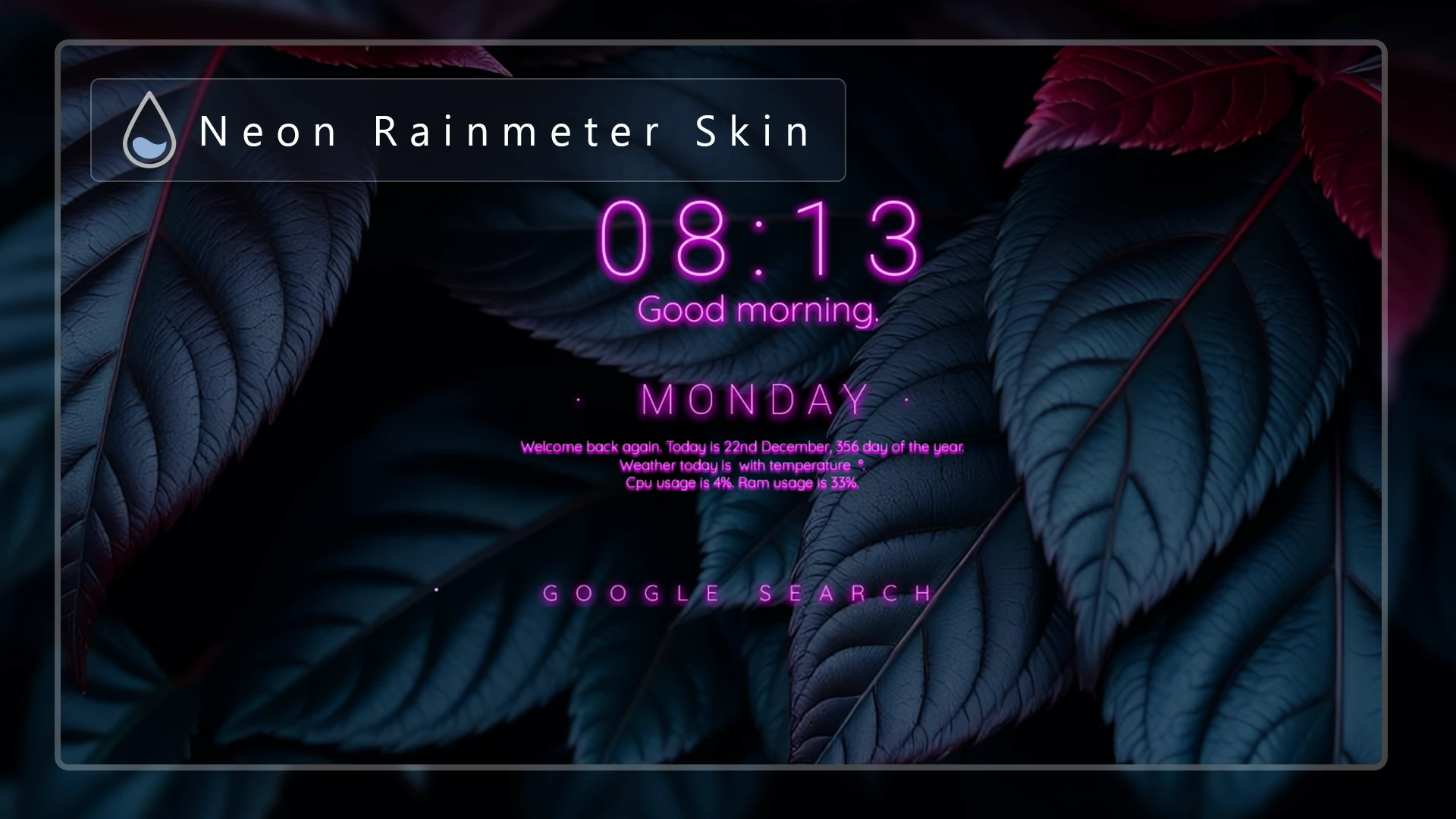
Neon Rainmeter Skin is a modern desktop customization designed for users who enjoy futuristic visuals, glowing effects, and stylish system widgets. Inspired by cyberpunk and neon UI designs, this Rainmeter skin adds a vibrant touch to your Windows desktop with a glowing clock, date display, and clean system information panels.
The combination of bright neon colors, smooth glow effects, and dark backgrounds creates a unique visual experience that looks impressive on modern desktop setups. The clean layout keeps important information visible while maintaining a minimal and organized appearance.
Whether you are creating a gaming setup, a futuristic workspace, or a customized Windows desktop, Neon Rainmeter Skin provides an easy way to transform your screen with a high-tech interface style.
Modern Neon Desktop Design
The main focus of this skin is its glowing neon aesthetic. The clock and date modules feature a stylish design that blends well with dark wallpapers, RGB setups, cyberpunk themes, and modern Windows customization projects.
The simple interface makes it easy to view important information without making your desktop look crowded. The balanced spacing and clean typography help maintain a professional yet futuristic appearance.
Customizable Rainmeter Experience
One of the biggest advantages of Rainmeter skins is flexibility. You can adjust different visual settings according to your preference, including colors, size, position, fonts, and transparency.
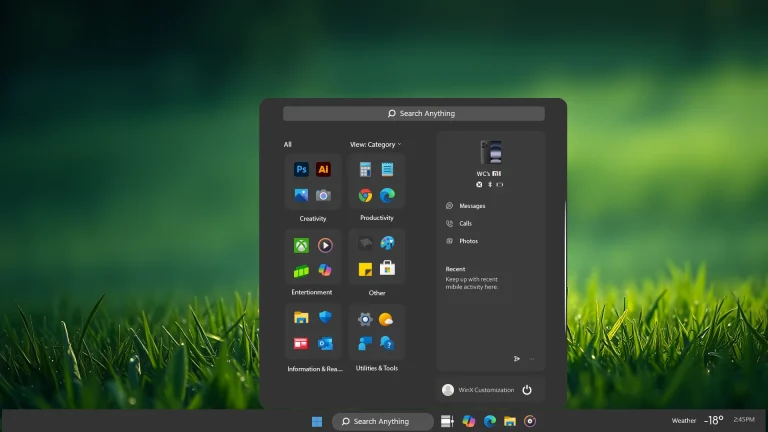
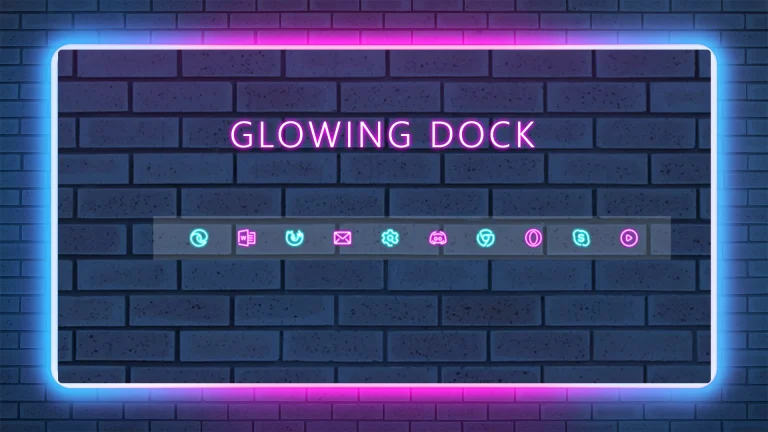
You can combine this neon-style skin with custom wallpapers, icon packs, docks, and Windows UI modifications to create a complete personalized desktop environment.
Skin Features
- Futuristic neon-inspired interface
- Glowing clock and date display
- Clean and minimal desktop layout
- Works well with dark and cyberpunk wallpapers
- Customizable colors, size, and position
- Lightweight Rainmeter customization
What is included in this?
- Neon Rainmeter Skin Files
System Compatibility
- Windows 11
- Windows 10
- Rainmeter Supported Systems
Optional Customization Tools
Installation Steps
- Download and install Rainmeter on your PC.
- Download the Neon Rainmeter Skin package.
- Open the downloaded .rmskin file.
- The Rainmeter Skin Installer will appear.
- Click Install to add the skin.
- Right-click the Rainmeter icon from the system tray.
- Go to Skins and select the installed Neon skin.
- Click Load to display it on your desktop.
Theme Files 829KB
DownloadWho Should Use This Skin?
This Rainmeter skin is perfect for users who enjoy futuristic desktop designs, gaming setups, and modern customization styles. It is a great choice for anyone who wants to add a glowing neon atmosphere to their Windows desktop.
Disclaimer
This Rainmeter skin is provided for desktop personalization purposes only. Rainmeter is a third-party customization platform and is not developed by Microsoft. Always create a system restore point before applying major desktop customizations.
Final Word
Neon Rainmeter Skin brings a futuristic and stylish look to your Windows desktop with glowing visuals, clean widgets, and a modern cyber-inspired design. If you enjoy unique desktop setups and personalized interfaces, this skin can be a great addition to your customization collection.
Frequently Asked Questions
What is required to use this Rainmeter skin?
You need Rainmeter installed on your Windows system to apply and use this skin.
Can I change the neon colors?
Yes, Rainmeter skins can usually be customized by editing settings such as colors, fonts, size, and position.
Does this work on Windows 11?
Yes, this Rainmeter skin works with Windows 11 and Windows 10 systems that support Rainmeter.
Will this slow down my computer?
Rainmeter skins are generally lightweight, but performance may vary depending on your system specifications and the number of active skins.