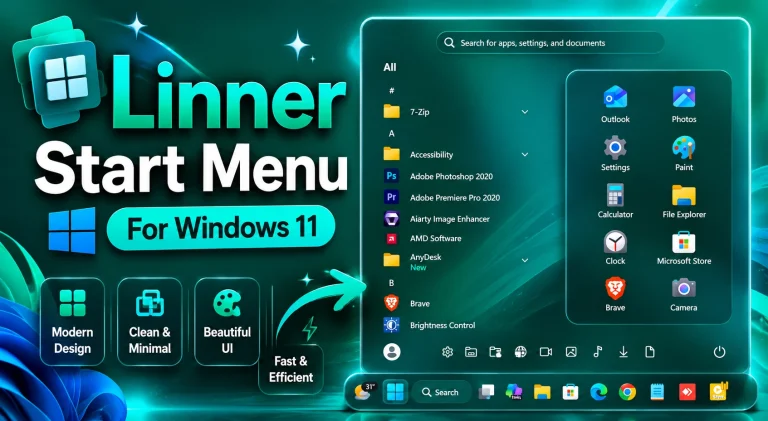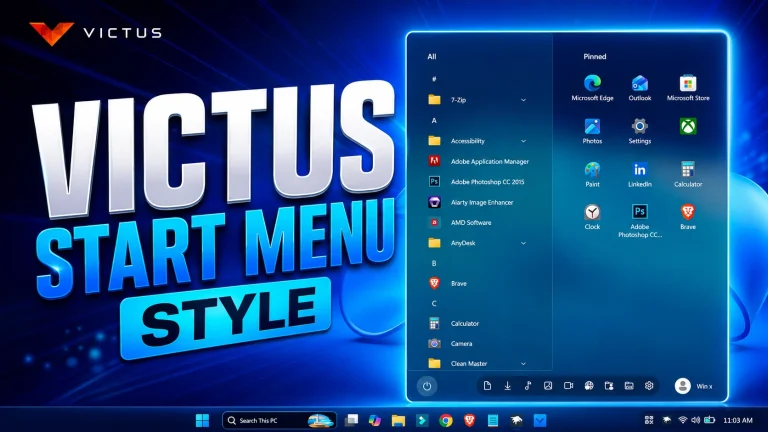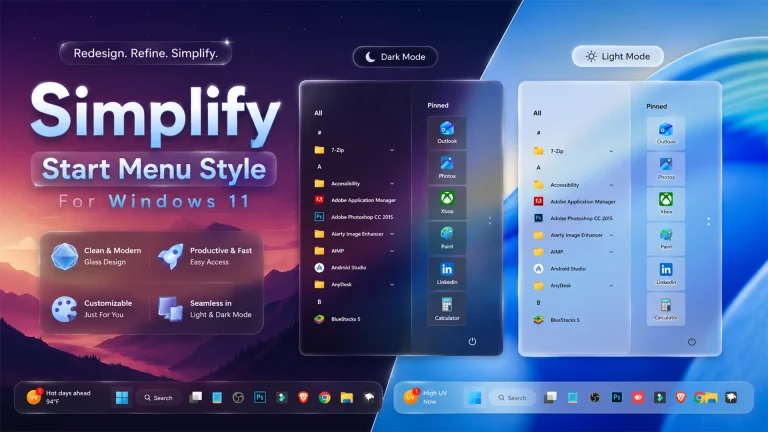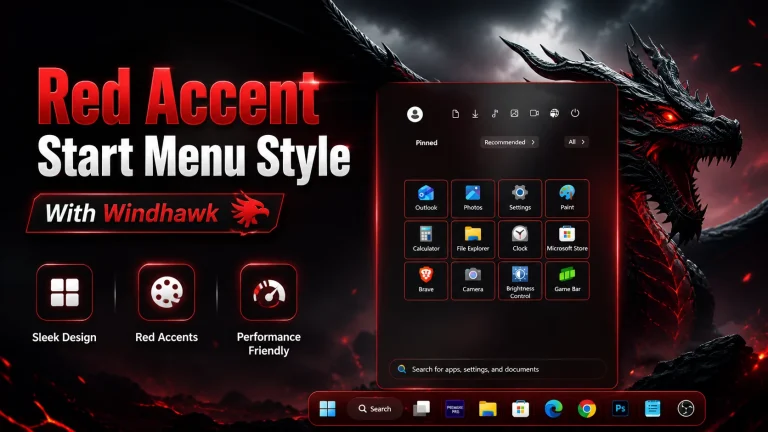
Aero Start Menu Styler
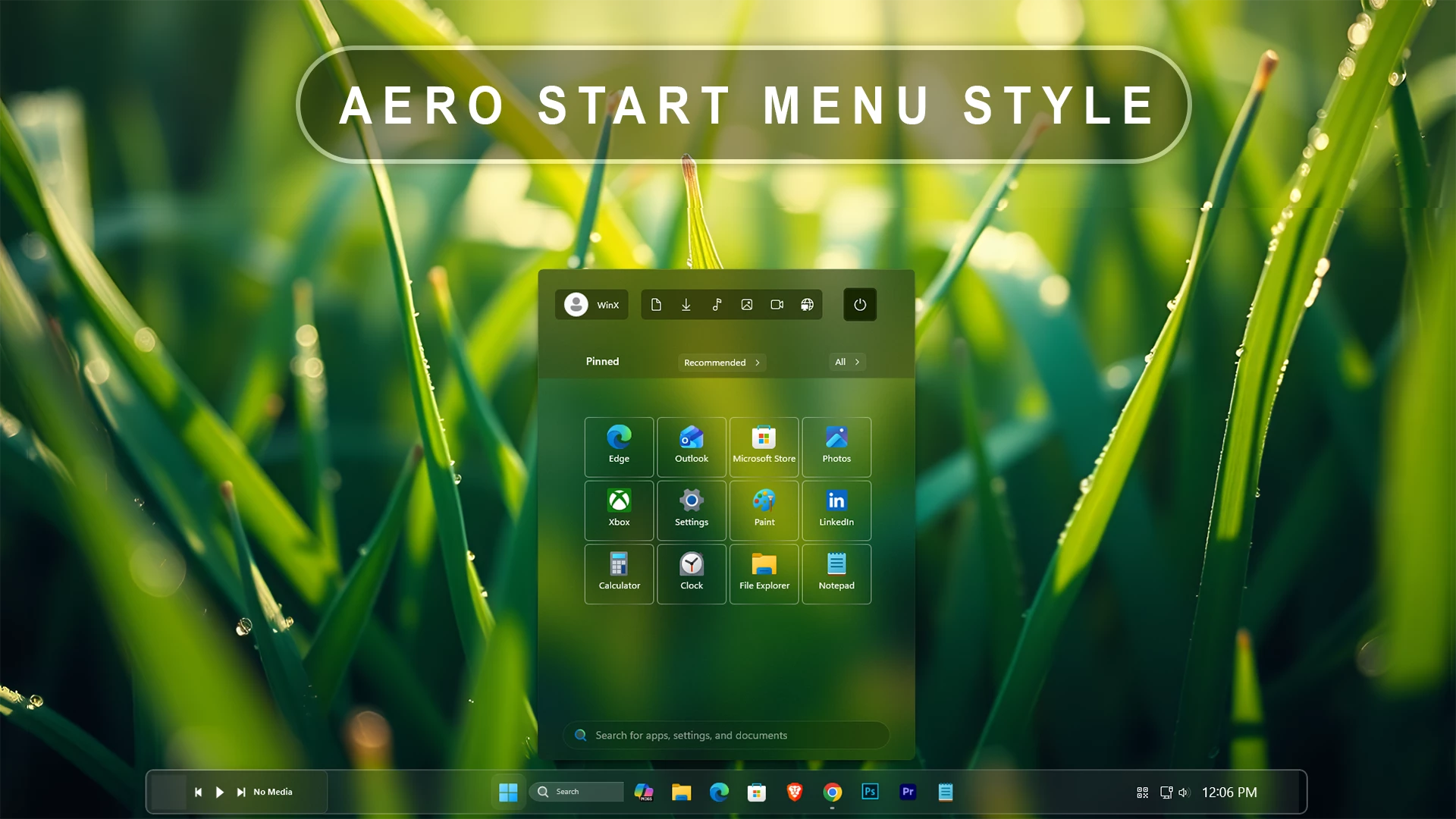
Aero Start Menu Styler :The Aero Start Menu Styler for Windhawk restores the classic Windows Aero glass look on Windows 11. It adds smooth transparency, soft blur, and elegant glow effects to the Start Menu, delivering a perfect mix of nostalgia and modern UI customization.

Aero Start Menu Styler (Using Windhawk) For Windows 11
The Aero Start Menu Styler (Using Windhawk) is a premium Windows 11 customization designed for users who love the classic Aero-inspired appearance combined with modern functionality. This style transforms the default Windows 11 Start Menu into a cleaner, smoother, and more visually appealing interface. Built specifically for Windhawk, it introduces elegant transparency effects, refined layouts, and a polished glass-like aesthetic that enhances your desktop experience while maintaining excellent usability.
If you enjoy customizing Windows 11 and want a Start Menu that feels more professional and visually balanced, the Aero Start Menu Styler (Using Windhawk) is an excellent choice. The design blends modern Windows elements with the timeless Aero visual style that many users appreciated in earlier Windows versions. The result is a sleek and sophisticated Start Menu that looks great on any desktop setup.
Why Choose Aero Start Menu Styler (Using Windhawk)?
The default Windows 11 Start Menu offers a clean design, but many users seek greater visual customization and personalization. The Aero Start Menu Styler (Using Windhawk) provides an enhanced appearance with carefully crafted transparency effects, improved spacing, and a premium glass-inspired interface.
- Elegant Aero-inspired glass effect.
- Modern Windows 11 compatibility.
- Clean and organized Start Menu layout.
- Smooth visual appearance.
- Professional desktop customization.
- Easy integration through Windhawk.
- Lightweight and performance-friendly design.
Premium Aero Glass Appearance
One of the standout features of the Aero Start Menu Styler (Using Windhawk) is its beautiful Aero-inspired transparency. The style creates a soft glass effect that adds depth and elegance to the Start Menu without becoming distracting. This refined appearance helps create a modern desktop environment while preserving readability and accessibility.
The carefully balanced transparency levels make the Start Menu feel integrated with the rest of the Windows 11 interface. Whether you use colorful wallpapers, minimalist backgrounds, or professional workspaces, this style complements a wide range of desktop themes.
Designed Specifically For Windhawk
The Aero Start Menu Styler (Using Windhawk) is optimized for Windhawk, one of the most popular Windows customization tools available today. Windhawk allows users to modify Windows components safely and efficiently, making it the perfect platform for advanced Start Menu styling.
Installation is straightforward, allowing users to quickly apply the Aero design and enjoy an upgraded Start Menu experience. Once installed, the style seamlessly integrates into Windows 11, providing a polished appearance without requiring complex configuration.
Enhanced User Experience
Beyond visual improvements, the Aero Start Menu Styler (Using Windhawk) focuses on usability. The design improves the overall organization of the Start Menu while maintaining familiar navigation patterns. Applications, pinned items, recommendations, and search functions remain easy to access and visually appealing.
The balanced layout helps reduce visual clutter and creates a cleaner workspace, making daily interactions with Windows 11 more enjoyable and efficient.
Perfect For Windows Customization Enthusiasts
Whether you are a Windows enthusiast, desktop customization creator, content creator, developer, or everyday user, the Aero Start Menu Styler (Using Windhawk) delivers a stylish and modern appearance that stands out. It works beautifully alongside custom taskbars, icon packs, wallpapers, and other Windhawk modifications.
This style is ideal for users who appreciate premium design details and want their Windows 11 desktop to look unique while maintaining a professional aesthetic.
Key Features
- Aero-inspired Start Menu design.
- Beautiful transparency and glass effects.
- Optimized for Windows 11.
- Built for Windhawk customization.
- Clean, modern, and professional appearance.
- Easy installation and configuration.
- Enhanced visual consistency.
- Lightweight performance impact.
- Compatible with various desktop themes.
- Perfect for personalization enthusiasts.
- 21H2 YES
- 22H2 YES
- 22H3 YES
- 24H2 YES
- 25H2 Yes
- Download & Install windhawk.
- install & Open the Windows 11 Start Menu Styler mod in Windhawk.
- Go to the “Advanced” tab.
- Copy the content below to the text box under “Mod settings” and click “Save”.
Mods
2kb
Download
Conclusion
The Aero Start Menu Styler (Using Windhawk) is an excellent customization option for anyone looking to enhance the appearance of Windows 11. With its elegant Aero-inspired transparency, refined glass effects, modern layout, and seamless Windhawk integration, it transforms the standard Start Menu into a premium desktop experience. If you want a stylish, clean, and professional Start Menu for Windows 11, the Aero Start Menu Styler (Using Windhawk) is a must-have addition to your customization collection.