7tsp macOS Inspired Dark Icon Pack
7tsp macOS Inspired Dark Icon Pack : Transform your Windows 10 or 11 desktop with the 7tsp macOS Dark Icon Pack. Enjoy clean, modern macOS-style dark icons that replace system icons using 7tsp GUI. Perfect for dark themes, macOS-inspired setups, and premium Windows customization.

7TSP macOS Inspired Dark Icon Pack For Windows
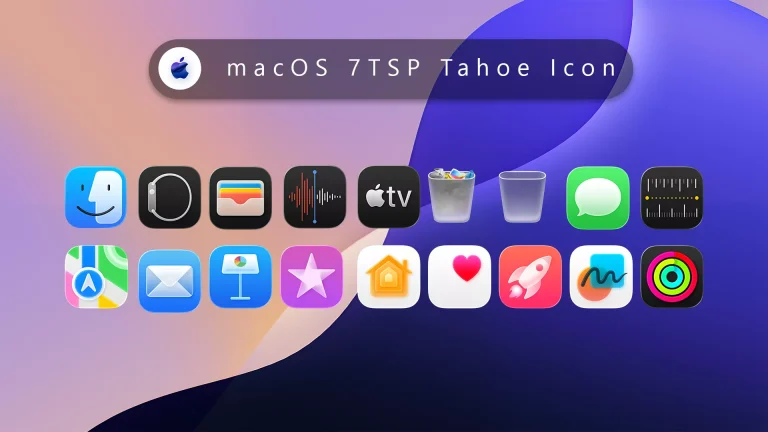
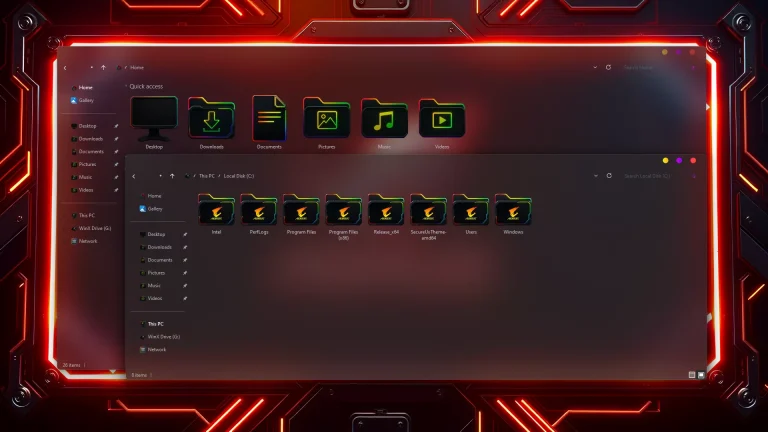
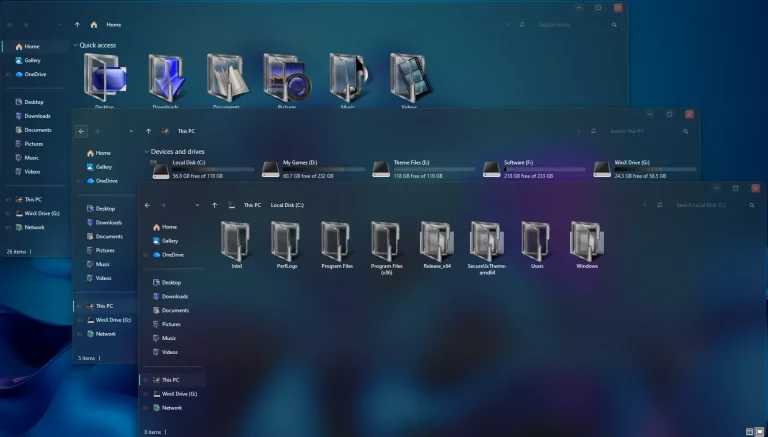
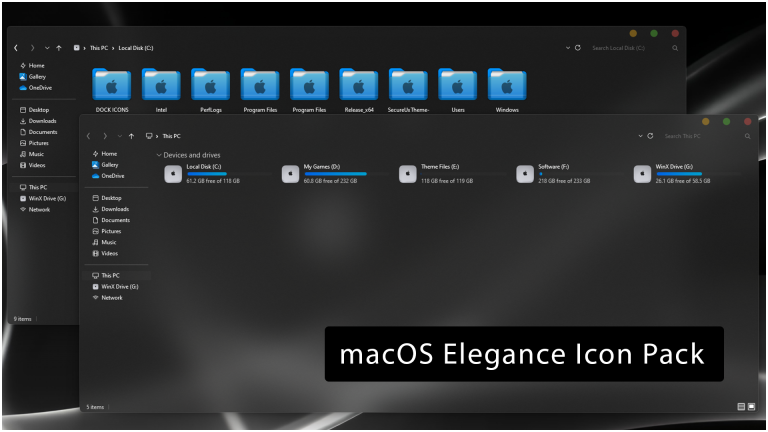
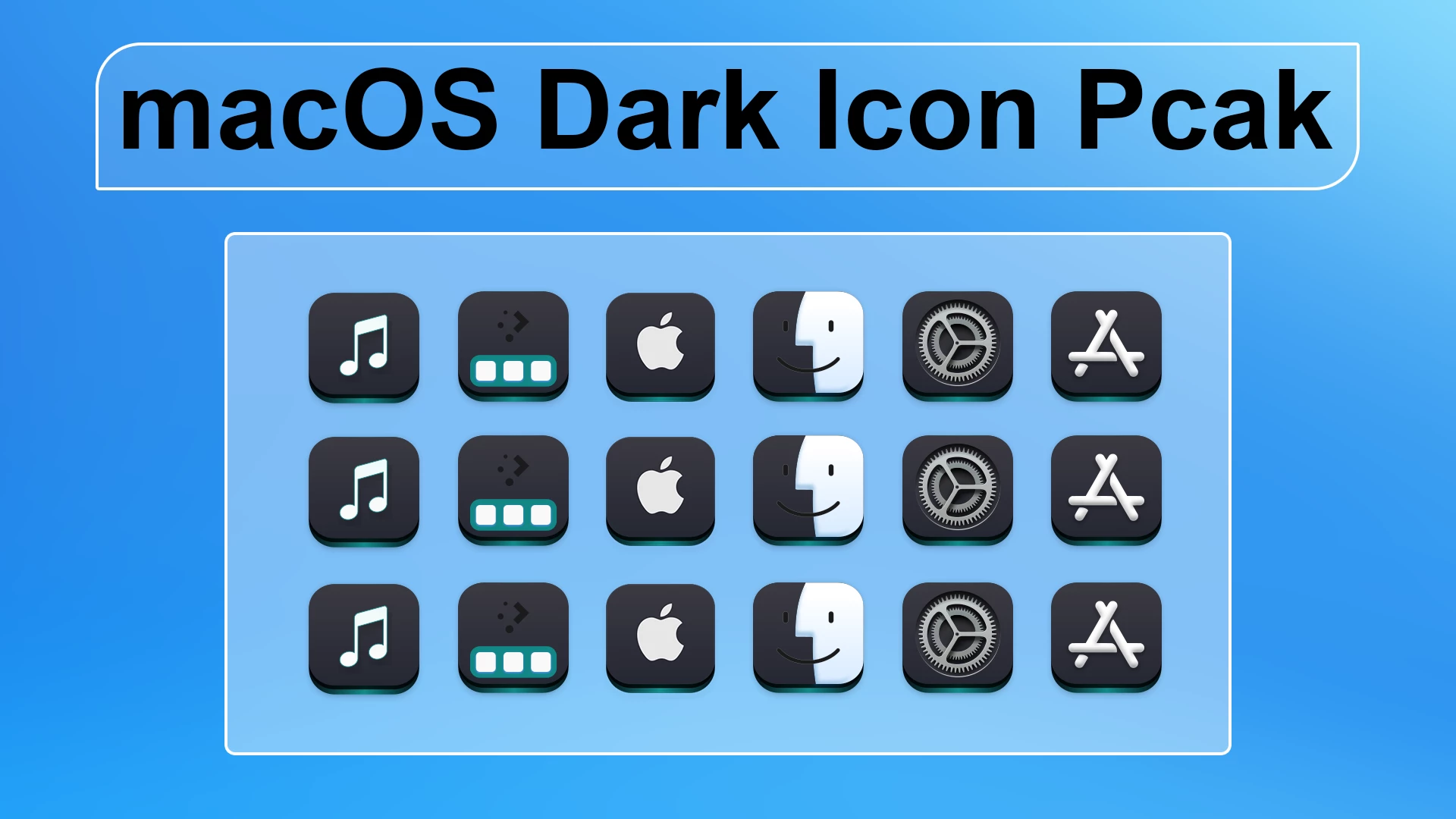
7TSP macOS Inspired Dark Icon Pack is a Windows icon customization pack built around dark charcoal tiles, rounded shapes, and simple light-colored symbols. The design takes inspiration from the darker visual style of macOS icons while keeping the pack focused on supported Windows icon resources.
The icons use a mostly black and graphite color palette, with white, silver, and small cyan details adding contrast. Music, settings, application, system, and other supported icons follow the same compact rounded-square design, which helps the set feel consistent without relying on bright colors.
This is a 7TSP icon pack rather than a complete Windows theme. It changes supported icon resources through a compatible version of 7TSP GUI. Wallpaper, taskbar styling, Start menu changes, window effects, and other desktop modifications remain separate.
Dark macOS-Inspired Icon Style
The strongest part of the design is its restrained color treatment. Most icons sit on dark charcoal or near-black backgrounds, while the symbols use white, gray, and silver details to remain easy to recognize.
Some icons also introduce small cyan accents, which break up the monochrome palette without changing the overall dark character. The rounded tile shape is repeated throughout the set, giving supported Windows resources a more unified appearance.
Features
- Dark charcoal and graphite icon backgrounds
- Rounded square shapes with clean light-colored symbols
- White, silver, gray, and subtle cyan visual details
- macOS-inspired styling for supported Windows icon resources
- Designed for use with a compatible version of 7TSP GUI
- Can be used separately from your Windows theme or wallpaper
- Works naturally with dark desktop setups without requiring other modifications
What Is Included?
- 7TSP macOS Inspired Dark Icon Pack: Contains the resources used to replace supported Windows folders, drives, system locations, and other compatible icons through 7TSP GUI.
Compatibility
- Windows 8 / 8.1: Use with a compatible 7TSP release
- Windows 10: Use with a compatible 7TSP release
- Windows 11: Use with a compatible 7TSP release
Compatibility can vary between Windows builds because system icon resources may change after updates. Check the pack notes and make sure the 7TSP version you are using supports your current Windows build before patching.
Requirements
- A Windows build supported by the selected 7TSP release
- A compatible version of 7TSP GUI
- Administrator access
- A System Restore Point created before installation
- Enough free storage space for the backup files created by 7TSP
To check your Windows build, press Windows + R, type winver, and press Enter. Compare the displayed version with the compatibility information for the 7TSP release you plan to use.
Before You Install
Create a System Restore Point and save any important work before patching Windows icon resources. Keep the backup options inside 7TSP enabled as well, since those files give you the easiest way to restore the previous icons later.
If another 7TSP pack is already active, restore it before applying this one. Keeping one icon pack active at a time makes backups much easier to manage, which is useful once Windows decides to become mysterious for no obvious reason.
How to Install 7TSP macOS Inspired Dark Icon Pack
- Create a Restore Point: Make a Windows System Restore Point before changing system icon resources.
- Download the Pack: Download the macOS Inspired Dark icon pack using the button below.
- Extract the Archive: Extract the outer ZIP file and read any instructions included with the pack.
- Locate the 7TSP Pack: Find the actual icon-pack file. If it is supplied as an inner archive intended for 7TSP, keep that file intact unless the instructions say otherwise.
- Open 7TSP GUI: Run a compatible version of 7TSP GUI as administrator.
- Add the Pack: Choose Add a Custom Pack and select the macOS Inspired Dark icon-pack file.
- Start Patching: Review the selected pack, keep the available backup options enabled, and begin the patching process.
- Restart Windows: Allow 7TSP to finish completely, then restart the PC and check the updated icons in File Explorer and other supported areas.
Download 7TSP macOS Inspired Dark Icon Pack
7TSP macOS Inspired Dark Icon Pack 9MB
DownloadHow to Restore the Default Windows Icons
- Open 7TSP GUI: Run the same 7TSP application as administrator.
- Choose Restore: Open the available Restore or backup-recovery option.
- Select the Original Backup: Choose the backup created before the macOS Inspired Dark pack was applied.
- Restore the Resources: Let 7TSP complete the restoration without closing the application or shutting down Windows.
- Restart the PC: Reboot Windows and check the affected system areas to confirm that the previous icons have returned.
Some versions of 7TSP may place the recovery command under Program > Restore Backup. The wording can differ between releases, so use the option that restores the backup created before patching.
Quick Tips
- Keep the original archive if you may want to apply the pack again later.
- Use one 7TSP icon pack at a time.
- Do not manually delete Windows system files to remove patched icons.
- Check compatibility again after a major Windows feature update.
- Keep the 7TSP backup until you are sure the new icons are working correctly.
Disclaimer
Disclaimer: This is an independently created, unofficial icon pack intended for personal Windows desktop customization. It is not an Apple product and is not affiliated with, associated with, authorized, endorsed by, or sponsored by Apple Inc. or its subsidiaries. Apple, macOS, Windows, and related names and trademarks belong to their respective owners. Third-party icon customization may behave differently across Windows versions and updates, so create a System Restore Point before making changes and use customization tools from sources you trust.
Final Word
7TSP macOS Inspired Dark Icon Pack keeps its visual idea simple: dark rounded tiles, light symbols, and just enough cyan detail to stop the icons from feeling flat. The restrained palette gives supported Windows resources a noticeably different character without relying on bright gradients or heavy decoration.
You can use the pack as a standalone icon change or combine it with a separate dark Windows theme later. Either way, the icon set remains independent from your wallpaper, taskbar, and window styling.