7tsp MintAura Icon Pack
7tsp MintAura Icon Pack : 7tsp MintAura Icon Pack is a refreshing and elegant icon theme designed for users who love a clean, modern, and minimal desktop experience.

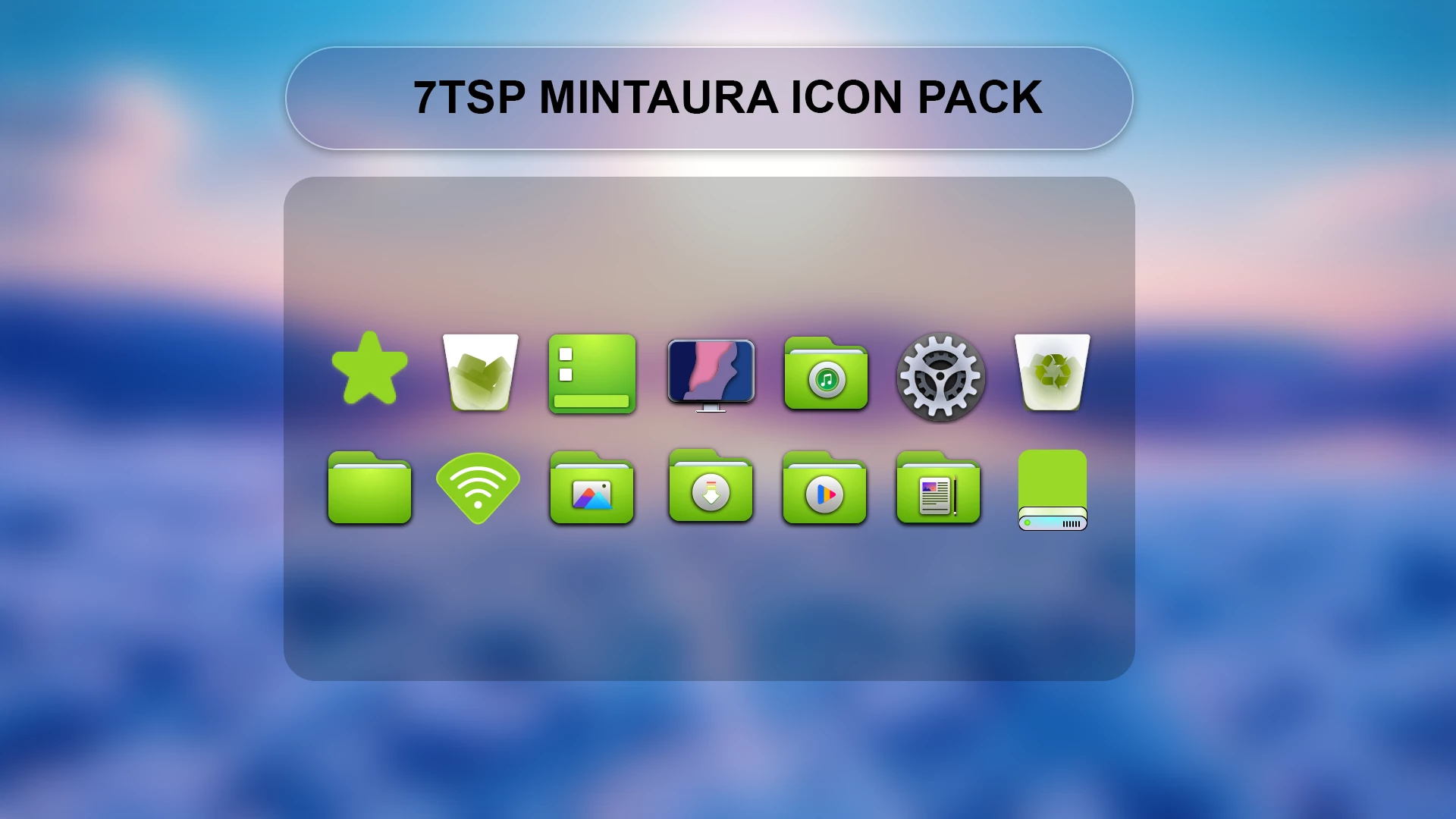
7TSP MintAura Icon Pack For Windows
The 7TSP MintAura Icon Pack is a clean and refreshing Windows icon customization pack designed for users who prefer a soft and modern desktop appearance. Created for use with the 7TSP icon customization tool, this pack replaces supported Windows icons with a mint-inspired design featuring smooth colors, rounded shapes, and a minimal visual style.
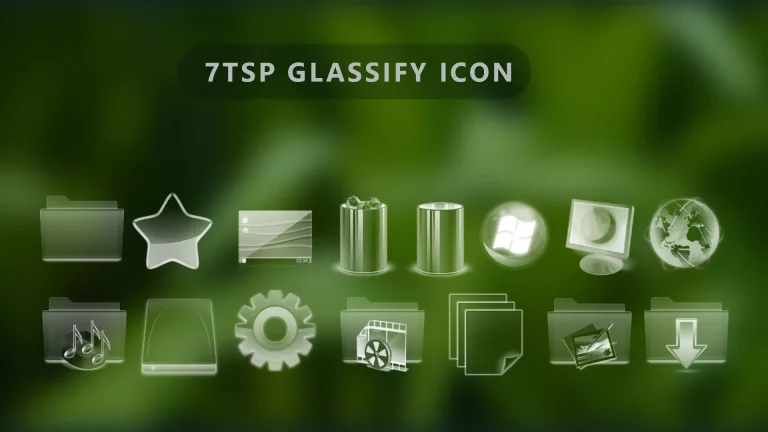
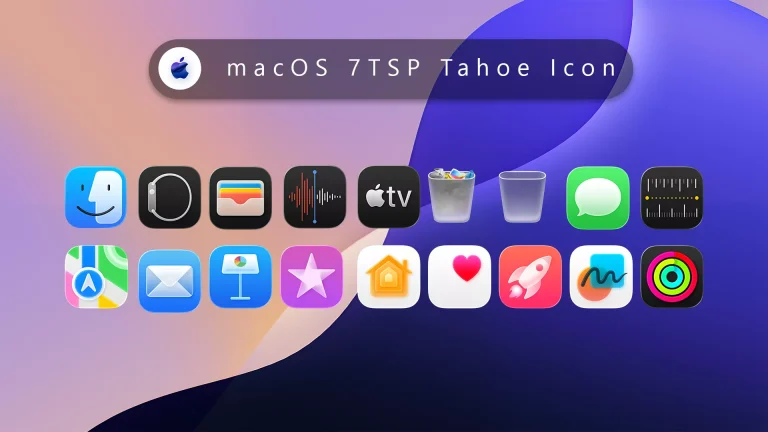
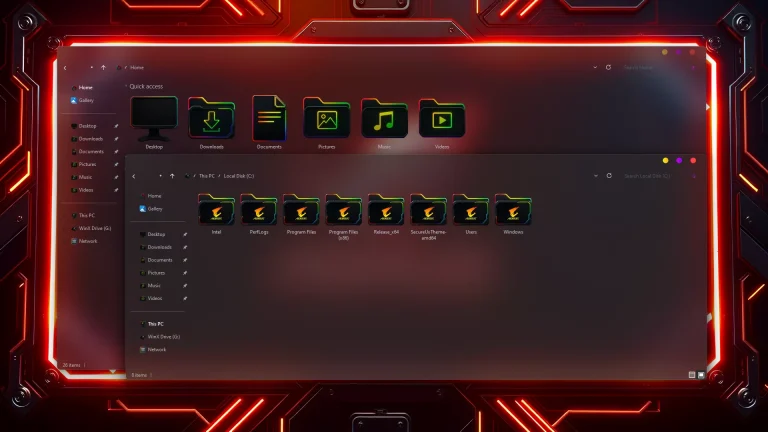
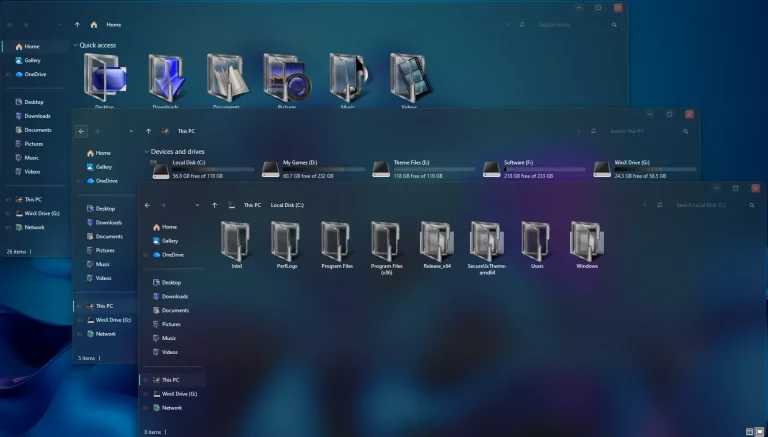
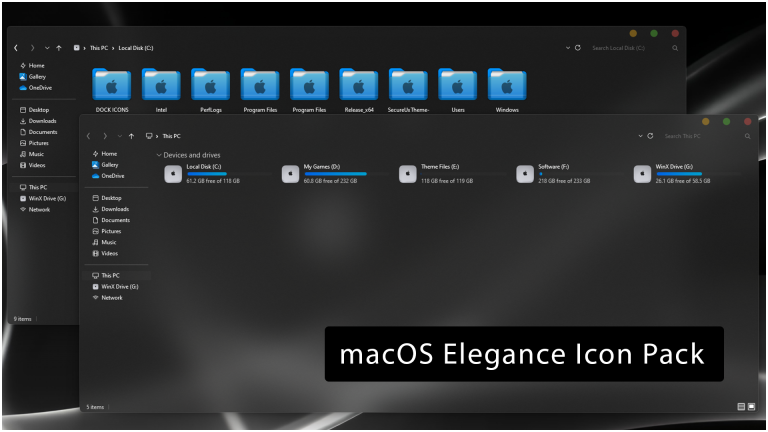
The icon pack features a combination of mint green, white, and soft gradient tones that create a calm and elegant appearance. As shown in the preview, the icons work especially well with blurred wallpapers, light themes, glass-style setups, and minimal Windows desktop designs.
With its simple color palette and organized design, MintAura is a suitable choice for users who enjoy clean desktop customization. It can be combined with matching wallpapers, themes, and other personalization elements to create a balanced Windows setup.
What Is 7TSP MintAura Icon Pack?
7TSP MintAura Icon Pack is a third-party Windows icon customization resource designed for use with the 7TSP platform. It focuses on a soft mint-colored visual style with rounded icons, smooth gradients, and a modern appearance.
The pack is created for users who want an alternative look from the default Windows icons while keeping a simple and organized desktop environment.
Key Features
- Mint green inspired icon design
- Soft gradient color style
- Rounded and modern icon shapes
- Clean minimal desktop appearance
- Designed for 7TSP icon customization
- Works well with light and glass-style themes
Requirements
- Windows PC with supported Windows version
- 7TSP icon customization tool
- Create a System Restore Point before applying changes
- Basic knowledge of Windows customization
Installation Steps
- Create a Windows System Restore Point before applying the icon pack.
- Download the 7TSP MintAura Icon Pack file.
- Open a compatible 7TSP GUI application.
- Select the MintAura icon pack file.
- Apply the icon changes through the 7TSP tool.
- Restart your computer to complete the customization process.
For a detailed guide, you can also check:
Compatibility
- Windows 10
- Windows 11
Compatibility may vary depending on Windows updates, system configuration, and the 7TSP version being used.
What is included in this?
- 7TSP MintAura Icon Pack
7TSP MintAura Icon Pack7.2MB
Download More Resources
Create a complete modern Windows desktop setup by combining this icon pack with matching wallpapers, themes, and other customization elements.
Removal steps:
- Save your work and open the 7TSP GUI application used for installation as administrator.
- Click Restore.
- Select Restore modified system files to before 7tsp was used, if that option is displayed.
- Click OK and confirm when prompted.
- Wait for restoration to finish without closing the tool or shutting down Windows.
- Restart your computer when prompted and check the restored icons.
Credits, Rights & Disclaimer
Creator credit: Credit for the original icon-pack artwork and design goes to Store KDE. This website does not claim ownership of any third-party artwork, names, or trademarks referenced in this post.
Disclaimer
This icon pack is an unofficial third-party Windows customization resource. It is not affiliated with, endorsed by, or sponsored by Microsoft. Always create a system restore point before applying system-level icon changes.
Final Thoughts
7TSP MintAura Icon Pack provides a simple way to customize the Windows desktop with a soft and modern mint-inspired icon style. Its clean colors, rounded shapes, and minimal design make it a suitable choice for users who enjoy elegant desktop customization.
For the best result, combine this icon pack with a matching wallpaper, theme, and other personalization elements. Always keep a restore point available before applying Windows visual changes.