

Amazing Arctic 7TSP Icon Pack
Arctic 7TSP Icon Pack : 7TSP Arctic Icon Pack – Nord Color Edition is a beautifully minimal and modern icon pack designed for Windows 10 and Windows 11 users who appreciate a clean, cool, and sophisticated desktop aesthetic

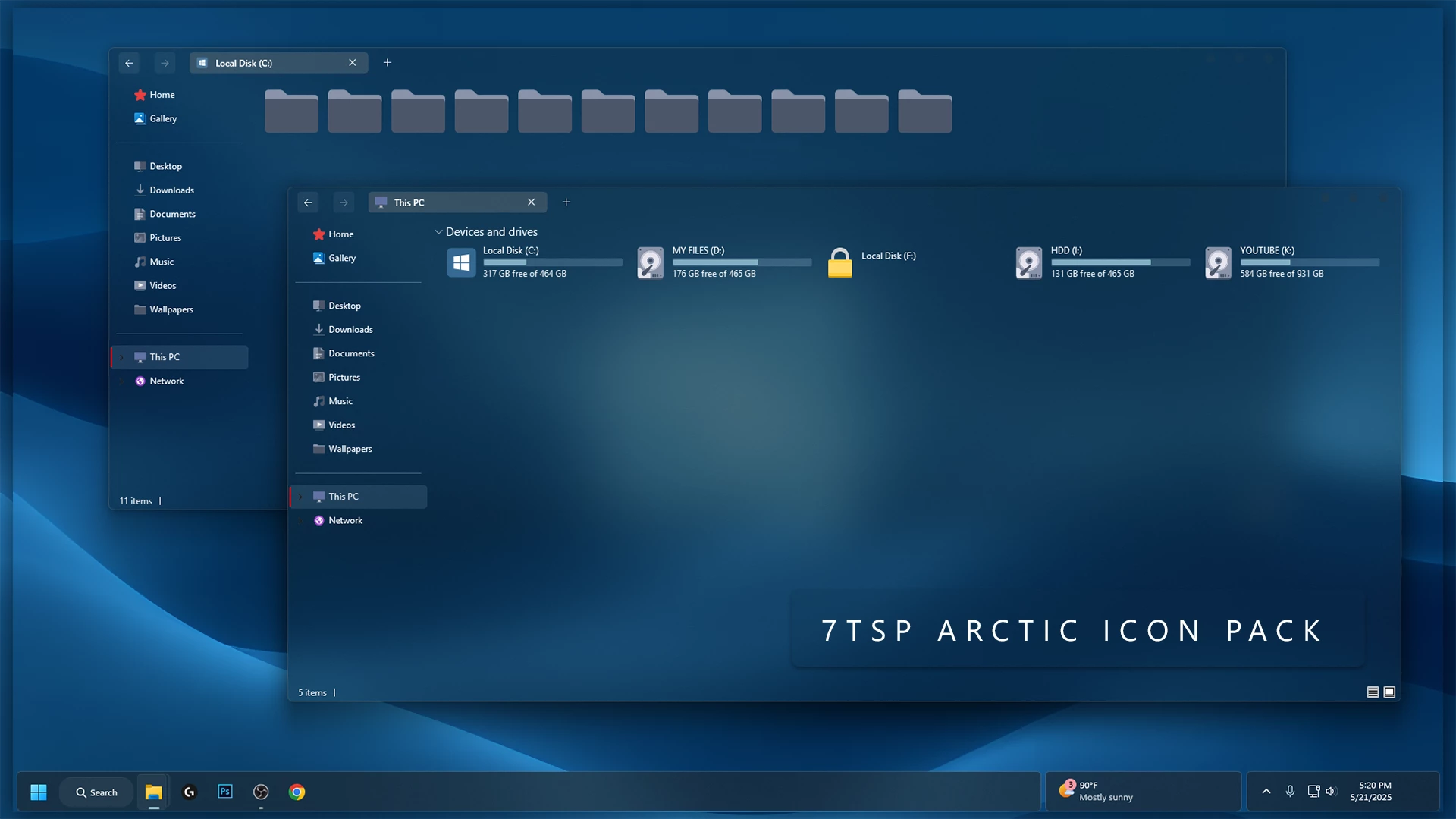
Arctic 7TSP Icon Pack for Windows
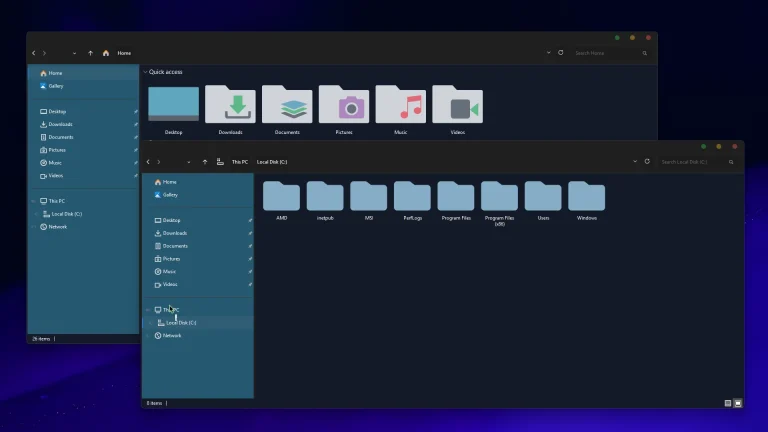
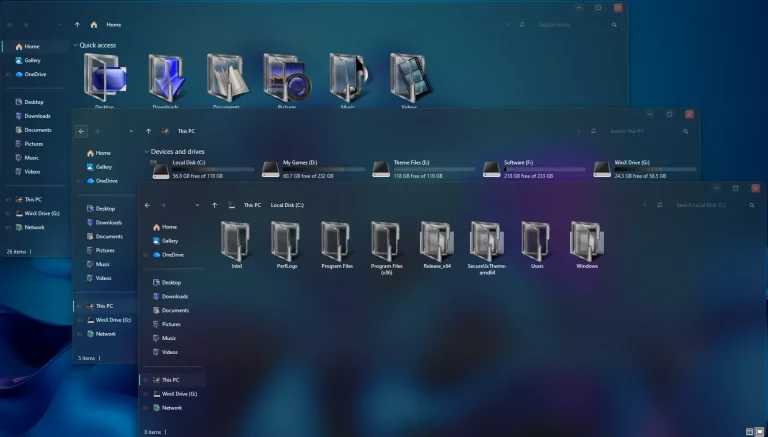
The Arctic 7TSP Icon Pack gives File Explorer a cool, understated look with blue-gray folders and pale drive icons. Lighter folder tabs sit above darker front panels, adding a little depth without relying on bright colors.
The matching folder shapes keep the design consistent as you browse your files. Drive symbols and small navigation icons carry the same restrained look into This PC and the Explorer sidebar.
If you prefer a dark desktop, Arctic’s muted colors work well with deep blue backgrounds. You can pair the icons with a blue wallpaper and add your own window or taskbar styling to complete the setup.
Key features:
- Blue-gray folder icons with lighter tabs and darker front panels.
- Consistent folder shapes and muted colors.
- Pale drive icons that complement the folder design.
- Coordinated navigation icons for File Explorer.
- Icon customization using a compatible version of 7TSP GUI.
Requirements:
- A Windows build supported by both the Arctic pack and the selected 7TSP release.
- A compatible version of 7TSP GUI and administrator access.
- An archive extractor and enough storage space for backups.
- A system restore point created before applying the pack.
- A separate backup of important personal files.
Compatibility
- ✅ Windows 11
- 21H2
- 22H2
- 23H2
- 24H2
- 25H2
- ✅ Windows 10
- ✅ Windows 8.1
- ✅ Windows 8
How to Install the Arctic 7TSP Icon Pack
7TSP changes Windows icon resources. Save your work and finish pending Windows updates or restarts before beginning.
Installation steps:
- Back up important files and create a Windows system restore point.
- Download the Arctic ZIP using the link below and extract the outer archive.
- Read the included instructions. If the ZIP contains a separate 7TSP pack archive, keep that inner archive intact for loading into the tool.
- Download a compatible release from the 7TSP GUI developer’s page and extract the tool.
- Right-click the application and select Run as administrator.
- Click Add a Custom Pack and select the Arctic 7TSP pack file.
- Review the selection, keep the available backup options enabled, and click Start Patching.
- Allow the operation to finish, then restart when prompted. Do not close the tool or shut down Windows during patching.
After restarting, check folders and drives in File Explorer. Some icons may remain unchanged if the pack does not provide replacements for those resources.
How to Remove the Arctic Icon Pack
To return to your previous icons, use 7TSP’s restoration option. Deleting the downloaded ZIP does not undo changes already applied to Windows.
Removal steps:
- Save your work and open the 7TSP application used for installation as administrator.
- Click Restore. The wording or location may vary by release.
- If shown, select Restore modified system files to before 7tsp was used.
- Click OK, review the confirmation, and proceed.
- Wait until restoration finishes, then restart Windows when prompted.
Restoration requires a usable backup and may undo other changes made through 7TSP. Keep the application and its backups until you have checked the restored icons.
Download Arctic 7TSP Icon Pack
Download the Arctic icon pack below and read the included instructions before installation. You can get 7TSP GUI separately from the developer’s page linked above.
Arctic 7TSP Icon Pack ZIP archive
Download Icon Pack (ZIP)Frequently Asked Questions
Do I need Windhawk for the 7TSP version?
The 7TSP installation method uses 7TSP GUI. Windhawk’s Resource Redirect uses themes prepared for that mod. The Resource Redirect project documents a conversion process for 7TSP resources, so the two formats should not be treated as interchangeable.
Does Arctic change window transparency or the taskbar?
Arctic focuses on icon customization. Window transparency, wallpaper, and taskbar appearance are controlled through separate settings or customization tools.
Why do some icons stay the same?
The pack replaces the resources it includes for your Windows build. Newer Windows components and applications with their own icons may keep their existing appearance.
Credits, Rights & Disclaimer
Creator credit: Credit for the original icon-pack artwork and design goes to Store KDE. This website does not claim ownership of any third-party artwork, names, or trademarks referenced in this post.
Disclaimer
Arctic is a third-party Windows customization resource, not an official Microsoft product. Product names and trademarks belong to their respective owners.
You may also like
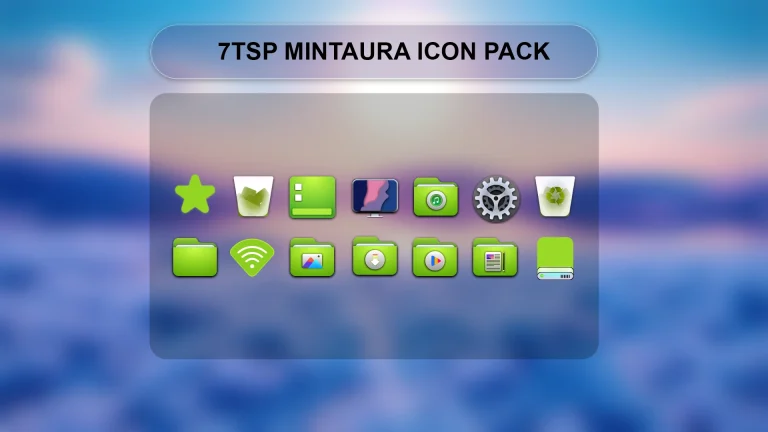
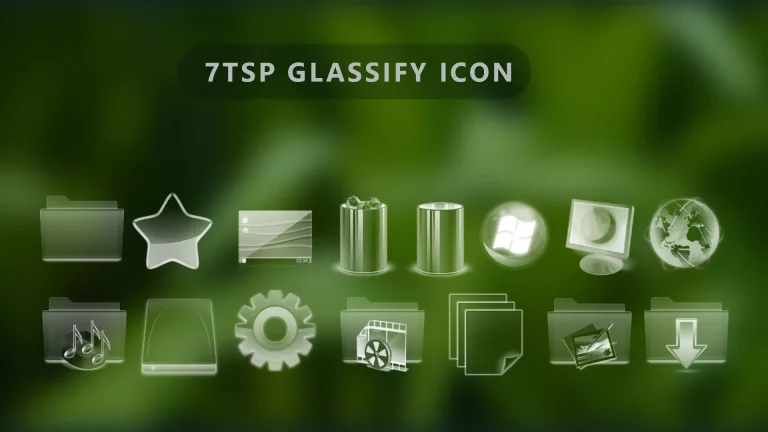
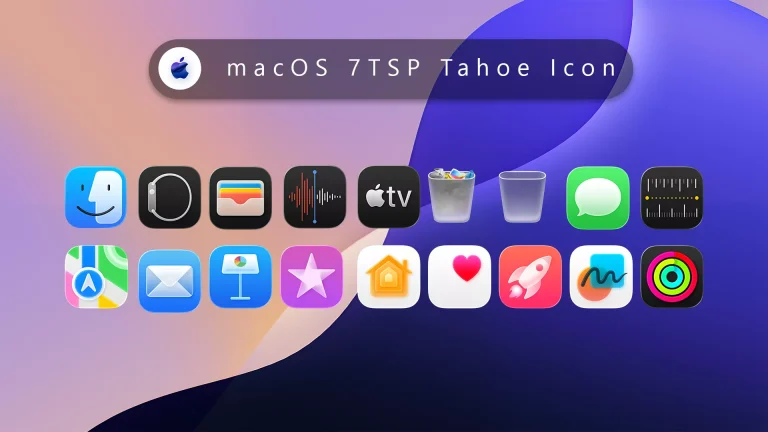
Disclaimer: All themes, visual styles, and concepts shared on this website are unofficial, fan-made creations built from imagination for customization purposes. We are not affiliated with, endorsed by, or sponsored by Microsoft or any other official brand.