

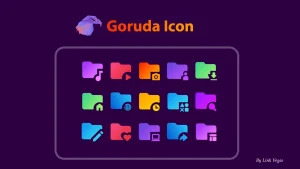
Goruda Icon Pack For Windows 10/11
Goruda Icon Pack For Windows 10/11 : GORUDA Windows 11 Custom Icon Pack is a sleek and modern icon set designed to transform your desktop into a visually stunning and futuristic workspace

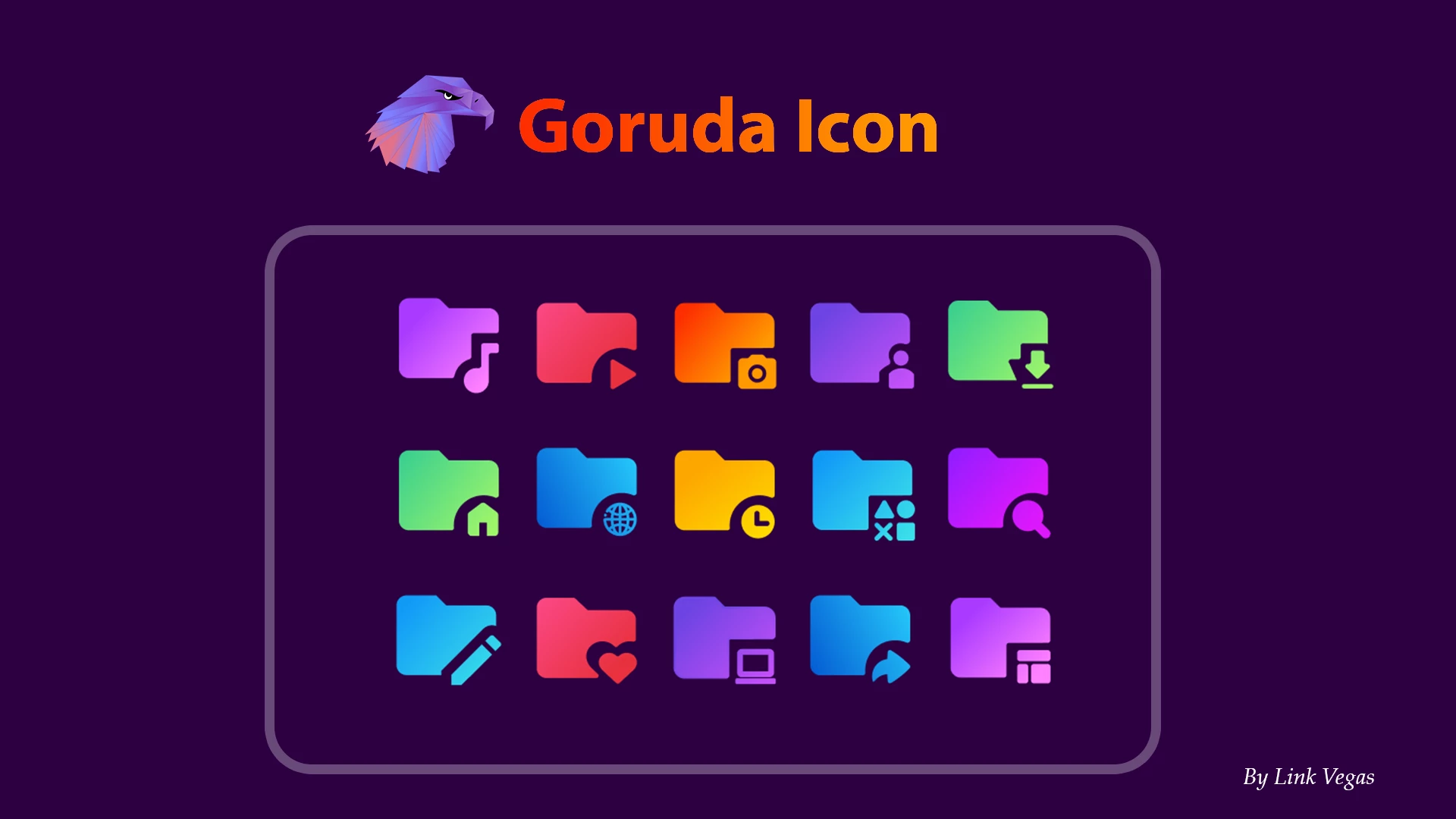
Goruda Icon Pack for Windows
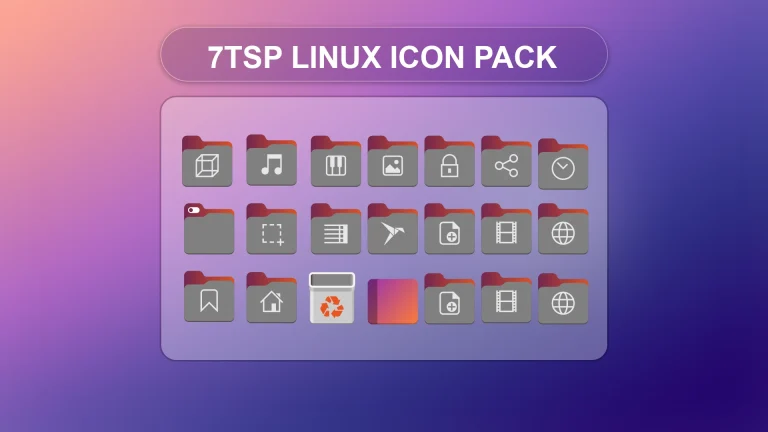
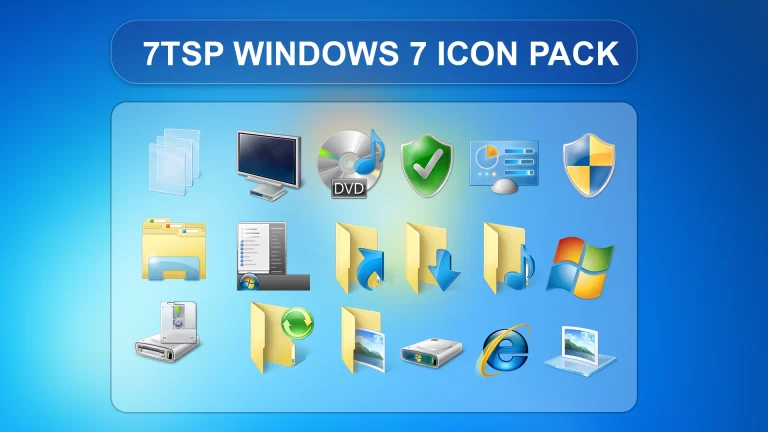
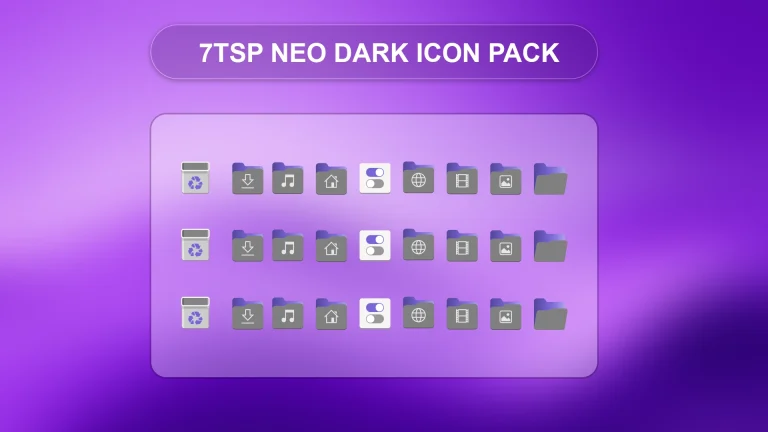
The Goruda Icon Pack for Windows is a modern 7TSP customization pack created for users who want to replace the standard Windows icons with cleaner, sharper, and more visually appealing alternatives. Its futuristic design combines detailed shapes, smooth edges, and a consistent visual style that can make your desktop look more polished and personalized. The icon pack is suitable for both simple desktop setups and advanced Windows customization themes.
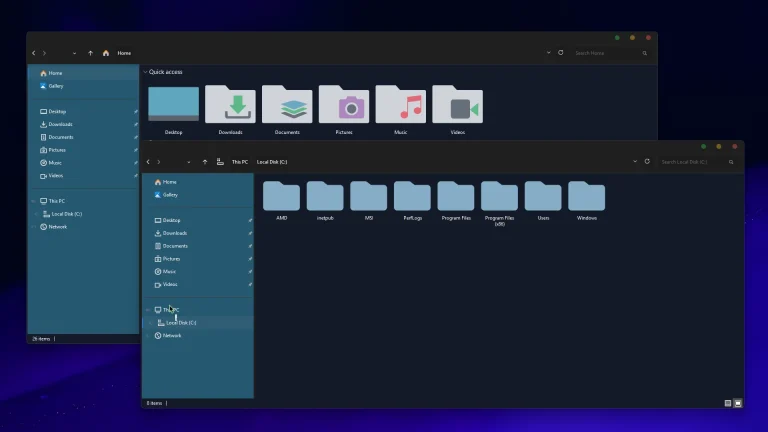
The Goruda Icon Pack includes customized icons for folders, drives, system locations, libraries, and other supported Windows elements. Each icon follows a coordinated design style, helping the desktop, File Explorer, and system areas maintain a consistent appearance. The pack works especially well with dark themes, minimal wallpapers, transparent taskbars, custom Start menus, and modern desktop customization setups.
You can apply the Goruda Icon Pack using a compatible version of the 7TSP utility. The installation process replaces supported Windows icon resources, allowing multiple system icons to be changed at the same time. Before starting the installation, it is strongly recommended to create a Windows restore point and keep any backup files generated by 7TSP so that you can restore the original icons if needed.
Key Features
- Modern and futuristic icon design
- Customized folder and system icons
- Stylish drive and storage icons
- Consistent appearance across supported Windows locations
- Works well with dark and minimal desktop themes
- Suitable for Full HD, 2K, and 4K displays
- Compatible with the 7TSP icon patching utility
- Lightweight visual customization without continuous background usage
Installation Steps
- Create a Windows system restore point before installing the icon pack.
- Download the Goruda Icon Pack using the download button below.
- Extract the downloaded RAR file using WinRAR, 7-Zip, or another trusted archive tool.
- Download and open the 7TSP GUI tool.
- Click Add a Custom Pack or choose the option to load a 7TSP icon pack.
- Select the extracted Goruda icon pack file.
- Start the patching process and wait until 7TSP finishes applying the icons.
- Do not close the program or restart your computer during the patching process.
- Restart your PC after the installation is complete.
- Check your folders, drives, and system locations to confirm that the new icons have been applied.
Compatibility
- Windows 8 and Windows 8.1
- Windows 10
- Windows 11
Compatibility may vary depending on your Windows edition, system build, installed updates, and the version of 7TSP being used. Major Windows updates may restore some default icons or change system resources, so you may need to apply the icon pack again after checking compatibility.
What Is Included in This Pack?
- 7TSP Goruda Icon Pack
Download Goruda Icon Pack
Download the Goruda Icon Pack using the button below. After downloading, extract the archive and scan the files with Windows Security or another trusted antivirus program. Create a system restore point before applying the icon pack to your Windows installation.
7TSP Icon Pack 15 MB
“` Download “`Check Out This Category
Downloading issue
Ad-Blocker Detected!
Oops! unable to access the file download link. It seems that your ad blocker is removing the download link. Please try again or consider whitelisting our site in your ad blocker to resolve this issue.
We have detected that an ad blocker is active in your browser. This can lead to conflicts with our site, blocking many important scripts, and affecting downloads.
The revenue we generate from ads is vital for maintaining and managing this website. Therefore, we kindly request that you whitelist our website in your ad-blocker. Please rest assured that we won't inundate you with an excessive number of ads, nor will we inconvenience you or slow down your browsing experience. Your support is immensely appreciated!