New Windows 12 Theme For Windows 11
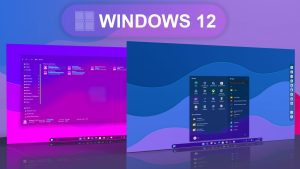
Windows 12 Theme For Windows 11:Windows 12 introduces a fresh, modern, and customizable theme that enhances the user experience with its sleek design and intuitive interface.

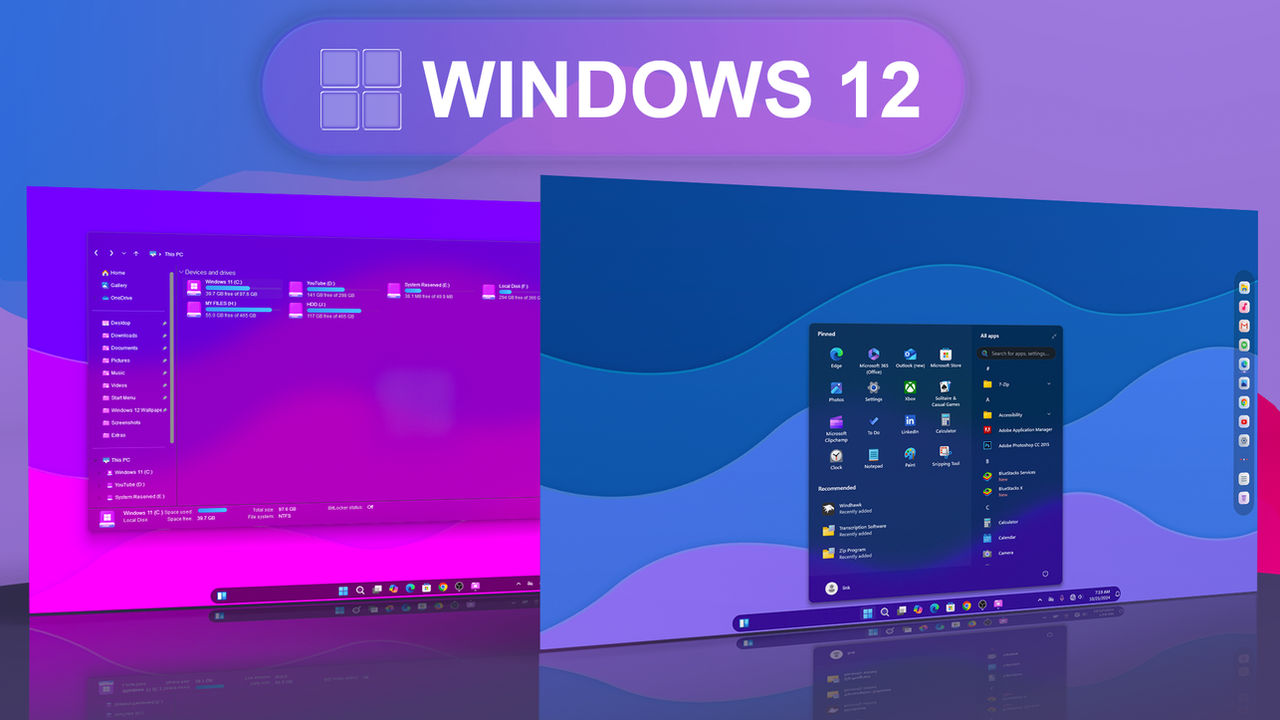
Windows 12 Theme For Windows 11
Windows 12 Theme For Windows 11 is a modern and stylish customization pack created for users who want to give their Windows 11 desktop a fresh, futuristic, and premium look. If you like the clean design style of upcoming Windows concepts and want your PC to feel more updated, this theme can be a great choice. It brings a Windows 12-inspired visual experience to Windows 11 while keeping the normal functionality of your operating system unchanged.
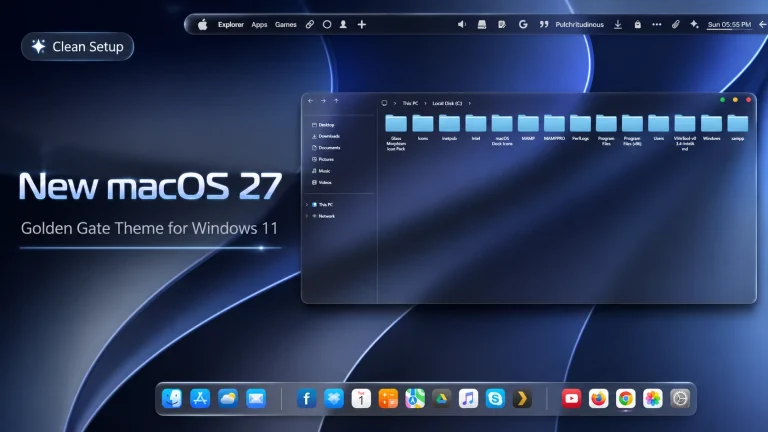
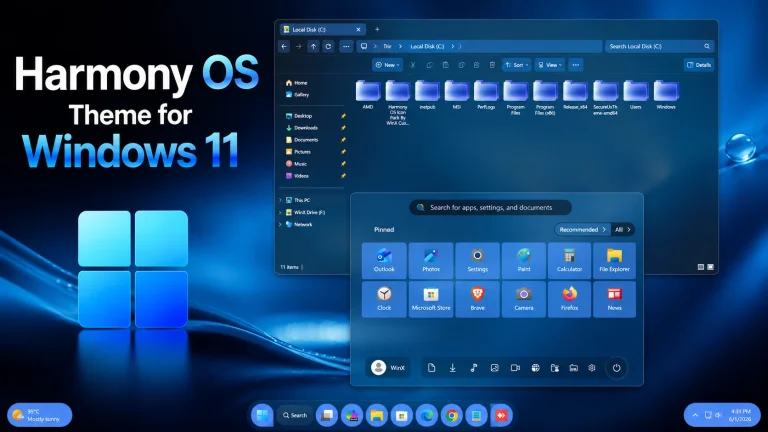
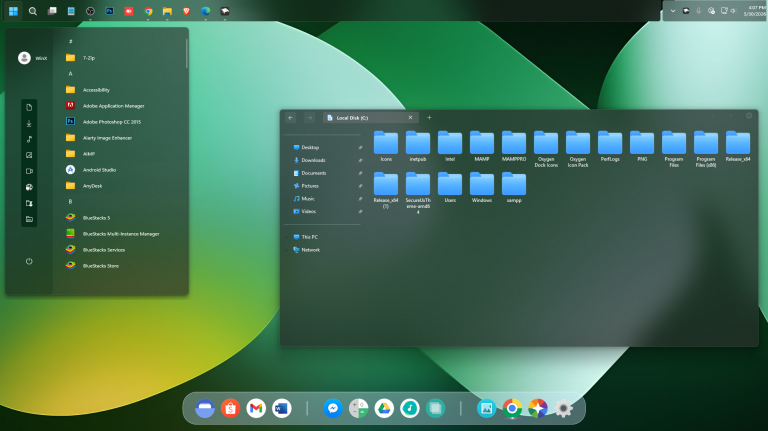
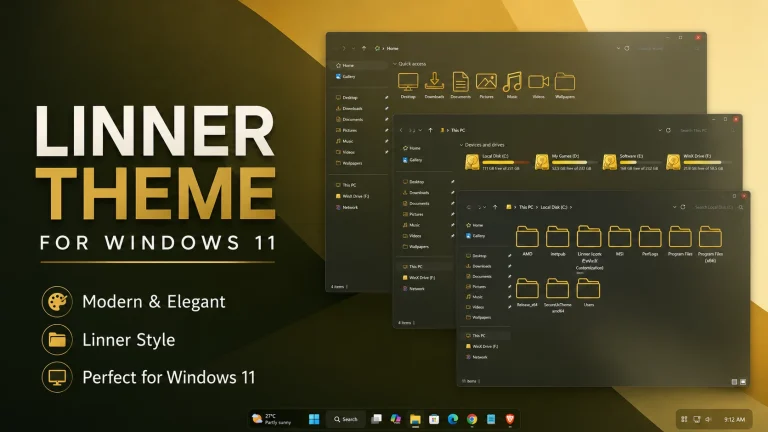
The main idea of this Windows 12 Theme For Windows 11 is to make your desktop look cleaner, smoother, and more visually attractive. It includes a modern interface style with soft corners, glass-like effects, refined icons, and a more polished desktop appearance. The theme is suitable for users who enjoy Windows customization and want a setup that looks different from the default Windows 11 design.
Windows 11 already has a beautiful and modern interface, but many users prefer something more unique and personalized. This Windows 12 Theme For Windows 11 gives your desktop a new identity with a futuristic design approach. It can make your daily computer experience feel more enjoyable, especially if you spend a lot of time working, browsing, gaming, editing, or creating content on your PC.
About Windows 12 Theme For Windows 11
Windows 12 Theme For Windows 11 is a third-party desktop customization theme. It does not install Windows 12 or change your operating system into a different version. Instead, it gives your Windows 11 interface a Windows 12-inspired look. This means you can enjoy a modern concept-style design while still using your regular Windows 11 apps, settings, files, and features.
The theme focuses on visual improvement. It is designed to make the desktop look more elegant, organized, and futuristic. With smooth design elements, clean icons, and a premium visual style, this theme can help transform the overall look of your Windows 11 setup without making the system difficult to use.
Why Choose Windows 12 Theme For Windows 11?
Many users like to customize Windows because the default interface can feel repetitive after a long time. A new theme can refresh the desktop and make the computer feel more personal. Windows 12 Theme For Windows 11 is useful for users who want a modern Windows look with a simple and clean design.
This theme is also a good option for people who create desktop setup videos, Windows customization tutorials, or aesthetic PC showcases. A clean Windows 12-inspired theme can make your screen recording, thumbnail, or desktop preview look more attractive and professional.
Key Features of Windows 12 Theme For Windows 11
The Windows 12 Theme For Windows 11 includes several customization elements that help create a complete visual transformation. It comes with a Windows 11 theme file, a 7TSP icon pack, and extra customization files. These items work together to give your desktop a consistent and modern appearance.
The design style includes rounded corners, soft shadows, transparent effects, and a clean interface layout. These visual details help create a smooth and futuristic look. The included icon pack also improves the appearance of folders, system icons, and desktop shortcuts, making the entire setup feel more premium.
Modern Windows 12 Inspired Design
This Windows 12 Theme For Windows 11 is inspired by modern Windows concept designs. It gives your desktop a more advanced and stylish look without removing the familiar Windows experience. The theme keeps everything simple, so users can enjoy a fresh design while still using Windows 11 comfortably.
The glass-like effects, soft colors, and clean visual elements make the desktop feel more open and organized. This type of design is especially helpful for users who prefer a minimal workspace. A clean desktop can reduce visual clutter and make everyday PC usage more comfortable.
What is Included in This Theme Pack?
- Windows 11 Theme
- 7TSP Icon Pack
- Extras
The Windows 11 theme file changes the main visual style of the system. The 7TSP icon pack helps replace the default Windows icons with a more modern and matching icon style. The extras may include additional files that help complete the customization setup and improve the final desktop look.
Installation Steps
- I recommend creating a restore point before starting your customization.
- This third-party theme will only work if you install a compatible Theme Patcher.
- If you are new to customization, follow a proper Windows custom theme installation guide before applying the theme.
- Make sure your Windows version is supported before installing the theme.
- Theme support: Windows 11
Before installing Windows 12 Theme For Windows 11, it is strongly recommended to create a system restore point. A restore point helps protect your system by allowing you to return to the previous state if anything goes wrong during customization. This is an important step for every third-party Windows theme installation.
Since Windows does not officially support third-party themes by default, a theme patcher is required to apply this type of custom theme. After installing the patcher, you can apply the theme file and then use the included 7TSP icon pack to complete the desktop transformation.
Important Note Before Using This Theme
Windows 12 Theme For Windows 11 is made for personal desktop customization. It is not an official Microsoft product and it does not provide real Windows 12 features. The theme only changes the visual appearance of Windows 11 and gives your desktop a Windows 12-inspired style.
The final look may vary depending on your Windows version, system updates, display scaling, screen resolution, and installed customization tools. For the best result, use a supported version of Windows 11 and follow the installation steps carefully.
Download Windows 12 Theme For Windows 11
Windows 12 Theme 94MB
DownloadWho Should Try This Theme?
This Windows 12 Theme For Windows 11 is perfect for users who love modern desktop customization. If you want a futuristic Windows setup, a cleaner desktop interface, and a more stylish icon appearance, this theme is worth trying. It is also suitable for users who enjoy creating unique PC setups for work, study, gaming, or content creation.
The theme is simple enough for daily use and stylish enough for a premium desktop setup. It gives your Windows 11 computer a fresh look while keeping the system familiar and easy to operate.
Final Thoughts
Windows 12 Theme For Windows 11 is a great customization pack for anyone who wants to refresh the look of their desktop. With a modern Windows 12-inspired interface, 7TSP icon pack, and useful extras, this theme can make your Windows 11 setup look cleaner, smoother, and more futuristic.
If you are looking for a stylish Windows 11 theme with a modern concept design, Windows 12 Theme For Windows 11 can be a good option. It gives your PC a fresh visual upgrade while keeping the flexibility and familiar experience of Windows 11.