

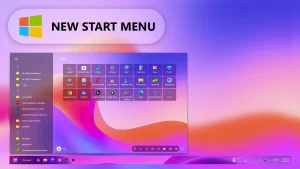
Modern Start Menu Style V4
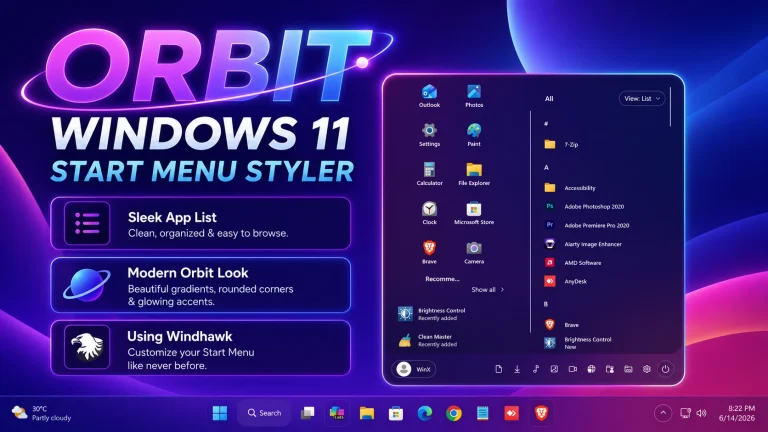
Modern Start Menu Style V4:Modern Start Menu Style V4 introduces a fresh and refined take on desktop navigation, combining sleek design with improved functionality.

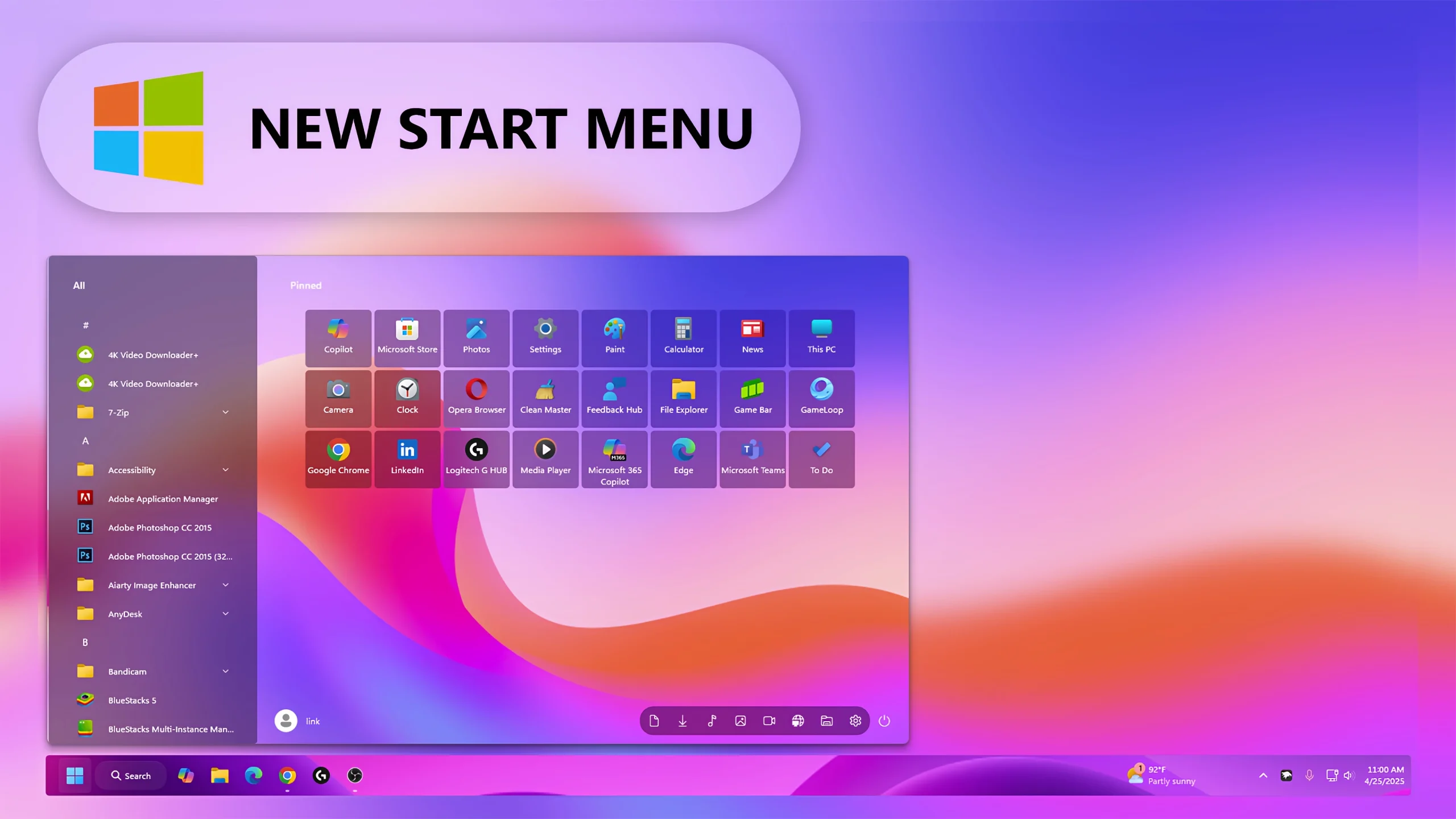
Modern Start Menu Style V4 for Windows 11
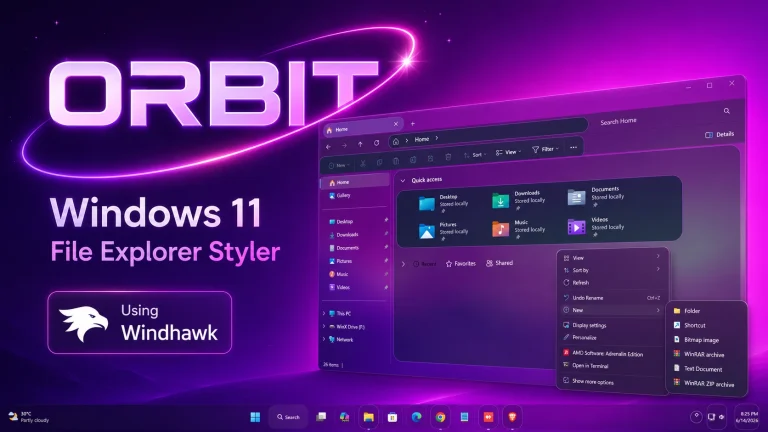
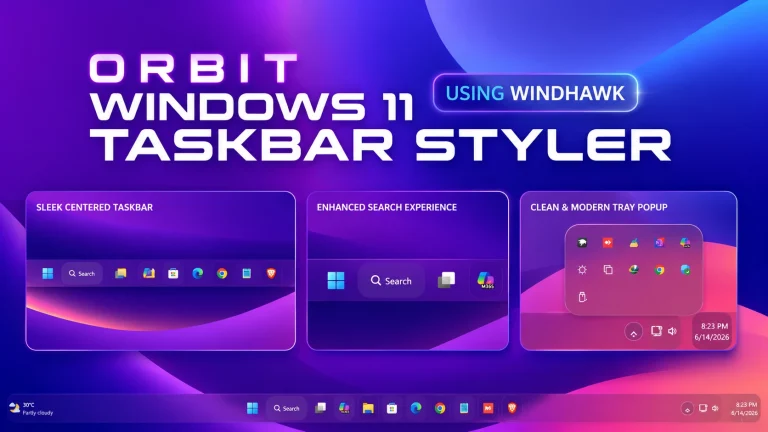
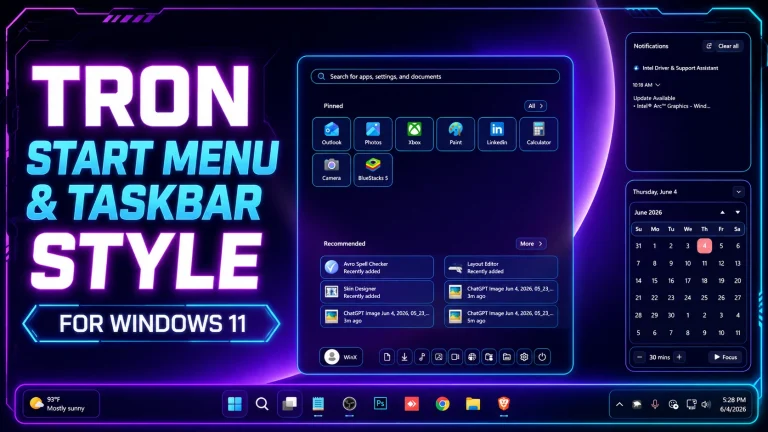
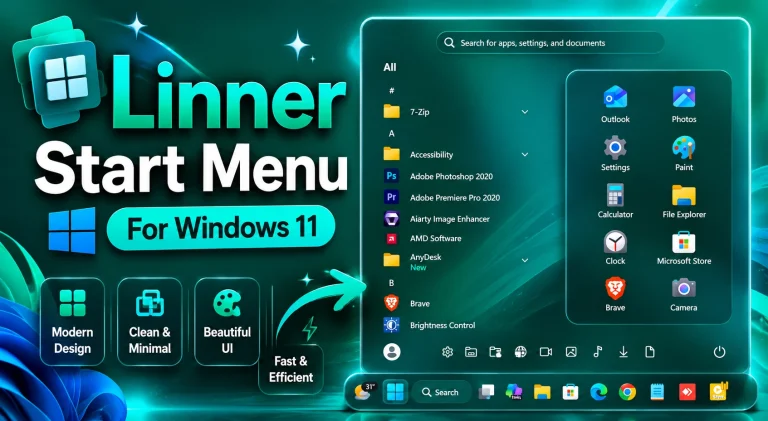
Modern Start Menu Style V4 is a sleek and elegant customization designed for Windows 11 users who want a cleaner and more modern desktop experience. Built with compatibility for Windhawk, this Start Menu style transforms the default Windows interface into a stylish and minimal layout with improved aesthetics and usability.
The design focuses on simplicity, smooth transparency effects, balanced spacing, and a premium user interface that feels both modern and lightweight. Whether you are creating a productivity-focused workspace or a visually stunning desktop setup, Modern Start Menu Style V4 delivers a polished Windows 11 experience.
Features of Modern Start Menu Style V4
- Clean and modern Start Menu redesign
- Smooth transparency and blur effects
- Minimal UI with balanced spacing
- Optimized for Windows 11 customization
- Fully compatible with Windhawk Start Menu styling
- Elegant dark and light appearance support
- Improved visual experience for desktop setups
- Lightweight style with smooth performance
Why Choose Modern Start Menu Style V4?
If you are tired of the default Windows 11 Start Menu, Modern Start Menu Style V4 provides a fresh and professional alternative. The interface is designed to look clean, modern, and visually appealing while keeping the functionality simple and user-friendly.
This Start Menu style is ideal for gamers, content creators, setup enthusiasts, and users who enjoy desktop customization. The modern layout pairs perfectly with custom themes, icon packs, transparent taskbars, and minimalist desktop configurations.
Windhawk Customization Experience
Using Windhawk, you can easily apply Modern Start Menu Style V4 and customize your Windows 11 desktop without complicated modifications. The style is optimized to provide stable performance while maintaining a premium visual appearance.
Modern Start Menu Style V4 enhances the overall desktop workflow and gives your PC a futuristic and organized design inspired by modern operating system aesthetics.
- 21H2 YES
- 22H2 YES
- 22H3 YES
- 24H2 YES
- 25H2 Yes
- Download & Install windhawk.
- install & Open the Windows 11 Start Menu Styler mod in Windhawk.
- Go to the “Advanced” tab.
- Copy the content below to the text box under “Mod settings” and click “Save”.
Windhwak Style 1MB
DownloadConclusion
Modern Start Menu Style V4 is one of the best modern Start Menu customization styles for Windows 11 users who want a clean, elegant, and highly customizable desktop experience. With smooth transparency, minimal design, and Windhawk compatibility, it creates a premium Windows setup that looks visually impressive and modern.
Good day, first of all, thank you very much for sharing your excellent work but I wanted to ask you a favor, could you reupload the folder since it is unsubscribed, thank you very much in advance I hope you can support me.