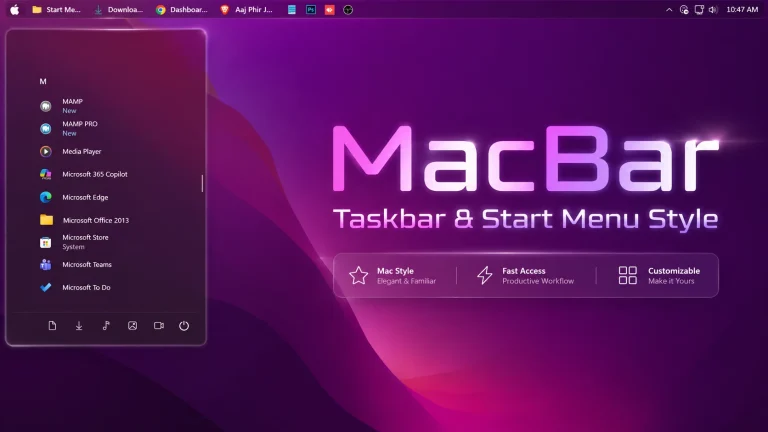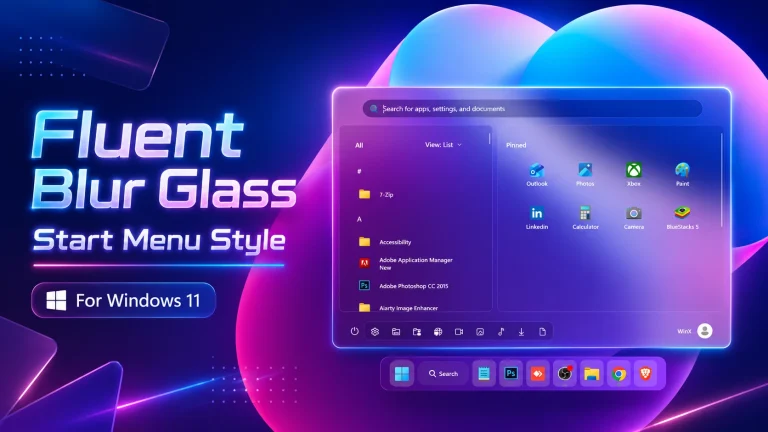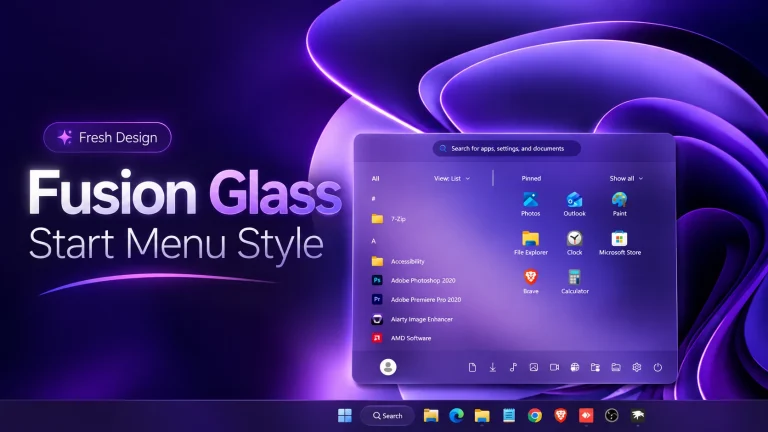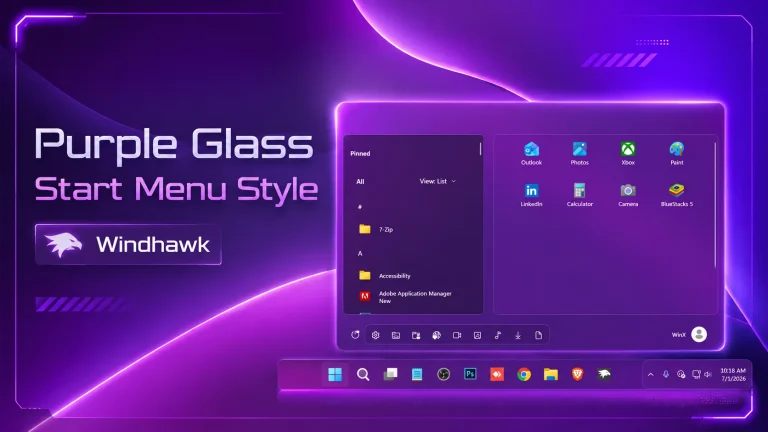
Elite Glass Start Menu Style V2
Elite Glass Start Menu Style V2 : Elite Glass Start Menu Style using Windhawk brings a premium, futuristic look to Windows 11 with a stunning glassmorphism design.

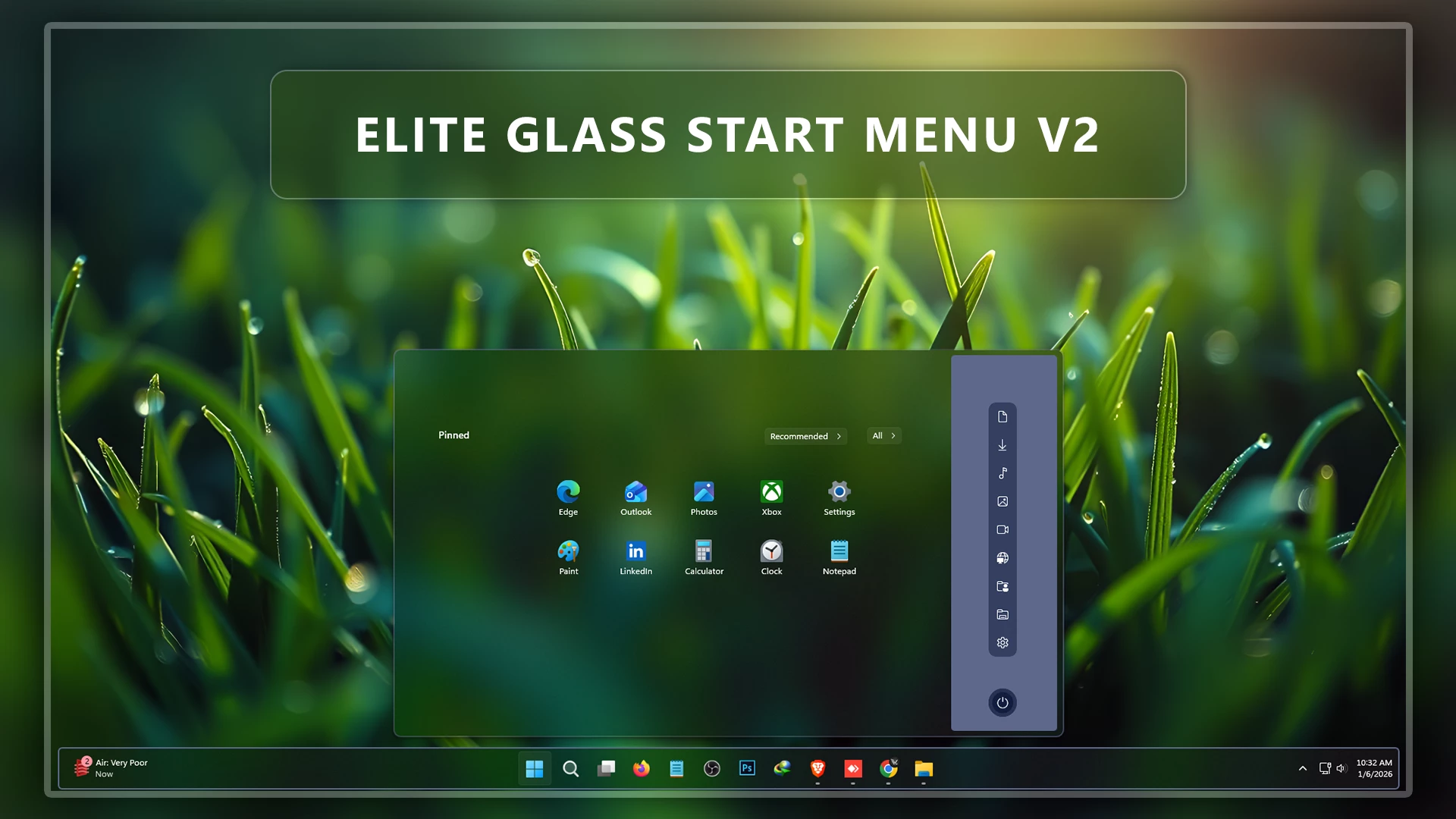
Elite Glass Start Menu Style V2 For Windows 11
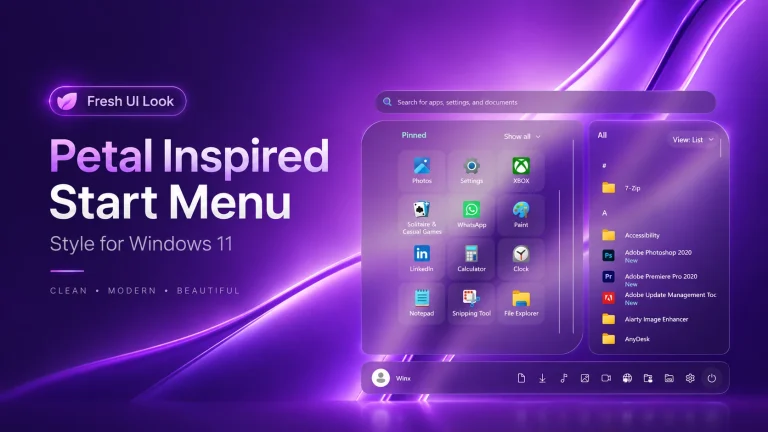
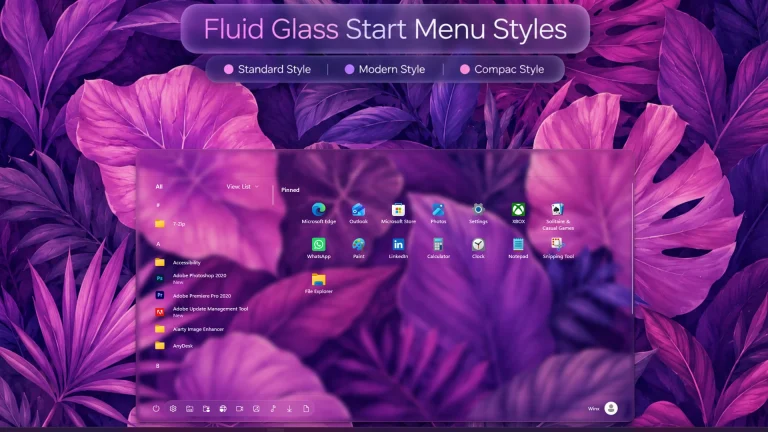
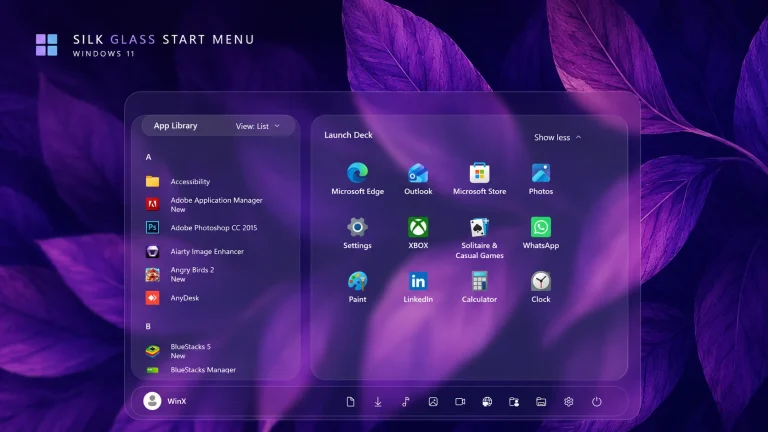
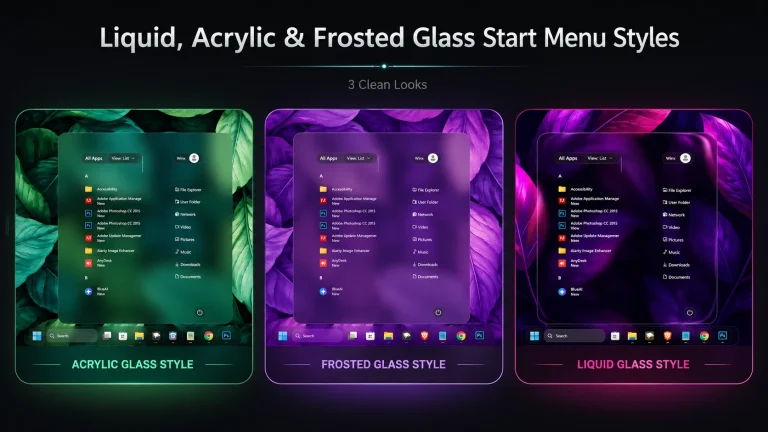
Elite Glass Start Menu Style using Windhawk brings a premium, futuristic look to Windows 11 with a stunning glassmorphism design. This style focuses on crystal-clear transparency, smooth blur effects, and subtle light reflections that give your Start Menu a truly elite and modern appearance. Inspired by high-end UI designs, Elite Glass blends perfectly with dark, minimal, and neon themes, making it ideal for advanced Windows customization lovers.
Download Windhawk To Use The Style
Compatibility
- Windows 11 21H2: May work, but not recommended for the best experience
- Windows 11 22H2: May work, but compatibility can vary
- Windows 11 23H2: Recommended
- Windows 11 24H2: Recommended
- Windows 11 25H2: NO
Installation steps:
- Download & Install windhawk.
- install & Open the Windows 11 Start Menu Styler mod in Windhawk.
- Go to the “Advanced” tab.
- Copy the content below to the text box under “Mod settings” and click “Save”.
{ "theme": "Elite Glass v2 Start Menu by Link Vegas", "controlStyles[0].target": "Windows.UI.Xaml.Controls.Grid#TopLevelSuggestionsListHeader", "controlStyles[0].styles[0]": "Width=450", "controlStyles[1].target": "Windows.UI.Xaml.Controls.Grid#NoTopLevelSuggestionsText", "controlStyles[1].styles[0]": "Height=0", "controlStyles[2].target": "Windows.UI.Xaml.Controls.Grid#TopLevelSuggestionsContainer", "controlStyles[2].styles[0]": "Height=0", "controlStyles[3].target": "Windows.UI.Xaml.Controls.Grid#ShowMoreSuggestions", "controlStyles[3].styles[0]": "RenderTransform:=<TranslateTransform Y=\"-474\" X=\"-242\" />", "controlStyles[4].target": "StartMenu.PinnedList", "controlStyles[4].styles[0]": "Height=100", "controlStyles[4].styles[1]": "Width=500", "controlStyles[4].styles[2]": "RenderTransform:=<TranslateTransform Y=\"30\" X=\"250\" />", "controlStyles[5].target": "Windows.UI.Xaml.Controls.Grid#ShowMoreSuggestions > Windows.UI.Xaml.Controls.Button > Windows.UI.Xaml.Controls.ContentPresenter > Windows.UI.Xaml.Controls.StackPanel > Windows.UI.Xaml.Controls.TextBlock", "controlStyles[5].styles[0]": "Text=Recommended", "controlStyles[6].target": "StartDocked.StartSizingFrame", "controlStyles[6].styles[0]": "MaxWidth=950", "controlStyles[6].styles[1]": "MinWidth=950", "controlStyles[6].styles[2]": "MaxHeight=550", "controlStyles[7].target": "Grid#RootContent", "controlStyles[7].styles[0]": "MinWidth=950", "controlStyles[8].target": "Border#AcrylicOverlay", "controlStyles[8].styles[0]": "Background:=#5D688A", "controlStyles[8].styles[1]": "Width=150", "controlStyles[8].styles[2]": "RenderTransform:=<TranslateTransform Y=\"2\" X=\"390\" />", "controlStyles[8].styles[3]": "CornerRadius=5", "controlStyles[8].styles[4]": "Margin=0,6,0,-55", "controlStyles[9].target": "Border#AcrylicBorder", "controlStyles[9].styles[0]": "Background:=<AcrylicBrush TintColor=\"{ThemeResource CardStrokeColorDefaultSolid}\" FallbackColor=\"{ThemeResource CardStrokeColorDefaultSolid}\" TintOpacity=\"0\" TintLuminosityOpacity=\".5\" Opacity=\"1\"/>", "controlStyles[9].styles[1]": "BorderBrush:=<LinearGradientBrush StartPoint=\"0,0\" EndPoint=\"1,1\" Opacity=\"0.6\"><GradientStop Color=\"#5D688A\" Offset=\"0.0\" /><GradientStop Color=\"{ThemeResource SurfaceStrokeColorDefault}\" Offset=\"0.55\" /><GradientStop Color=\"#5D688A\" Offset=\"1\" /></LinearGradientBrush>", "controlStyles[9].styles[2]": "BorderThickness=2", "controlStyles[9].styles[3]": "CornerRadius=10", "controlStyles[9].styles[4]": "Margin=0", "controlStyles[10].target": "Border#DropShadow", "controlStyles[10].styles[0]": "CornerRadius=5", "controlStyles[10].styles[1]": "Margin=0", "controlStyles[12].target": "StartDocked.SearchBoxToggleButton", "controlStyles[12].styles[0]": "Height=38", "controlStyles[11].target": "StartDocked.SearchBoxToggleButton#StartMenuSearchBox", "controlStyles[12].styles[2]": "CornerRadius=20", "controlStyles[12].styles[1]": "RenderTransform:=<TranslateTransform Y=\"550\" X=\"0\" />", "controlStyles[13].target": "StartDocked.SearchBoxToggleButton > Grid > Border", "controlStyles[13].styles[0]": "Background:=<AcrylicBrush TintColor=\"{ThemeResource CardStrokeColorDefaultSolid}\" FallbackColor=\"{ThemeResource CardStrokeColorDefaultSolid}\" TintOpacity=\"0\" TintLuminosityOpacity=\".30\" Opacity=\"1\"/>", "controlStyles[13].styles[1]": "RenderTransform:=<TranslateTransform Y=\"0\" X=\"0\" />", "controlStyles[14].target": "StartDocked.LauncherFrame > Grid#RootGrid > Grid#RootContent > Grid#MainContent > Grid#InnerContent > Rectangle", "controlStyles[14].styles[0]": "RenderTransform:=<TranslateTransform Y=\"555\" X=\"0\" />", "controlStyles[15].target": "StartDocked.SearchBoxToggleButton", "controlStyles[15].styles[0]": "Canvas.ZIndex=1", "controlStyles[15].styles[1]": "RenderTransform:=<TranslateTransform Y=\"550\" X=\"0\" />", "controlStyles[16].target": "StartDocked.NavigationPaneView", "controlStyles[16].styles[0]": "Transform3D:=<CompositeTransform3D RotationZ=\"270\" TranslateY=\"-850\" TranslateX=\"830\"/>", "controlStyles[17].target": "StartDocked.UserTileView#UserTile", "controlStyles[17].styles[0]": "Transform3D:=<CompositeTransform3D RotationZ=\"90\" TranslateY=\"410\" TranslateX=\"-60\"/>", "controlStyles[18].target": "StartDocked.AppListViewItem > Grid > ContentPresenter", "controlStyles[18].styles[0]": "Transform3D:=<CompositeTransform3D RotationZ=\"90\" TranslateY=\"40\"/>", "controlStyles[19].target": "StartDocked.PowerOptionsView", "controlStyles[19].styles[0]": "Transform3D:=<CompositeTransform3D TranslateY=\"40\" TranslateX=\"30\" RotationZ=\"90\" />", "controlStyles[20].target": "StartDocked.LauncherFrame > Grid#RootGrid > Grid#RootContent > Grid#MainContent > Grid#InnerContent > Rectangle", "controlStyles[20].styles[0]": "Visibility=Collapsed", "controlStyles[21].target": "Windows.UI.Xaml.Controls.Grid#AllAppsRoot", "controlStyles[21].styles[0]": "Margin=0,0,155,0", "controlStyles[22].target": "Windows.UI.Xaml.Controls.TextBlock#PinnedListHeaderText", "controlStyles[23].target": "Border#ContentBorder@CommonStates > Grid#DroppedFlickerWorkaroundWrapper > Border", "controlStyles[23].styles[0]": "FocusVisualPrimaryBrush:=<SolidColorBrush Color=\"#b3cefd\" Opacity=\".10\"/>", "controlStyles[23].styles[1]": "CornerRadius=5", "controlStyles[23].styles[2]": "Height=80", "controlStyles[23].styles[3]": "Width=92", "controlStyles[24].target": "StartMenu.PinnedList#StartMenuPinnedList", "controlStyles[24].styles[0]": "MaxWidth=500", "controlStyles[24].styles[1]": "Margin=-550,0,0,0", "controlStyles[24].styles[2]": "Height=410", "controlStyles[25].target": "Windows.UI.Xaml.Controls.Border#ContentBorder@CommonStates > Windows.UI.Xaml.Controls.Grid#DroppedFlickerWorkaroundWrapper > Border#BackgroundBorder", "controlStyles[26].target": "Windows.UI.Xaml.Controls.Grid#MoreSuggestionsRoot", "controlStyles[26].styles[0]": "Margin=50,0,150,0", "controlStyles[27].target": "StartDocked.AppListView#NavigationPanePlacesListView > Windows.UI.Xaml.Controls.Border", "controlStyles[27].styles[0]": "Background:=<AcrylicBrush TintColor=\"{ThemeResource CardStrokeColorDefaultSolid}\" FallbackColor=\"{ThemeResource CardStrokeColorDefaultSolid}\" TintOpacity=\"0\" TintLuminosityOpacity=\".55\" Opacity=\"1\"/>", "controlStyles[27].styles[1]": "CornerRadius=10", "controlStyles[27].styles[2]": "Margin=0,0,15,0", "controlStyles[28].target": "StartDocked.NavigationPaneButton#PowerButton > Windows.UI.Xaml.Controls.Grid@CommonStates > Windows.UI.Xaml.Controls.Border#BackgroundBorder", "controlStyles[28].styles[0]": "Background:=<AcrylicBrush TintColor=\"{ThemeResource CardStrokeColorDefaultSolid}\" FallbackColor=\"{ThemeResource CardStrokeColorDefaultSolid}\" TintOpacity=\"0\" TintLuminosityOpacity=\"1\" Opacity=\"1\"/>", "controlStyles[28].styles[1]": "BorderBrush@Normal:=<AcrylicBrush TintColor=\"{ThemeResource SurfaceStrokeColorDefault}\" FallbackColor=\"{ThemeResource SurfaceStrokeColorDefault}\" TintOpacity=\"0\" TintLuminosityOpacity=\".1\" Opacity=\"1\"/>", "controlStyles[28].styles[2]": "CornerRadius=30", "controlStyles[28].styles[3]": "BorderThickness=5", "controlStyles[28].styles[4]": "Margin=0", "controlStyles[28].styles[5]": "BorderBrush@PointerOver:=<AcrylicBrush TintColor=\"{ThemeResource SystemAccentColor}\" FallbackColor=\"{ThemeResource SystemAccentColor}\" TintOpacity=\".8\" TintLuminosityOpacity=\".5\" Opacity=\".55\"/>", "controlStyles[29].target": "Button#ShowAllAppsButton > ContentPresenter@CommonStates", "controlStyles[29].styles[0]": "Margin=0,0,15,0", "controlStyles[30].target": "Button#ShowAllAppsButton > ContentPresenter#ContentPresenter@CommonStates", "controlStyles[30].styles[0]": "RenderTransform:=<TranslateTransform Y=\"0\" X=\"-150\" />", "controlStyles[31].target": "Windows.UI.Xaml.Controls.GridView#PinnedList > Windows.UI.Xaml.Controls.Border > Windows.UI.Xaml.Controls.ScrollViewer > Windows.UI.Xaml.Controls.Border > Windows.UI.Xaml.Controls.Grid > Windows.UI.Xaml.Controls.ScrollContentPresenter > Windows.UI.Xaml.Controls.ItemsPresenter > Windows.UI.Xaml.Controls.ItemsWrapGrid > Windows.UI.Xaml.Controls.GridViewItem", "controlStyles[31].styles[0]": "Margin=0,0,0,0", "controlStyles[32].target": "StartMenu.PinnedList > Grid#Root", "controlStyles[32].styles[0]": "Padding=0", "disableNewStartMenuLayout": 1}Taskbar & More
Elite Glass Start Menu Style is lightweight, stable, and fully compatible with the latest Windows 11 builds. No third-party Start Menu apps are required—just Windhawk and the right configuration. If you love transparent UI, glass effects, and next-level personalization, Elite Glass is a must-try Start Menu style that transforms your Windows desktop into a polished, high-class setup.