Translucent Start Menu Style Windows 11 25H2
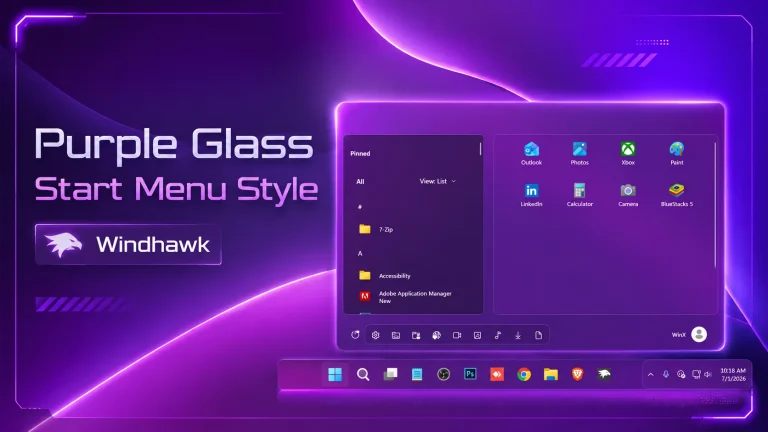
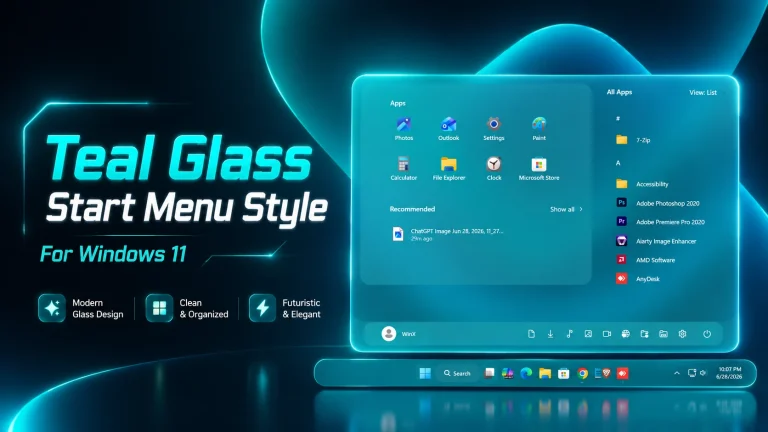
Translucent Start Menu Style Windows 11 25H2 - Windhawk:Experience the future of desktop aesthetics with the Translucent Start Menu Style for Windows 11 25H2, designed exclusively using Windhawk. This sleek and modern Start Menu mod introduces a stunning translucent glass effect, blending your desktop background with the menu in real-time for a seamless, immersive look.

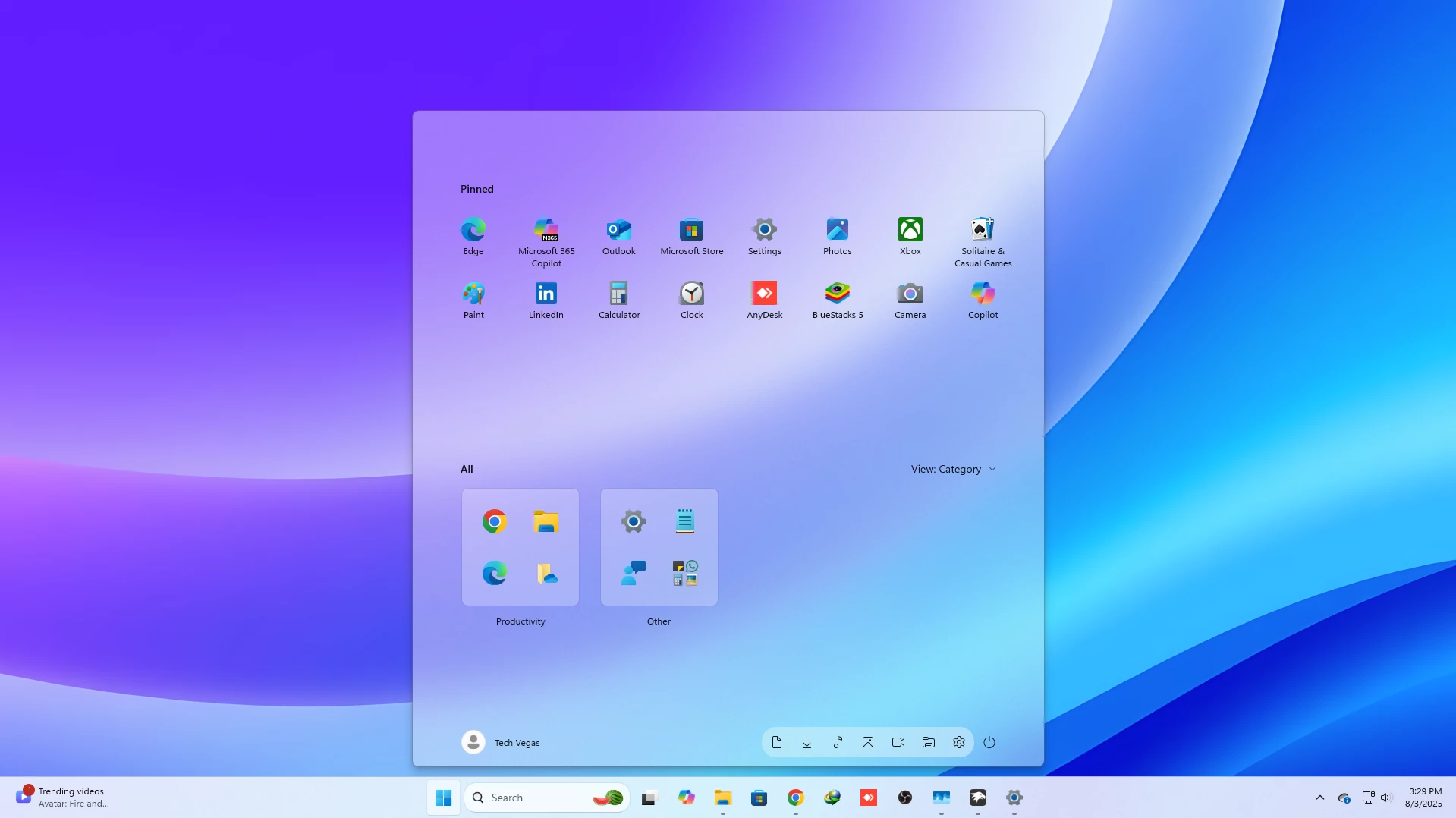
Translucent Start Menu Style Windows 11 25H2 (Clean Glass UI)
Translucent Start Menu Style Windows 11 25H2 gives your desktop a modern glass-like appearance with smooth transparency and a minimal layout. This customization enhances the visual experience while maintaining a clean and distraction-free interface.
Features of Translucent Start Menu Style Windows 11 25H2
- Beautiful translucent glass effect
- Clean and minimal start menu layout
- Smooth blur and transparency integration
- Optimized for Windows 11 25H2
- Lightweight and performance-friendly
Why Choose Translucent Start Menu Style Windows 11 25H2
The Translucent Start Menu Style Windows 11 25H2 is ideal for users who prefer a modern, glass-inspired UI. It blends seamlessly with Windows 11 design while keeping the system responsive.
System Requirements
- Windows 11 version 25H2
- Windhawk tool installed
- Basic customization knowledge
Tips for Best Experience
- Use soft gradient or blur-friendly wallpapers
- Enable transparency effects in Windows settings
- Pair with a minimal icon pack
- Download and install Windhawk
- Open Windhawk and install the Windows 11 Start Menu Styler mod
- Go to the Advanced tab
- Paste the provided configuration code into the “Mod settings” box
- Click Save to apply the style
- For more details, visit this GitHub guide
{ "controlStyles[0].target": "Border#AcrylicBorder", "controlStyles[0].styles[0]": "Background:=<AcrylicBrush TintColor=\"{ThemeResource CardStrokeColorDefaultSolid}\" FallbackColor=\"{ThemeResource CardStrokeColorDefaultSolid}\" TintOpacity=\"0\" TintLuminosityOpacity=\".45\" Opacity=\"1\"/>", "controlStyles[32].styles[1]": "BorderBrush:=<AcrylicBrush TintColor=\"{ThemeResource SurfaceStrokeColorDefault}\" FallbackColor=\"{ThemeResource SurfaceStrokeColorDefault}\" TintOpacity=\"0\" TintLuminosityOpacity=\".0\" Opacity=\"1\"/>", "controlStyles[0].styles[2]": "BorderThickness=1", "controlStyles[0].styles[3]": "CornerRadius=10", "controlStyles[0].styles[4]": "Margin=0", "controlStyles[1].target": "Border#AcrylicOverlay", "controlStyles[1].styles[0]": "Visibility=Collapsed", "controlStyles[2].target": "Windows.UI.Xaml.Controls.Grid#TopLevelSuggestionsListHeader", "controlStyles[2].styles[0]": "Visibility=Collapsed", "controlStyles[3].target": "Windows.UI.Xaml.Controls.Grid#NoTopLevelSuggestionsText", "controlStyles[3].styles[0]": "Visibility=Collapsed", "controlStyles[4].target": "Windows.UI.Xaml.Controls.Grid#TopLevelSuggestionsContainer", "controlStyles[4].styles[0]": "Visibility=Collapsed", "controlStyles[5].target": "Windows.UI.Xaml.Controls.Grid#ShowMoreSuggestions", "controlStyles[5].styles[0]": "Visibility=Collapsed", "controlStyles[6].target": "StartDocked.AppListView#NavigationPanePlacesListView > Windows.UI.Xaml.Controls.Border", "controlStyles[6].styles[0]": "Background:=<AcrylicBrush TintColor=\"{ThemeResource CardStrokeColorDefaultSolid}\" FallbackColor=\"{ThemeResource CardStrokeColorDefaultSolid}\" TintOpacity=\"0\" TintLuminosityOpacity=\".55\" Opacity=\"1\"/>", "controlStyles[6].styles[1]": "CornerRadius=18", "controlStyles[7].target": "StartMenu.SearchBoxToggleButton", "controlStyles[7].styles[0]": "Visibility=Collapsed"}