Amazing Start Menu Style – Windhawk
Amazing Start Menu Style - Windhawk ! Give your Windows 11 Start Menu a fresh, customized look with Windhawk mods! This guide shows you how to completely transform the default Start Menu into a more user-friendly

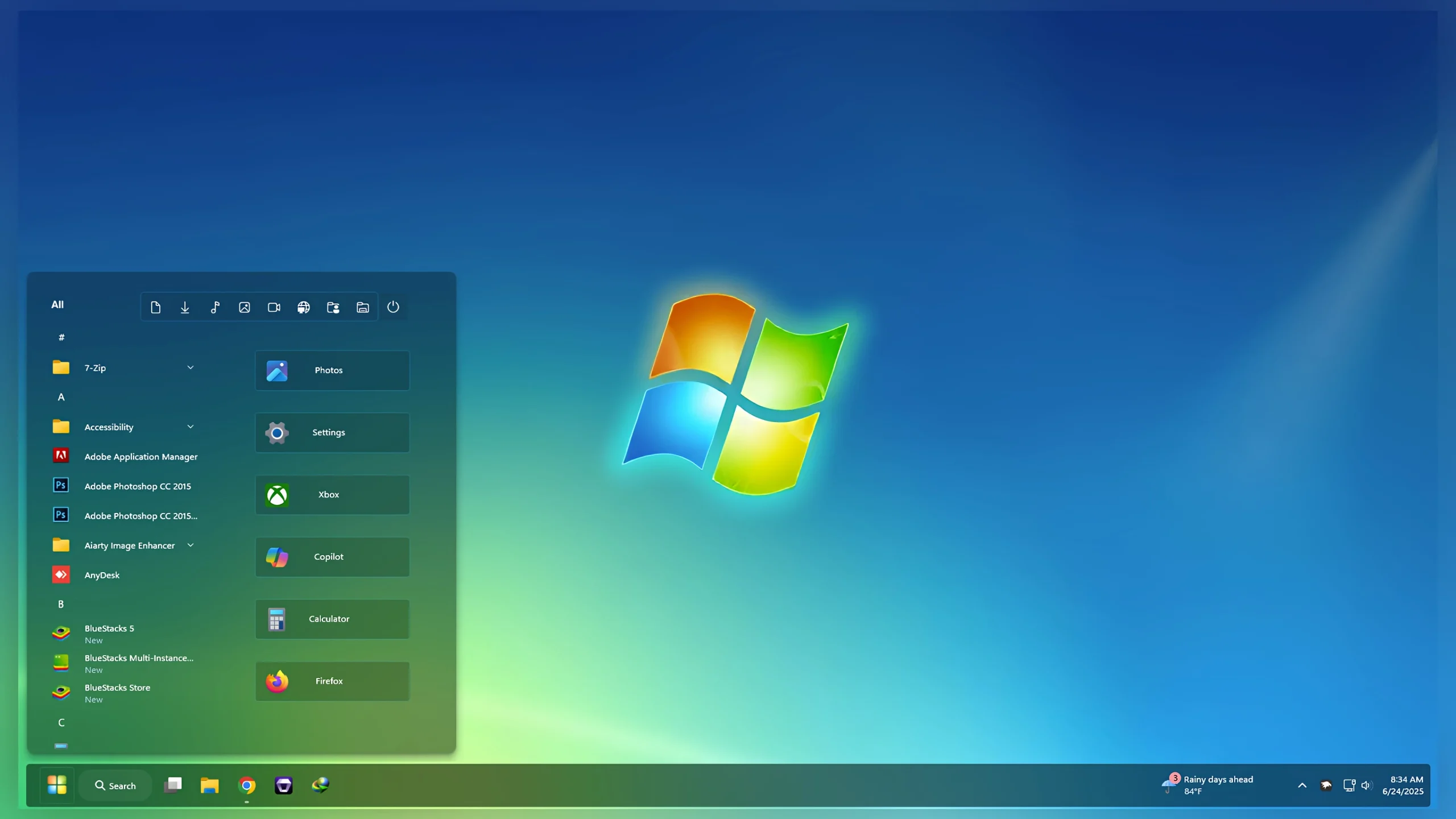
Amazing Start Menu Style – Windhawk for Windows 11
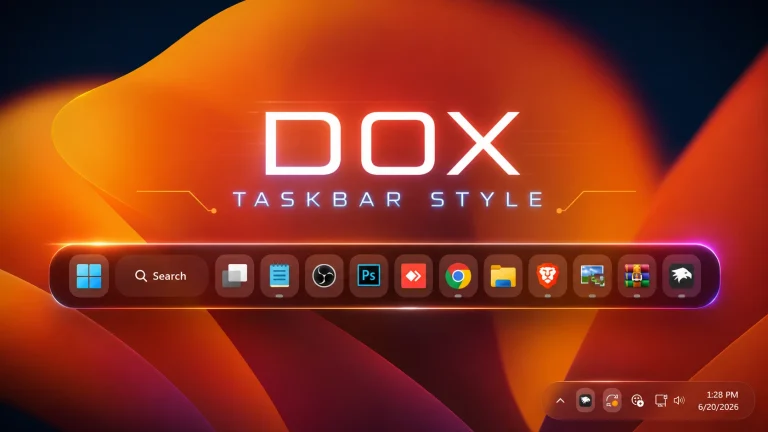
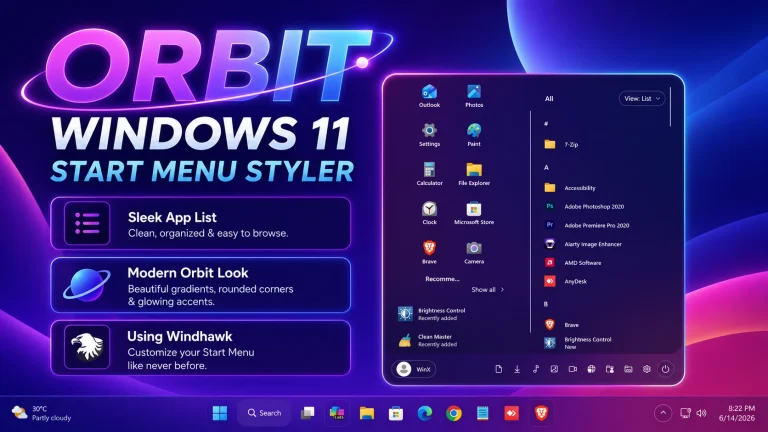
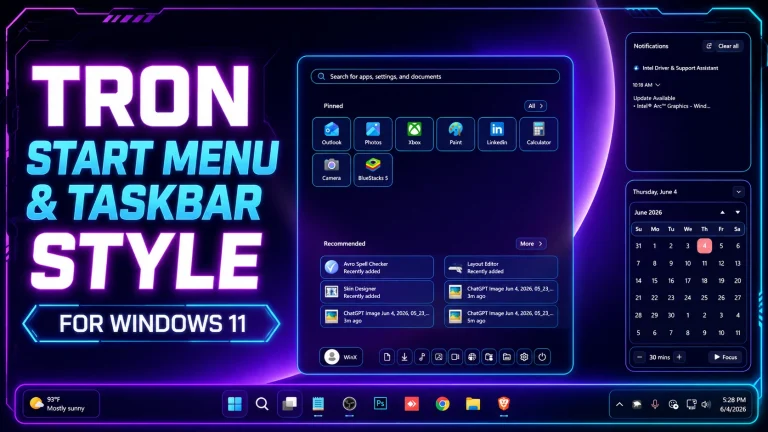
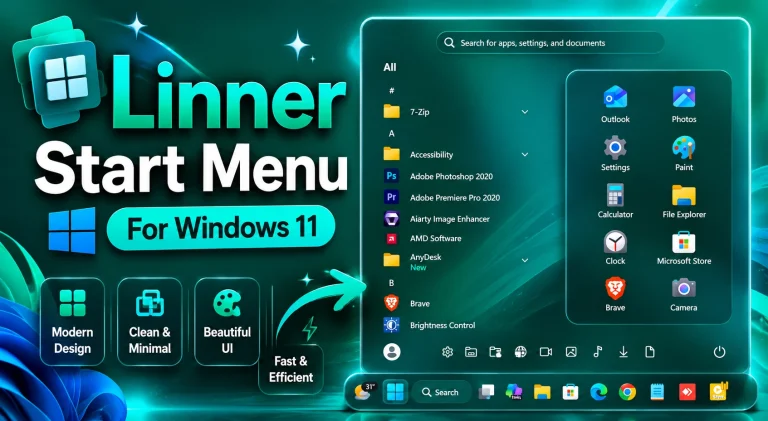
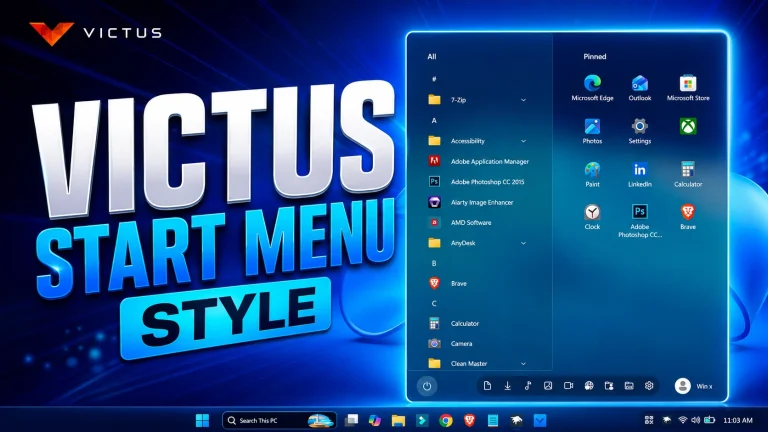
If you are looking for a fresh and modern way to customize your Windows 11 desktop, the Amazing Start Menu Style for Windhawk is a fantastic choice. This stylish Start Menu modification transforms the default Windows 11 Start Menu into a cleaner, more attractive, and visually appealing interface. Designed for users who enjoy desktop customization, this Windhawk Start Menu style delivers a premium look while maintaining smooth performance and usability.
What is Amazing Start Menu Style?
Amazing Start Menu Style is a custom Windhawk Start Menu theme created to enhance the overall appearance of Windows 11. It introduces a redesigned layout, elegant transparency effects, refined spacing, and a modern visual experience that makes your desktop feel unique. Whether you are a casual user or a customization enthusiast, this style can instantly improve the look of your Start Menu.
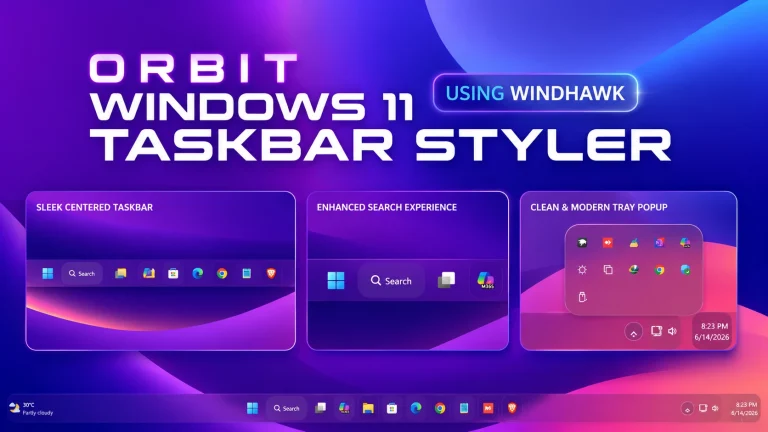
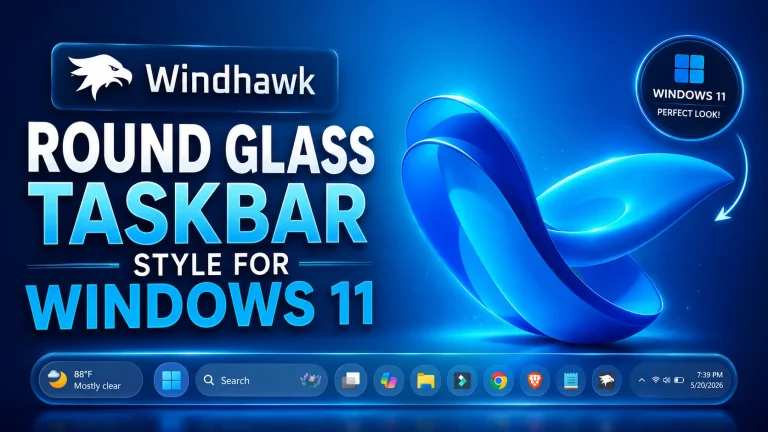
The design focuses on simplicity, readability, and aesthetics. It blends perfectly with modern Windows 11 themes and works well alongside custom taskbars, icon packs, wallpapers, and Rainmeter skins.
Key Features of Amazing Start Menu Style
- Modern and elegant Start Menu appearance
- Fully compatible with Windows 11
- Works seamlessly with Windhawk
- Clean layout with improved visual balance
- Smooth transparency and glass effects
- Optimized spacing and alignment
- Easy installation process
- Lightweight and performance-friendly design
- Perfect for desktop customization setups
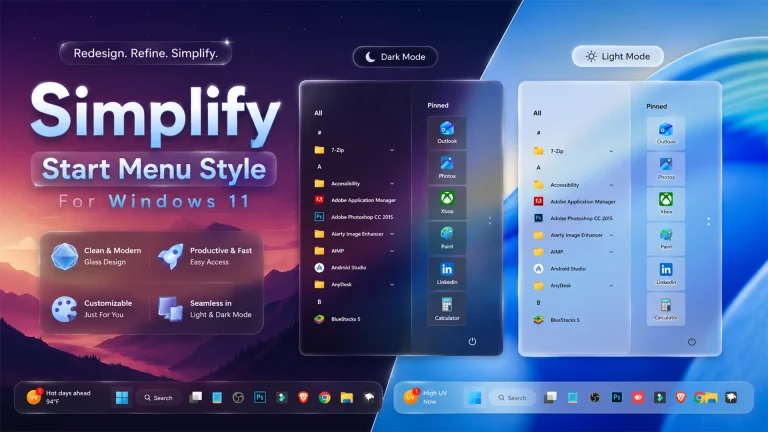
- Suitable for both dark and light themes
Why Use This Windhawk Start Menu Style?
The default Windows 11 Start Menu may not match everyone’s preferences. Many users want a more personalized and attractive desktop experience. Amazing Start Menu Style provides exactly that. It gives your Start Menu a refreshed appearance without requiring complicated modifications or system tweaks.
With Windhawk, applying custom Start Menu styles becomes simple and safe. This style helps create a professional-looking desktop while preserving the familiar functionality of Windows 11. The result is a cleaner, more organized Start Menu that feels modern and enjoyable to use every day.
Compatibility Information
This Amazing Start Menu Style is designed specifically for Windows 11 and requires Windhawk to function properly. For the best experience, make sure you are using the latest version of Windhawk and have the Start Menu Styler mod installed correctly.
The style has been optimized to work smoothly across different screen resolutions and desktop configurations. Whether you use a laptop, gaming PC, or workstation, the design scales beautifully and maintains its visual quality.
Installation Guide
- Download and install Windhawk.
- Open Windhawk and install the Start Menu Styler mod.
- Copy the Amazing Start Menu Style code.
- Paste the configuration into Start Menu Styler.
- Apply the changes and restart the Start Menu if necessary.
- Enjoy your newly customized Windows 11 Start Menu.
Perfect for Windows Customization Enthusiasts
If you enjoy customizing Windows 11, this Start Menu style is an excellent addition to your setup. It works perfectly with custom themes, taskbar modifications, wallpapers, Rainmeter widgets, and icon packs. Combining these elements can create a truly unique desktop environment that reflects your personal style.
The Amazing Start Menu Style is ideal for users who want a balance between aesthetics and functionality. It enhances visual appeal while keeping navigation simple and intuitive.
Mods 3KB
DownloadFinal Thoughts
The Amazing Start Menu Style for Windhawk is a great way to upgrade the appearance of your Windows 11 desktop. With its modern design, clean layout, transparency effects, and seamless integration with Windhawk, it offers a polished and enjoyable user experience. Whether you are building a complete desktop customization setup or simply want a better-looking Start Menu, this style is definitely worth trying.
Download the Amazing Start Menu Style today and transform your Windows 11 Start Menu into something truly impressive.