

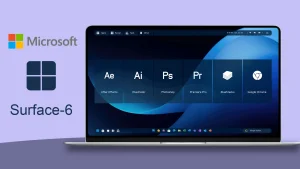
The Surface Rainmeter Skin V6
The Surface Rainmeter Skin V6:The Surface Rainmeter Skin V6 is a refined and futuristic desktop customization suite inspired by Microsoft’s Surface design language, reimagined for Rainmeter

Surface Rainmeter Skin V6
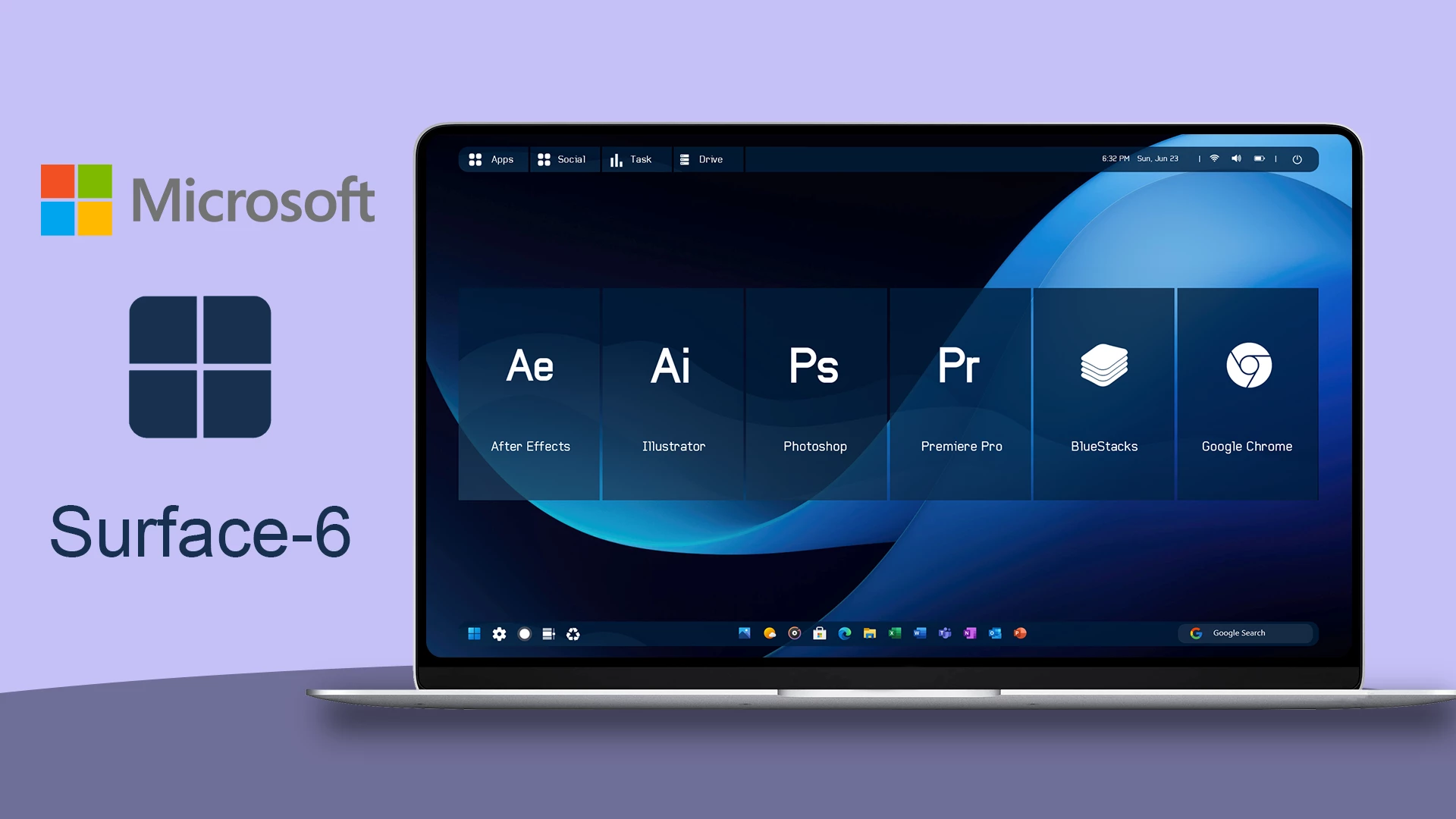
Surface Rainmeter Skin V6 is a modern Windows desktop customization designed for users who prefer a clean and organized interface. This Rainmeter skin brings a Surface-style visual appearance with a minimal layout, stylish widgets, and neatly arranged desktop elements.
The skin features a dark desktop interface with a large clock display, application shortcuts, top navigation elements, and a dock-style launcher. The balanced layout helps keep frequently used items accessible while maintaining a clean and modern desktop appearance.
Surface Rainmeter Skin V6 is a third-party customization resource created for Windows personalization. It is not an official Microsoft Surface product, but it uses a modern design style inspired by clean and minimal desktop interfaces.
Key Features
- Modern Surface-style desktop interface.
- Clean dark theme with organized layout.
- Large digital clock and date display.
- Quick access application tiles.
- Minimal top navigation bar design.
- Dock-style launcher for commonly used apps.
- Rainmeter-based Windows desktop customization.
- Suitable for minimal and productivity-focused setups.
System Requirements
Compatibility
- Windows 10 / Windows 11
- Rainmeter application installed
- Recommended Resolution: 1920 × 1080
What is Included
- Surface Rainmeter Skin V6
How to Install Surface Rainmeter Skin V6
- Download and install Rainmeter on your Windows PC.
- Download the Surface Rainmeter Skin V6 file.
- Open the downloaded .rmskin file.
- The Rainmeter Skin Installer window will appear.
- Click Install to add the skin to Rainmeter.
- Right-click the Rainmeter icon from the system tray.
- Navigate to Skins and select Surface Rainmeter Skin V6.
- Click Load to apply the skin.
Zip File 72MB
DownloadHow to Remove Surface Rainmeter Skin V6
- Right-click the Rainmeter icon from the system tray.
- Select Manage to open Rainmeter settings.
- Find Surface Rainmeter Skin V6 from the installed skins list.
- Unload the active widgets.
- Remove the skin folder from the Rainmeter Skins directory if you want to delete it completely.
Who Should Use This Skin?
Surface Rainmeter Skin V6 is suitable for users who enjoy clean, modern, and organized desktop designs. It is a good choice for Windows users who prefer minimal layouts with useful shortcuts and a professional-looking desktop arrangement.
Disclaimer
Surface Rainmeter Skin V6 is a third-party Windows customization resource created for personal desktop customization purposes. It is not an official Microsoft product and is not affiliated with Microsoft Surface devices. Microsoft, Windows, and Surface-related trademarks belong to their respective owners.
Conclusion
Surface Rainmeter Skin V6 provides a simple way to customize your Windows desktop with a modern Surface-style interface. With its organized application tiles, clock display, and minimal layout, it is a suitable choice for users who want a clean and personalized desktop experience.







