Forest Desktop 2.0 ( Rainmeter Skin )
Forest Desktop 2.0 ( Rainmeter Skin ) : Forest Desktop 2.0 is a nature-inspired Rainmeter skin that brings a calm, minimal, and aesthetic forest look to your Windows desktop. Designed for productivity and focus, it features clean widgets, smooth animations, and easy customization for Windows 10 and 11

Forest Desktop 2.0 ( Rainmeter Skin )
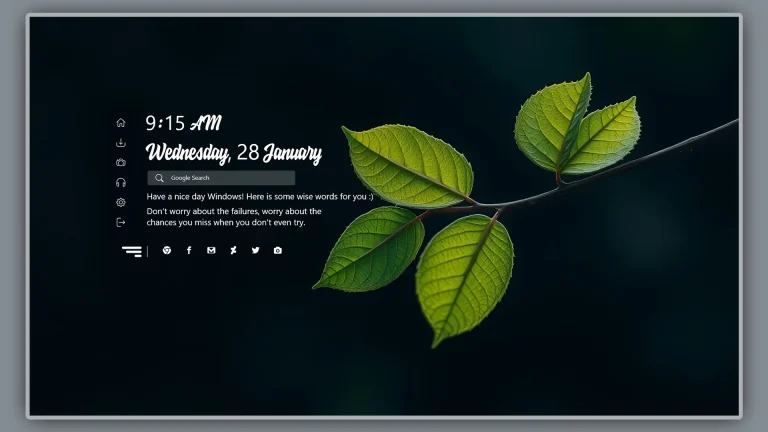
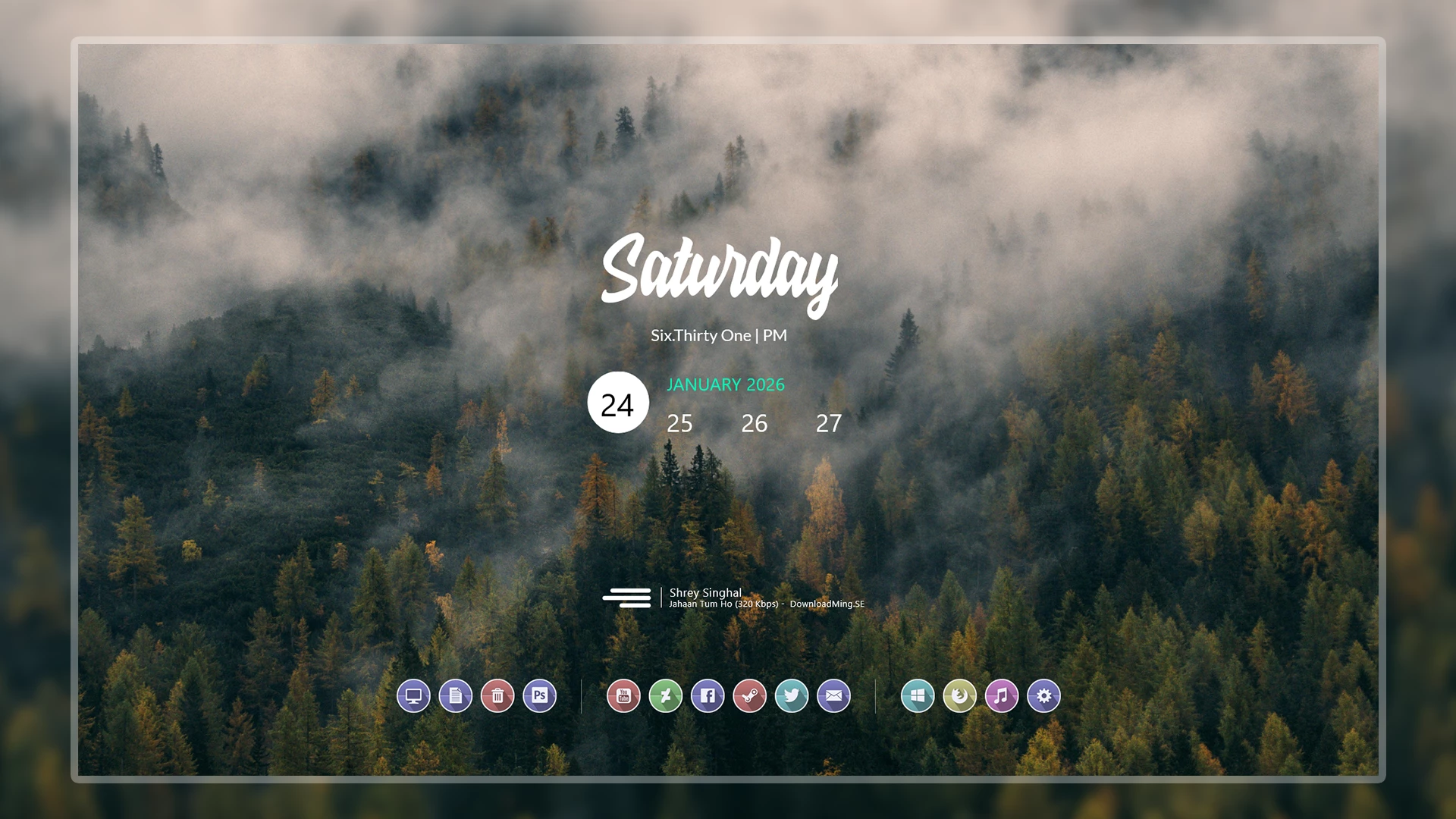
Forest Desktop 2.0 is a calm, nature-inspired Rainmeter skin designed to transform your Windows desktop into a peaceful and minimal workspace. Inspired by deep green forests, soft shadows, and natural tones, this setup focuses on productivity, focus, and visual comfort..
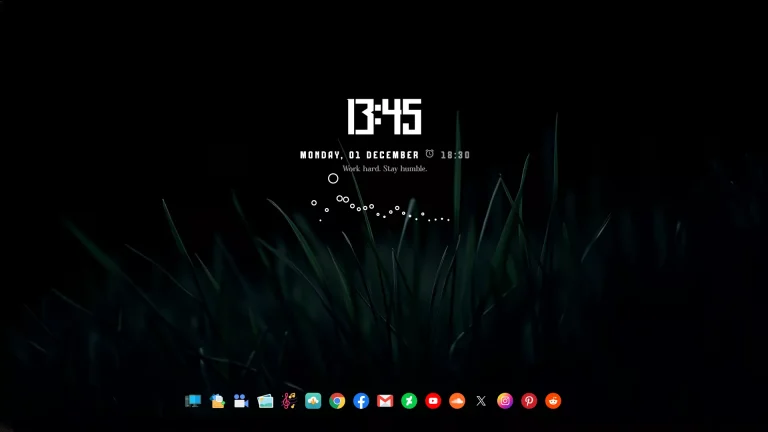
This Rainmeter skin features a clean layout with elegant widgets, smooth animations, and a distraction-free design. Every element is carefully placed to keep your desktop organized while maintaining a premium aesthetic look. Forest Desktop 2.0 is perfect for users who love minimal UI, natural themes, and modern Windows customization.
The skin includes essential widgets such as clock, date, system stats, and shortcuts—styled with soft transparency and forest-inspired colors. It works smoothly on both Windows 10 and Windows 11, and it is optimized for low to mid-range PCs without heavy resource usage..
- Rainmeter Skins
- Dock Icons & Config
- Wallpapers
- Download & Install Rainmeter.
- Once installed, Rainmeter will start automatically
- Download the .rmskin file (Rainmeter Skin Installer format) Double-click the .rmskin file..
- The Rainmeter Skin Installer will open,Click Install to add it to Rainmeter.
- Right-click the Rainmeter icon in the system tray
- Navigate to Skins and select the installed skin.
- Click Load to apply it.
Theme Files 5MB
Download