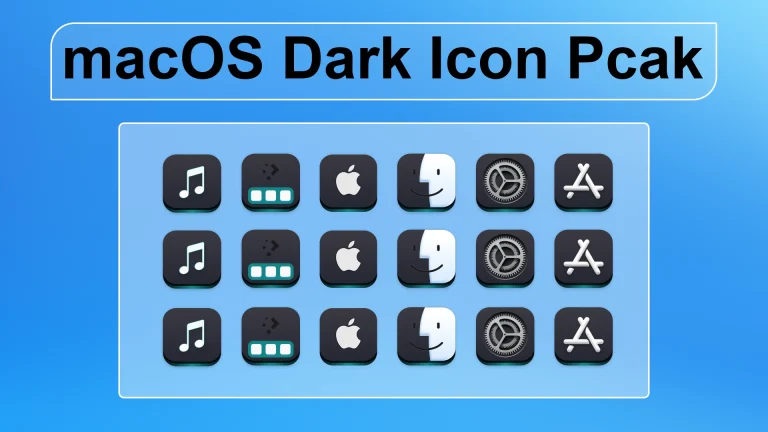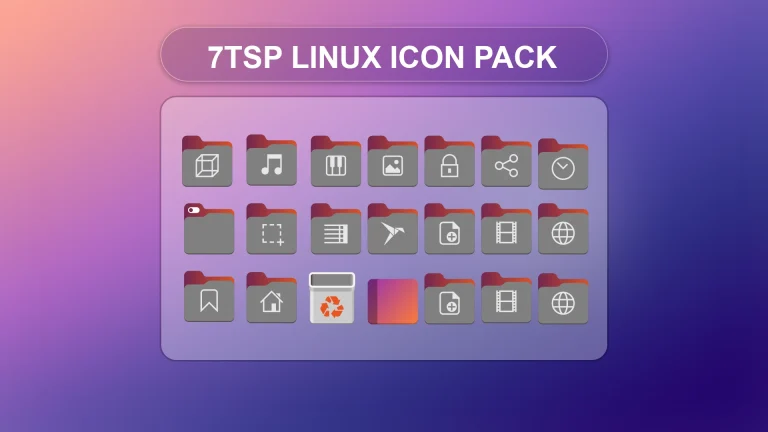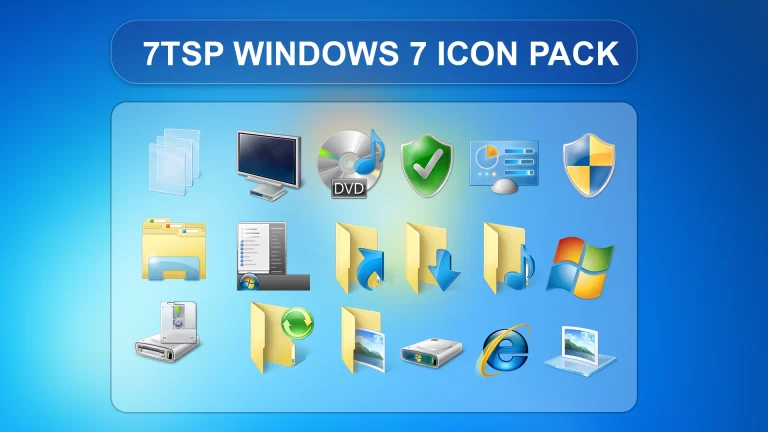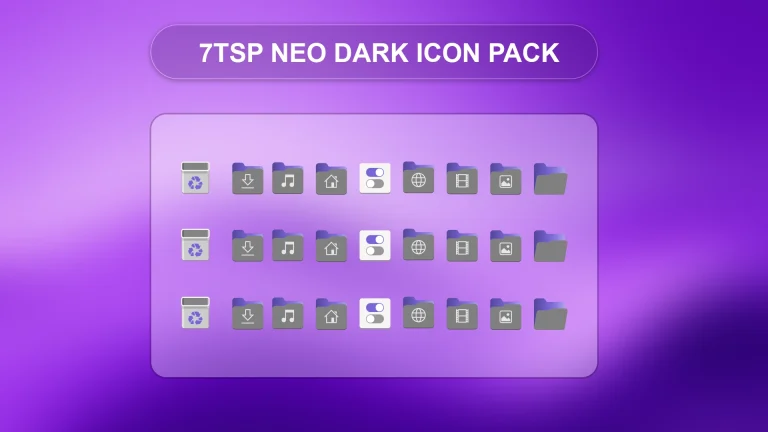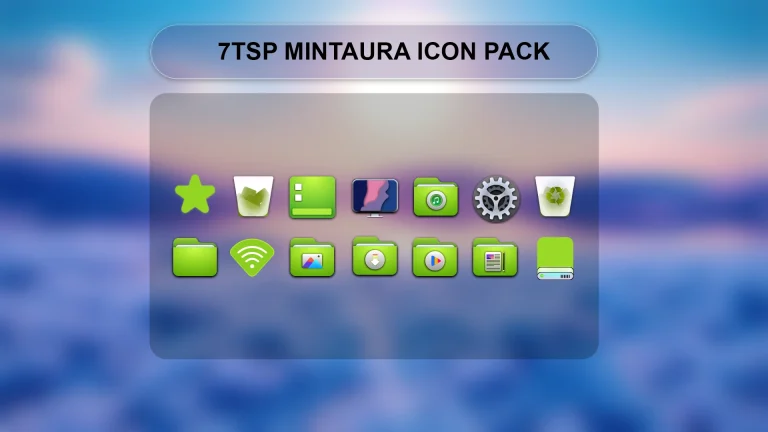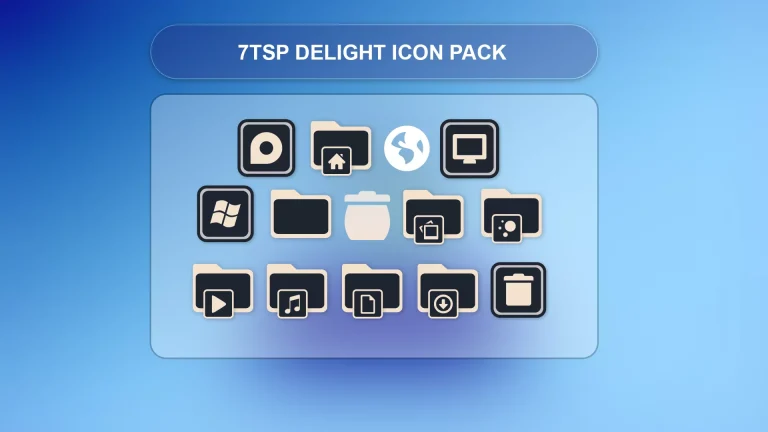
WinOS 7tsp Icon Pack
Download WinOS 7TSP Icon Pack for Windows and customize your desktop with a clean, modern icon style. Create a system restore point before applying any 7TSP pack.

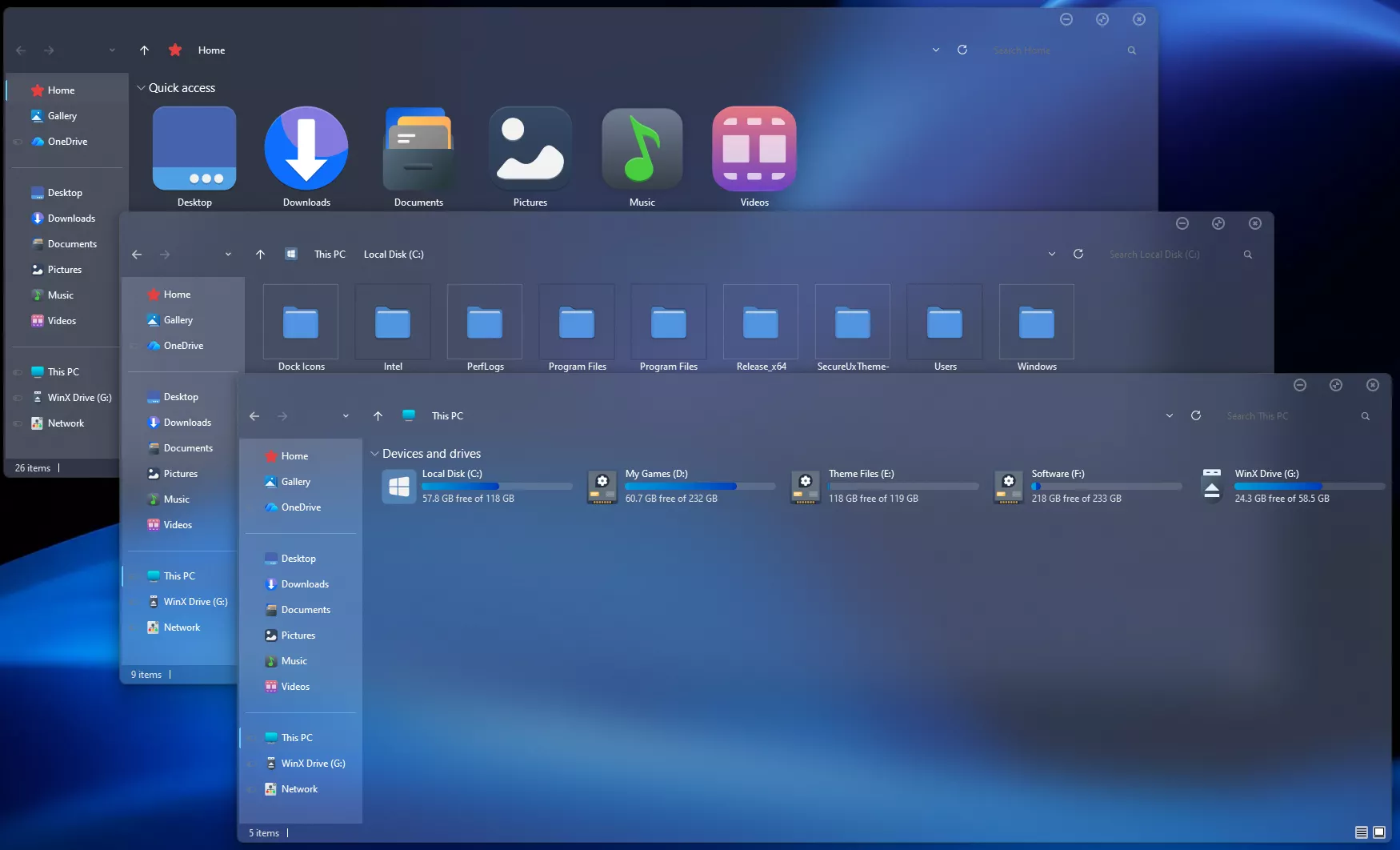
WinOS 7TSP Icon Pack for Windows
WinOS 7TSP Icon Pack is a custom Windows icon pack designed for users who want to give their desktop a cleaner, more modern, and more consistent appearance. If you enjoy Windows customization and want your folders, drives, and system icons to match your theme, this 7TSP icon pack can help create a more polished desktop style.
Disclaimer & Trademark Notice:
Windows, the Windows logo, and all related brand assets are registered trademarks of Microsoft Corporation. This website and the featured 7tsp icon packs are independent third-party projects and are not affiliated with, endorsed by, sponsored by, or officially connected to Microsoft Corporation.
7tsp (Seven Theme Source Patcher) theme packs modify system resources for customization. All content and downloads are provided strictly for educational, informational, and personal preview purposes only. Users apply these system modifications at their own risk.
This icon pack is made for users who apply custom icon packs using the supported 7TSP tool. It can be a good choice for Windows users who want a fresh visual upgrade without changing the entire operating system experience.
Icon Pack Overview
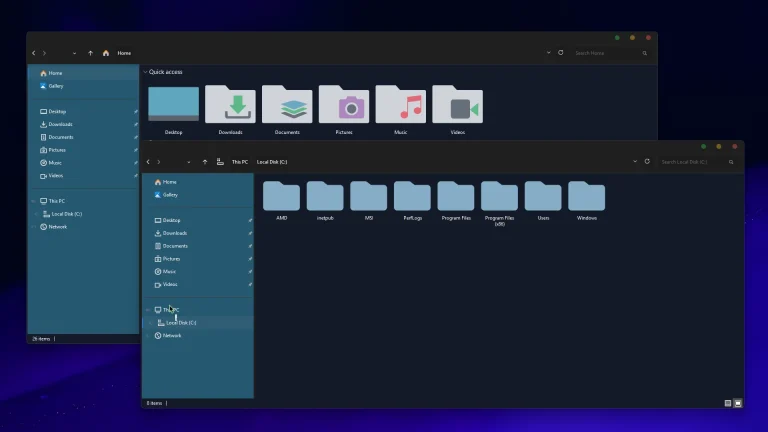
The WinOS 7TSP Icon Pack focuses on a smooth and modern design style. The icons are created to look clean, balanced, and visually consistent across the desktop. Depending on the included pack files, the icons may feature refined shapes, soft colors, modern details, and a layout that works well with current Windows customization themes.
This style is suitable for minimal desktops, glass-style setups, dark themes, light themes, and Windows 11-inspired layouts. When used with a matching wallpaper and taskbar style, the WinOS 7TSP Icon Pack can make your desktop feel more organized and professional.
What This Icon Pack Changes
7TSP icon packs are commonly used to change different Windows visual elements. Depending on the pack version and supported files, the WinOS 7TSP Icon Pack may change system icons, folder icons, drive icons, control panel icons, file type icons, and other interface elements.
The exact changes can vary based on the icon pack, your Windows version, and the 7TSP tool you are using. For this reason, it is important to check the included instructions before applying the pack.
Main Features
- Custom Windows icon appearance
- Consistent folder and system icon style
- Works well with matching themes
- Designed for desktop personalization
- Suitable for modern Windows customization setups
- Can improve the overall visual consistency of your desktop
- Useful for Windows users who prefer a clean icon layout
Important Safety Note
Before applying the WinOS 7TSP Icon Pack or any other 7TSP icon pack, you should always create a system restore point. This is very important because 7TSP icon packs may modify Windows visual resources. A restore point gives you a safer way to return your system to its previous state if the icon pack does not apply correctly or if you want to undo the changes later.
Also, read the included guide carefully before applying the pack. Use only trusted files, avoid cracked tools, and do not apply unknown system patches from unsafe sources. This post is only for safe desktop personalization and does not promote illegal or harmful system modification.
Compatibility
The WinOS 7TSP Icon Pack may work with supported Windows versions depending on the included 7TSP package and tool compatibility. Before applying it, check whether your Windows version is supported by the pack and the 7TSP tool you are using.
Windows updates can sometimes affect customized system icons, so it is a good idea to keep a backup and restore point before making any changes. If you are using Windows 10 or Windows 11, make sure the 7TSP version you use is suitable for your system build.
Installation Guide
- Create a system restore point before making any changes.
- Download and extract the WinOS 7TSP Icon Pack.
- Open the supported 7TSP tool on your Windows PC.
- Select the icon pack file from the extracted folder.
- Apply the icon pack carefully using the 7TSP tool.
- Wait for the process to complete without interrupting it.
- Restart your computer if required to apply the new icons properly.For The Theme
- Windows 8/8.1
- Windows 10
- Windows 11
- 7TSP icon Pack
7TSP Icon Pack 6MB
DownloadFinal Thoughts
WinOS 7TSP Icon Pack is a useful option for Windows users who want a clean and modern icon style through 7TSP customization. It can help make your desktop look more consistent, organized, and visually appealing.
Before applying the pack, always check compatibility, read the guide, and create a system restore point. With the right setup, this icon pack can be a great addition to your Windows desktop personalization collection.