

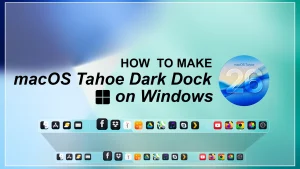
macOS Tahoe Inspired Dark Dock for Windows 10 & 11
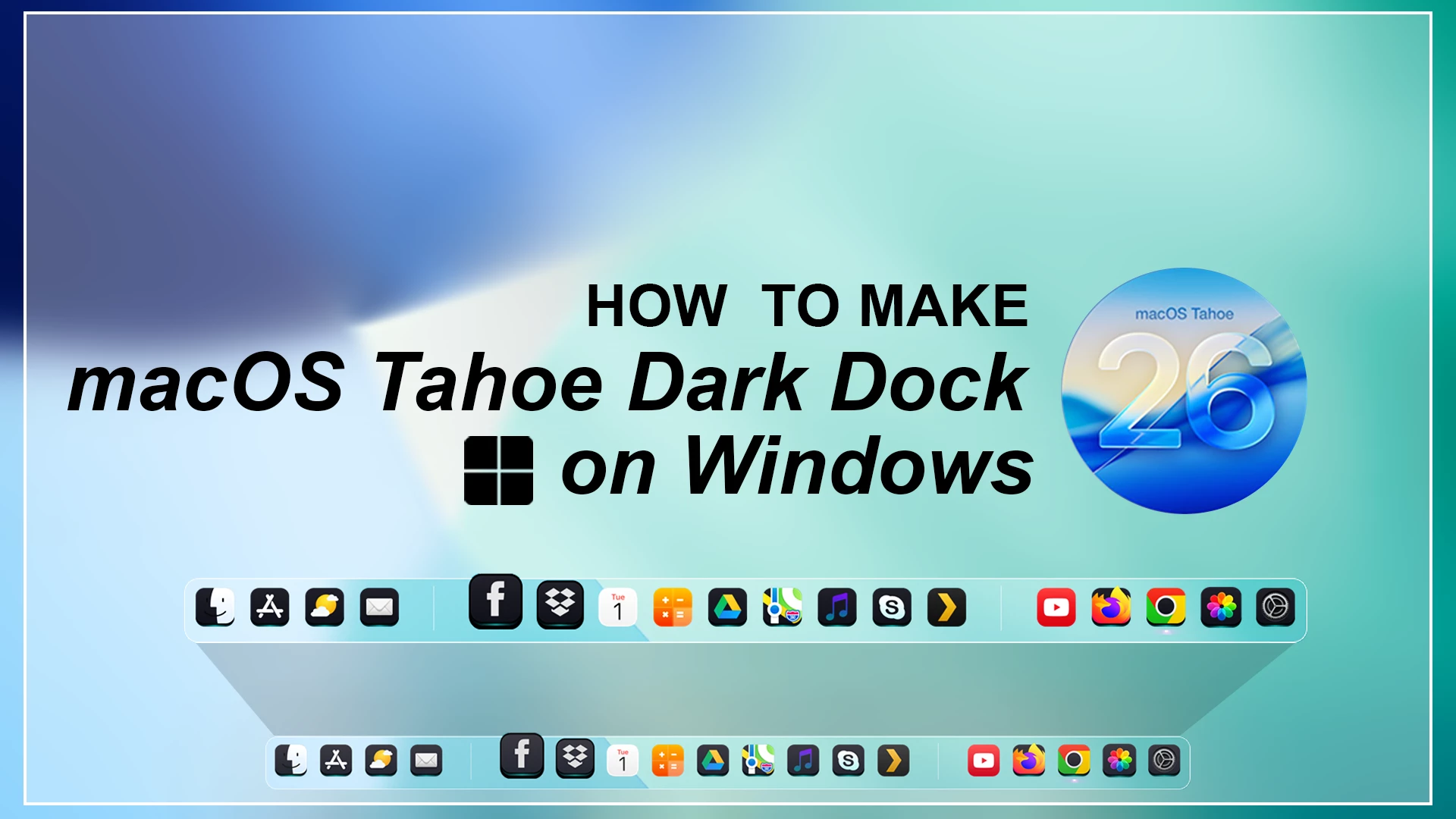
Get a stylish macOS Tahoe Dark Dock on Windows 10 & 11 using Nexus Dock. Enjoy smooth animations, dark glass effects, zoom icons, and full customization to create a clean macOS-style desktop without modifying system files

macOS Tahoe Inspired Dark Dock for Windows 10 & 11
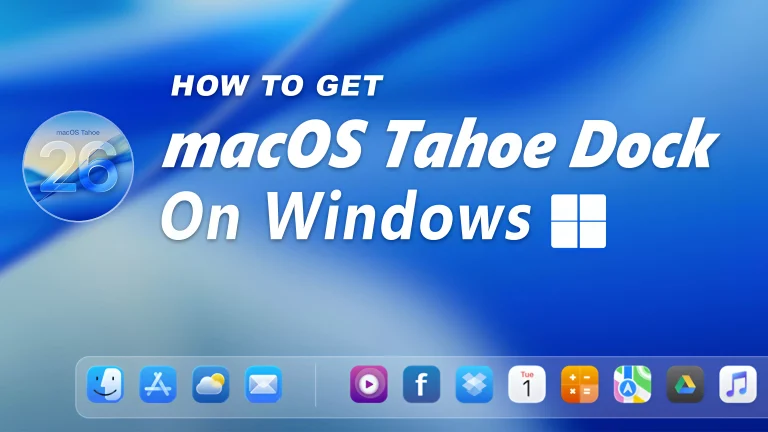
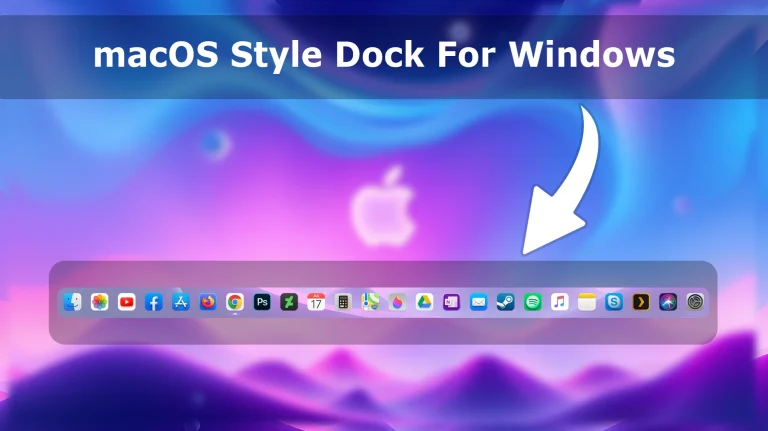
If you love the clean and premium look of macOS, the macOS Tahoe Inspired Dark Dock for Windows 10 & 11 is a great way to personalize your desktop experience. This customization brings a modern dark dock-style appearance to Windows, giving your desktop a more elegant, organized, and minimal look inspired by Apple’s latest design style.
Many Windows users enjoy customizing their desktops with unique layouts, wallpapers, icons, and interface improvements. A dock is one of the easiest ways to change the overall feel of your desktop. This macOS Tahoe inspired dark dock setup helps create a smooth Mac-like experience while keeping the flexibility and functionality of Windows.
About macOS Tahoe Inspired Dark Dock
The macOS Tahoe Inspired Dark Dock for Windows 10 & 11 is designed for users who want to add a stylish dock-like interface to their Windows setup. It focuses on a clean dark appearance, modern spacing, and a minimal visual style that blends well with dark wallpapers and custom desktop themes.
This customization is suitable for users who prefer a premium-looking workspace without making Windows complicated. Whether you are building a complete macOS-inspired desktop or simply want to improve your taskbar and application access, this dark dock style can help create a more polished setup.
Why Add a macOS Style Dock to Windows?
The default Windows taskbar is functional, but many users prefer the visual style and organization of a dock-based interface. A dock provides quick access to frequently used applications while adding a cleaner appearance to the desktop.
The macOS Tahoe Inspired Dark Dock is a good choice for users who enjoy modern UI design, dark themes, and minimal desktop layouts. It can be useful for students, professionals, designers, and customization enthusiasts who want a more personalized Windows experience.
Modern Dark Design Inspired by macOS
The main highlight of this dock style is its dark and elegant appearance. The design focuses on smooth visuals, balanced spacing, and a simple layout that matches modern desktop trends.
It works well with dark wallpapers, custom icons, transparent effects, and other Windows customization resources. Combining different elements carefully can help you create a complete and visually consistent desktop environment.
Key Features of macOS Tahoe Inspired Dark Dock
- Modern macOS-inspired dark dock appearance
- Clean and minimal desktop design
- Suitable for Windows 10 and Windows 11 users
- Works well with dark themes and custom wallpapers
- Provides a Mac-style dock experience on Windows
- Improves desktop organization and visual appearance
- Great for personal Windows customization setups
What is included in this?
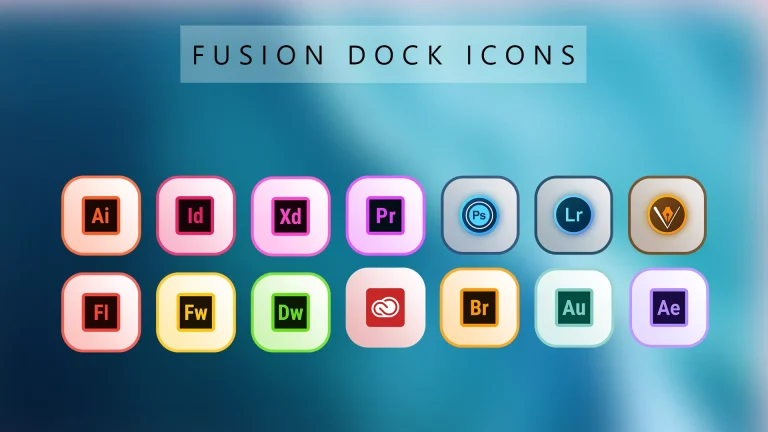
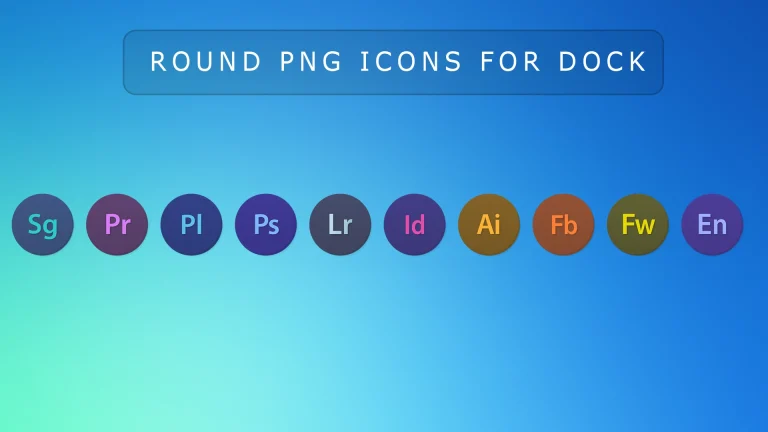
- Dock Icons
- Dock Backup
- Dock Theme
Compatibility
- Windows 7/8/8.1/10 & 11
Download & Install Nexus Dock
How to Use macOS Tahoe Inspired Dark Dock Using Nexus Dock
The macOS Tahoe Inspired Dark Dock for Windows 10 & 11 can be used with Nexus Dock to create a Mac-style dock experience on your Windows desktop. Nexus Dock allows users to add a customizable application dock with different styles, effects, and layouts.
Before applying this dock style, make sure Nexus Dock is installed correctly on your Windows system. Always download Nexus Dock and customization resources from trusted sources to ensure a safe and smooth experience.
Installation Steps Using Nexus Dock
- Download and install Nexus Dock on your Windows PC.
- Open Nexus Dock and customize the basic dock settings according to your preference.
- Download the macOS Tahoe Inspired Dark Dock style/resource file.
- Extract the downloaded file if it comes in a compressed format.
- Copy the required dock theme or settings files to the Nexus Dock theme folder.
- Open Nexus Dock settings and apply the new dock style.
- Adjust icon size, position, transparency, and effects to match your desktop setup.
- Restart Nexus Dock if required and enjoy the new macOS-inspired dock appearance.
Recommended Nexus Dock Settings
- Use a centered dock position for a more macOS-like appearance
- Enable smooth animations for a modern experience
- Adjust icon size based on your screen resolution
- Use matching dark wallpapers and icons for better visual consistency
- Keep only frequently used applications on the dock for a clean layout
Zip File 1Mb
DownloadBackup Recommendation Before Customization
Before making any changes to your Windows interface, it is recommended to create a system restore point. Windows customization tools and third-party mods may behave differently depending on updates, installed software, and system configuration.
Keeping a backup allows you to easily return to your previous setup if you experience compatibility issues after applying customization changes.
Tips for Creating a Complete macOS Inspired Setup
- Use matching macOS-inspired wallpapers
- Combine with custom icon packs for a consistent look
- Use dark themes for a complete visual experience
- Keep your desktop clean with fewer unnecessary shortcuts
- Apply customization changes one step at a time
Disclaimer
This macOS Tahoe Inspired Dark Dock for Windows 10 & 11 is created for desktop customization and personalization purposes only. It is an unofficial Windows customization project and is not affiliated with, endorsed, or supported by Apple Inc. or Microsoft Corporation.
This customization only changes the visual appearance of supported Windows elements using third-party tools. Compatibility may vary depending on your Windows version, installed software, customization tools, and system configuration. Please create a system restore point before applying any changes and use third-party tools carefully.
Final Thoughts
The macOS Tahoe Inspired Dark Dock for Windows 10 & 11 is a great option for users who want to bring a clean and modern dock experience to their Windows desktop. With its dark design, minimal appearance, and Mac-inspired style, it can make your workspace look more attractive and personalized.
If you enjoy customizing Windows and creating unique desktop setups, this dark dock style can be a valuable addition to your collection. Always use trusted customization tools and keep your system backed up before applying interface changes.


Disclaimer: All themes, visual styles, and concepts shared on this website are unofficial, fan-made creations built from imagination for customization purposes. We are not affiliated with, endorsed by, or sponsored by Microsoft or any other official brand.