

White Dock Icons For Windows
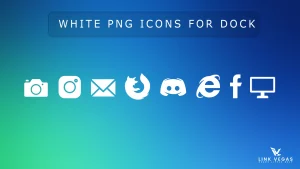
White Dock Icons:White Dock Icons are the perfect choice for users who want to give their desktop a clean, minimal, and professional look.

White Dock Icons Pack
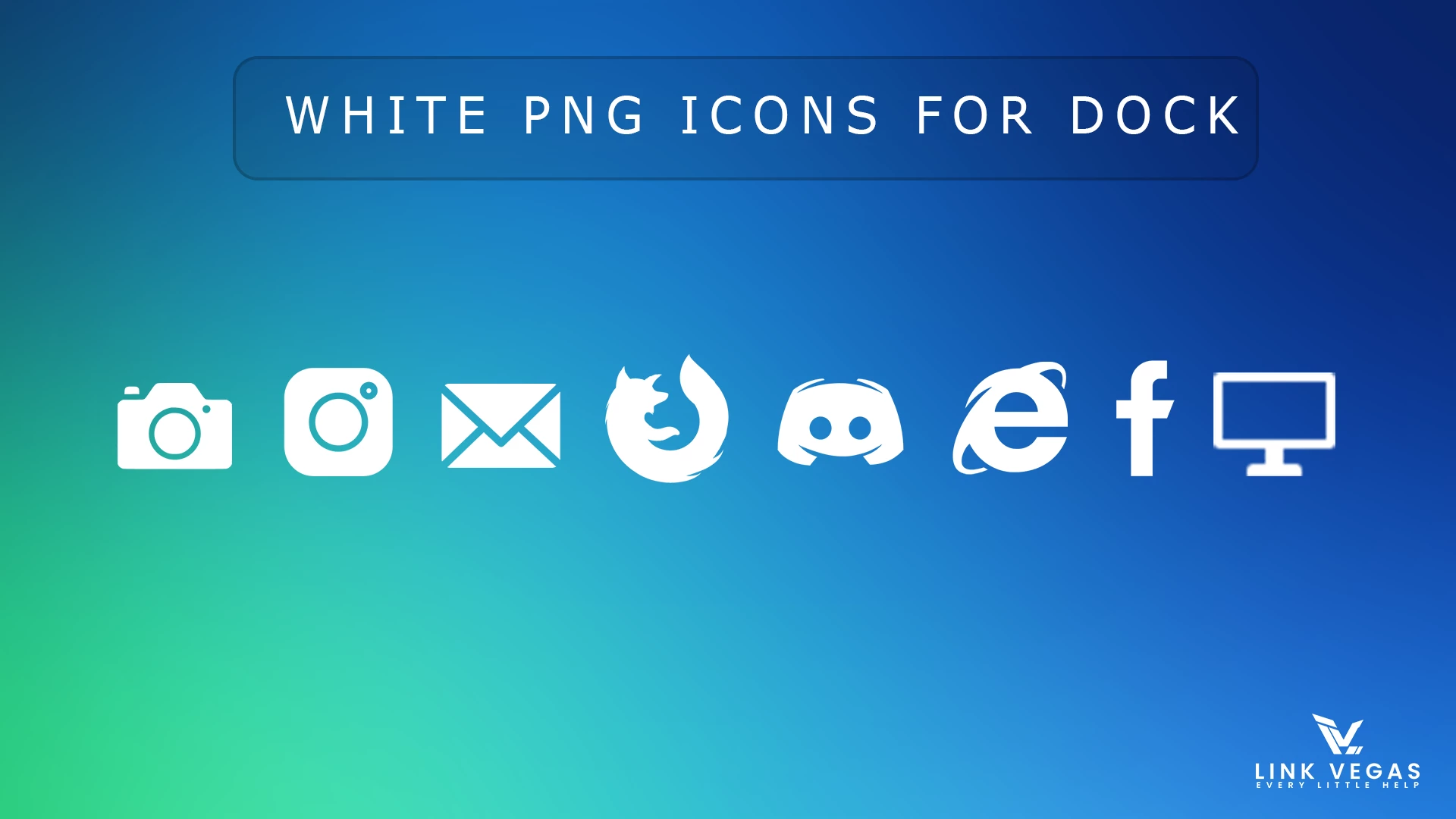
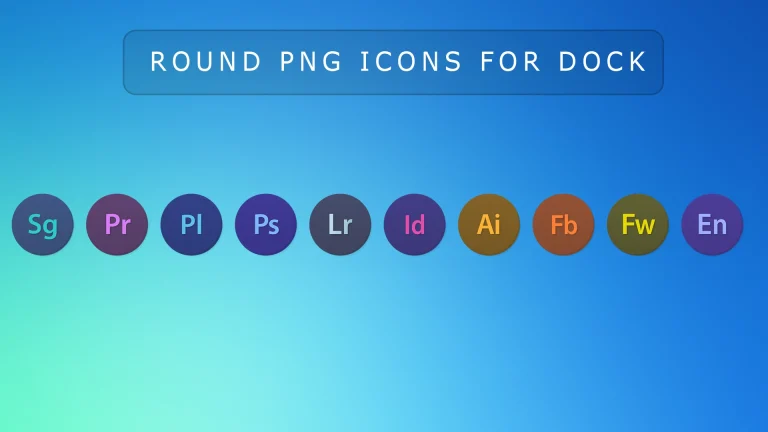
The White Dock Icons Pack is a clean and minimal icon collection made for users who want a stylish dock setup on their desktop. These white color icons are especially suitable for dock applications like Nexus Dock, RocketDock, and similar desktop customization tools. If you prefer a simple and modern look, this pack can help your dock appear cleaner, brighter, and more organized.
Designed with a white visual style and transparent background, these icons look especially good on dark wallpapers, glass-style docks, blurred backgrounds, and modern Windows customization setups. Their clean appearance helps create a smooth and elegant dock layout without making the desktop feel crowded.
Whether you are building a minimal desktop, a macOS-inspired setup, or a futuristic Rainmeter workspace, these icons can fit nicely into many styles. They are lightweight, easy to use, and ideal for users who want their favorite shortcuts and apps to look visually consistent inside a dock.
This icon pack is a practical choice for anyone who wants to refresh their dock with a clean white icon style. It works well for productivity setups, aesthetic desktops, and personalized launcher layouts.
Icon Features
- Clean white icon design
- PNG format with transparent background
- Perfect for Nexus Dock and RocketDock
- Looks great on dark and glass-style desktop setups
- Minimal style for clean dock layouts
- Lightweight and easy to use
What is included in this?
- White Dock Icons PNG Pack
PNG Icons 180KB
DownloadHow to Use These Icons
- Download the icon pack from the link above.
- Extract the ZIP file to a folder on your PC.
- Open your dock application, such as Nexus Dock or RocketDock.
- Choose the dock item or shortcut you want to change.
- Select the new white PNG icon from the extracted folder.
- Apply the changes and enjoy your updated dock look.
Who Should Use This Icon Pack?
This icon pack is great for users who enjoy desktop customization and want a cleaner dock appearance. It is especially useful for people using Nexus Dock, RocketDock, Rainmeter-based launchers, or similar tools where icon consistency matters.
If you like minimal desktops, dark wallpapers, or glass-inspired themes, these white dock icons can match your setup very well.
How to Remove or Restore
If you want to go back to your previous look, simply open your dock settings and replace the custom icons with your old ones. Since these are regular PNG files, they do not change Windows system files.
Final Word
The White Dock Icons Pack is a simple way to give your dock a fresh and modern appearance. If you want clean white icons that work nicely with Nexus Dock, RocketDock, and similar setups, this pack can be a nice addition to your desktop customization collection.
Frequently Asked Questions
Are these icons suitable for Nexus Dock?
Yes, these white icons are well suited for Nexus Dock and can help create a clean and consistent dock layout.
Can I use these icons with RocketDock?
Yes, the icons can also be used with RocketDock and other similar dock applications that support PNG icons.
What format are these icons in?
The icons are provided in PNG format with transparent backgrounds.
Do these icons modify Windows system files?
No, these are regular image files used for customization and they do not change Windows system files.

Disclaimer: All themes, visual styles, and concepts shared on this website are unofficial, fan-made creations built from imagination for customization purposes. We are not affiliated with, endorsed by, or sponsored by Microsoft or any other official brand.