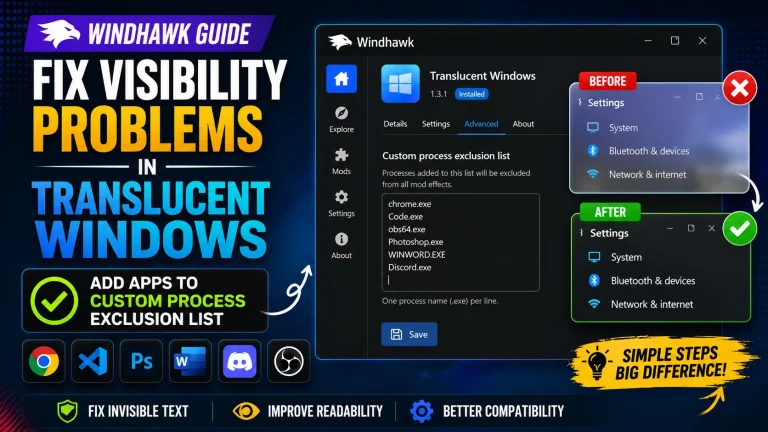
How to Fix Windhawk Start Menu Style Not Working After Update

How to Fix Windhawk Start Menu Style Not Working After Update (Win 11)

Fix Windhawk Start Menu Style not working after update with this easy step-by-step guide. Learn how to restore custom Start Menu themes in Windows 11, fix compatibility issues, clear cache, and reapply Windhawk mods after the latest Windows or Windhawk update. Perfect solution for broken Fluent, Windows 12, or custom Start Menu styles.

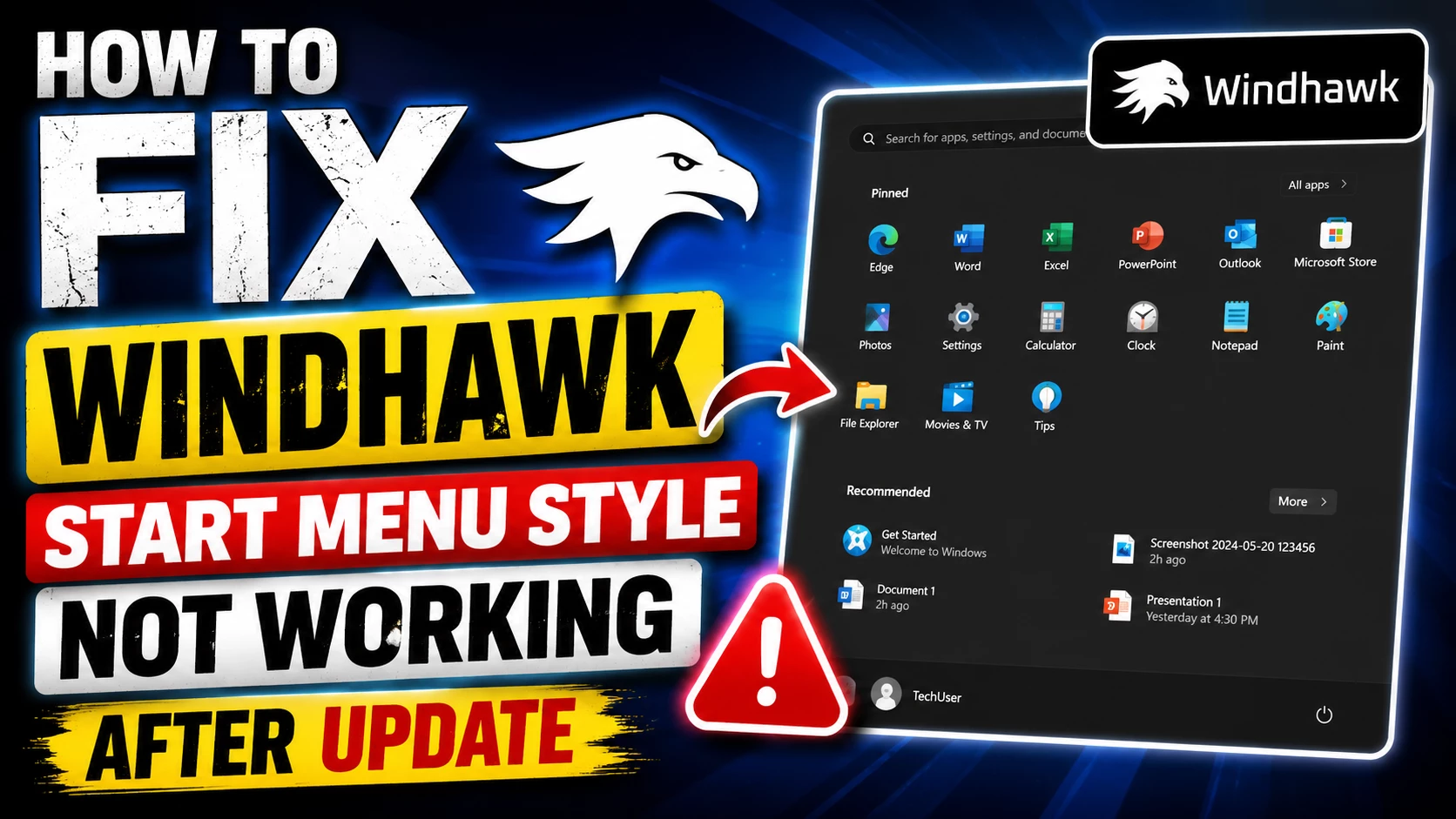
How to Fix Windhawk Start Menu Style Not Working Properly After update

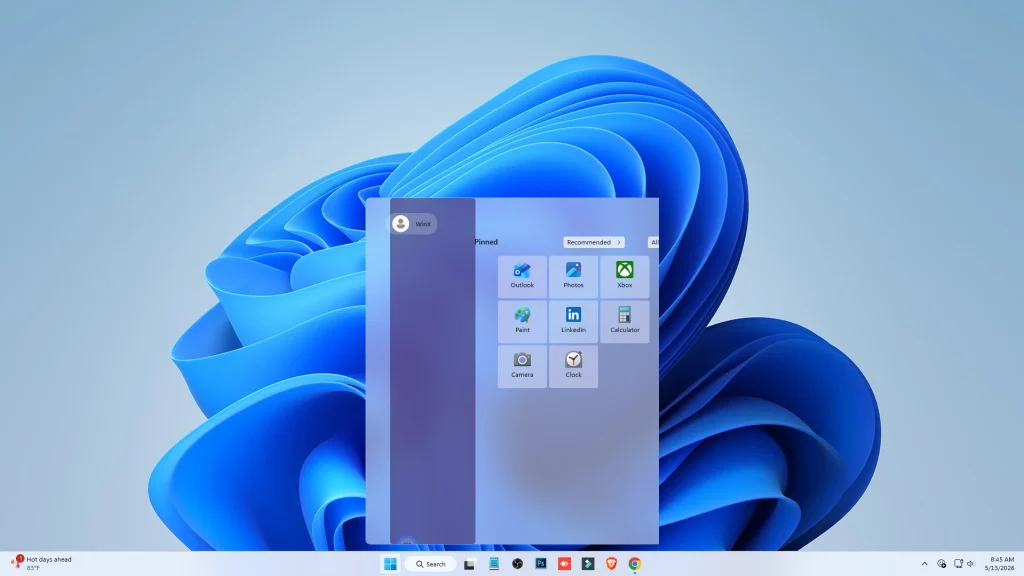
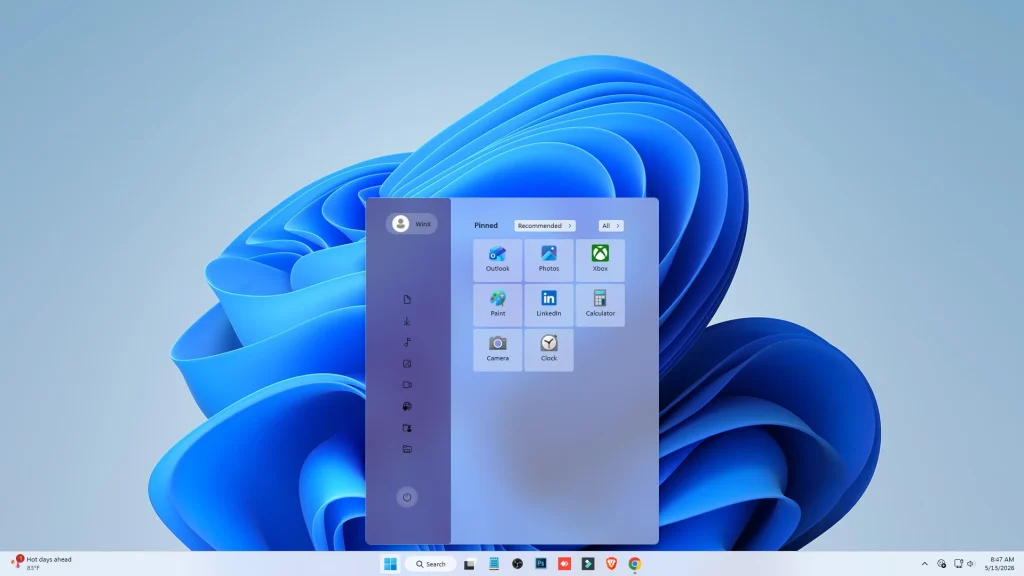
Recent Windows updates (particularly versions like 25H2 and 26H2) often introduce a redesigned Start Menu layout that conflicts with the Windows 11 Start Menu Styler mod. This usually manifests as broken alignment, missing transparency, or the mod failing to apply altogether.
Screenshot 2026 05 13 084557 1

Here are the most effective ways to fix this and get your styles working properly again:

1. Enable "Legacy classic layout (removed in 26100.8328)"

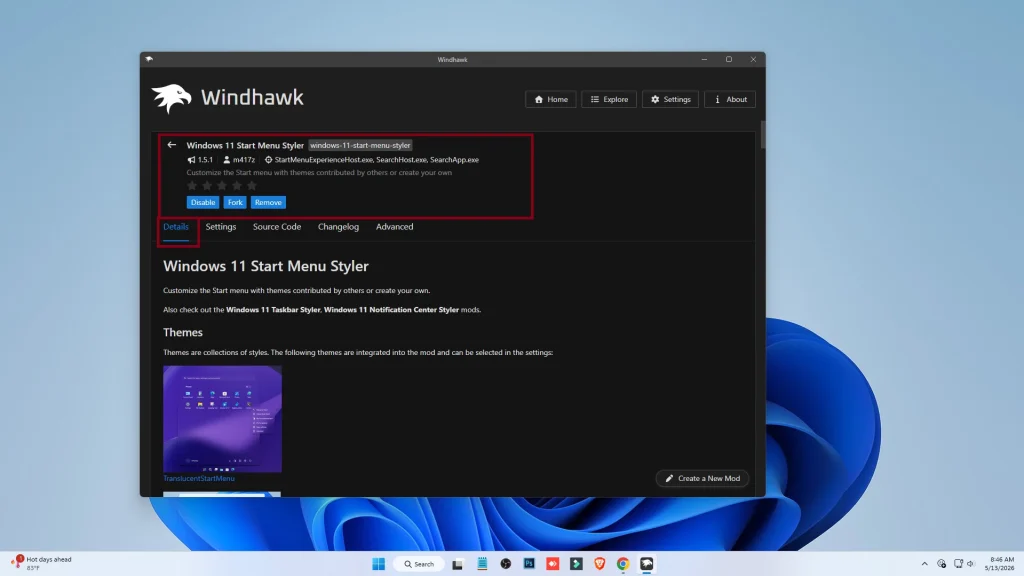
Open Windhawk and go to the Windows 11 Start Menu Styler mod.

Screenshot 2026 05 13 084617

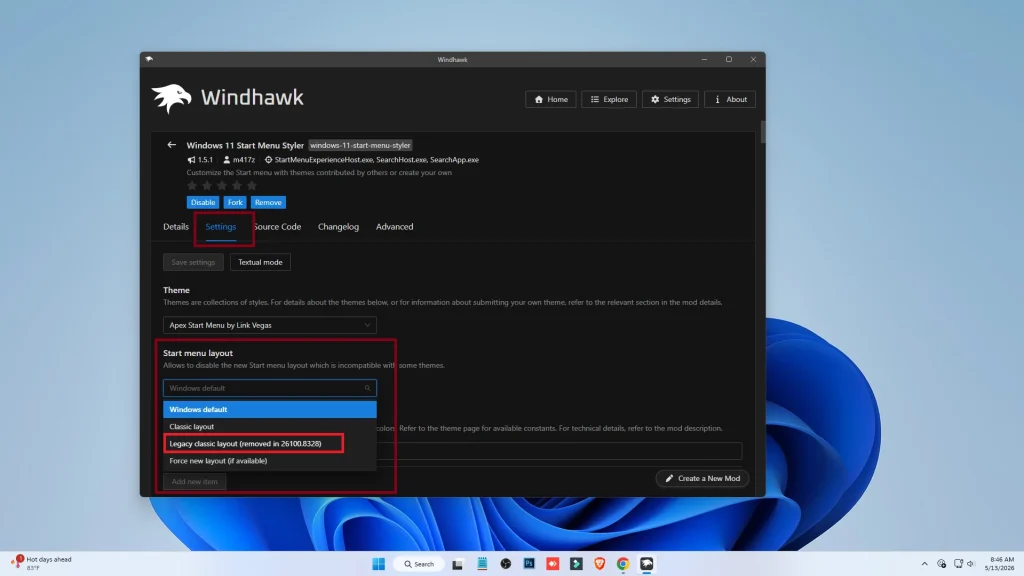
Click on the Settings tab.

Screenshot 2026 05 13 084628

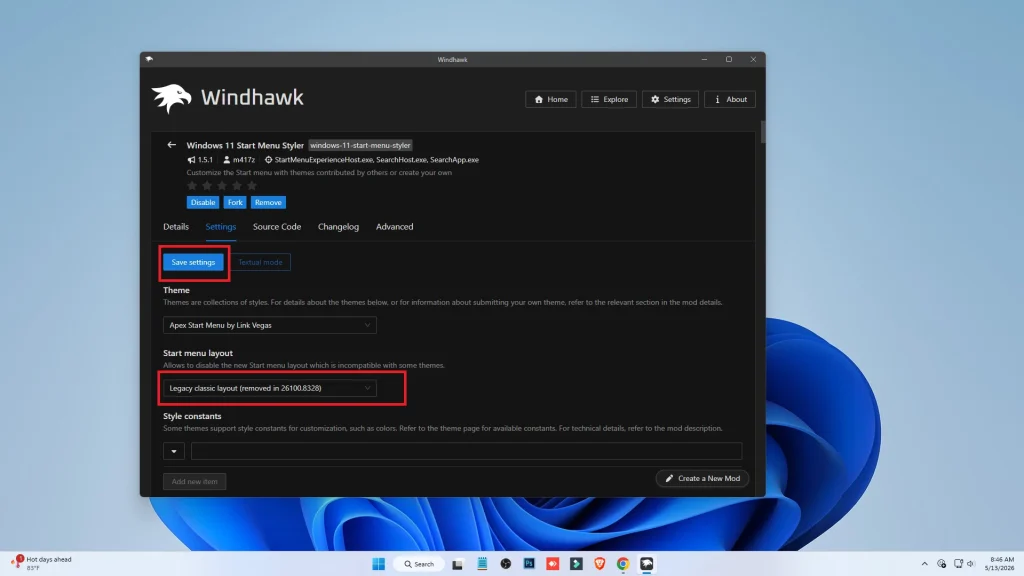
Look for the option "Legacy classic layout (removed in 26100.8328)" and Select it to Enabled

Screenshot 2026 05 13 084636

Click Save Settings. This forces Windows to use the previous internal layout that the mod is designed to style.

Screenshot 2026 05 13 084725

Enjoy your customized Start Menu!

If you use other UI mods like Taskbar Styler or TranslucentTB, try disabling them temporarily to see if the Start Menu Styler begins working again. Occasionally, updates to one can cause hooks to conflict with another.

Leave a Reply

Your email address will not be published. Required fields are marked *

Downloading issue

Ad-Blocker Detected!

Oops! unable to access the file download link. It seems that your ad blocker is removing the download link. Please try again or consider whitelisting our site in your ad blocker to resolve this issue.

We have detected that an ad blocker is active in your browser. This can lead to conflicts with our site, blocking many important scripts, and affecting downloads.

The revenue we generate from ads is vital for maintaining and managing this website. Therefore, we kindly request that you whitelist our website in your ad-blocker. Please rest assured that we won't inundate you with an excessive number of ads, nor will we inconvenience you or slow down your browsing experience. Your support is immensely appreciated!

How to Fix